
DTF Printing – Ultimate Cost Breakdown for a Full Setup
Budget for a complete garment DTF workflow
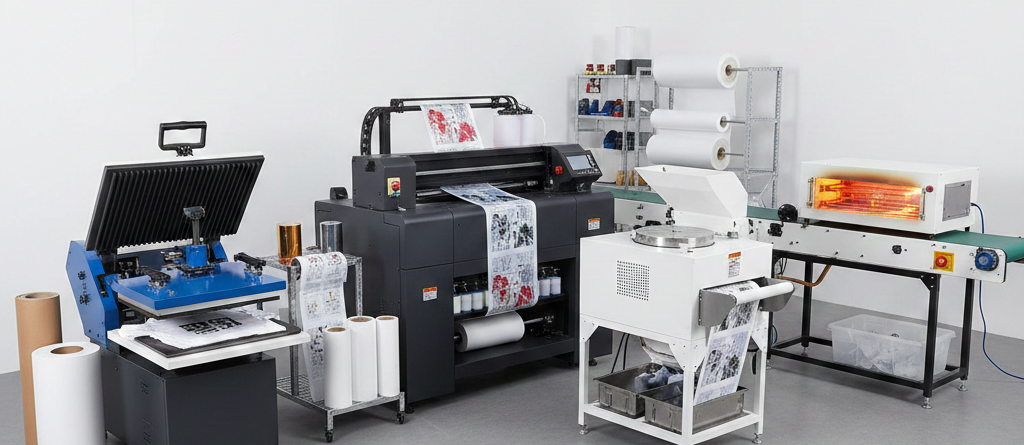
The cost of a garment DTF setup is more than the printer price. A working budget includes compatible printing and post-processing equipment, installation, suitable workspace, software, opening consumables, training and cash to run the business while orders are paid.
Use current written quotations for your required configuration. This guide is a checklist for building that budget, not a fixed market-price promise. Garment DTF is also different from UV DTF for hard surfaces; do not assume the same equipment and supplies cover both.
Chat with our team for printers, consumables, film, powder and business setup guidance.
Equipment and installation costs
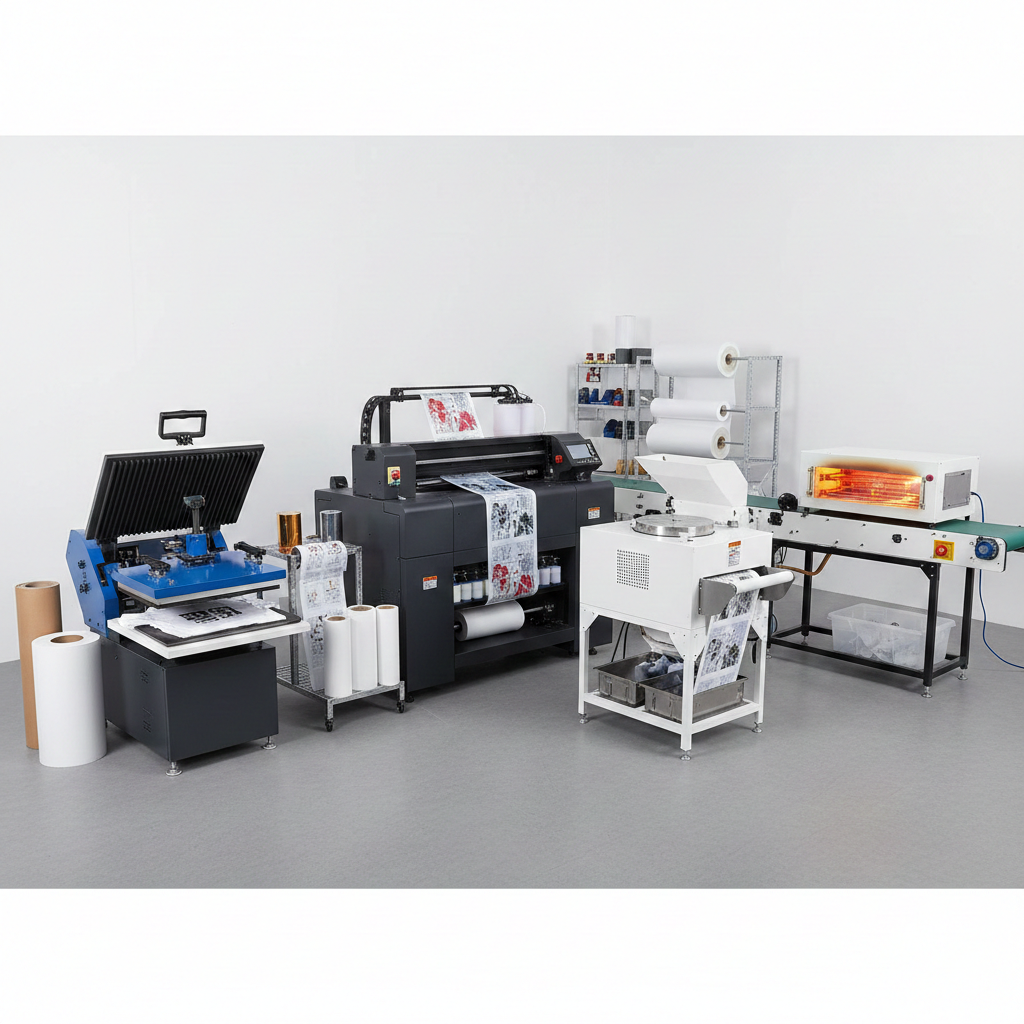
Start with the print width, artwork size, expected orders and acceptable turnaround. Ask for a demonstration of accepted output, including maintenance, changeovers, curing and pressing—not just the fastest print mode.
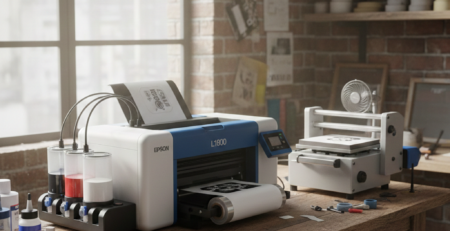
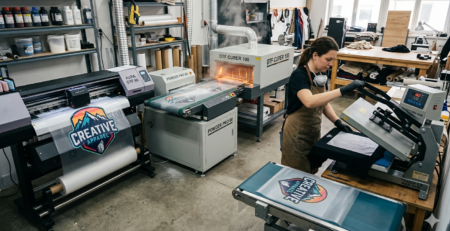
- Printer: compare the supplied configuration, consumables, software support, installation and service arrangements. The A3 DTF L18050 printer is one catalogue reference for discussing a smaller-format workflow.
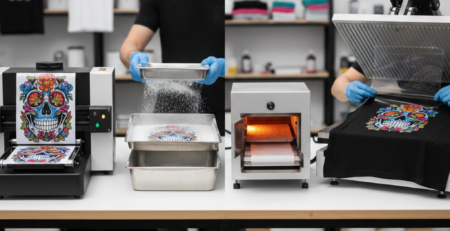
- Powder application and curing: confirm the film width, material requirements, handling method and intended equipment. Compare a catalogue option such as the 12-inch powder shaker and curing system only after the supplier confirms the complete workflow.
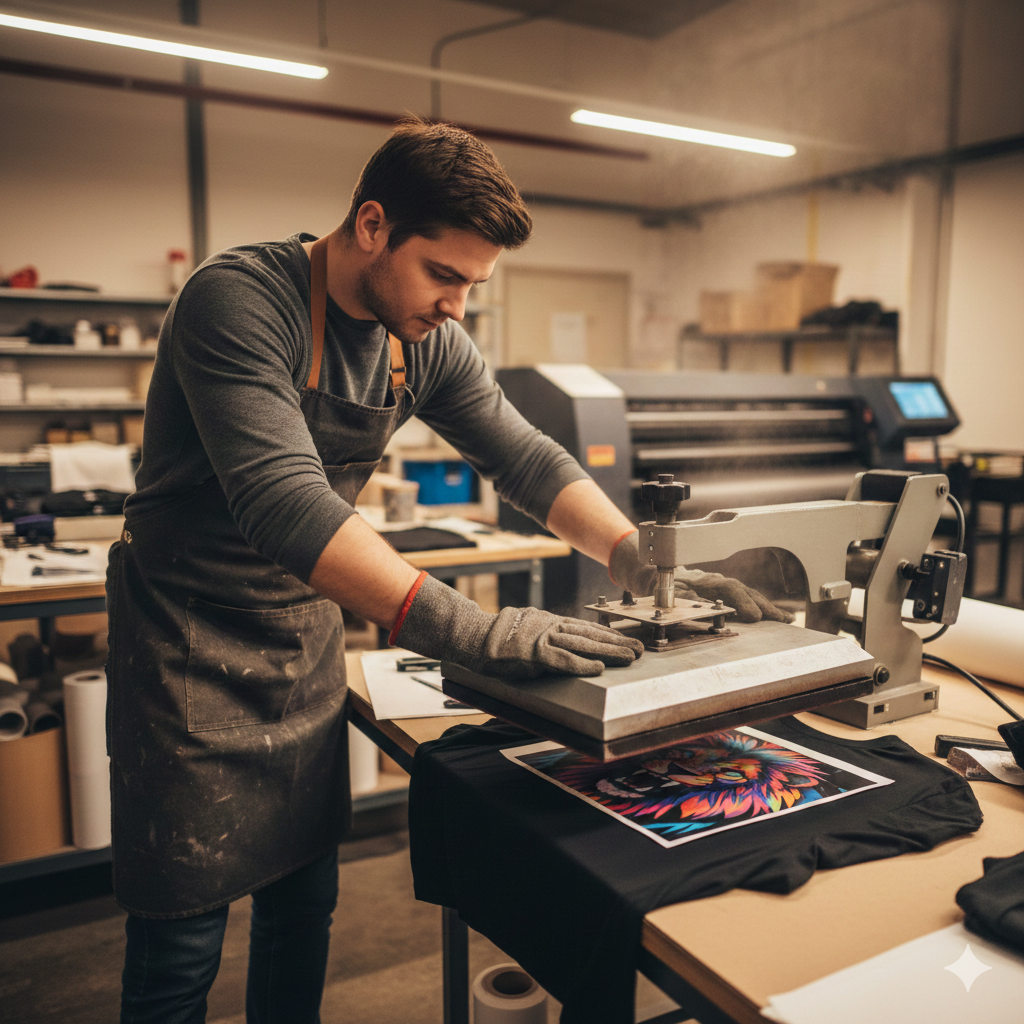
- Garment press: include a suitable usable platen, consistent processing and safe loading. The 15 × 15 inch heat press is one size to compare with the actual image area.
- Workspace and installation: include the equipment’s electrical, ventilation, extraction, layout and commissioning requirements.
These are separate catalogue references, not a pre-validated equipment bundle. Check compatibility and the written inclusions before ordering. If a curing system or software is already included, do not count it again as an extra.
Consumables and opening stock
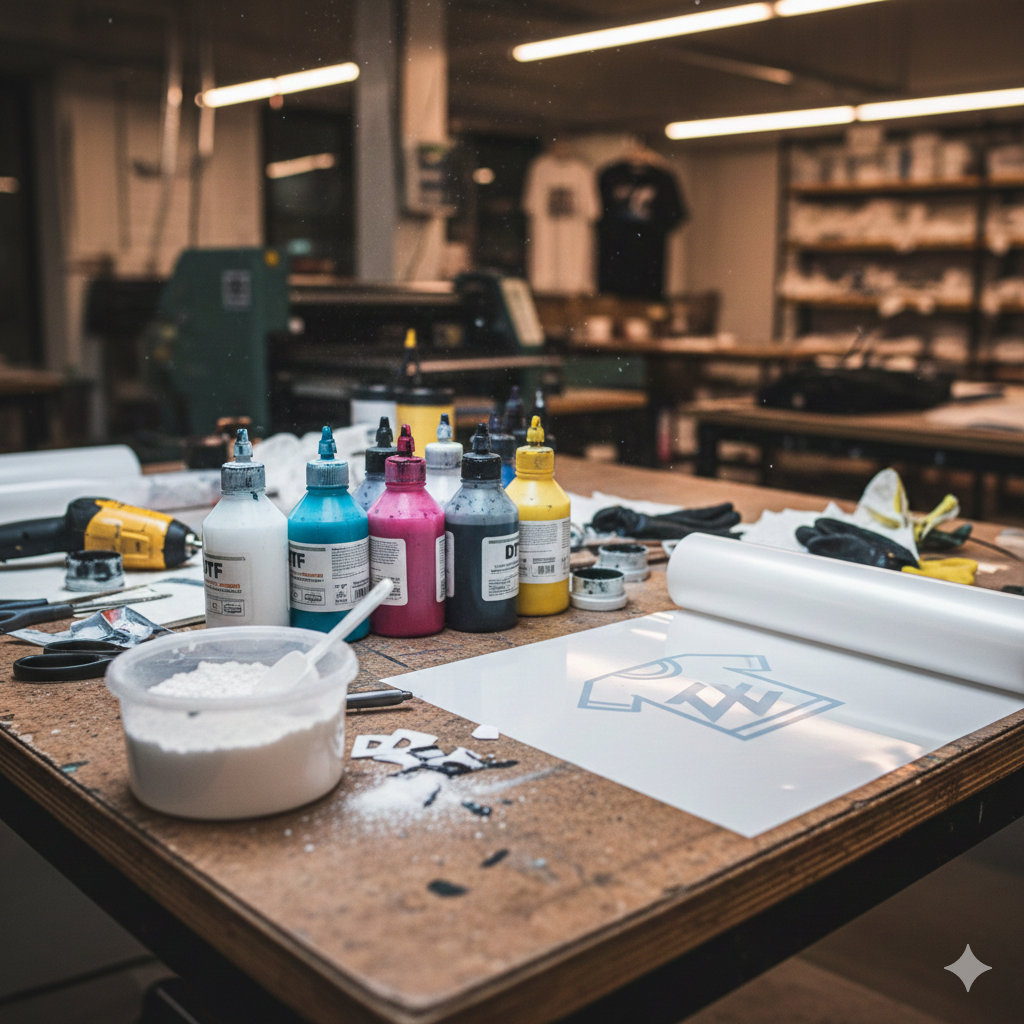
Match supplies to the printer and transfer system: DTF CMYK ink, the appropriate DTF white ink, DTF PET film sheets and DTF adhesive powder are different items with different consumption patterns.
Also allow for the model’s approved maintenance supplies, waste handling, protective materials, test blanks and packaging. Buy a sensible opening quantity based on expected use and storage requirements; a large discount is not helpful if stock expires or proves incompatible.

Software, computer and support
Confirm the RIP software and licence terms for the printer: included features, activation, compatible operating system, updates and whether any renewal applies. Avoid assuming that every licence is annual or that one generic computer specification suits all software.
Include installation, training, colour-workflow setup, accessories and support terms in the quotation. Ask what the supplier expects you to provide and what happens if the machine or software needs assistance.
Operational and recurring costs
Track labour for artwork, setup, loading, curing, pressing, inspection and packing. Add the appropriate electricity and workspace costs, cleaning consumption, planned maintenance, rejected work, packaging and delivery arrangements. Separate transfer-only orders from complete decorated garments so a blank-shirt cost is not accidentally omitted or counted twice.
Use actual measurements from representative jobs. A heater’s running cost, white-ink use or preparation time cannot be predicted from a single generic per-print figure.
Measure the cost per accepted print
Choose a defined job: artwork dimensions, coverage, film layout, garment, quantity and quality setting. Record the actual material use, processing time and rejected pieces during the run.
Equipment + installation + workspace changes + software and training.
Opening supplies + test work + cash needed before customer receipts arrive.
Materials + labour + processing + rejects + packing and the relevant overhead allowance.
Direct run cost per accepted piece = recorded direct run cost ÷ accepted pieces. Keep overhead and the selling-price calculation visible as well.
Use consistent units and a consistent tax basis when comparing quotes. Mark whether each amount includes or excludes applicable tax, shipping and installation. A cost for a small logo is not directly comparable with a large, heavily printed transfer.

Replace a generic range with a dated quotation
A useful setup total names the exact equipment, configuration, included consumables and exclusions. Record the quote date, validity, delivery, installation, training, warranty and service terms. List opening stock and working cash separately from the equipment subtotal.
Do not rely on an old price range to decide whether a complete system fits your budget. A low machine price can omit equipment or services that another quotation includes.
Manual and automated workflows
A more automated line may reduce a particular handling task, but it can also add capacity, electrical, space and maintenance requirements. A smaller workflow may be suitable for a different order pattern. Neither is automatically the lowest-cost choice per accepted piece.
Compare the whole process at your expected workload. Test low, expected and busy-month scenarios rather than assuming that every machine will run at full capacity every day.
Your quote checklist
- Exact equipment models and the supplied configuration.
- Compatible film, ink, adhesive and required curing process.
- Installation, extraction, electrical and workspace requirements.
- Software licence, computer requirements and training.
- Opening stock, trial work and maintenance supplies.
- Delivery, applicable tax basis, support and exclusions.
- Operating cash and a realistic plan for downtime or rejected work.
Reduce waste before reducing quality
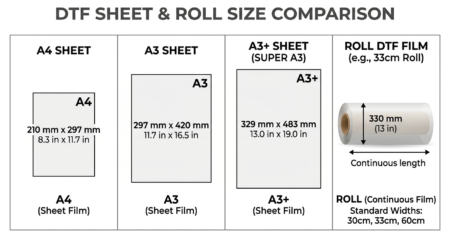
Improve artwork approval, film layout and repeatable loading. Track material use and reject causes. Compare rolls and sheets using usable output and waste, not purchase price alone. Keep the white layer and processing settings within the approved workflow rather than reducing them simply to lower the ink figure.
Contribution is not the same as net profit
Sales revenue minus ink, film and powder is not a complete profit calculation. For a defined product, contribution per unit is selling price minus variable cost per unit. It must still cover the relevant fixed costs.
A basic monthly break-even model is monthly fixed costs ÷ positive contribution per unit. Use compatible units and realistic sales assumptions; different products need an appropriate sales mix. The SBA break-even calculator explains that basic relationship. It does not predict a DTF shop’s earnings or payback period.
Avoid promising recovery in two to four months without actual demand, complete costs and cash-flow evidence. Revisit the model after measuring real accepted orders.
Frequently asked questions
Can one setup print every material? No. Garment DTF needs a compatible textile and process; it should not be confused with UV DTF or another hard-surface workflow.
Can I omit curing equipment because I own a press? Confirm the complete approved process with the supplier. A garment-transfer press is not automatically an approved substitute for the required powder-curing system.
Does a simple fan cover the workspace requirements? Do not assume so. Plan the equipment and material-specific ventilation, extraction and handling controls before installation.
Budget the accepted order, not just the printer
Build the setup budget from a dated, complete quotation and a tested workflow. Track the cost of accepted pieces, keep assumptions visible and update them as real orders arrive. That gives you a more useful decision than a generic price chart or a guaranteed-profit claim.
Technical reference
Mimaki’s DTF system information illustrates why film, powder application, post-processing and transfer equipment need to be considered together. Confirm the requirements of the actual system you choose.

LEAVE A COMMENT