
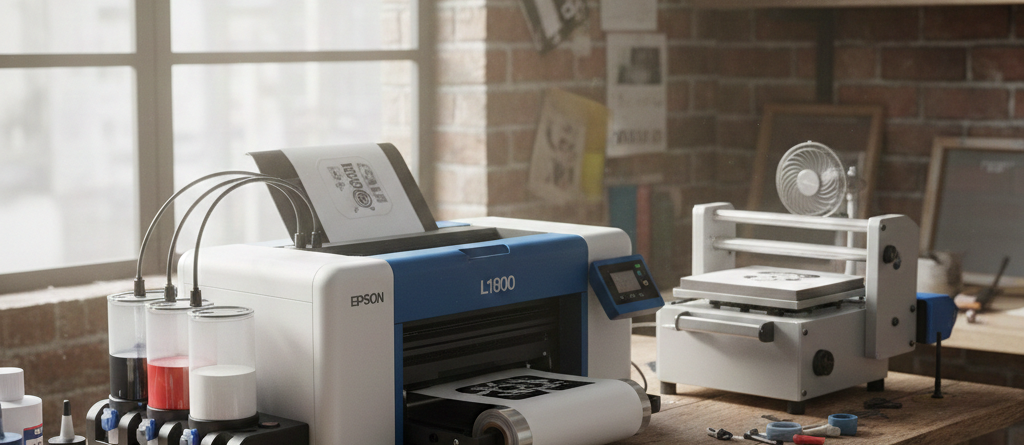
DTF Printing Honest Guide: Should Beginners Risk Using Epson L1800?
Table of Contents
Introduction
DTF Printing is growing fast in India. Many beginners want to enter garment printing without spending a lot of money. One common printer name that comes up is Epson L1800. It is not a factory-made DTF printer, but many users still use it for DTF Printing.
This article explains clearly whether beginners can use Epson L1800 for DTF Printing, what challenges to expect, and how to start safely.
Chat with our team for printers, consumables, film, powder and business setup guidance.
Hook: Common beginner question on Epson L1800 for DTF
“Can I use Epson L1800 for DTF Printing if I am new?”
This question appears daily in DTF forums, WhatsApp groups, and YouTube comments. The printer is affordable, easy to find, and well-known. But is it suitable for someone just starting?
Thesis: Yes, with proper setup and precautions
The short answer is yes. Beginners can use Epson L1800 for DTF Printing. But only if they understand its limits, do proper modifications, and follow maintenance routines.
It is not plug-and-play. It needs patience.
Brief DTF overview
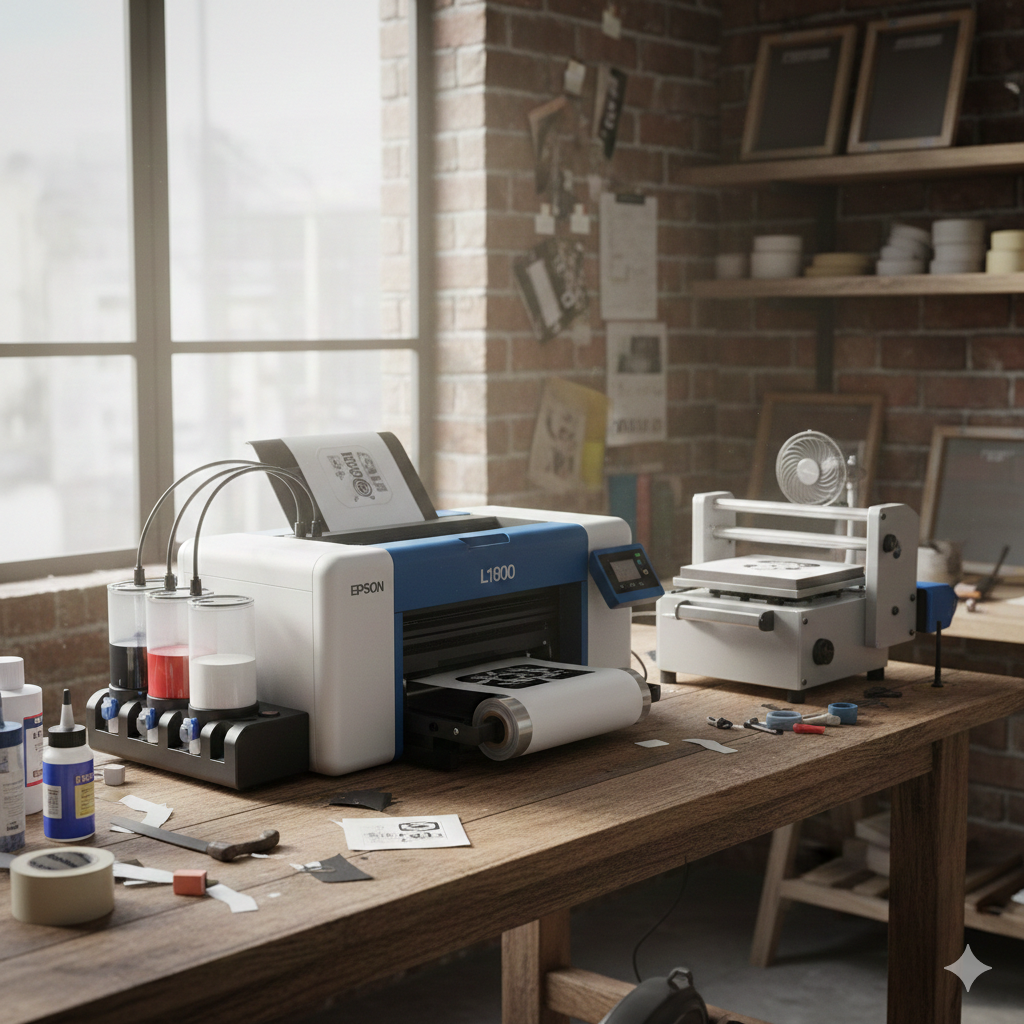
DTF Printing means printing designs on special PET film, applying adhesive powder, curing it, and heat pressing onto fabric. Unlike DTG, it works on cotton, polyester, blends, and even dark fabrics.
This flexibility is why many small businesses prefer DTF Printing.
What is DTF Printing?
Definition and process basics
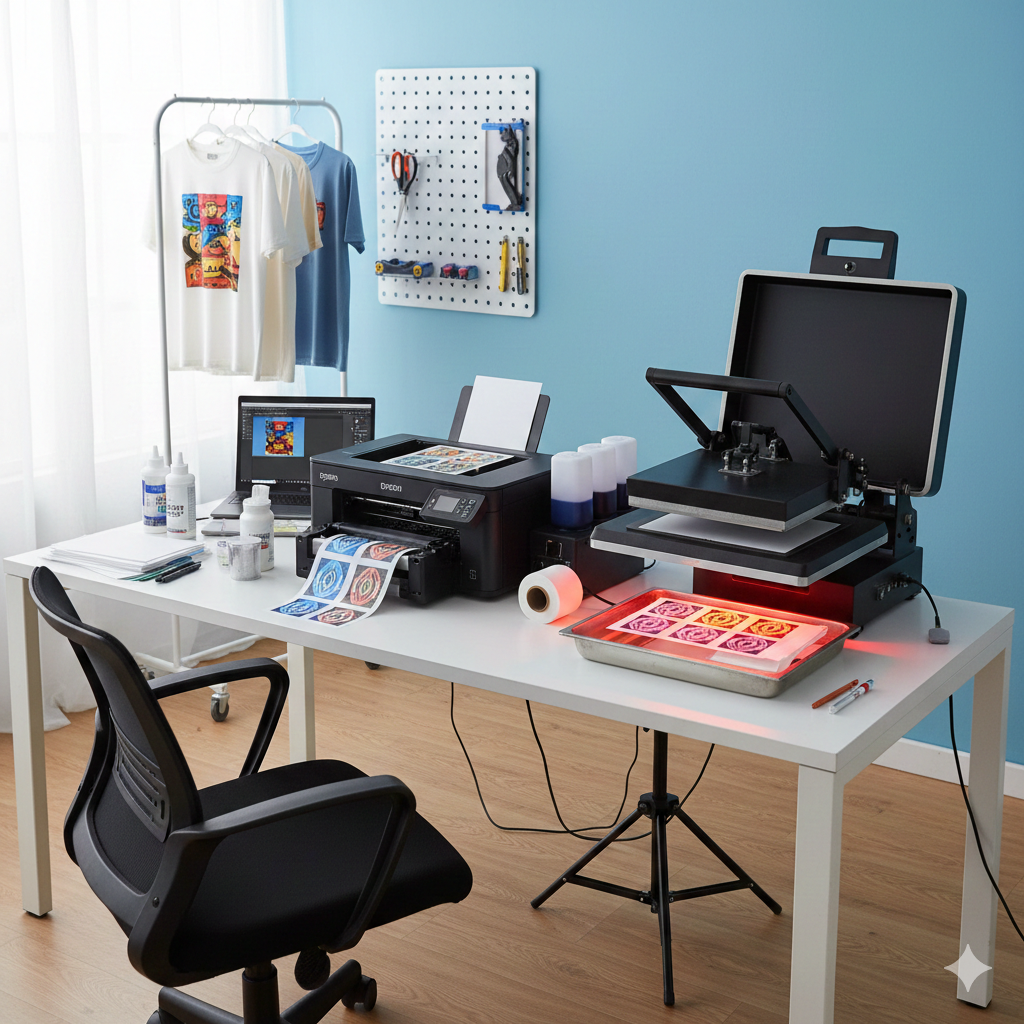
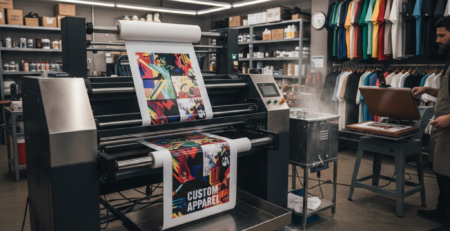
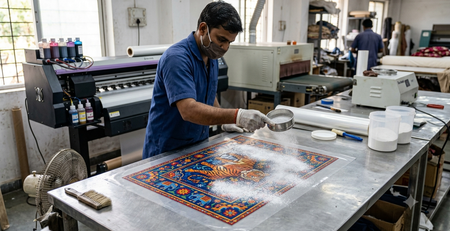
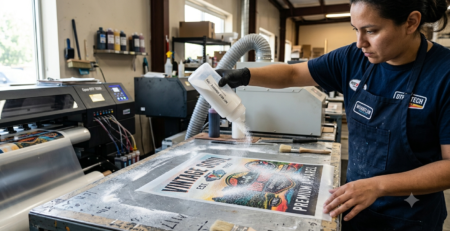
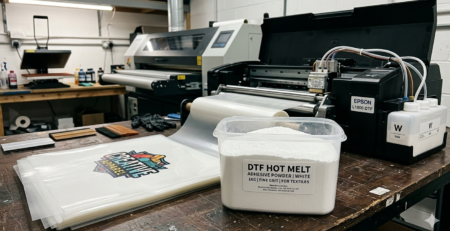
DTF Printing is a transfer-based printing method. The design is printed in reverse on DTF film using pigment inks. White ink is printed last. Hot-melt powder is applied, then cured. Finally, the design is pressed onto fabric using a heat press.
Equipment needed
- DTF Printer
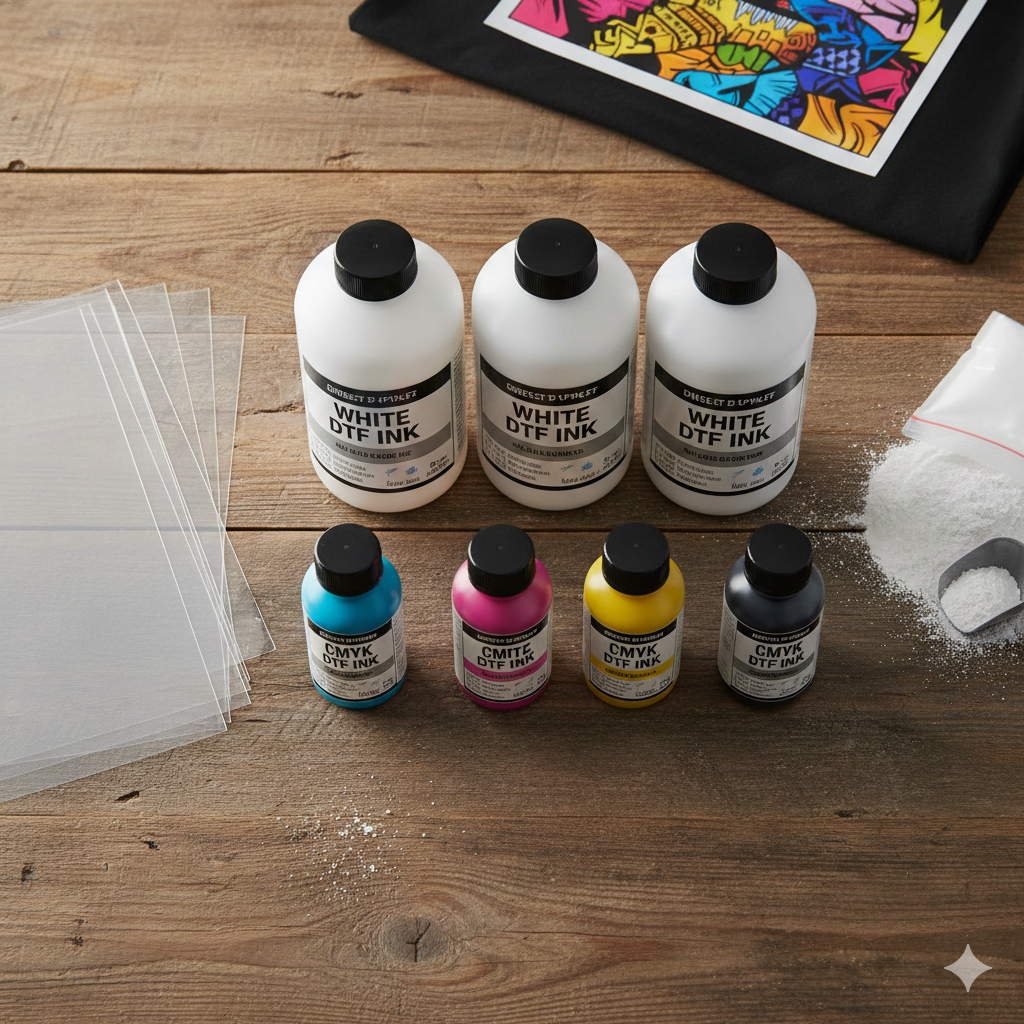
- DTF Ink (CMYK + White)
- DTF Film
- Adhesive Powder
- Heat Press Machine
- RIP Software
Why Epson L1800 fits
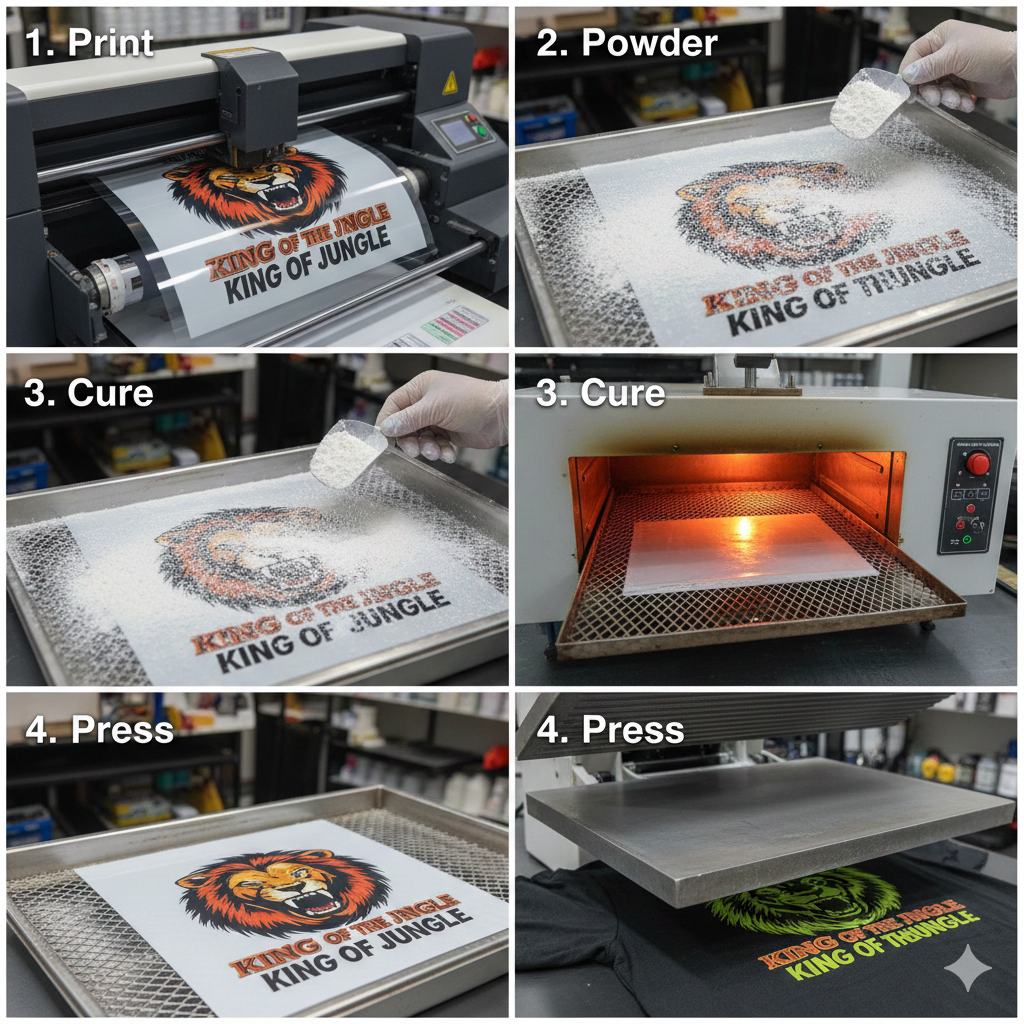
Epson L1800 uses Micro Piezo printhead technology. This head handles pigment ink well. It also supports A3 size printing, which is useful for larger designs.
With proper conversion, it can handle DTF Printing reliably.
Epson L1800 Overview
Key specs and features
- A3 ink tank printer
- 6-color system
- Micro Piezo printhead
- High-resolution output
- Affordable price compared to DTF machines
Ink tank system advantages
The ink tank system keeps running costs low. Beginners can control ink expenses better. This is helpful when learning DTF Printing through trial and error.
Compatibility with DTF modifications
Epson L1800 can be converted for DTF by:
- Using DTF ink
- Installing white ink circulation (optional)
- Using RIP software for white layer control
Many beginners start without advanced circulation and upgrade later.
Pros for Beginners
Affordability and availability
The Epson L1800 is widely available in India. Spare parts and service knowledge are easy to find. This lowers risk for beginners.
Ease of conversion to DTF
Unlike office printers, L1800 is simple to modify. Many technicians already know this model.
High print quality potential
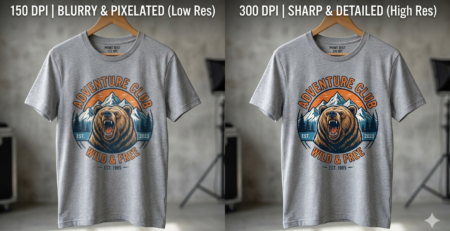
With good film and ink, DTF Printing output from L1800 can look professional. Colors stay sharp and gradients print smoothly.
Cons and Challenges
Clogging risks
White ink clogs faster. Beginners must print daily or clean regularly. Skipping maintenance leads to head damage.
Maintenance needs
DTF Printing requires:
- Daily nozzle checks
- Weekly deep cleaning
- Ink agitation
This is not a “print once a week” setup.
Learning curve for mods
RIP software setup, ink profiles, and white layer settings take time. Beginners must be ready to learn and experiment.
Step-by-Step Setup Guide
Printer modification process
- Use new or lightly used Epson L1800
- Clean ink lines fully
- Fill with DTF ink
- Install RIP software
- Test CMYK and white separately
Inks and film requirements
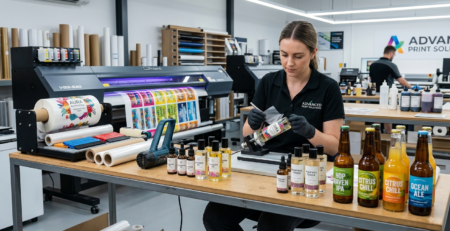
Always use dedicated DTF ink. Never mix with dye ink. Choose quality film for better peeling and wash durability.
Recommended beginner supplies from DTFshop.in include:
- Epson L1800 DTF Conversion Kit
- DTF White Ink 1 Liter
- Premium DTF PET Film A3
- Hot Melt DTF Powder – Medium Grain
- DTF RIP Software Basic Edition
These products are commonly used by small workshops.
Software and RIP setup
RIP software controls white ink and layering. Beginners should start with basic RIP versions. Avoid advanced settings initially.
Essential Tips for Beginners
Cleaning routines
- Print white daily
- Shake white ink bottles daily
- Run nozzle check before production
This reduces clogging risk in DTF Printing.
Troubleshooting common issues
- Banding: clean head, reduce speed
- Weak white: increase white density
- Film peeling badly: check powder curing
Cost breakdown
Approx beginner setup cost:
- Printer: Medium
- Ink & film: Moderate
- Heat press: One-time
- Maintenance: Ongoing
DTF Printing is cheaper than DTG for startups.
Alternatives to Consider
Other beginner-friendly printers
If budget allows, factory DTF printers offer less maintenance. But they cost much more.
When to upgrade
Upgrade when:
- Daily order volume increases
- White ink demand is high
- Maintenance time becomes a burden
Many users start with L1800, then upgrade later.
Conclusion
Recap: Viable for beginners?
Yes. Epson L1800 is a practical entry point into DTF Printing for beginners. It needs care, learning, and discipline.
Call to action: Start small, experiment
Start with sample orders. Learn maintenance. Improve gradually. DTF Printing rewards patience.
FAQs
Q1. Can Epson L1800 print white ink?
Yes, after DTF conversion and RIP setup.
Q2. Is Epson L1800 slow for DTF Printing?
It is slower than commercial DTF printers but acceptable for beginners.
Q3. How long does the printhead last?
With proper care, many users run it for years.
Product Suggestions (Blue Color)
- Epson L1800 DTF Conversion Kit
- DTF White Ink 1 Liter
- Premium DTF PET Film A3
- Hot Melt DTF Powder – Medium Grain
- DTF RIP Software Basic Edition
(All available at DTFshop.in)
External References + Credits
Helpful resources:
Credit: Information references from Fespa, PrintIndustry, and other public sources.

LEAVE A COMMENT