
DTF Printing – Ultimate Guide to Avoid Print Clogs & Issues
A broken line, a smeared transfer and a lifting print can all interrupt DTF printing, but they are not the same fault. The quickest useful first step is to identify where the problem starts: at the nozzle check, on the printed film or after pressing onto the garment.
This guide explains a practical prevention routine and a way to separate those problems. Keep your printer’s maintenance instructions available, record what you observe and change one relevant part of the process at a time.
Chat with our team for printers, consumables, film, powder and business setup guidance.
Start with the stage, not a replacement part
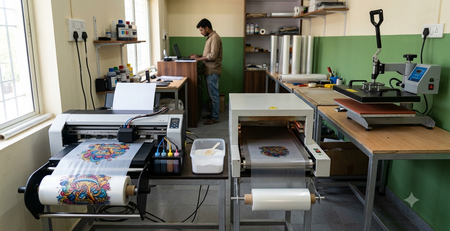
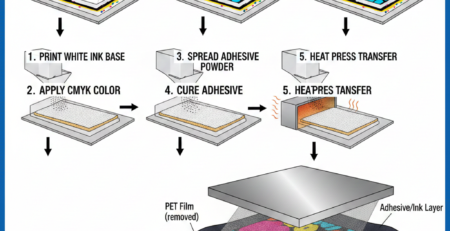
Garment DTF printing combines inkjet printing, film handling, adhesive powder, curing and heat pressing. A good result depends on that complete chain. Buying a new printhead or changing the powder without diagnosing the stage can waste money and leave the original fault unresolved.
Use a nozzle check as evidence
Run the diagnostic specified for your printer before a production job and compare the result with its reference pattern. Record missing segments and which channels are affected. A nozzle check helps you assess output; printing the pattern is not itself a guarantee of clean nozzles or white-ink circulation.
If the pattern is incomplete, use the approved maintenance sequence and limits for that machine. Save the before-and-after results. Do not repeatedly run strong cleaning cycles, force fluid through a head or touch the nozzle surface because a general online guide suggested it. Persistent faults need the supplier’s diagnosis.
Artwork resolution affects the design you print, but a sharper PNG does not mechanically prevent a nozzle blockage. Keep artwork checks and printer maintenance as separate checks in your DTF printing routine.

Build a clean ink-handling routine
Keep the ink identity, batch, opening date and supplier guidance with the printer’s maintenance log. Use the ink specified for your complete printing system, not just a bottle advertised for a similar head name. Avoid mixing ink types or changing products without the supplier’s changeover procedure.
White ink needs the handling and circulation routine specified for that ink and machine. A bottle, cartridge and circulation tank may require different actions; “shake everything every day” is not a universal instruction. Also follow the approved idle, shutdown and restart procedures.

For a supported converted-printer workflow, review the DTF CMYK ink 100 ml bottles and the DTF white ink 1-litre pack. Confirm the printer, ink-delivery arrangement and approved materials before ordering. A product link does not mean the ink is suitable for every DTF printer.
When the nozzle check passes but the film looks wrong
If the diagnostic passes yet the printed image smears, inspect the stage where the defect appears. Check the film’s printable side, supported feed arrangement, contamination, wrinkles and printer clearance. A raised or curled sheet can create a different problem from a blocked nozzle.
Use a known reference design and the supported print preset to investigate. Check whether the defect repeats in the same position or follows a particular film batch. Record the change before adjusting another variable.
The 12-inch A3 PET film roll is a catalogue option for a compatible roll-fed setup. Check both the media specification and the feed arrangement; changing from sheets to a roll is not simply a change in packaging.
Separate powder and curing problems from nozzle faults
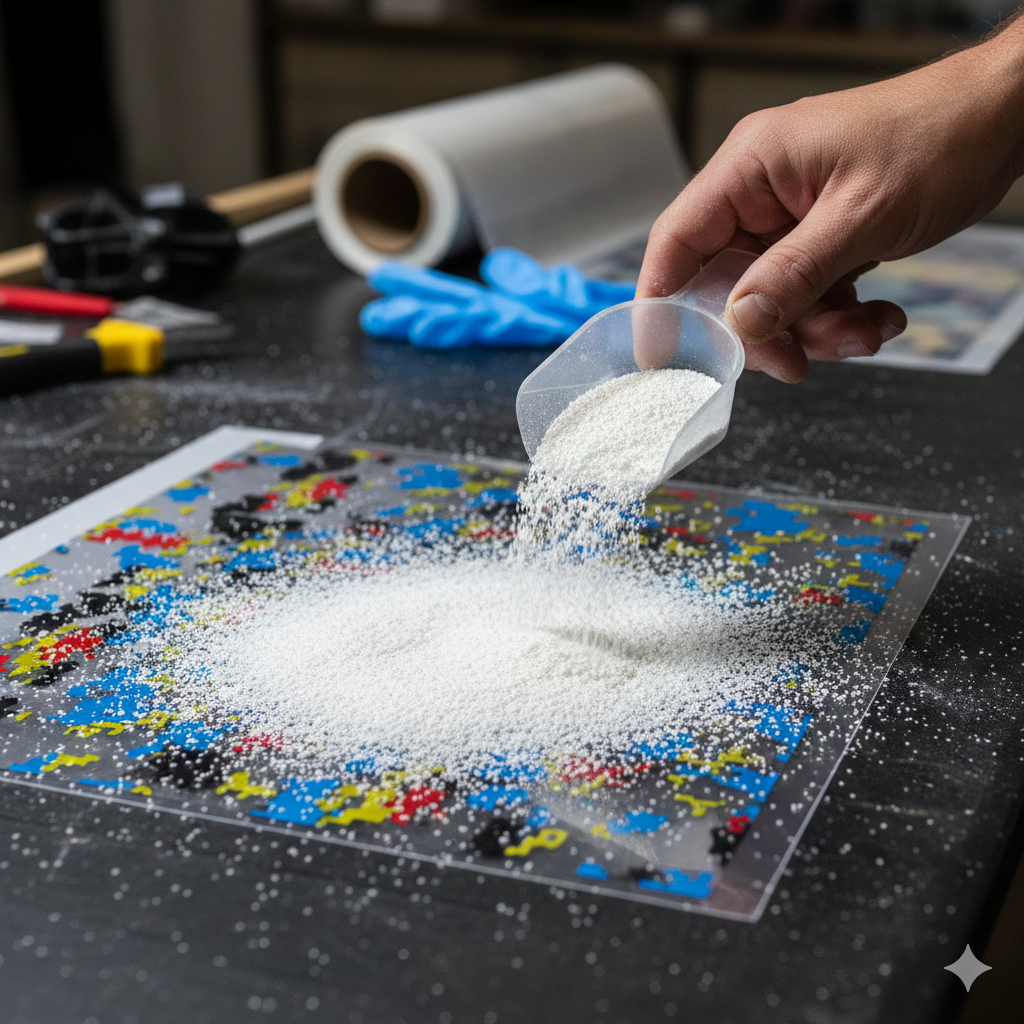
Adhesive powder belongs on the prepared transfer, not in the printer’s ink path. Keep powder handling away from the printing mechanism and use the handling controls and extraction specified for the material and equipment.
With a compatible DTF hot-melt powder, aim for the supplier’s application and curing process. Remove loose excess before the next stage. Do not judge cure solely by gloss or use an arbitrary temperature reduction as a fix for every defect.
If the transfer lifts after pressing
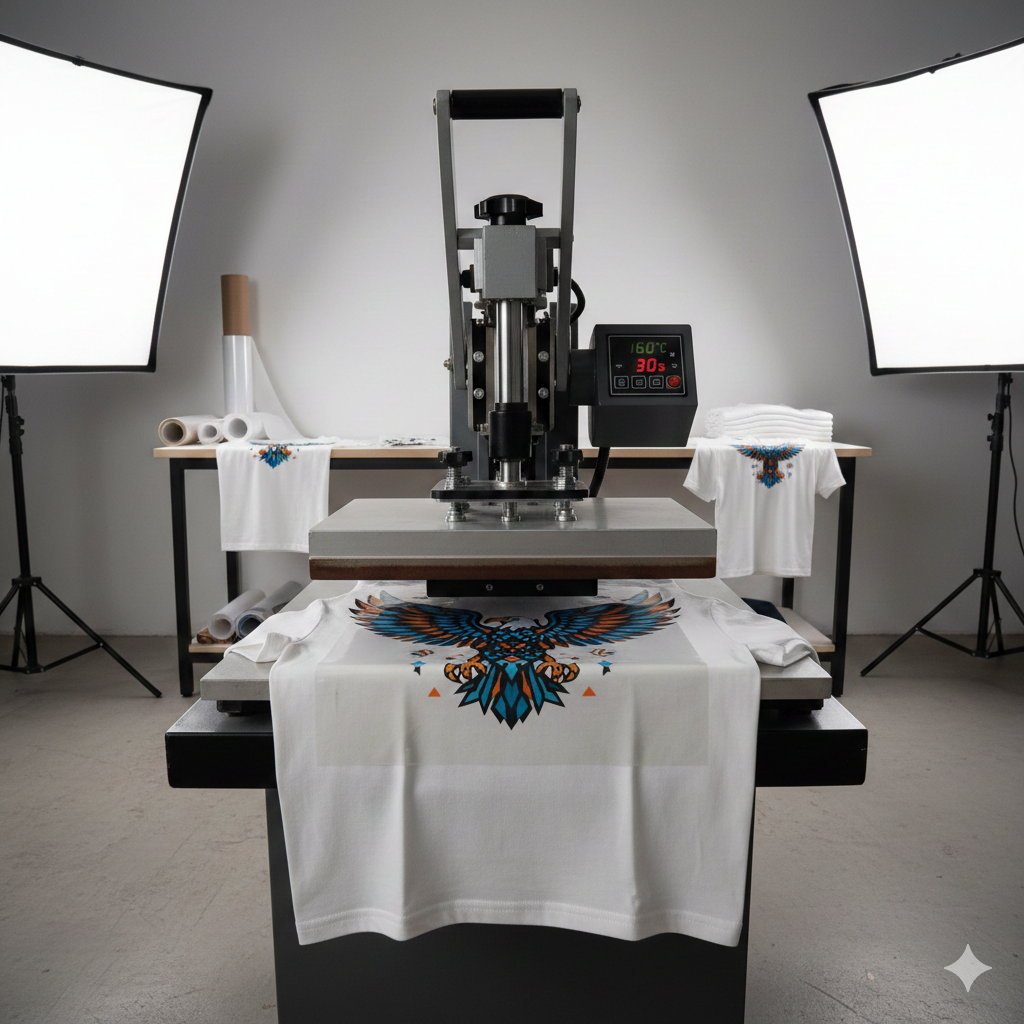
When the film print looks correct but the garment transfer lifts, investigate the adhesive preparation, cure, fabric compatibility, even contact and peel conditions. More head cleaning will not correct every adhesion problem.
Use the transfer supplier’s pressing recipe and a flat, supported garment area. Seams or bulky fabric under part of the design can reduce contact. Confirm whether the film requires hot, warm or cold peeling, and follow any specified finishing stage.
Choose cleaning supplies by compatibility
A DTF cleaning solution should be considered only where its chemistry and the proposed cleaning procedure are approved for your ink system and printer components. It is not a universal cure for every failed nozzle check, and it is not automatically a DTG or UV cleaner.
Use the tools, access method and service limits in the machine instructions. Keep liquids away from electrical parts. Stop for leaks, head strikes, electrical symptoms or an unresolved failed diagnostic, and send the supplier your saved patterns and maintenance record.
A short routine before the next production job
- Identify: printer, ink, film and the last known good job.
- Inspect: the machine’s approved diagnostic and any visible operating warnings.
- Maintain: follow only the required routine and record the result.
- Sample: print, powder, cure and press one representative transfer.
- Approve: check the finish and use an appropriate wash test before making durability claims.
A manufacturer’s diagnostic reference
The Epson F1070 maintenance-menu reference illustrates how a manufacturer separates nozzle checking and maintenance operations. Those procedures belong to that model; use the instructions for your own machine rather than copying its menu sequence onto a converted printer.
Make DTF printing problems easier to trace
A useful DTF printing record connects the first visible defect with the materials, settings and maintenance history. Diagnose the stage, change one relevant factor and compare a new sample with your saved reference. That approach gives you a clearer service conversation and avoids wasting consumables on changes that cannot address the fault.


LEAVE A COMMENT