
DTF Printer Specifications Guide: Avoid Costly Mistakes Before Buying in India 2026
DTF (Direct to Film) printing is growing fast in India. Many small businesses, t-shirt brands, and print shops are shifting to this method because it is flexible and cost-effective.
But here’s the problem — most buyers look only at price. They ignore DTF printer specifications, which actually decide your long-term success.
Chat with our team for printers, consumables, film, powder and business setup guidance.
A cheap machine with poor specs can slow you down, increase maintenance cost, and reduce print quality.
So before you invest, you must understand what each specification means in real-world use.
Why Specs Matter in India
India has unique challenges:
- Voltage fluctuations
- High humidity in some regions
- Dusty environments
- Limited technical support in smaller cities
Because of this, reading DTF printer specifications becomes even more important.
For example, a printer that works well in Europe may not survive Indian conditions unless it has strong build quality and stable ink systems.
Print Resolution (DPI)
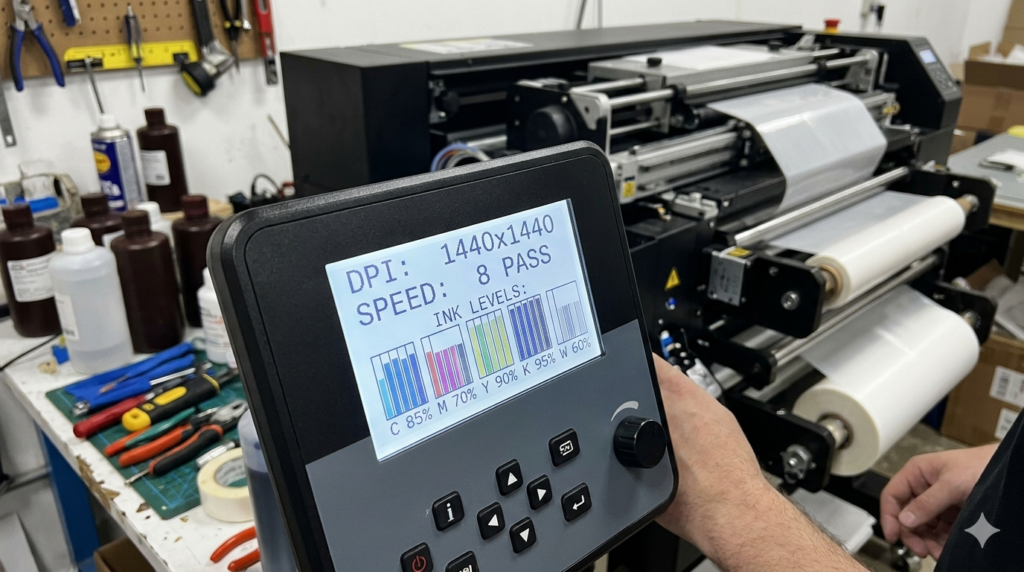
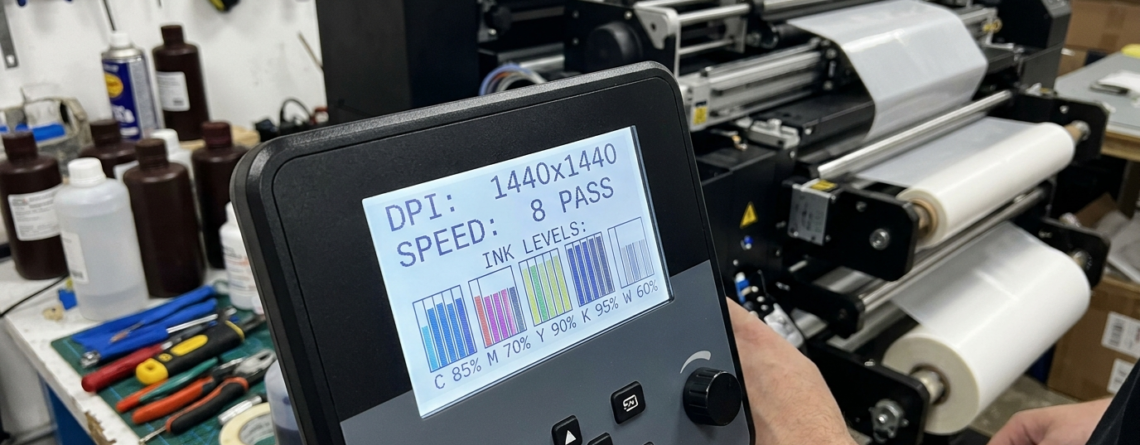
DPI stands for dots per inch. It tells you how detailed your print will be.
Most DTF printers offer:
- 1440 DPI (basic quality)
- 2880 DPI (high quality)
Higher DPI means sharper prints, but also slower speed.
If you are printing logos and detailed artwork, go for higher DPI.
Machines like 🔵 XP600 and 🔵 i3200 printheads usually deliver better resolution control compared to older models.
Practical Tip:
Don’t chase the highest DPI blindly. Balance quality with speed.
Print Width & Size Capacity
This is one of the most ignored DTF printer specifications.
Common widths:
- A4 / A3 (small setup)
- 24 inch (mid-level production)
- 32 inch and above (high production)
If you plan to scale your business, don’t buy too small.
For example:
🔵 ProlificGeeks DTF Printer L1800 is good for beginners, but not ideal for bulk orders.
Real-life Example:
Many small sellers start with A3, then upgrade within 6 months — doubling their cost.
Ink System & Type
DTF uses CMYK + White ink.
Key things to check:
- White ink circulation system
- Ink tank stability
- Compatibility with branded inks
White ink is heavy. It settles quickly. Without proper circulation, it can clog the printer.
Modern machines with 🔵 i3200 heads usually handle white ink better.
Important:
Always check if the machine supports continuous ink circulation.
Print Speed & Productivity
Speed is often misunderstood.
Manufacturers show “maximum speed,” but real speed depends on:
- Resolution setting
- Design complexity
- RIP software
For example:
- XP600 = medium speed
- i3200 = high speed
If you plan bulk production, speed matters more than resolution.
Simple Rule:
Higher speed = more orders = better profit.
Printhead & Build Quality
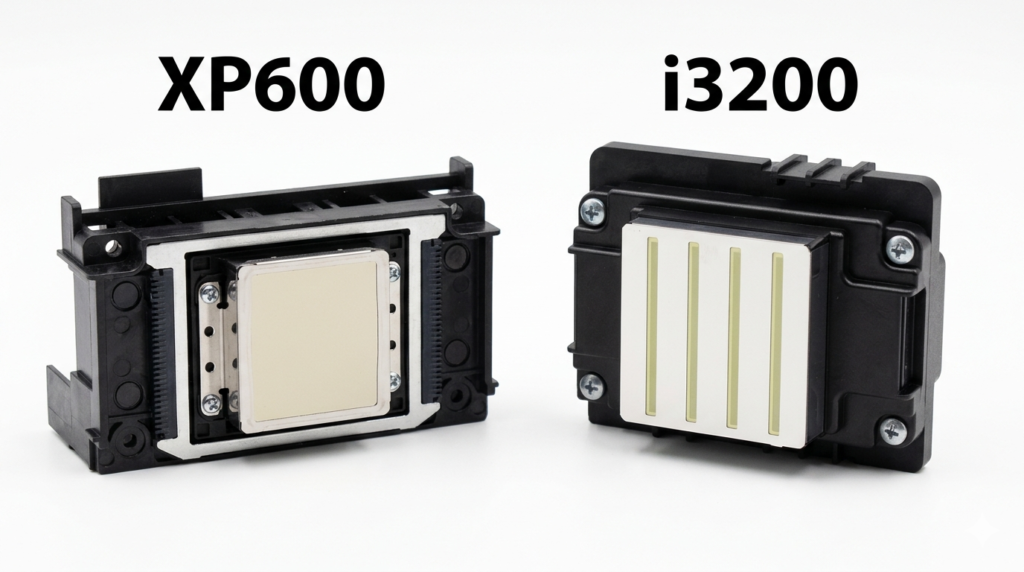
This is the heart of your printer.
Popular options:
The difference?
| Feature | XP600 | i3200 |
|---|---|---|
| Speed | Medium | High |
| Life | Moderate | Long |
| Cost | Lower | Higher |
Build quality also matters.
Check:
- Metal frame vs plastic body
- Stable rail system
- Dust protection
A weak body leads to vibration, which affects print quality.
Power & Voltage Requirements
In India, power fluctuation is common.
Always check:
- Voltage compatibility (220V standard)
- Power consumption
- UPS support
Ignoring this part of DTF printer specifications can damage your machine.
Tip:
Always use a stabilizer or UPS.
Software & RIP Compatibility
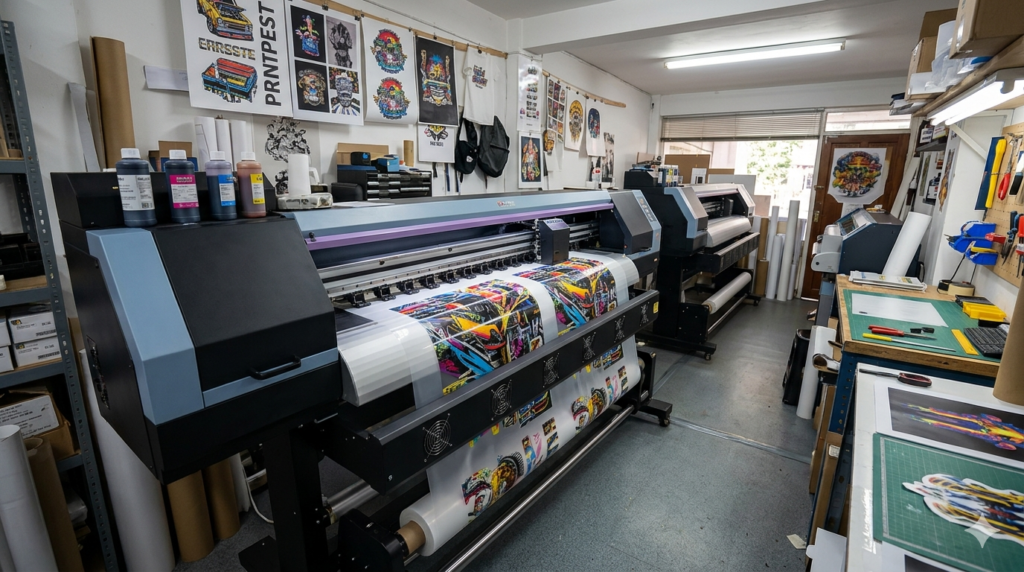
RIP software controls how designs are printed.
Common options:
- Maintop
- Kothari
- AcroRip
Good software improves:
- Color accuracy
- Ink usage
- Print speed
Some printers come bundled with software. Others don’t.
Always confirm before buying.
India-Specific Factors (Vendors, Price, Support)
This is where many buyers make mistakes.
Don’t just compare specs — compare support.
Check:
- Availability of spare parts
- Local technician support
- Warranty terms
Reliable sellers like DTFshop.in usually provide better after-sales service.
Example:
Buying a cheap imported machine without support can cost you more later.
Common Specs Checklist
Before buying, go through this checklist:
- DPI (at least 1440 or higher)
- Print width (future growth)
- Ink system (white ink circulation)
- Printhead type (XP600 / i3200)
- Build quality (metal preferred)
- Power compatibility
- Software included
This checklist will help you compare DTF printer specifications easily.
Questions for Sellers
Always ask these questions:
- What is the real print speed?
- Does it support continuous white ink circulation?
- What is the printhead life?
- Is installation included?
- What support is available after purchase?
These questions reveal the truth behind DTF printer specifications.
Conclusion
Buying a DTF printer is not just about budget.
It’s about understanding DTF printer specifications in detail.
When you know what to check, you avoid:
- Low-quality prints
- Frequent breakdowns
- Extra repair costs
Take your time. Compare properly. Think long-term.
A good decision today can save you lakhs in the future.
Product Suggestions (from DTFshop.in)
- 🔵 ProlificGeeks DTF Printer L1800
- 🔵 XP600
- 🔵 i3200
- 🔵 A3 DTF Printer Setup Kit
- 🔵 24 Inch DTF Printer with Powder Shaker
External References + Credits
- PrintIndustry.com
- Fespa.com
- InkJetInsights.com
- ResearchGate
Credit: Information references from Fespa, PrintIndustry, and other public sources

LEAVE A COMMENT