
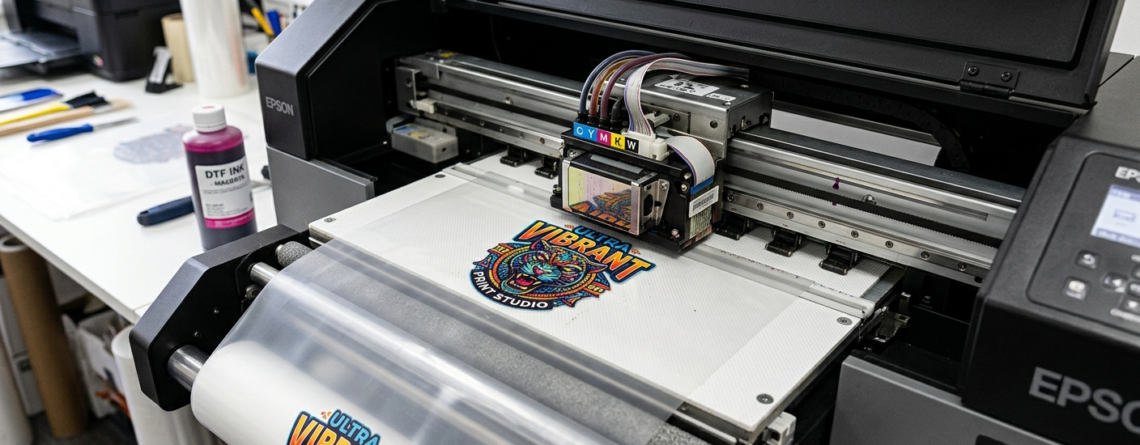
DTF Small Design Printing: Powerful Guide to Print Tiny Designs Accurately 2026
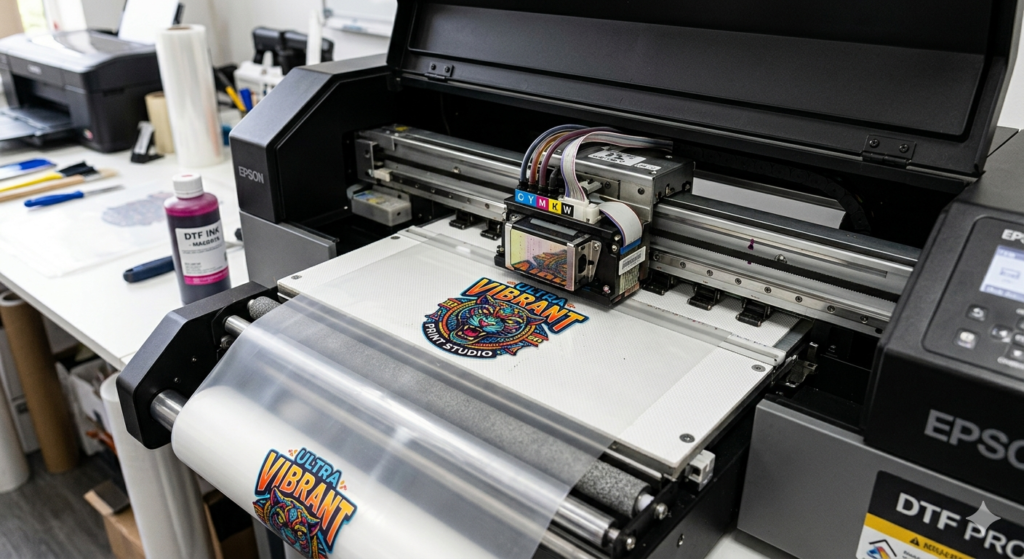
DTF small design printing is becoming very popular. Many people struggle when designs are tiny. Lines blur. Colors mix. Details get lost.
But here’s the truth — small designs are not hard if you follow the right process.
Chat with our team for printers, consumables, film, powder and business setup guidance.
DTF (Direct to Film) gives excellent detail. It works better than many traditional methods when printing fine elements like logos, text, or thin lines.
In this guide, I’ll show you practical ways to improve DTF small design printing without confusion.
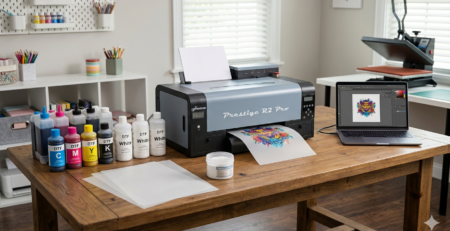
Essential Equipment and Setup
Before printing, your setup matters more than the design itself.
You need:
- A stable DTF printer
- Good film quality
- Consistent ink flow
- Proper RIP software
Many beginners use entry-level machines, but accuracy improves with better hardware.
For example:
🔵 ProlificGeeks DTF Printer L1800 is commonly used for beginners.
🔵 XP600 offers faster output and better consistency.
🔵 i3200 gives high precision for professional work.
Small designs demand precision. Even a small vibration or ink inconsistency can ruin output.
Tip: Keep your printer on a flat surface. Avoid airflow near printing.
Designing Small Designs Precisely
Design is where most mistakes happen.
When doing DTF small design printing, follow these simple rules:
- Use high resolution (300 DPI minimum)
- Avoid ultra-thin fonts
- Keep spacing between elements
- Use bold shapes instead of hairline strokes
For example, if you’re printing a 1-inch logo, a thin script font may break. A bold font will print cleaner.
Color tip: Avoid very close shades. They merge during transfer.
Real-life example:
A customer printed a small brand logo. The text disappeared because it was too thin. After increasing stroke thickness, the print became clear.
Optimizing Printer Settings
Printer settings are key in DTF small design printing.
Focus on:
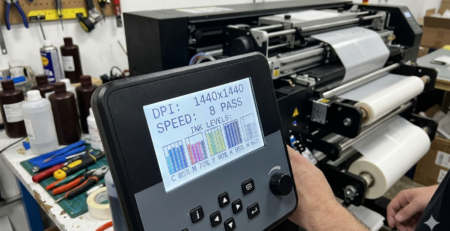
- Ink density
- Resolution settings
- Pass count
- White ink layering
Too much ink = bleeding
Too little ink = faded print
Start with medium density and adjust slowly.
Important:
White ink base should be balanced. Too thick causes cracks. Too thin reduces visibility.
Machines like 🔵 XP600 and 🔵 i3200 allow better control over these settings.
Printing Process Step-by-Step
Let’s simplify the process:
- Load your DTF film
- Send design via RIP software
- Print color layer first
- Print white layer on top
- Remove film carefully
For DTF small design printing, slow printing works better. Fast mode often reduces clarity.
Tip:
Always print a test strip before final print.
Powder Application and Curing
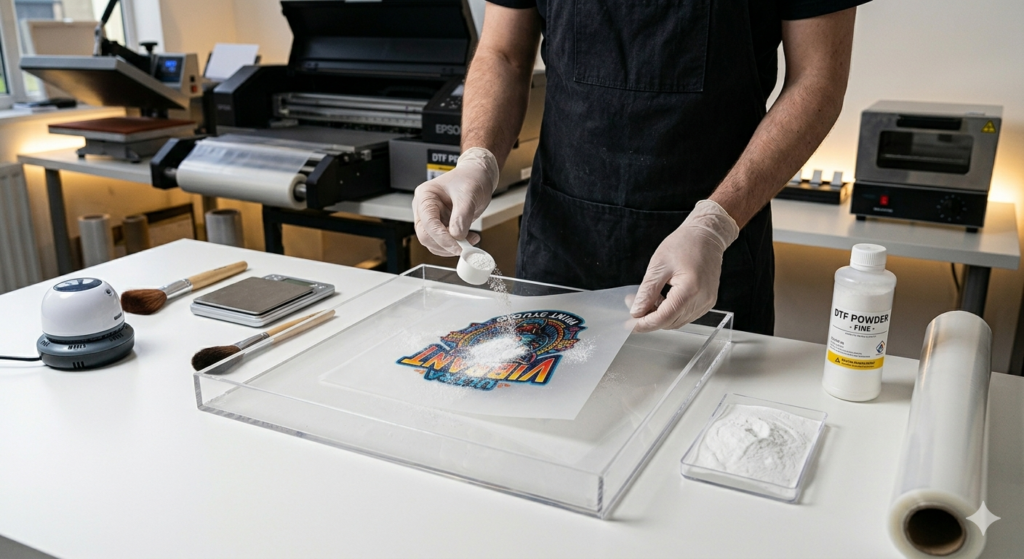
This step decides durability.
After printing:
- Apply hot melt powder evenly
- Shake off excess powder
- Cure at correct temperature
If powder sticks unevenly, small details will break.
Common mistake:
Over-powdering. It hides fine lines.
Solution:
Use a soft tapping motion instead of shaking aggressively.
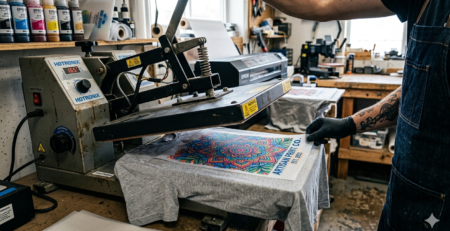
Transfer and Heat Press Techniques
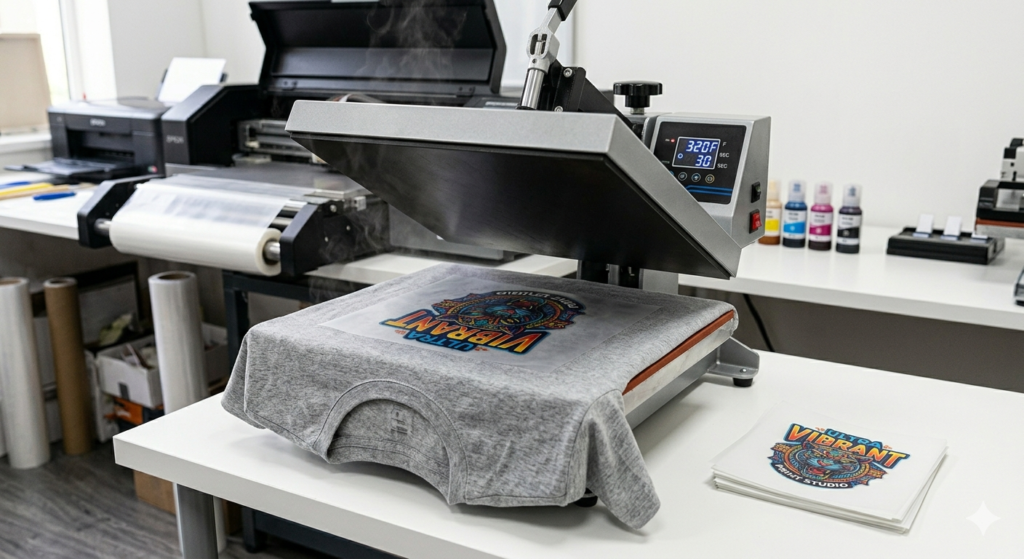
Now comes the final stage.
Heat press settings:
- Temperature: 150–165°C
- Time: 10–15 seconds
- Pressure: Medium
For DTF small design printing, pressure control is critical.
Too much pressure spreads ink.
Too little pressure weakens adhesion.
After pressing:
- Let it cool (cold peel recommended)
- Press again for 5 seconds for durability
Quality Checks and Troubleshooting
Always inspect your print.
Check for:
- Blurry edges
- Missing details
- Ink spreading
- Powder clumps
Common issues and fixes:
Blurred text → Reduce ink density
Broken lines → Increase design thickness
Patchy white layer → Clean print head
Machines like 🔵 ProlificGeeks DTF Printer L1800 may need frequent maintenance for best results.
Advanced Tips for Accuracy
If you want professional-level DTF small design printing, follow these:
- Use anti-static film
- Maintain room humidity (40–60%)
- Clean print head regularly
- Use ICC color profiles
- Avoid resizing designs after RIP
Pro tip:
Print multiple small designs in one sheet to maintain consistency.
Comparison:
DTF vs Screen Printing
- DTF handles small designs better
- Screen printing struggles with fine detail
Conclusion and Best Practices
DTF small design printing is all about control.
You don’t need expensive machines to start. But you do need:
- Good design practices
- Balanced printer settings
- Proper curing and pressing
Start simple. Test often. Improve slowly.
With time, you’ll get sharp, clean, and professional small prints every time.
Product Suggestions
Here are some commonly used tools:
🔵 ProlificGeeks DTF Printer L1800
🔵 XP600
🔵 i3200
🔵 DTF Hot Melt Powder (DTFshop.in)
🔵 Premium DTF Film Sheets (DTFshop.in)
External References + Credits
- PrintIndustry.com
- Fespa.com
- InkJetInsights.com
- ResearchGate
Credit: Information references from Fespa, PrintIndustry, and other public sources

LEAVE A COMMENT