
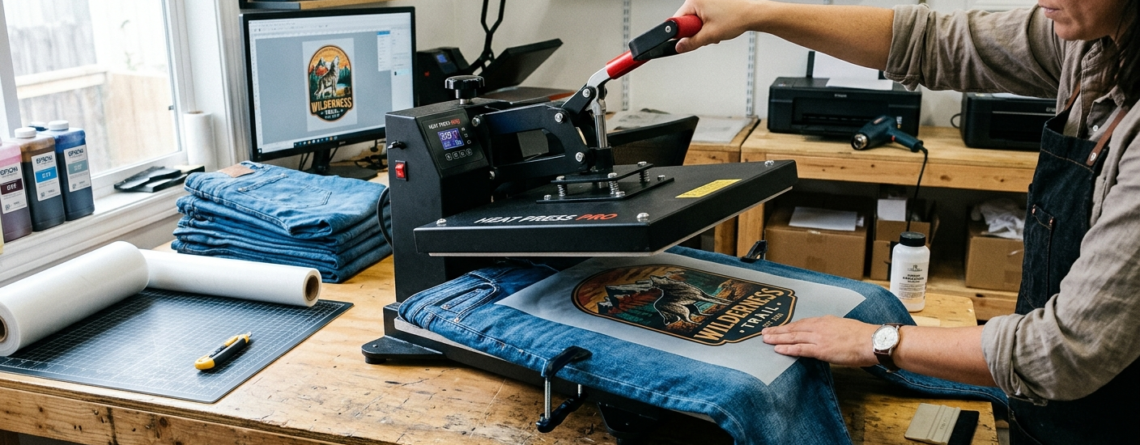
DTF Printing on Denim: 10 Tips for Strong Adhesion and Color Pop
DTF printing on denim is becoming very popular in custom apparel. Denim is strong, stylish, and always in trend. But printing on denim is not as easy as printing on cotton t-shirts.
If you want bright colors and long-lasting prints, you need the right method. DTF printing on denim works great when done correctly. It allows you to print detailed designs with strong color output.
Chat with our team for printers, consumables, film, powder and business setup guidance.
In this guide, I’ll explain everything in simple steps. You’ll learn how to get better adhesion and make your designs stand out on denim.
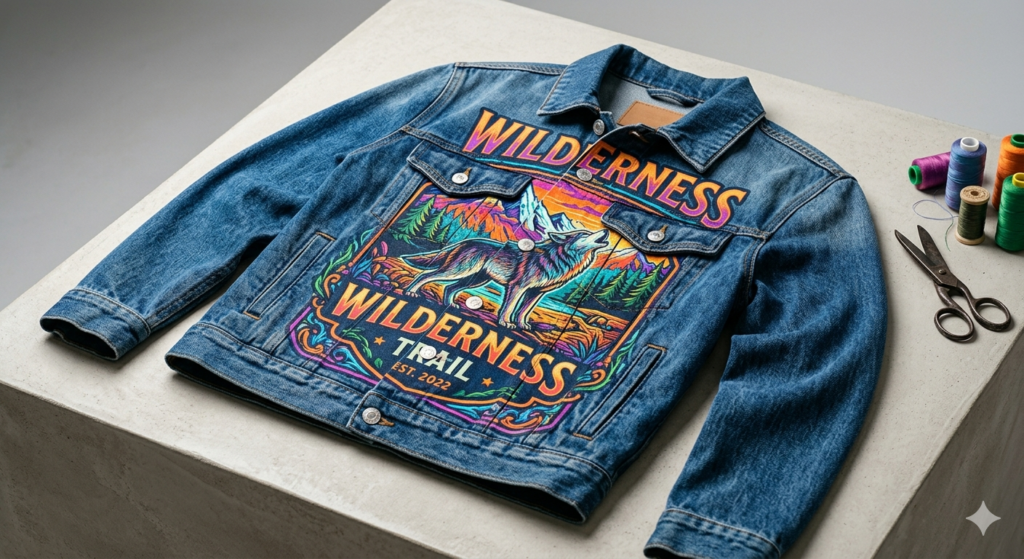
Challenges of Printing on Denim
Denim is different from regular fabric.
It is:
- Thick
- Rough in texture
- Sometimes uneven
Because of this, DTF printing on denim can face issues like:
- Poor adhesion
- Cracking after wash
- Faded colors
- Patchy prints
For example, if you press like you do on cotton, the design may not stick properly. That’s why technique matters.
Material Selection for Denim
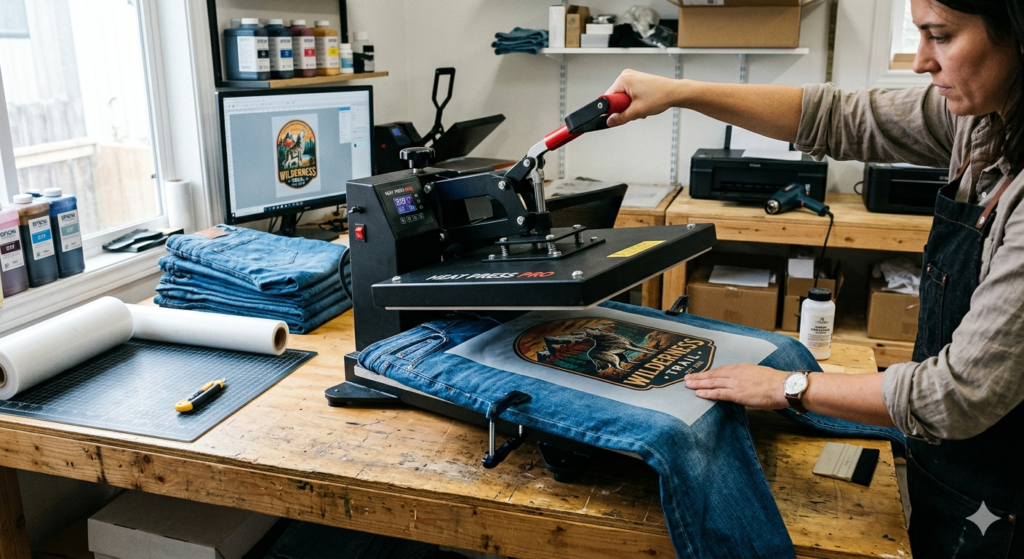
Not all denim is the same.
You will see:
- Light denim
- Heavy denim
- Washed denim
- Stretch denim
For best DTF printing on denim results:
- Choose medium-weight denim
- Avoid too much stretch
- Pre-washed denim works better
Also, quality film and powder matter a lot.
You can use:
🔵 ProlificGeeks DTF Printer L1800
🔵 XP600 Printhead System
These machines give better ink distribution, which helps in strong bonding.
Design Tips for Maximum Color Pop
Denim is usually dark blue or black. So your design must stand out.
Here’s what works:
- Use bold colors
- Add white underbase
- Avoid very thin lines
- Increase contrast
For example:
A light yellow design on dark denim looks dull. But with a white base, it pops.
DTF printing on denim always needs proper layering of ink.
Preparation Steps for Strong Adhesion
This is where most people go wrong.
Before printing:
- Pre-press the denim for 5–7 seconds
- Removes moisture
- Flattens the surface
- Clean lint or dust
- Denim collects fibers easily
- Make sure surface is smooth
Without proper prep, DTF printing on denim will fail.
Optimal Printing Process
Your printing setup matters a lot.
Use good machines like:
🔵 i3200 Printhead Printer
🔵 ProlificGeeks A3 DTF Printer
Steps:
- Print design on film
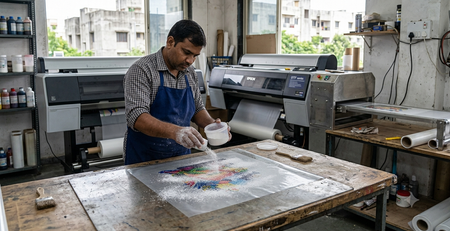
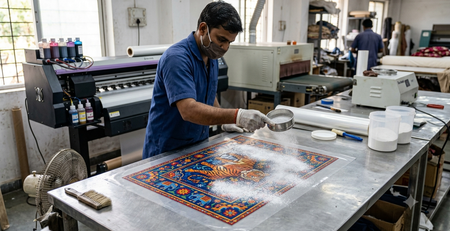
- Apply adhesive powder evenly
- Cure powder at correct temperature
Keep ink density slightly higher for denim.
DTF printing on denim needs thicker ink layers compared to cotton.
Heat Press Settings Guide
Heat pressing is the most critical step.
Recommended settings:
- Temperature: 150–160°C
- Time: 12–15 seconds
- Pressure: Medium to high
Denim is thick, so pressure is important.
If pressure is low:
- Design won’t stick
- Edges may peel
Always test before bulk production.
Application and Peeling Techniques
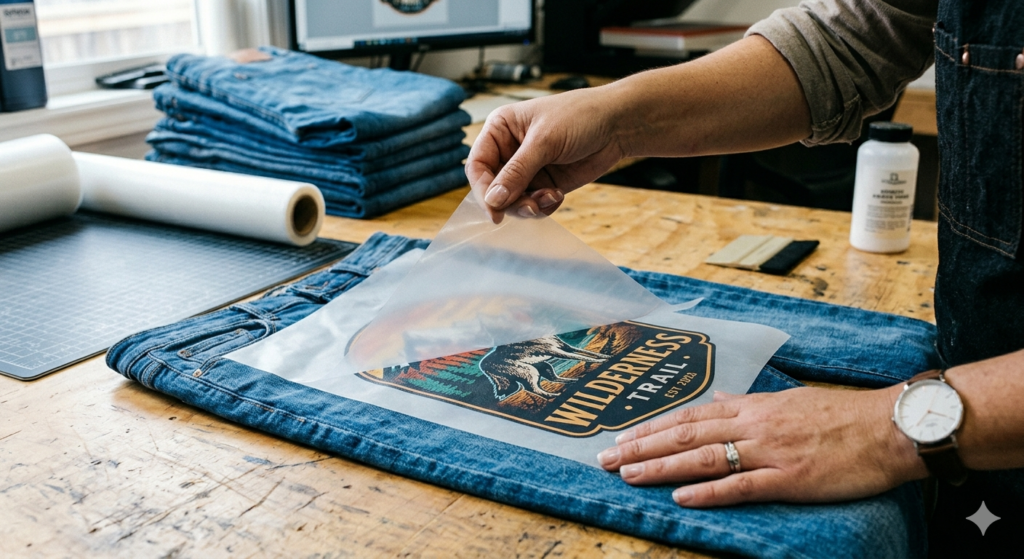
After pressing:
- Let it cool slightly
- Peel film slowly
Cold peel works better for DTF printing on denim.
If you peel too fast:
- Design may lift
- Edges may break
After peeling:
- Do a second press for 5 seconds
This improves bonding.
Post-Press Curing and Finishing
Final curing makes the design durable.
Steps:
- Cover with parchment paper
- Press again for 5–10 seconds
This step:
- Locks the design
- Improves finish
- Gives slight shine or matte effect
DTF printing on denim becomes more reliable after this step.
Troubleshooting Common Issues
Here are common problems and fixes:
1. Design Peeling
- Increase pressure
- Check powder quality
2. Faded Colors
- Increase ink density
- Use better RIP settings
3. Cracking After Wash
- Improve curing
- Avoid under-heating
4. Rough Texture
- Use proper powder amount
DTF printing on denim requires small adjustments to get perfect results.
Durability Testing and Washing Tips
Always test your prints.
Washing tips:
- Wait 24 hours before wash
- Use cold water
- Turn garment inside out
Good DTF printing on denim should last:
- 30–50 washes easily
If it fades early, something is wrong in your process.
Advanced Pro Tips
These tips come from real experience:
- Use double press method
- Increase white ink layer
- Use high-quality film
- Avoid over-powdering
- Maintain humidity in workspace
Machines like:
🔵 ProlificGeeks Powder Shaker Machine
🔵 Automatic Curing Oven
can improve consistency.
DTF printing on denim becomes much easier with the right setup.
Conclusion and CTA
DTF printing on denim is powerful but requires attention to detail.
If you:
- Prepare fabric properly
- Use correct heat settings
- Choose quality materials
You will get strong adhesion and vibrant colors.
Start with small tests. Improve step by step.
If you are serious about garment printing, denim is a great niche to explore.
Product Suggestions (DTFshop.in)
🔵 ProlificGeeks DTF Printer L1800
🔵 XP600 Printhead System
🔵 i3200 Printhead Printer
🔵 ProlificGeeks Powder Shaker Machine
🔵 Automatic DTF Curing Oven
External References + Credits
- PrintIndustry.com
- Fespa.com
- InkJetInsights.com
- ResearchGate
Credit: Information references from Fespa, PrintIndustry, and other public sources

LEAVE A COMMENT