
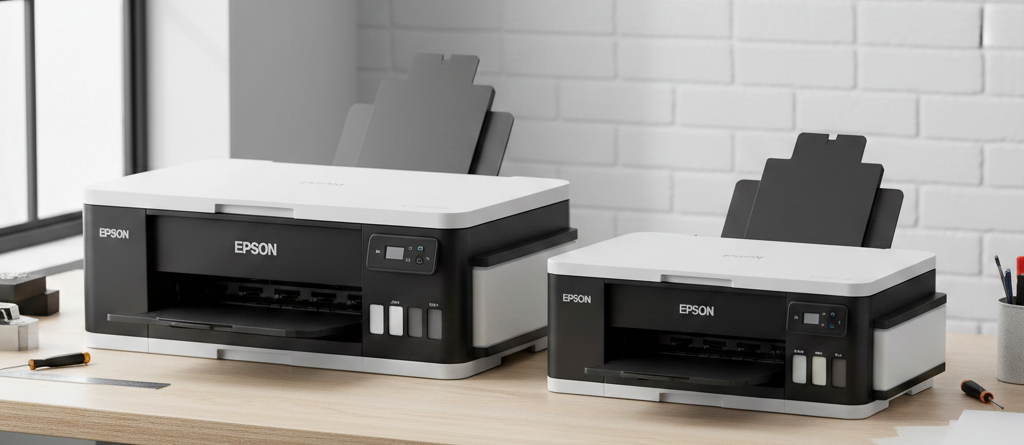
Epson L1800 vs L800 Complete Guide for DTF Printing
Table of Contents
Introduction
DTF printing is growing fast in India. Many small print shops and home businesses are shifting to DTF because it works on cotton, polyester, blends, and even dark fabrics.
When people search for affordable DTF printers, one comparison always comes up — Epson L1800 vs L800.
Chat with our team for printers, consumables, film, powder and business setup guidance.
Both printers are discontinued but still widely used for DTF conversion. Spare parts are available. Technicians understand them well. Ink compatibility is proven.
In this blog, I will explain Epson L1800 vs L800 in a simple and practical way. No marketing talk. Only real usage experience, print results, and cost logic.
Overview of DTF Printing
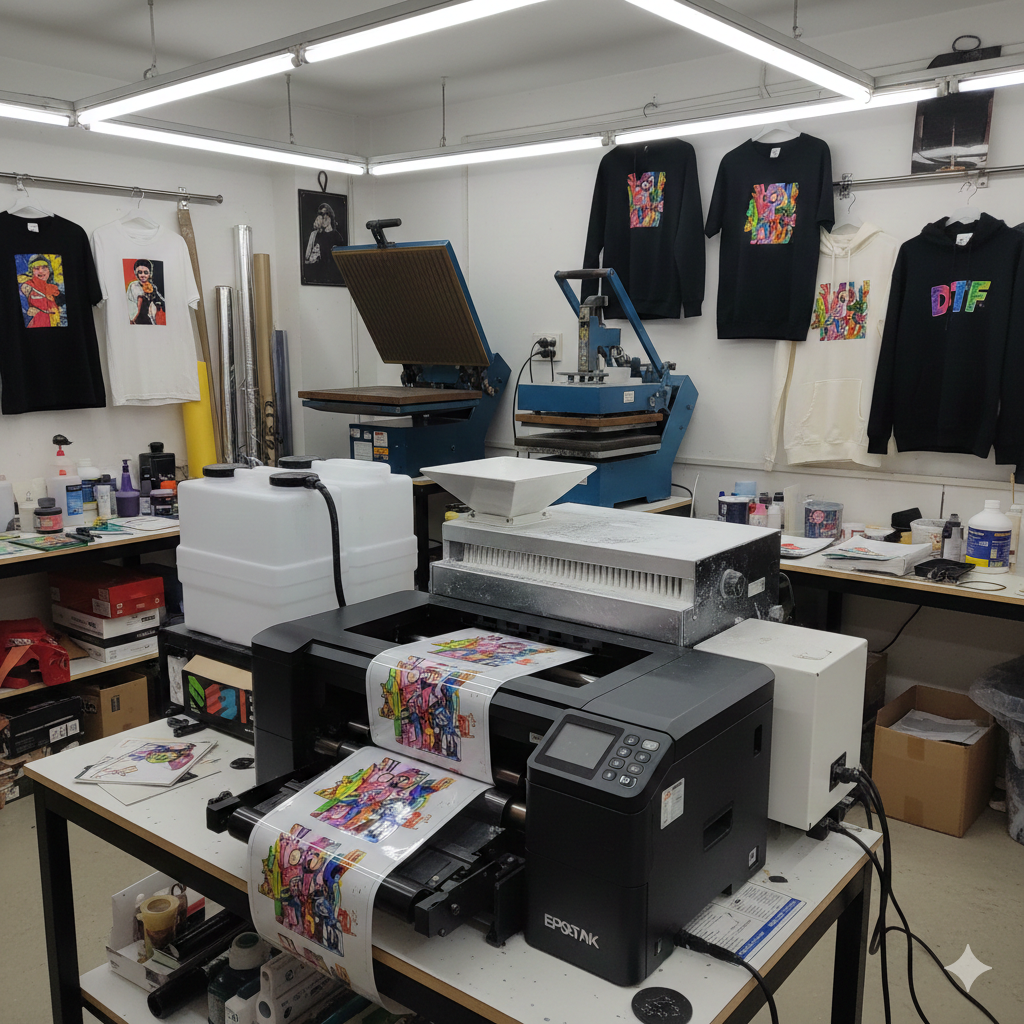
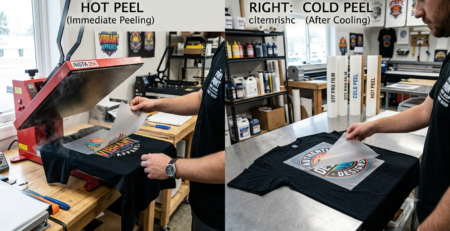
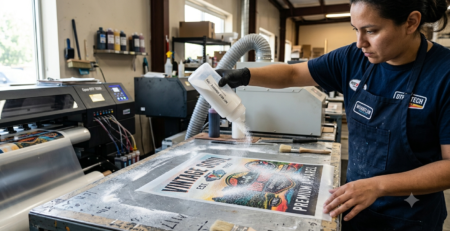
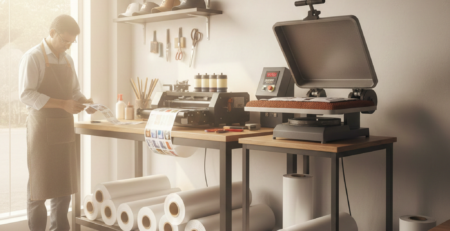
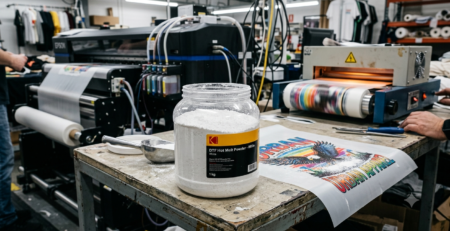
DTF (Direct to Film) printing means printing designs on a PET film, applying hot-melt powder, and transferring it onto fabric using a heat press.
Why people choose DTF:
- Works on any fabric color
- No pre-treatment needed
- Strong wash durability
- Good profit margin
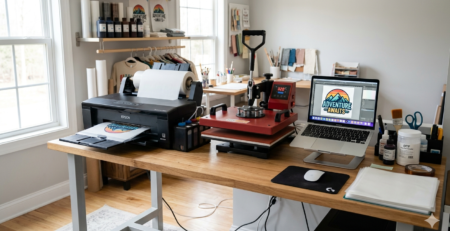
Both Epson L1800 and L800 are inkjet photo printers. With conversion, they can handle DTF inks.
Key Specifications Comparison
When comparing Epson L1800 vs L800, hardware differences matter.
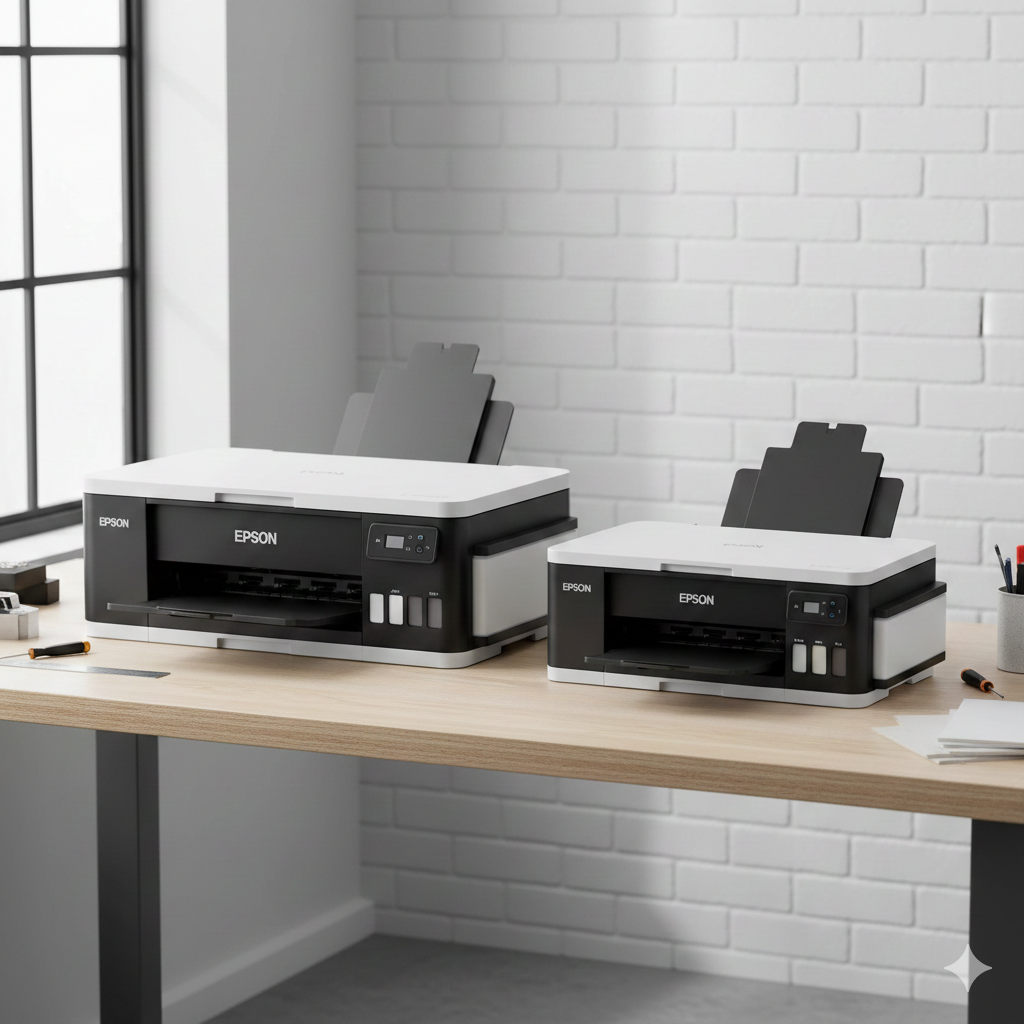
| Feature | Epson L1800 | Epson L800 |
|---|---|---|
| Max Print Size | A3+ | A4 |
| Print Head | Micro Piezo | Micro Piezo |
| Ink Tanks | 6 Colors | 6 Colors |
| White Ink Support | Yes (Converted) | Yes (Converted) |
| Paper Path | Straight (Better) | Curved |
| Film Handling | Better for A3 DTF | Limited to A4 |
If you plan bigger designs, Epson L1800 clearly has an advantage.
Print Quality Analysis
Print quality is almost equal in Epson L1800 vs L800.
Both printers:
- Produce sharp CMYK prints
- Handle gradients well
- Support high DPI output
Difference appears in white ink layering. L1800 gives slightly more uniform white ink spread on large designs due to better film feeding.
For small logos, chest prints, and labels, both perform the same.
Printing Speed and Efficiency
Speed depends on RIP software, resolution, and white ink settings.
In real-world DTF use:
- Epson L1800 prints A3 faster than L800 printing two A4s
- L800 is fine for low volume work
- L1800 saves time in bulk printing
If you print 30–50 transfers daily, Epson L1800 is more efficient.
Ink System and Cost
Ink cost is similar in Epson L1800 vs L800.
Both use:
- CMYK DTF ink
- White DTF ink (requires daily circulation)
White ink maintenance is critical. If you skip daily cleaning, both printers will clog.
Recommended inks from DTFshop.in that work well:
Ink consumption is slightly higher on L1800 due to larger prints, but cost per print is better.
Maintenance and Durability
Maintenance is where beginners struggle.
Epson L1800 vs L800 maintenance is almost identical:
- Daily white ink circulation
- Weekly head cleaning
- Moisturizing solution when idle
Useful maintenance products:
- DTF Cleaning Solution for Epson Heads
- DTF Moisturizing Liquid
L1800 has better spare availability and easier head access.
Setup and Conversion Process
Conversion includes:
- Removing original ink
- Flushing system
- Installing DTF inks
- RIP software setup
Both printers need:
- White ink agitation
- Dampers upgrade
- RIP software like Kothari or EK Print
Helpful conversion items:
- DTF Conversion Kit for Epson Printers
- TF PET Film – Hot Peel A3 & A4
Technicians prefer L1800 because film feeding issues are less.
Pros and Cons Table
| Printer | Pros | Cons |
|---|---|---|
| Epson L1800 | A3 printing, better film handling, faster | Slightly higher cost |
| Epson L800 | Affordable, compact, good for beginners | A4 limit, slower |
Ideal Use Cases
Choose Epson L1800 if:
- You want A3 DTF printing
- You plan bulk orders
- You run a small print shop
Choose Epson L800 if:
- You are starting DTF at home
- You do A4 designs only
- Budget is limited
This is the real difference in Epson L1800 vs L800.
Price Comparison
Prices vary by condition and location.
Approximate market price:
- Epson L1800: ₹35,000 – ₹50,000
- Epson L800: ₹25,000 – ₹35,000
Conversion cost is same for both.
Running cost depends more on ink and maintenance, not printer model.
Final Recommendation
If you ask me directly — Epson L1800 vs L800, which is better for DTF?
Go for Epson L1800 if budget allows. It saves time, handles larger designs, and gives smoother workflow.
Epson L800 is still a good choice for learning and small orders.
Both printers can produce excellent DTF prints if maintained properly.
Product Suggestions (DTFshop.in)
- DTF White Ink Epson Compatible
- DTF CMYK Ink Set
- DTF PET Film Hot Peel
- DTF Cleaning Solution
- DTF Conversion Kit
External References + Credits
- Fespa.com – DTF printing process insights
- PrintIndustry.com – Inkjet printer comparisons
- InkJetInsights.com – Epson printhead technology
Credit: Information references from Fespa, PrintIndustry, and other public sources.

LEAVE A COMMENT