
DTF PET Film Loading Guide: 10 Easy Steps for Perfect Printing
If your prints are coming out misaligned, smudged, or simply not sticking properly, chances are your film loading is the problem. Many beginners ignore this step, but it makes a huge difference.
This DTF PET film loading guide will walk you through everything in a simple way. No technical jargon. Just practical steps you can follow immediately.
Chat with our team for printers, consumables, film, powder and business setup guidance.
Whether you’re using a beginner setup or advanced machines like 🔵 ProlificGeeks DTF Printer L1800 or 🔵 XP600, the basics remain the same.
What is PET Film?
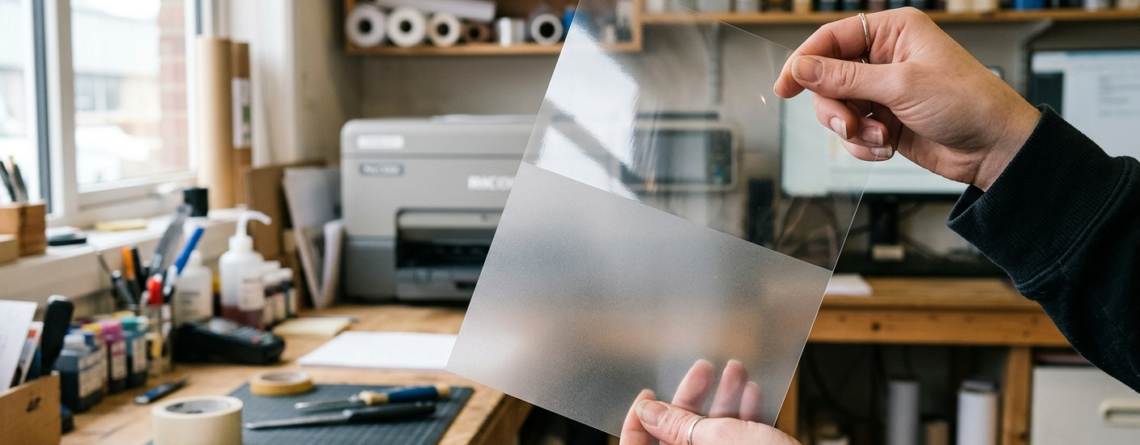
PET film is the base material used in DTF printing. It is a transparent sheet with a special coating that holds the ink and powder before transfer.
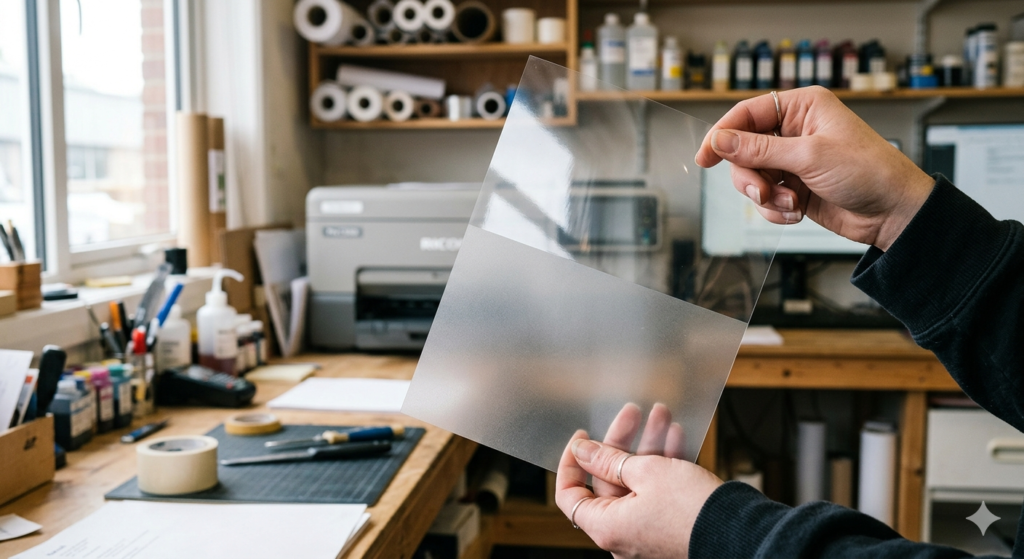
There are two sides:
- Matte side (print side)
- Glossy side (non-print side)
Getting this wrong is one of the biggest mistakes beginners make.
In this DTF PET film loading guide, always remember:
👉 Print only on the matte side.
Tools and Materials Needed
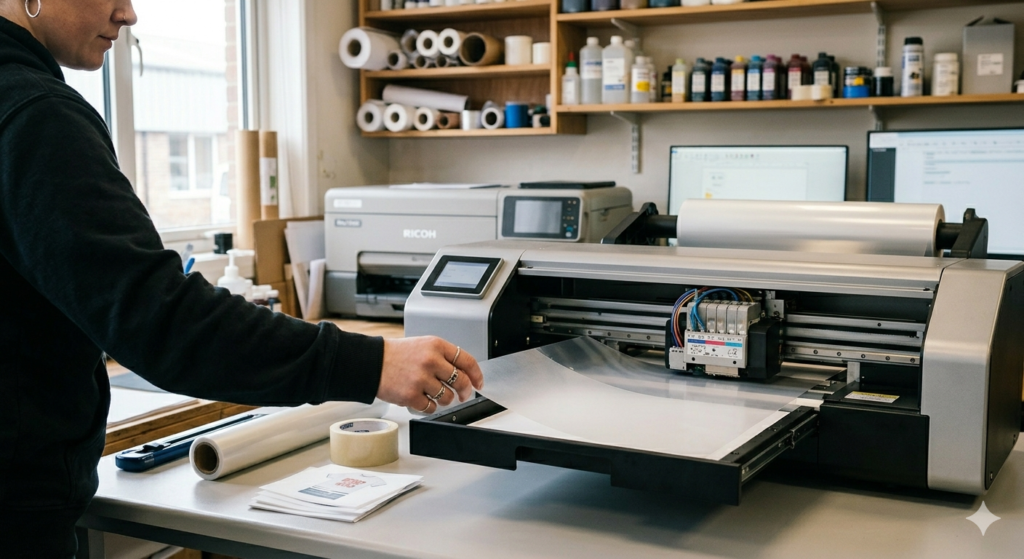
Before starting, keep everything ready:
- PET film sheets or roll
- DTF printer (like 🔵 i3200 based machines)
- DTF inks
- Cleaning cloth
- Gloves (optional but helpful)
Using quality film matters. Cheap film often causes jams and poor ink holding.
Pre-Loading Preparation
Clean Printer
Dust and ink residue can ruin your print.
- Wipe rollers gently
- Clean the tray
- Check print head area
Even high-end machines like 🔵 XP600 can fail if not clean.
👉 Tip: Clean once daily if you print regularly.
Check Ink Levels
Before loading film, check ink levels.
Low ink can cause:
- Patchy prints
- Color inconsistency
This step is simple but often skipped. In this DTF PET film loading guide, preparation is half the job done.
Step-by-Step Loading Guide
1. Cut or Unroll Film
If using sheets:
- Make sure edges are straight
If using roll:
- Cut evenly
- Avoid bends or wrinkles
Bent film = uneven feeding.
2. Identify Correct Side (Matte Up)
This is critical.
- Matte side = slightly rough
- Glossy side = smooth
👉 Always load with matte side facing up.
Quick trick:
Touch both sides lightly. Matte feels a bit grippy.
This small step in the DTF PET film loading guide saves a lot of wasted prints.
3. Align and Insert into Tray/Feed
Insert the film carefully:
- Keep it straight
- Align with printer guides
- Do not force it inside
Machines like 🔵 ProlificGeeks DTF Printer L1800 are sensitive to alignment.
👉 If misaligned, prints will shift or skew.
4. Secure and Adjust Tension
Make sure the film is not loose or too tight.
- Too loose → wrinkles
- Too tight → feeding issues
If using roll feeders:
- Adjust tension knobs properly
In this DTF PET film loading guide, smooth feeding is the goal.
Printer Settings
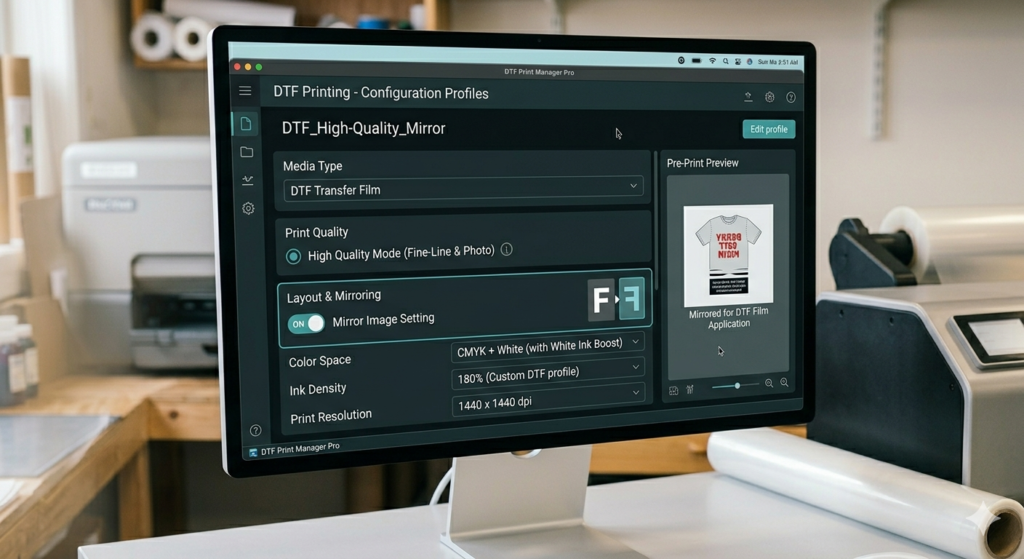
Now set your printer correctly:
- Paper type: PET Film / Transparency
- Print quality: High
- Mirror setting: ON (important for transfer)
Each printer is different. For example:
👉 Always do a quick test before bulk printing.
Test Print
Never skip this.
Print a small design first:
- Check alignment
- Check ink flow
- Check edges
If everything looks good, proceed.
This step confirms your DTF PET film loading guide process is correct.
Common Mistakes to Avoid
Let’s keep this real. These are the most common errors:
❌ Loading glossy side up
❌ Crooked film alignment
❌ Dirty rollers
❌ Wrong printer settings
❌ Using low-quality PET film
Even experienced users make these mistakes sometimes.
Troubleshooting Tips
If something goes wrong, don’t panic. Try this:
Problem: Film Not Feeding Properly
- Check alignment
- Clean rollers
Problem: Ink Not Sticking
- Wrong side loaded
- Low-quality film
Problem: Smudged Print
- Excess ink
- Improper drying
Problem: Skewed Print
- Film not straight
This DTF PET film loading guide is all about fixing issues early.
Conclusion
Loading PET film is not difficult. But it needs attention.
If you follow this DTF PET film loading guide, you will:
- Reduce waste
- Improve print quality
- Save time
Small steps make a big difference.
Take your time. Practice a few times. Soon, it will become second nature.
Product Suggestions
Here are some commonly used DTF products you can consider:
🔵 ProlificGeeks DTF Printer L1800
🔵 XP600 DTF Printer
🔵 i3200 DTF Printer
🔵 DTF PET Film Sheets (A3/A4)
🔵 DTF Hot Melt Powder
Use good-quality materials. It directly affects your final output.
External References + Credits
For deeper technical understanding, you can explore:
- Fespa.com
- PrintIndustry.com
- InkJetInsights.com
- ResearchGate
Credit: Information references from Fespa, PrintIndustry, and other public sources.

LEAVE A COMMENT