
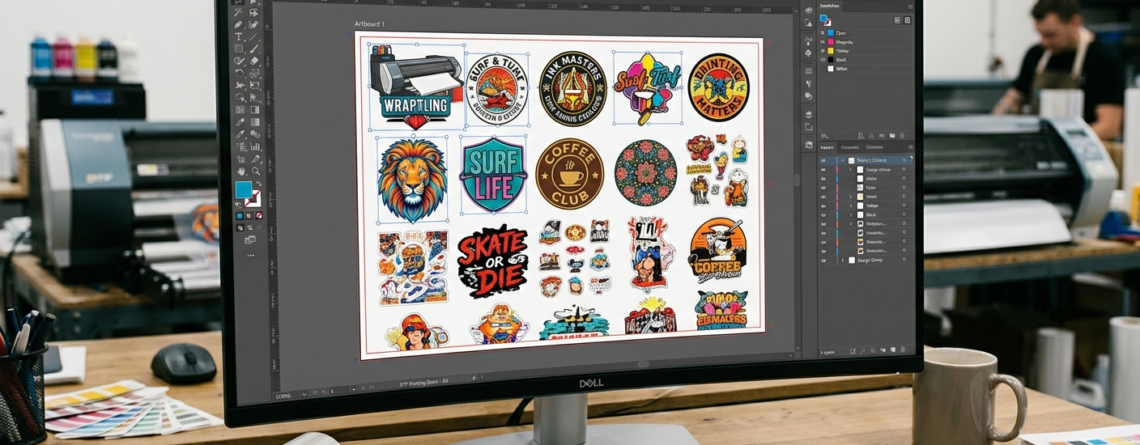
Full Blog Content Gang Sheets for DTF Printing: Easy Guide to Maximize Film Usage 2026
If you are working with DTF printing, you already know that film cost adds up quickly. That’s where Gang Sheets for DTF Printing come in.
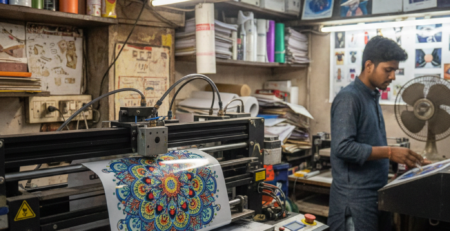
A gang sheet simply means placing multiple designs on a single film sheet instead of printing one design at a time. It helps you use every inch of your film smartly.
Chat with our team for printers, consumables, film, powder and business setup guidance.
Whether you’re printing logos, t-shirt graphics, or custom orders, learning how to create Gang Sheets for DTF Printing can save money and time.
In this guide, I’ll walk you through the full process in a simple, practical way.
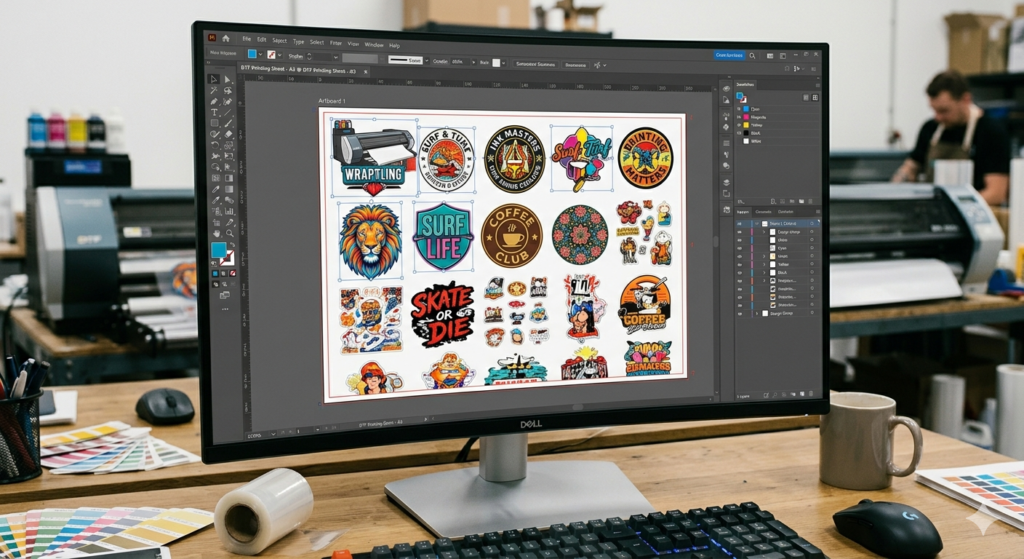
Benefits of Maximizing Film Usage
When you start using Gang Sheets for DTF Printing, the benefits are immediate:
- Less film waste
- Lower printing cost per design
- Faster production
- Better workflow management
For example, instead of printing 10 small logos separately, you can fit them all on one sheet. That’s direct savings.
Also, if you’re using machines like 🔵 ProlificGeeks DTF Printer L1800, efficient layouts help you get more output from every print cycle.
Required Tools and Software
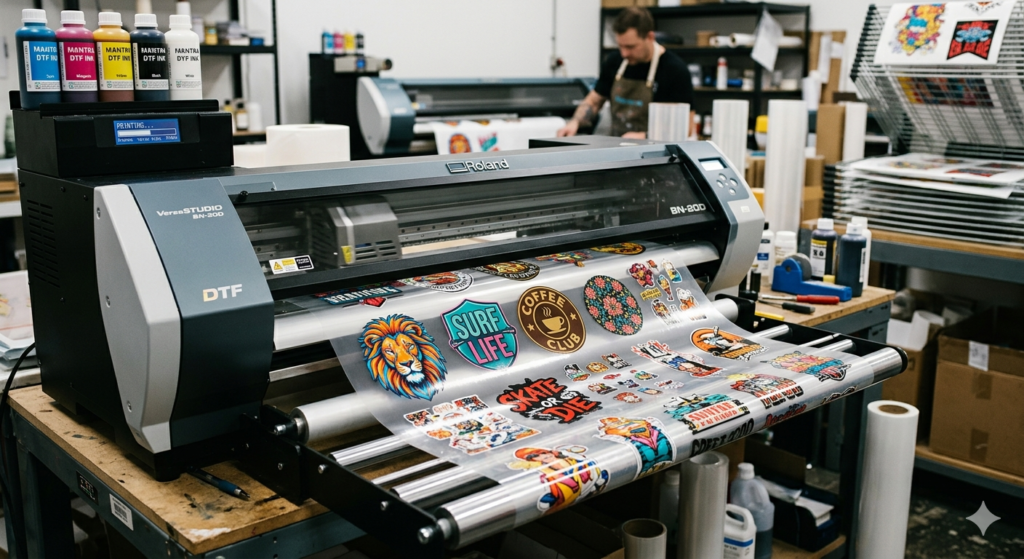
Before creating Gang Sheets for DTF Printing, you need the right setup.
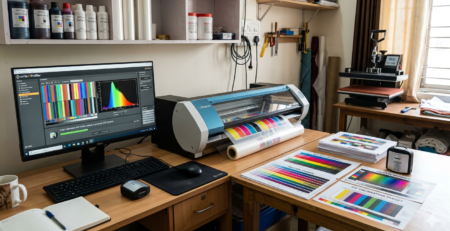
Software Options:
- Photoshop
- CorelDRAW
- Illustrator
- RIP software (like Kothari, EKPrint, etc.)
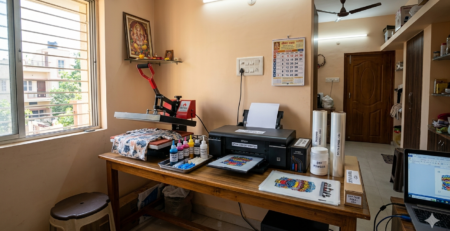
Hardware:
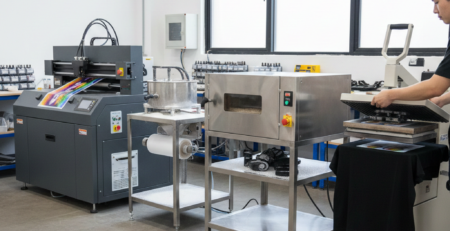
- DTF printer
- Heat press
- Curing setup
For professional work, printers like 🔵 XP600 or 🔵 i3200 are commonly used because they handle bulk printing smoothly.
Tip: Always use high-resolution designs (300 DPI minimum).
Preparing Your Designs
Good gang sheets start with good design prep.
Here’s what you should do:
- Remove background (use PNG format)
- Keep resolution high
- Maintain correct size (don’t stretch later)
- Use CMYK color profile if required
When preparing Gang Sheets for DTF Printing, always organize your files first.
Example:
Group logos, text prints, and graphics separately so you can place them easily later.
Step-by-Step Gang Sheet Creation
Let’s break this into simple steps.
Step 1: Open Your Software
Create a canvas based on your film size (for example: 24 inches width).
Step 2: Import Designs
Bring all your artwork into the workspace.
Step 3: Resize Properly
Adjust each design to actual print size.
Step 4: Arrange Closely
Start placing designs side by side with minimal gaps.
This is the core part of Gang Sheets for DTF Printing — smart arrangement.
Step 5: Mirror the Designs
DTF printing requires mirrored images before printing.
Step 6: Export File
Save in the format required by your RIP software.
Layout Optimization Techniques
This is where most people either save money or waste it.
To master Gang Sheets for DTF Printing, follow these tips:
1. Use Every Corner
Don’t leave empty spaces. Fill small gaps with smaller designs.
2. Rotate Designs
Rotate designs to fit tight spaces.
3. Group Similar Sizes
This makes cutting easier later.
4. Keep Margin Minimal
Avoid large blank margins.
5. Use Auto Nesting Tools
Some RIP software can auto-arrange designs.
If you’re using advanced setups like 🔵 i3200 printers, optimized layouts significantly increase productivity.
Printing and Curing Process
Once your Gang Sheets for DTF Printing are ready:
Printing:
- Load film correctly
- Check ink levels
- Use correct print settings
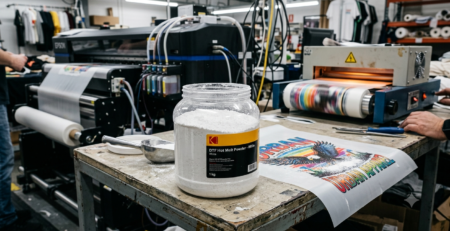
Powder Application:
- Apply adhesive powder evenly
Curing:
- Use curing oven or heat press
- Maintain proper temperature (around 110–120°C)
Machines like 🔵 XP600 handle consistent output better during bulk printing.
Tip: Always test one sheet before full production.
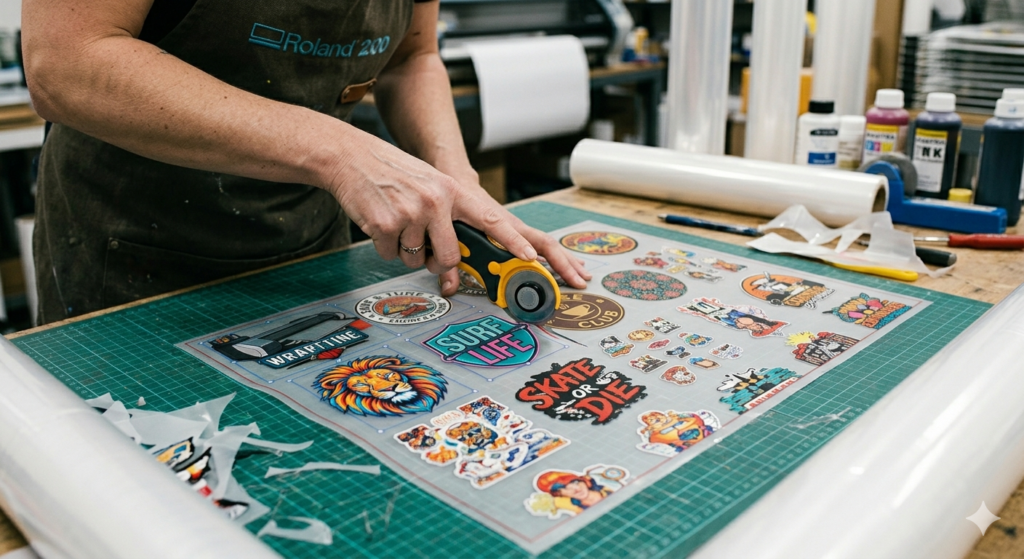
Cutting and Storage Tips
After printing and curing:
Cutting:
- Use scissors or cutter
- Keep edges clean
Storage:
- Store in dry place
- Avoid dust and humidity
When you properly manage Gang Sheets for DTF Printing, even post-processing becomes easier.
Example:
If designs are well-spaced, cutting becomes faster and more accurate.
Common Mistakes to Avoid
Many beginners make these mistakes:
- Leaving too much empty space
- Wrong design sizes
- Forgetting to mirror
- Poor resolution images
- Overlapping designs
Avoid these and your Gang Sheets for DTF Printing will improve instantly.
Advanced Efficiency Strategies
Once you’re comfortable, try these:
Batch Printing
Group similar orders together.
Template Creation
Create fixed layout templates for repeated jobs.
Color Grouping
Print similar color designs together for consistency.
Workflow Automation
Use RIP software shortcuts and presets.
Professionals using 🔵 ProlificGeeks DTF Printer L1800 often rely on templates to speed up production.
Conclusion and Next Steps
Learning Gang Sheets for DTF Printing is one of the smartest moves if you want to grow in DTF business.
It reduces cost, saves time, and improves output quality.
Start simple. Practice layouts. Test prints.
With time, you’ll naturally learn how to fit more designs into less space without compromising quality.
Product Suggestions
Here are some commonly used tools you can consider:
🔵 ProlificGeeks DTF Printer L1800
🔵 XP600 Printhead Printer
🔵 i3200 Advanced DTF Printer
🔵 DTF PET Film Rolls
🔵 DTF Hot Melt Powder
Use them based on your production needs.
External References
- PrintIndustry.com
- Fespa.com
- InkJetInsights.com
- ResearchGate
Credit: Information references from Fespa, PrintIndustry, and other public sources

LEAVE A COMMENT