
Gang Sheet Printing DTF:10 Best Method to Improve Print Quality
If you are working in custom printing, you’ve probably heard about Gang Sheet Printing DTF. It’s one of the smartest ways to save time, reduce costs, and increase production.
Instead of printing one design at a time, gang sheet printing allows you to place multiple designs on a single sheet. This method is widely used by small businesses, print shops, and even large-scale manufacturers.
Chat with our team for printers, consumables, film, powder and business setup guidance.
In this blog, we’ll break everything down in a simple and practical way so you can start using Gang Sheet Printing DTF confidently.
What is DTF Printing?
DTF stands for Direct-to-Film printing. In this process, designs are printed onto a special film and then transferred onto fabric using heat.
Unlike other methods like screen printing or DTG, DTF works on almost all fabrics—cotton, polyester, blends, and even dark materials.
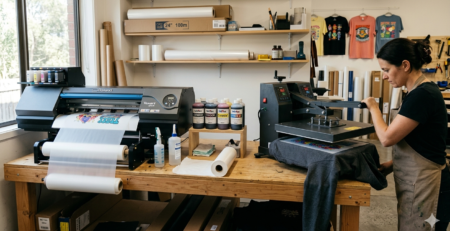
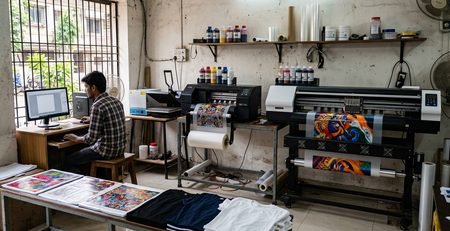
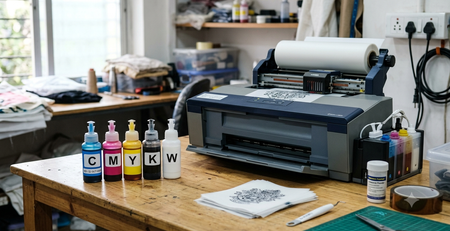
A typical setup includes:
- A DTF printer like 🔵 ProlificGeeks DTF Printer L1800
- Special PET film
- Adhesive powder
- Heat press machine
DTF printing is popular because it is flexible, easy to learn, and produces strong, vibrant prints.
Definition of Gang Sheet in DTF
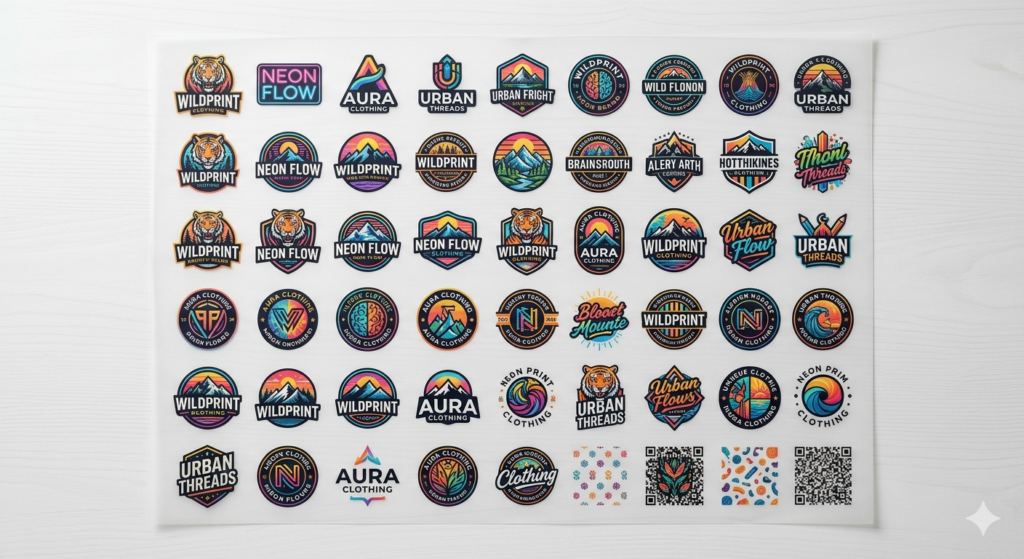
A gang sheet in DTF is a single film sheet that contains multiple designs arranged together.
Instead of printing one logo per sheet, you can place:
- Different logos
- Multiple sizes of the same design
- Various customer orders
All on one sheet.
That’s exactly what Gang Sheet Printing DTF is about—maximizing space and efficiency.
Benefits of Using Gang Sheets
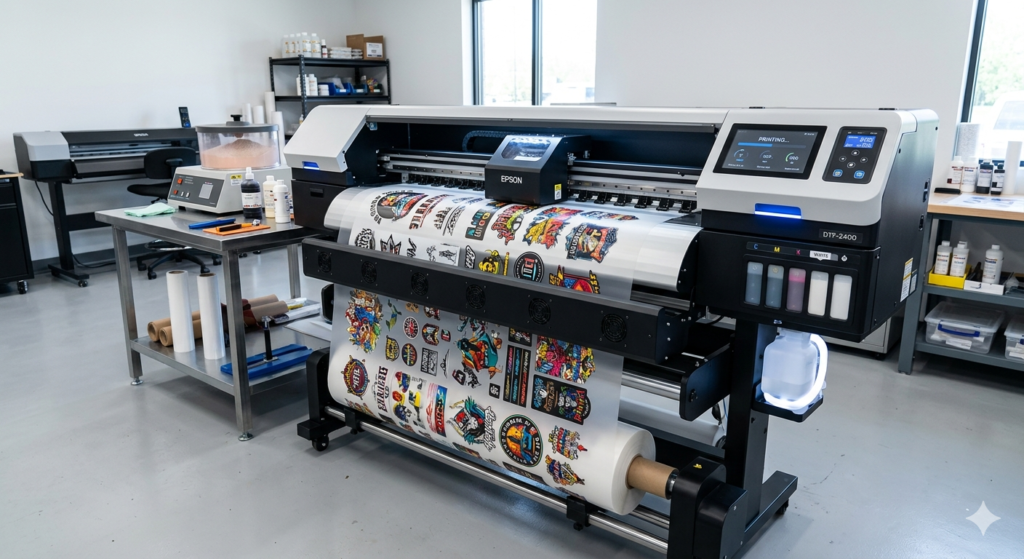
Using Gang Sheet Printing DTF has many practical advantages:
1. Saves Material
You use every inch of your film. No waste.
2. Reduces Cost
Less film and ink usage means better profit margins.
3. Faster Production
Print multiple designs in one go instead of repeating the same process.
4. Better Workflow
You can organize orders more efficiently.
5. Ideal for Bulk Orders
Especially useful when handling multiple small designs.
For example, if you are using 🔵 XP600 print head setups, gang sheets help you utilize the machine’s full printing width effectively.
When to Use Gang Sheets
You should use Gang Sheet Printing DTF in situations like:
- Small business orders with multiple designs
- Printing logos for different customers
- Producing sample batches
- Printing various sizes of the same artwork
Avoid using it when:
- You only have a single large design
- You need urgent one-piece printing
Step-by-Step Creation Process
Let’s walk through how to create a gang sheet.
Step 1: Collect Designs
Gather all designs you want to print.
Step 2: Open Design Software
Use software like Photoshop, CorelDRAW, or Illustrator.
Step 3: Create Canvas
Set the canvas size based on your film size (e.g., 24-inch width).
Step 4: Arrange Designs
Place designs close to each other without overlapping.
Step 5: Export File
Save in high resolution (300 DPI recommended).
This is the foundation of successful Gang Sheet Printing DTF.
Design Preparation Tips
Good design preparation makes a big difference.
- Use transparent background (PNG format)
- Keep resolution high
- Avoid unnecessary empty spaces
- Maintain proper spacing between designs
If you are using advanced printers like 🔵 i3200, high-resolution files give much sharper output.
Printing the Gang Sheet
Now comes the actual printing step.
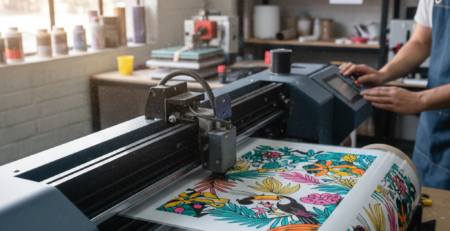
- Load PET film into the printer
- Send the gang sheet file to print
- Ensure proper ink settings
A stable printer like 🔵 ProlificGeeks DTF Printer L1800 helps maintain consistency during bulk printing.
Key tip: Always check alignment before full print.
Powder Application and Curing
Once printing is done:
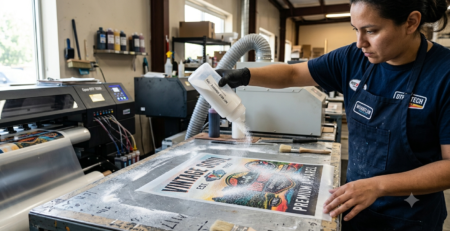
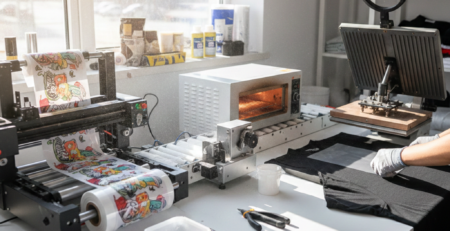
- Apply adhesive powder evenly
- Shake off excess powder
- Cure using a heat press or oven
Proper curing ensures the design sticks well to fabric.
Uneven powder is one of the most common issues in Gang Sheet Printing DTF, so be careful here.
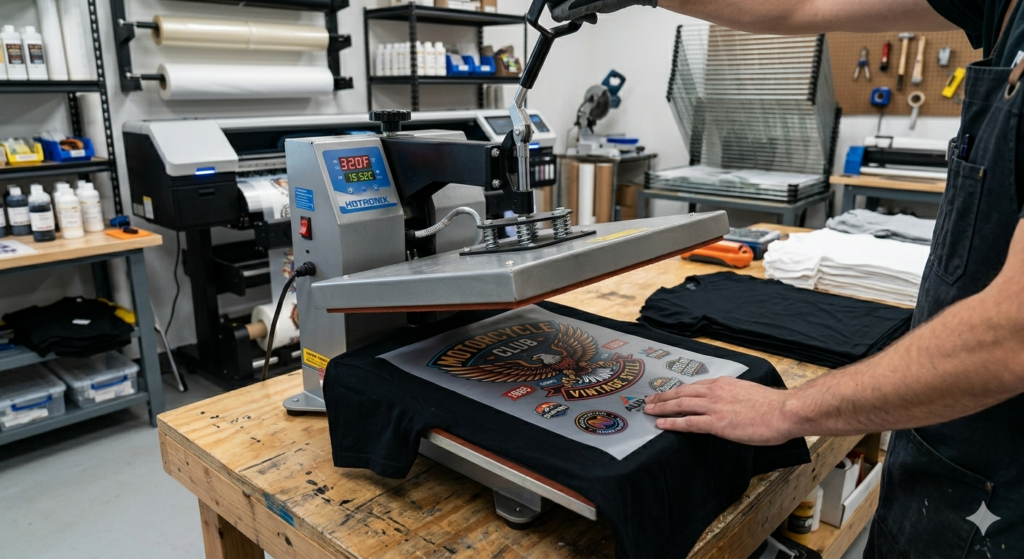
Transferring Designs to Fabric
After curing:
- Place film on fabric
- Use heat press (around 160–170°C)
- Press for 10–15 seconds
- Peel (hot or cold depending on film type)
Each design from your gang sheet can now be transferred individually.
This is where Gang Sheet Printing DTF really shines—you get multiple ready-to-use transfers from one sheet.
Best Practices and Layout Strategies
To get the most out of Gang Sheet Printing DTF, follow these tips:
- Fill empty spaces with small designs
- Group similar designs together
- Keep margins safe to avoid cutting issues
- Use grid alignment for neat layout
A well-arranged gang sheet can increase your efficiency by 30–40%.
Common Mistakes to Avoid
Many beginners make these mistakes:
1. Overcrowding Designs
Leads to cutting problems.
2. Low Resolution Files
Results in blurry prints.
3. Improper Spacing
Makes transfer difficult.
4. Wrong Heat Settings
Can damage prints.
5. Ignoring Test Prints
Always test before bulk production.
Avoiding these ensures smooth Gang Sheet Printing DTF workflow.
Tools and Software Recommendations
Here are some tools that help:
- Photoshop (for layout design)
- CorelDRAW (vector work)
- RIP Software (for printing control)
Hardware suggestions:
- 🔵 XP600 for balanced performance
- 🔵 i3200 for high-end production
- 🔵 ProlificGeeks DTF Printer L1800 for beginners
These tools make Gang Sheet Printing DTF easier and more efficient.
FAQs
1. Is gang sheet printing suitable for beginners?
Yes, it’s simple once you understand layout basics.
2. Can I mix different designs in one sheet?
Absolutely. That’s the main advantage.
3. What file format is best?
PNG with transparent background.
4. Does it reduce cost?
Yes, significantly.
5. What size should I use?
Depends on your printer width.
Product Suggestions (DTFshop.in)
- 🔵 ProlificGeeks DTF Printer L1800
- 🔵 XP600 Print Head System
- 🔵 i3200 High-Speed DTF Printer
- 🔵 DTF PET Film Rolls
- 🔵 DTF Adhesive Powder
External References + Credits
For deeper understanding, you can explore:
- Fespa.com
- PrintIndustry.com
- InkJetInsights.com
- ResearchGate (for technical papers)
Credit: Information references from Fespa, PrintIndustry, and other public sources.

LEAVE A COMMENT