
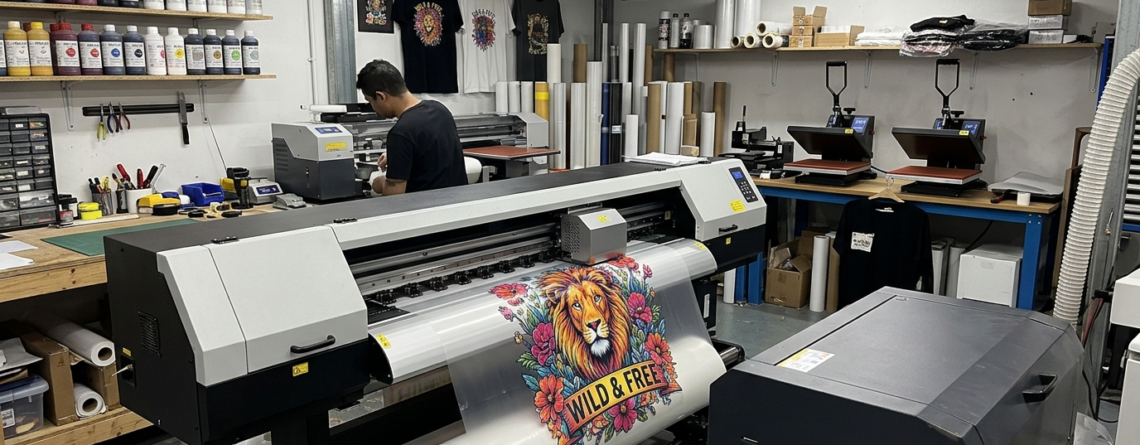
DTF transfer guide: Step-by-Step Your First Successful T-Shirt Print 2026
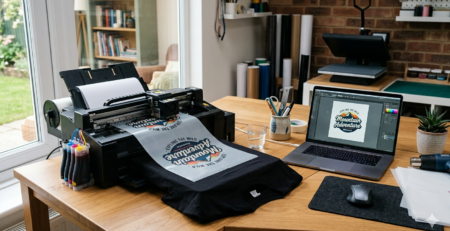
DTF transfer guide will help you get started without confusion. DTF (Direct to Film) printing is one of the easiest ways to print designs on T-shirts. You don’t need cutting, weeding, or complicated setups.
I remember my first print — messy edges, faded colors, and wrong pressure. But once I understood the process properly, everything changed.
Chat with our team for printers, consumables, film, powder and business setup guidance.
This DTF transfer guide will walk you through every step in a simple way so your first T-shirt comes out clean and professional.
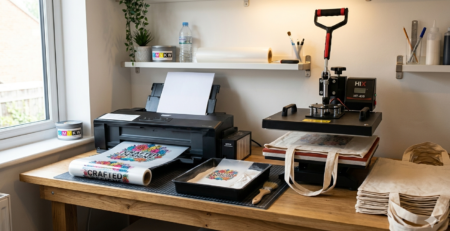
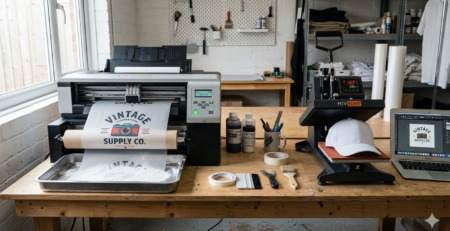
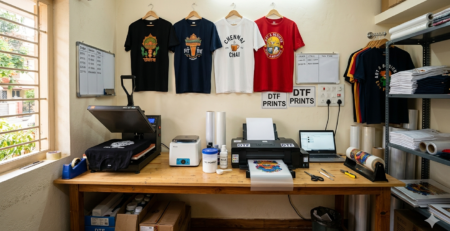
Materials Needed
Before starting, keep everything ready. Missing one item can ruin your print.
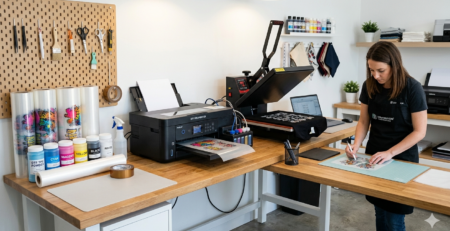
You will need:
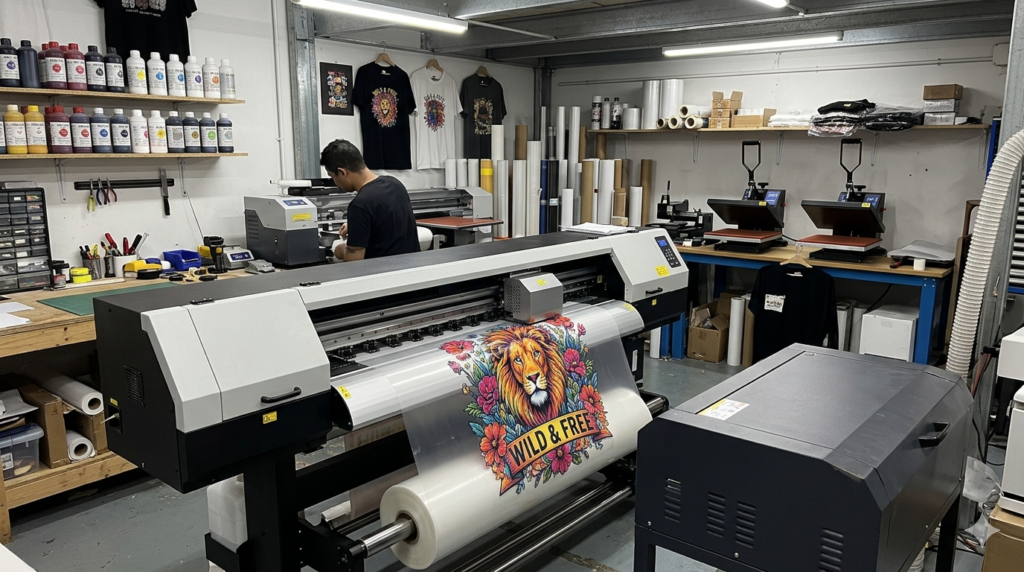
- DTF printer
- PET film
- DTF inks
- Adhesive powder
- Heat press machine
- Cotton or polyester T-shirt
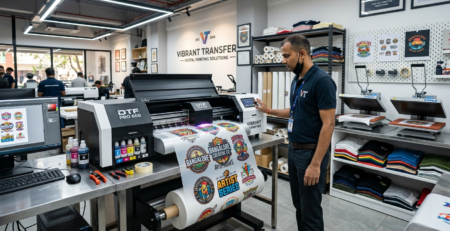
Some commonly used machines include:
🔵 ProlificGeeks DTF Printer L1800
🔵 XP600 Print Head Printer
🔵 i3200 Professional DTF Printer
These are widely used because they give stable output and better color quality.
Step 1: Design Preparation
This is where your print starts.
Create your design using software like Photoshop or CorelDRAW. Keep these tips in mind:
- Use high resolution (300 DPI)
- Transparent background
- Mirror the design before printing
If your design is low quality, no machine can fix it.
A beginner mistake is downloading random images from the internet. Always use clean graphics.
This step is very important in any DTF transfer guide because your final result depends on it.
Step 2: Printing the Transfer
Now load your PET film into the printer.
Print your design using DTF ink in this order:
- Color layer
- White ink layer
Make sure:
- No banding lines
- Proper ink flow
- Correct printer settings
Machines like 🔵 XP600 and 🔵 i3200 handle white ink much better, which avoids patchy prints.
Take your time here. Rushing leads to wasted film and ink.
Step 3: Applying Adhesive Powder
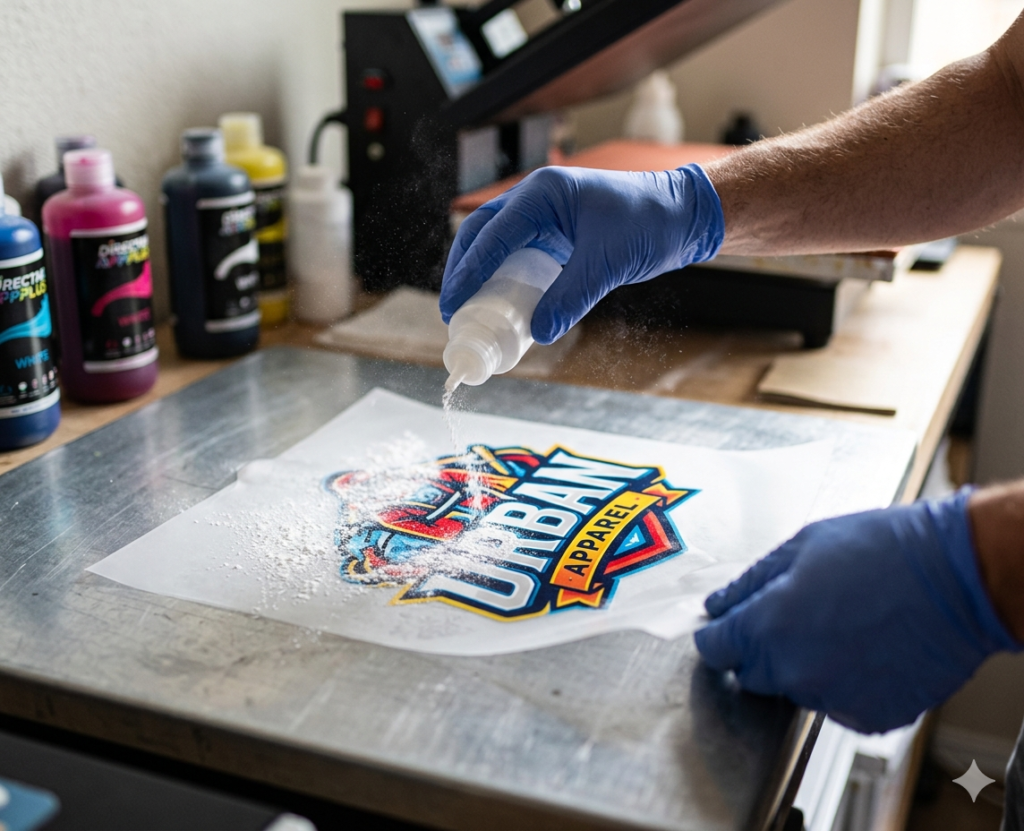
Once printed, your design will still be wet.
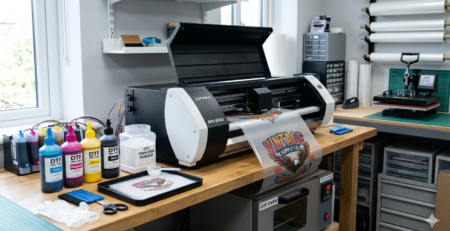
Immediately apply adhesive powder:
- Sprinkle evenly
- Cover full design
- Shake off excess
If powder is uneven, your design won’t stick properly.
A good DTF transfer guide always stresses this step because it directly affects durability.
Step 4: Curing the Powder
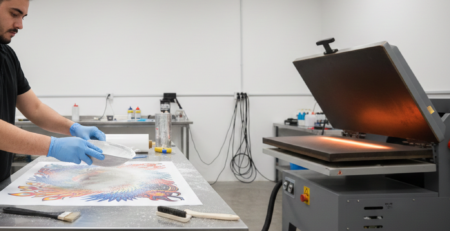
Now you need to melt the powder slightly.
You can use:
- Heat press hover method
- Oven curing
Temperature: around 160°C
Time: 2–3 minutes
You’ll notice the powder turning slightly glossy — that’s when it’s ready.
Don’t overheat. It can burn the adhesive.
Step 5: Preparing the T-Shirt
Before pressing, prepare your fabric.
- Place the T-shirt on heat press
- Pre-press for 5 seconds
- Remove moisture and wrinkles
This step improves bonding.
Skipping it may cause uneven prints.
Step 6: Applying the Transfer
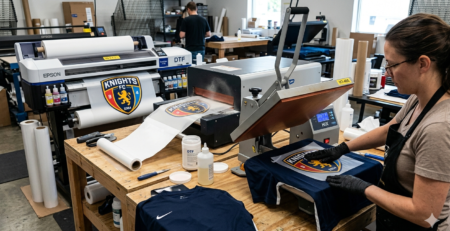
Place your cured film on the T-shirt.
- Position correctly
- Align design
- Keep it flat
Once placed, don’t move it. Even small shifts can ruin alignment.
Step 7: Heat Pressing
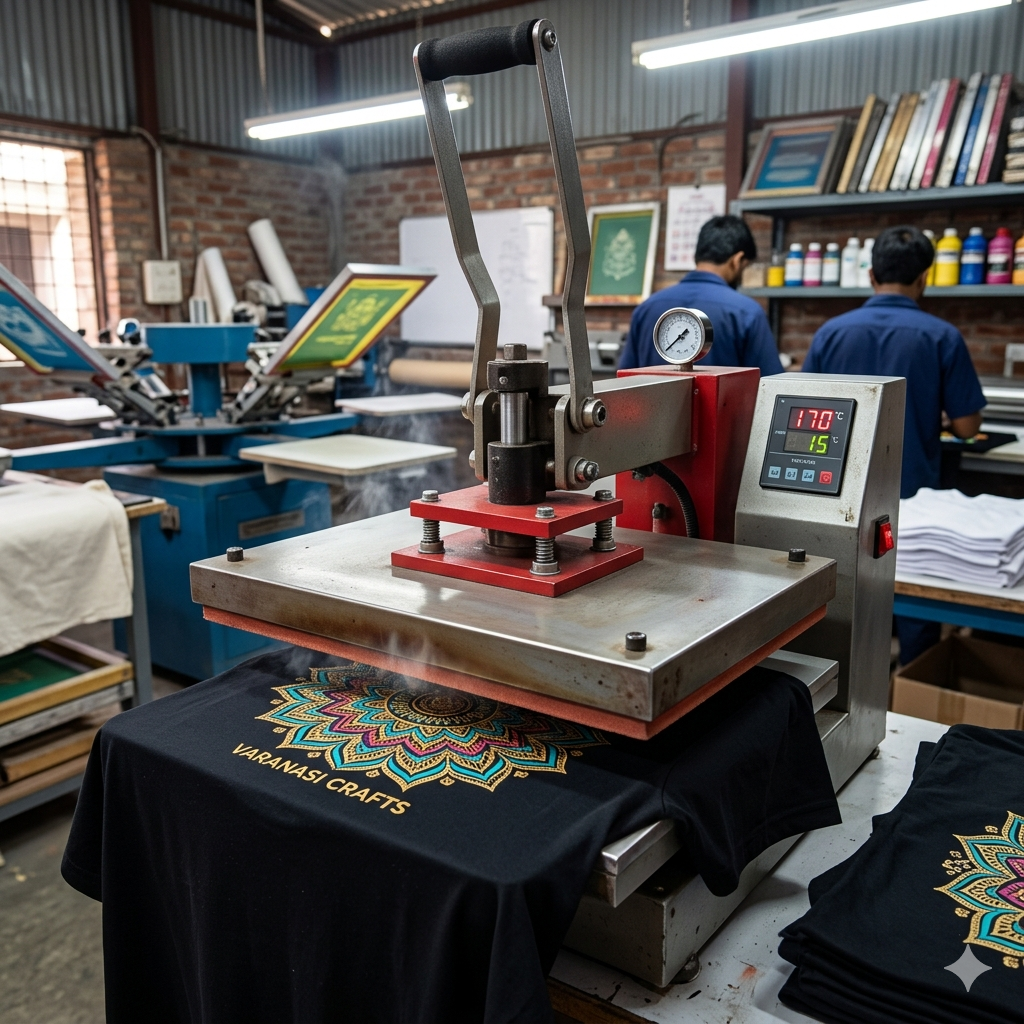
Now press the design.
Settings:
- Temperature: 160–170°C
- Time: 10–15 seconds
- Medium pressure
Use consistent pressure across the design.
Machines paired with 🔵 ProlificGeeks DTF Printer L1800 usually give reliable results when used with proper settings.
This is the most crucial step in the DTF transfer guide.
Step 8: Peeling and Finishing
After pressing:
- Let it cool slightly (or follow film instructions)
- Peel slowly
You’ll see the design transfer onto the fabric.
For better durability:
- Do a second press (5 seconds)
- Use parchment paper
This final touch improves finish and wash life.
Common Mistakes to Avoid
Even with a perfect DTF transfer guide, beginners often make these mistakes:
- Using low-quality film
- Incorrect temperature
- Uneven powder application
- Skipping pre-press
- Rushing peeling
One mistake I made early was pressing too long. The print cracked after one wash.
Learn from these small errors.
Care Instructions
Once your T-shirt is ready, proper care matters.
Follow these:
- Wash inside out
- Use cold water
- Avoid harsh detergents
- Do not iron directly on print
Good care keeps prints fresh for a long time.
Conclusion
Your first successful print doesn’t need expensive tools. It needs the right process.
This DTF transfer guide showed you each step in a simple and practical way.
Start small. Practice on sample fabrics.
Once you understand the flow, you can easily scale to business level.
DTF printing is not difficult — it just needs patience and correct steps.
Product Suggestions
- 🔵 ProlificGeeks DTF Printer L1800
- 🔵 XP600 Print Head Printer
- 🔵 i3200 Professional DTF Printer
- 🔵 DTF PET Film Rolls
- 🔵 DTF Adhesive Powder
External References
For deeper learning, you can explore:
- PrintIndustry.com
- Fespa.com
- InkJetInsights.com
- ResearchGate
Credit: Information references from Fespa, PrintIndustry, and other public sources.

LEAVE A COMMENT