
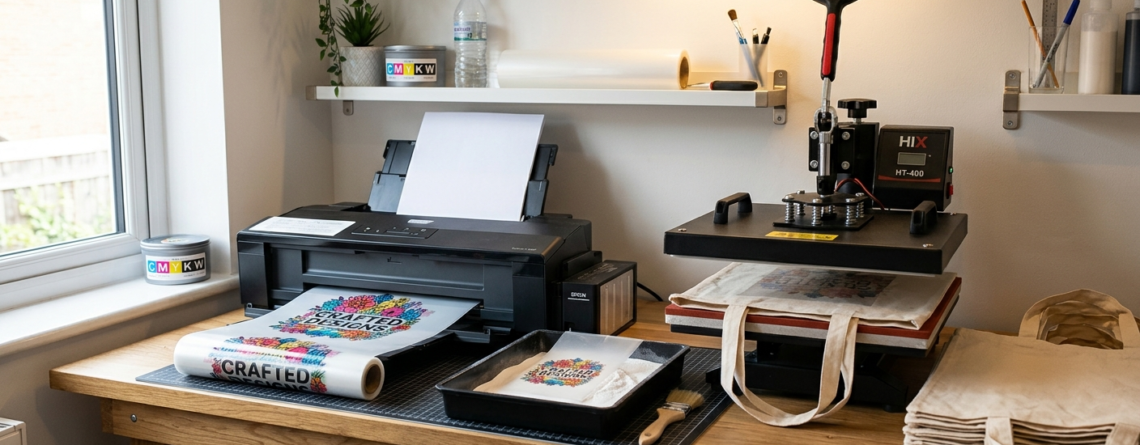
DTF Printing for Bags and Tote Bags: 10 Easy Beginner Tips and Tricks
DTF printing for bags and tote bags is becoming very popular, especially for small businesses and beginners. It is simple, flexible, and works on many fabrics. If you want to start customizing tote bags or create your own brand, this method is one of the easiest ways to begin.
Unlike traditional printing methods, DTF does not require complicated setups. You can print designs on film and transfer them to bags whenever needed. This saves time and reduces waste.
Chat with our team for printers, consumables, film, powder and business setup guidance.
In this guide, you will learn everything step by step in simple language.
What is DTF Printing?
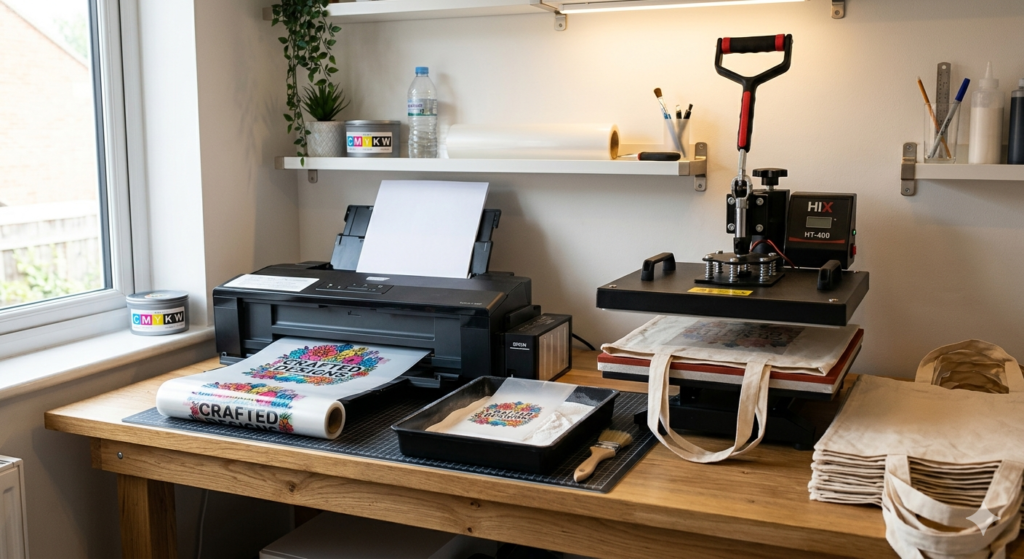
DTF stands for Direct-to-Film printing. In this process, a design is printed onto a special film using a DTF printer. Then adhesive powder is applied, cured, and transferred onto fabric using heat.
DTF printing for bags and tote bags is different from screen printing because you don’t need separate screens for each design. It is also more flexible than vinyl printing.
You can print:
- Cotton bags
- Canvas tote bags
- Polyester fabric bags
Why DTF for Bags and Tote Bags?
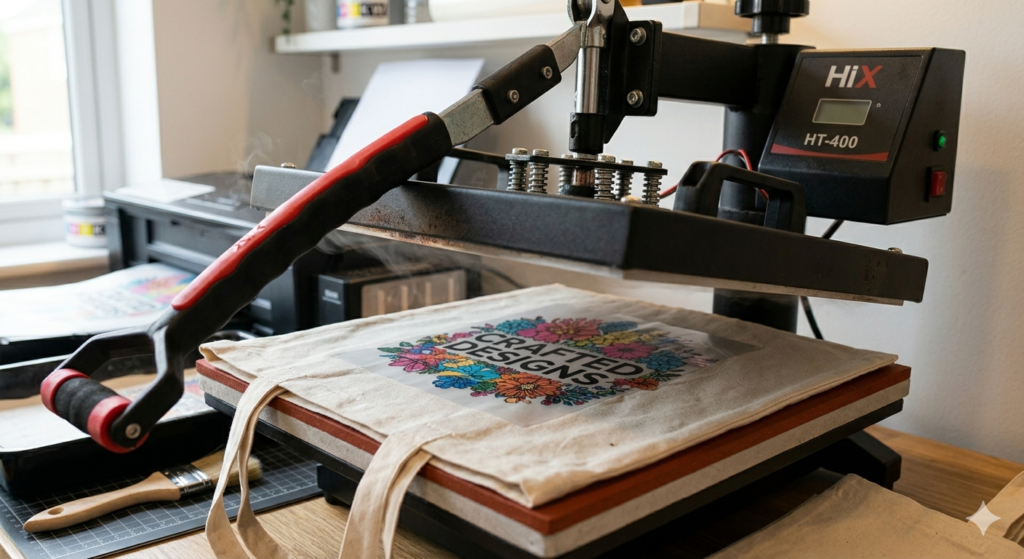
There are many reasons why beginners prefer DTF printing for bags and tote bags:
- Works on almost all fabrics
- No need for pre-treatment
- Bright and durable prints
- Good for small orders
- Easy to learn
For example, if you run a small home business, you can print 1 bag or 50 bags without changing setup.
Essential Equipment and Materials
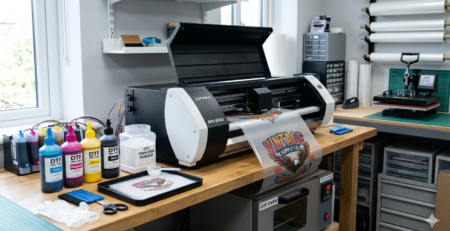
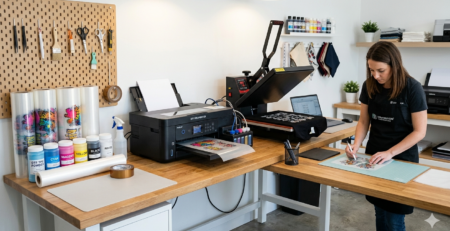
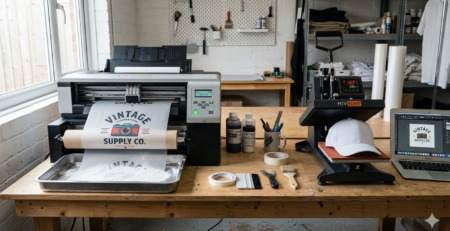
To start DTF printing for bags and tote bags, you need basic tools:
- DTF printer
- PET film
- DTF ink
- Adhesive powder
- Heat press machine
Some commonly used beginner-friendly machines:
🔵 ProlificGeeks DTF Printer L1800
🔵 XP600 Printhead System
🔵 i3200 Advanced Printhead
🔵 DTF Powder Shaker Machine
🔵 Heat Press Machine 16×24
These tools help maintain consistency and quality.
Design Preparation Tips
Before printing, your design must be ready.
Keep these points in mind:
- Use high-resolution images (300 DPI)
- Keep background transparent
- Avoid very thin lines
- Use bright colors for better output
For DTF printing for bags and tote bags, bold designs work best because fabric absorbs some details.
Step-by-Step Printing Process
Preparing the Design
Use software like Photoshop or CorelDRAW. Mirror the image before printing.
Check size according to the bag area. Most tote bags work well with A4 or A3 size prints.
Printing on DTF Film
Load PET film into the printer.
Print using DTF ink. The printer will first print color layers and then white ink on top.
Machines like 🔵 ProlificGeeks DTF Printer L1800 give good beginner results.
Applying Adhesive Powder
While the ink is still wet, apply adhesive powder evenly.
Shake off extra powder.
This step is very important in DTF printing for bags and tote bags because uneven powder can cause patchy prints.
Curing the Transfer
Place the film in a curing oven or under a heat source.
Temperature: around 110–120°C
Time: 2–5 minutes
The powder will melt and stick to the ink.
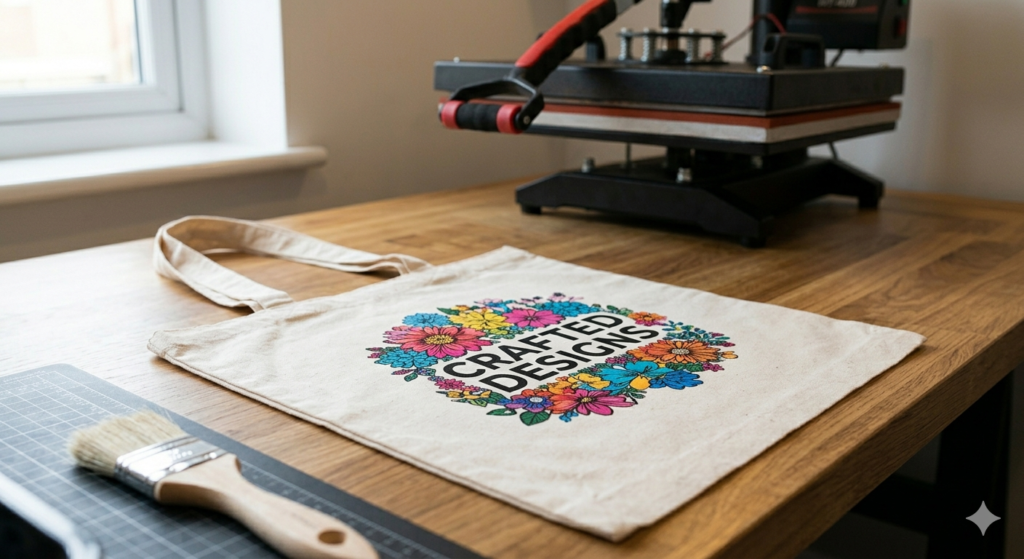
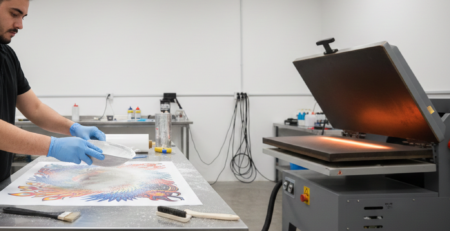
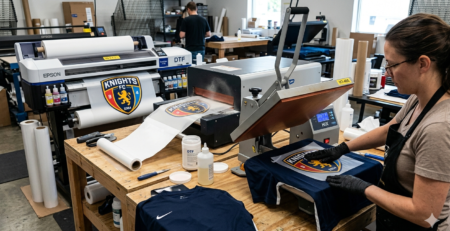
Heat Pressing on Bags
Place the cured film on the tote bag.
Use a heat press:
- Temperature: 150–160°C
- Time: 10–15 seconds
Press firmly.
Peel the film after a few seconds (cold or warm peel depending on film type).
Settings for Different Fabrics
DTF printing for bags and tote bags works on many materials, but settings may vary:
- Cotton: Medium pressure, 150°C
- Canvas: Higher pressure
- Polyester: Slightly lower temperature
Always test one sample before bulk printing.
Application Techniques
- Pre-press the bag to remove moisture
- Align the design properly
- Use Teflon sheet for protection
- Press twice for better durability
Using tools like 🔵 Heat Press Machine 16×24 ensures even pressure.
Beginner Troubleshooting
Common problems:
Print not sticking properly
→ Increase pressure or temperature
Design looks dull
→ Check ink quality or curing
Cracks after washing
→ Press again after peeling
DTF printing for bags and tote bags becomes easier with practice.
Tips and Tricks for Best Results
- Always store films in dry place
- Use quality powder and ink
- Clean printhead regularly
- Avoid over-curing
Using systems like 🔵 XP600 or 🔵 i3200 gives smoother results and better color accuracy.
Care and Washing Instructions
Tell your customers:
- Wash inside out
- Use mild detergent
- Avoid hot water
- Do not iron directly on print
Good care increases life of prints.
Common Mistakes to Avoid
- Skipping curing step
- Using low-quality film
- Wrong heat settings
- Overloading powder
Many beginners make these mistakes in DTF printing for bags and tote bags, but they are easy to fix.
Conclusion
DTF printing for bags and tote bags is one of the easiest ways to start a printing business or hobby. It is flexible, beginner-friendly, and does not need heavy investment.
Start small. Practice regularly. Focus on quality instead of quantity.
With the right setup like 🔵 ProlificGeeks DTF Printer L1800 and proper technique, you can create professional-quality tote bags even from home.
Product Suggestions
🔵 ProlificGeeks DTF Printer L1800
🔵 XP600 Printhead System
🔵 i3200 Advanced Printhead
🔵 DTF Powder Shaker Machine
🔵 Heat Press Machine 16×24
External References + Credits
- PrintIndustry.com
- Fespa.com
- InkJetInsights.com
- ResearchGate
Credit: Information references from Fespa, PrintIndustry, and other public sources.

LEAVE A COMMENT