
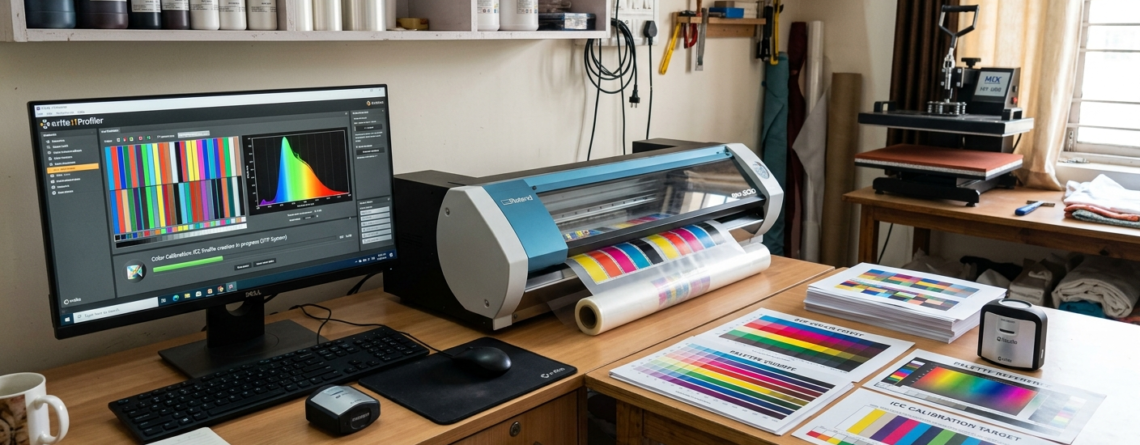
DTF Color Profiles and ICC Profiles: Complete Beginner Success Guide 2026
If you are starting with DTF printing, one of the first problems you will face is color mismatch. What you see on screen is not what prints on film. This is where DTF color profiles and ICC profiles come into play.
Think of color profiles like a translator. They make sure your printer, ink, and software all “speak the same color language.”
Chat with our team for printers, consumables, film, powder and business setup guidance.
Without proper profiles, your prints may look dull, oversaturated, or completely off.
What is DTF Printing?
DTF (Direct to Film) printing is a method where designs are printed on a special film and then transferred to fabric using heat.
It is widely used for:
- T-shirts
- Hoodies
- Bags
Printers like 🔵 ProlificGeeks DTF Printer L1800 and 🔵 XP600 are commonly used for this process.
DTF vs. Traditional Printing
| Feature | DTF Printing | Traditional Printing |
|---|---|---|
| Setup Time | Low | High |
| Fabric Compatibility | High | Limited |
| Color Accuracy | Depends on profiles | More stable |
| Maintenance | Medium | High |
DTF gives flexibility, but color control depends heavily on DTF color profiles and ICC profiles.
Basics of Color Profiles
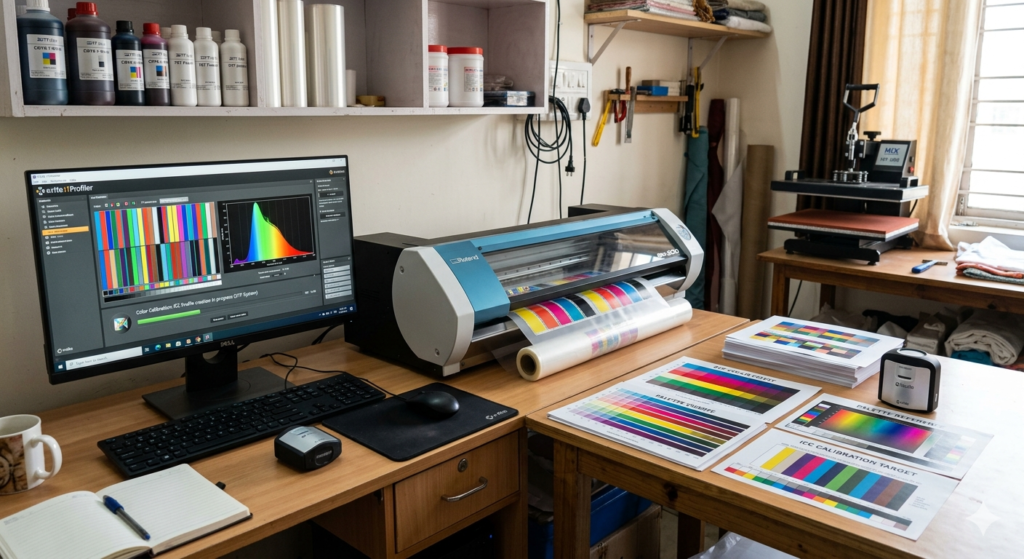
A color profile defines how colors should appear on a device.
Devices involved:
- Monitor
- Printer
- Ink system
Without profiles, each device shows colors differently.
That’s why beginners struggle.
What are ICC Profiles?
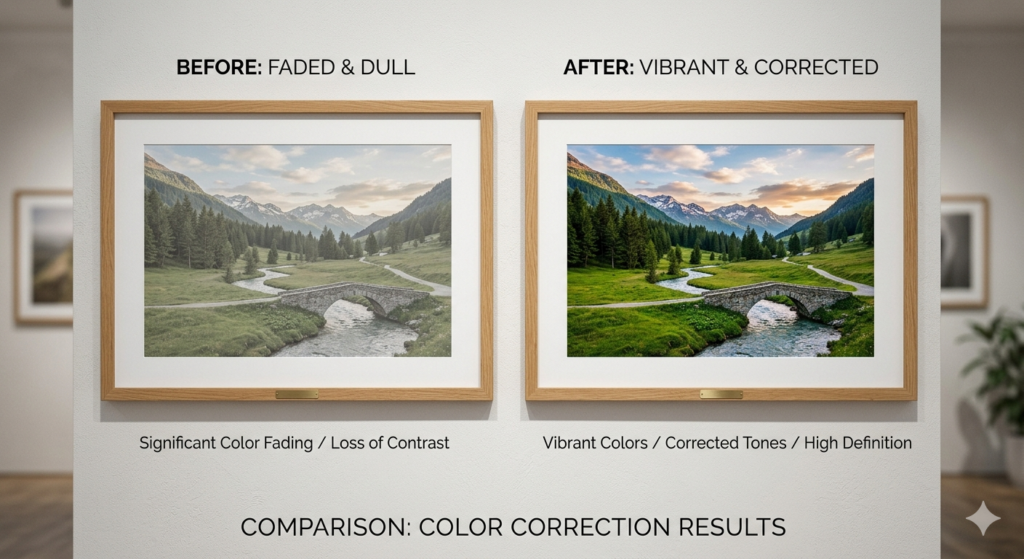
ICC profiles are standard files used to control color output.
They are created based on:
- Ink type
- Film type
- Printer model
In simple terms, ICC profiles ensure your printer prints exactly what you design.
Role in DTF Printing
In DTF printing, DTF color profiles and ICC profiles help maintain:
- Accurate skin tones
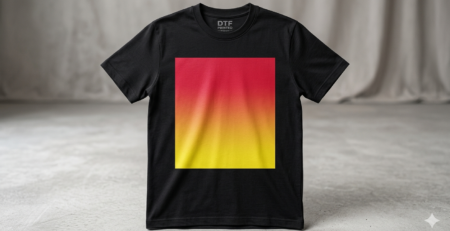
- Sharp gradients
- Consistent branding colors
For example, when using 🔵 i3200 printhead printers, ICC profiles become even more important due to high precision output.
Types of ICC Profiles
- Generic Profiles
Provided by software or manufacturers - Custom Profiles
Created specifically for your setup - RIP Software Profiles
Built inside RIP tools like Kothari or AcroRip
Why Color Profiles Matter for Beginners
Beginners often ignore color management.
Common issues include:
- Colors too dark
- Neon colors turning dull
- Whites looking grey
Using proper DTF color profiles and ICC profiles fixes these quickly.
Common Color Issues in DTF
- Red looks orange
- Black looks faded
- Colors bleed into each other
- Prints look different from screen
These problems usually come from missing or incorrect profiles.
How ICC Profiles Solve Them
ICC profiles:
- Adjust ink levels
- Control color balance
- Match screen-to-print output
Once set properly, you’ll notice a huge improvement.
Tools and Software Needed
To manage DTF color profiles and ICC profiles, you need:
- RIP Software (AcroRip, EKPrint)
- Calibration tools
- Good printer setup
Machines like 🔵 XP600 or 🔵 i3200 work best with proper RIP configuration.
Setting Up Your Workspace
Before installing profiles:
- Keep lighting consistent
- Avoid bright sunlight
- Use a neutral background
This helps you judge colors correctly.
Calibrating Monitor
Your monitor must be accurate.
Steps:
- Set brightness to medium
- Use calibration software
- Avoid overly vibrant display settings
If your screen is wrong, your print will be wrong.
Step-by-Step: Installing ICC Profiles
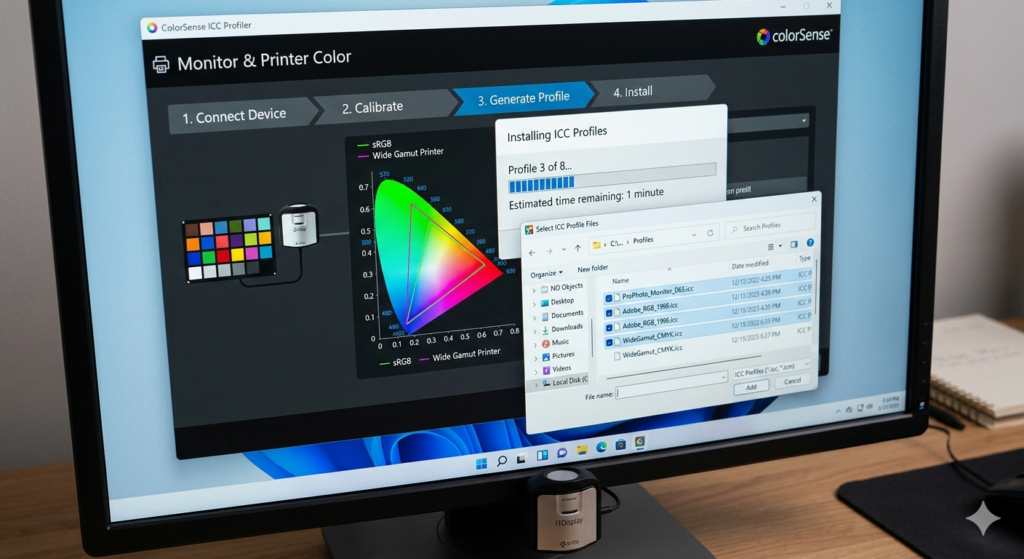
- Download ICC profile
- Right-click and install (Windows)
- Open RIP software
- Select profile under color settings
- Apply and save
Now your DTF color profiles and ICC profiles are active.
Creating Custom ICC Profiles
For better results, create custom profiles.
This requires:
- Spectrophotometer
- Test print charts
- Profiling software
It may seem advanced, but it gives professional results.
Testing and Verification
After setup:
- Print test image
- Compare with screen
- Check gradients and skin tones
Make small adjustments if needed.
Best Practices for DTF
- Always use same ink brand
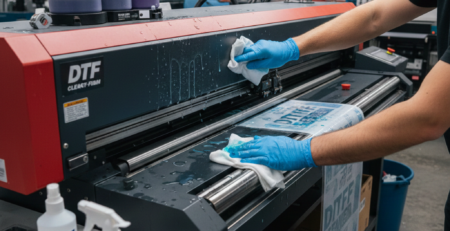
- Keep printer clean
- Use high-quality film
- Stick to one ICC profile per setup
Products like 🔵 ProlificGeeks DTF Printer L1800 perform best when used consistently.
Troubleshooting Tips
Problem: Colors too dark
→ Reduce ink limit in RIP
Problem: Colors dull
→ Check ICC profile compatibility
Problem: Banding
→ Clean printhead
FAQs
Q1: Do I need ICC profiles for DTF?
Yes, without them, color accuracy will suffer.
Q2: Can I use one ICC profile for all printers?
No, each printer setup needs its own.
Q3: Are default profiles enough?
For beginners, yes. For professionals, custom profiles are better.
Conclusion
Mastering DTF color profiles and ICC profiles is the key to professional-quality prints.
At first, it may feel confusing. But once you understand the basics, everything becomes easier.
Start simple. Test often. Improve gradually.
That’s how real print experts grow.
Product Suggestions
- 🔵 ProlificGeeks DTF Printer L1800
- 🔵 XP600
- 🔵 i3200
- DTF Transfer Films (DTFshop.in)
- DTF Inks (DTFshop.in)
External References
- PrintIndustry.com
- Fespa.com
- InkJetInsights.com
- ResearchGate
Credit: Information references from Fespa, PrintIndustry, and other public sources.

LEAVE A COMMENT