
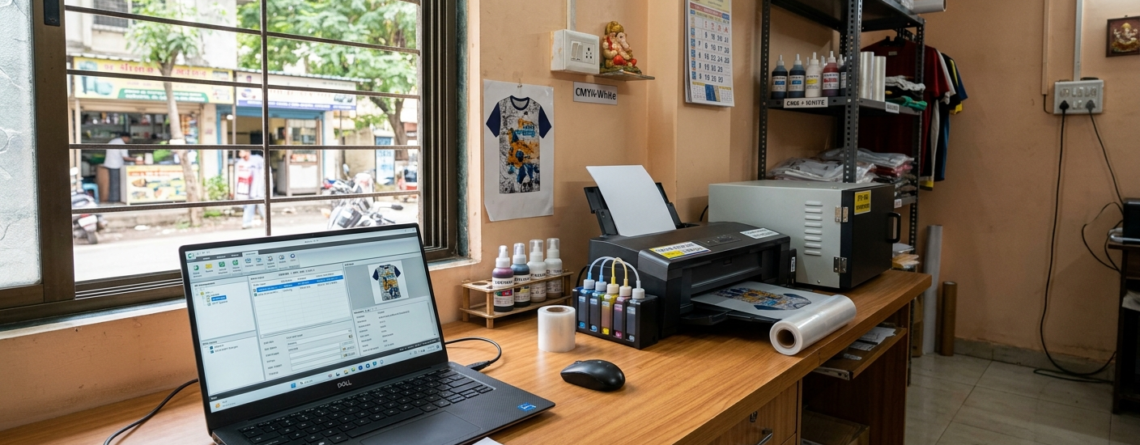
DTF Printing RIP Software India: Complete Beginner’s Guide for 10 Easy Fast Setup
DTF printing is growing fast in India. Many small businesses and home-based entrepreneurs are starting with it. It is simple, flexible, and works on many fabrics.
But one thing beginners often struggle with is software.
Chat with our team for printers, consumables, film, powder and business setup guidance.
That’s where DTF RIP Software India becomes important.
Without the right RIP software, even a good printer won’t give proper results. Colors look dull, white ink fails, and prints don’t stick well.
If you are just starting, don’t worry. This guide will explain everything in simple words.
What is RIP Software?
RIP stands for Raster Image Processor.
In simple terms, RIP software converts your design file into a format that the printer understands.
Normal printers don’t need this. But DTF printers do.
Why?
Because DTF printing involves
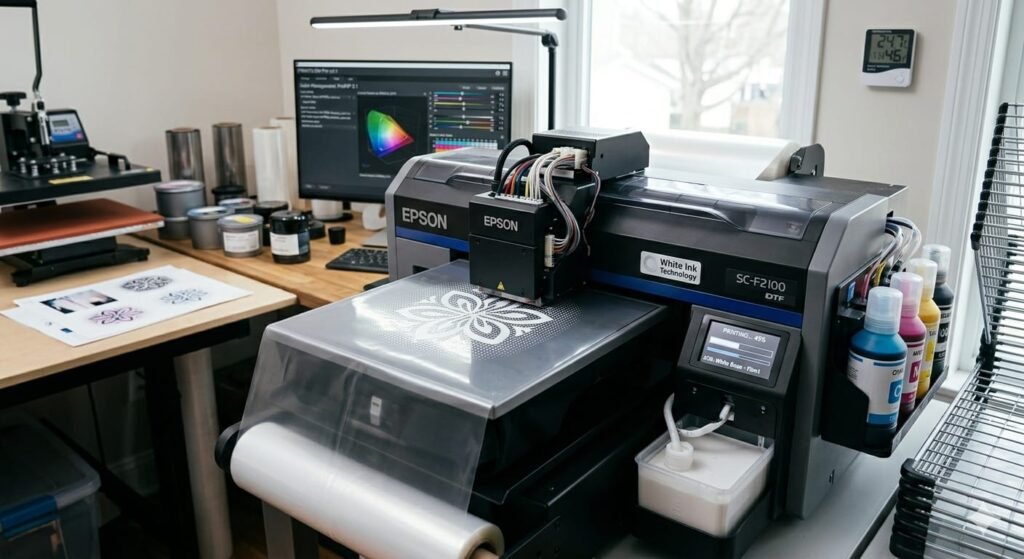
- White ink layers
- Color accuracy
- Proper ink distribution
A RIP software manages all this.
Think of it like a translator between your design and the printer.
Why RIP is Essential for DTF in India
In India, conditions are different.
- Humidity affects ink drying
- Power fluctuations can interrupt prints
- Materials vary from supplier to supplier
So using proper DTF RIP Software India helps you handle these challenges.
It ensures:
- Strong white base
- Correct color output
- Smooth printing flow
Without RIP software, you’ll waste film, ink, and time.
How RIP Software Works (Rasterization, Color Management, Underbase)
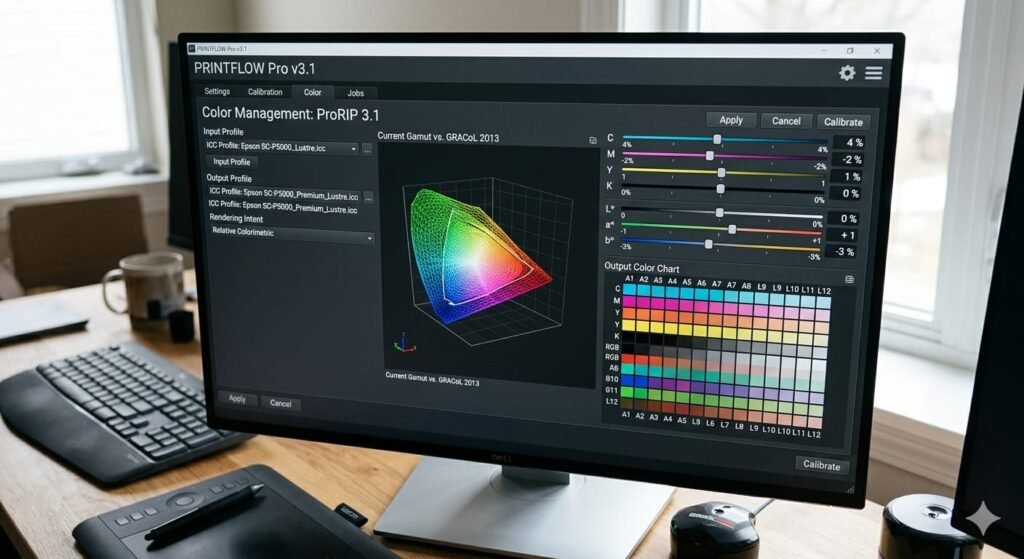
1. Rasterization
Your design (JPG, PNG, etc.) is converted into tiny dots. This helps the printer print accurately.
2. Color Management
RIP software adjusts colors using ICC profiles.
This is important because what you see on screen is different from printed output.
3. Underbase (White Layer)
This is the most important part in DTF.
The RIP software creates a white layer under your design so colors pop on dark fabrics.
Without proper underbase, prints look faded.
This is why choosing the right DTF RIP Software India matters a lot.
Key Features to Look For
When choosing RIP software, don’t just go for the cheapest.
Look for these features:
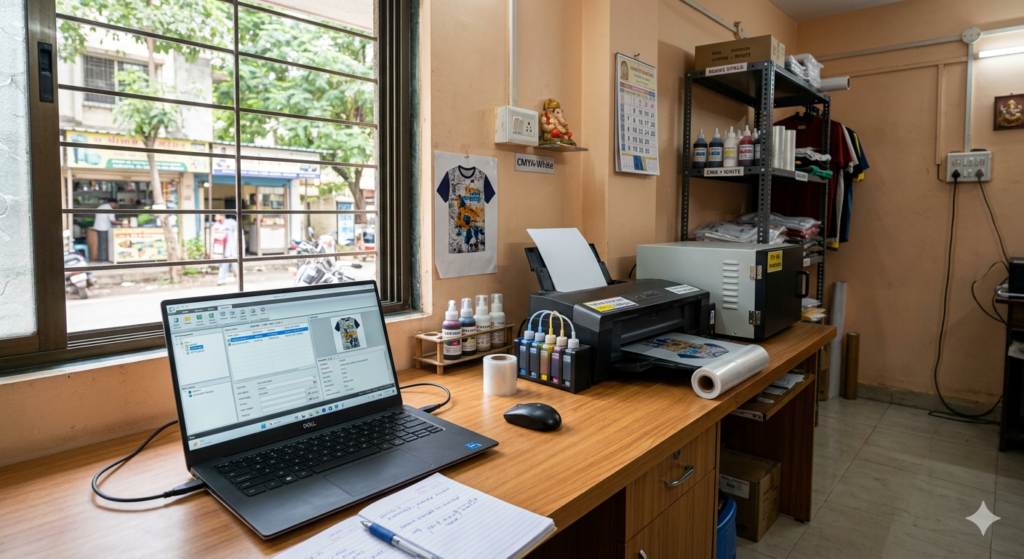
- Easy interface (important for beginners)
- Good white ink control
- ICC profile support
- Fast processing speed
- Compatibility with your printer
If you’re using machines like
🔵 ProlificGeeks DTF Printer L1800
🔵 XP600
🔵 i3200
Make sure the software supports them.
Top RIP Software Options for Beginners (Acrorip, CADlink, etc.)
Here are some popular options for DTF RIP Software India:
1. Acrorip
- Most common in India
- Budget-friendly
- Easy to use
Best for beginners.
2. CADlink Digital Factory
- Advanced features
- Better color control
- Slightly expensive
Good for scaling businesses.
3. EKPrint Studio
- Smooth performance
- Stable printing
- Good support
Many Indian users prefer it.
India-Specific Considerations (Vendors, Costs, Availability)
In India, things work differently.
You won’t always get official licenses easily.
Many vendors bundle RIP software with printers like:
🔵 ProlificGeeks DTF Printer L1800
🔵 XP600
🔵 i3200
Cost range:
- Basic: ₹5,000 – ₹15,000
- Advanced: ₹20,000+
Tip:
Always buy from trusted sellers like DTFshop.in.
Avoid cracked versions. They cause errors and crashes.
Step-by-Step Installation and Setup
Setting up DTF RIP Software India is not difficult.
Step 1:
Install the software from the provided file.
Step 2:
Connect your printer via USB.
Step 3:
Install printer drivers.
Step 4:
Load ICC profiles.
Step 5:
Test print on film.
That’s it.
Keep settings simple in the beginning.
Beginner Tutorials and Best Practices
Here are some simple tips:
- Always use PNG files with transparent background
- Keep resolution at 300 DPI
- Use mirror printing
- Don’t overload white ink
If you are using printers like:
🔵 XP600
🔵 i3200
Start with default settings first.
Then slowly adjust.
Practice is the key.
Common Mistakes and Troubleshooting
Beginners make these mistakes:
❌ Too much white ink
Result: Cracking prints
❌ Wrong ICC profile
Result: Bad colors
❌ Low resolution files
Result: Blurry prints
❌ Incorrect heat press
Result: Peeling design
If your prints look dull, check RIP settings first.
Most problems come from software, not the printer.
Cost Comparison and Budget Tips
Let’s keep it practical.
Budget Setup:
- Printer: Entry-level
- RIP: Acrorip
- Cost: ₹40,000–₹80,000
Mid-Level Setup:
- Printer:
🔵 ProlificGeeks DTF Printer L1800 - RIP: EKPrint
- Cost: ₹80,000–₹1.5L
Advanced Setup:
- Printer:
🔵 XP600 / i3200 - RIP: CADlink
- Cost: ₹2L+
Tip:
Don’t overspend in the beginning.
Start small. Upgrade later.
Conclusion and Next Steps
Starting with DTF RIP Software India may feel confusing at first.
But once you understand the basics, everything becomes easy.
Focus on:
- Learning software settings
- Practicing prints
- Using good materials
Choose reliable printers like:
🔵 ProlificGeeks DTF Printer L1800
🔵 XP600
🔵 i3200
And buy from trusted platforms like DTFshop.in.
Take your time. Learn step by step.
Soon, you’ll be printing like a pro.
Product Suggestions (from DTFshop.in)
🔵 ProlificGeeks DTF Printer L1800
🔵 XP600 Printhead DTF Printer
🔵 i3200 Advanced DTF Printer
🔵 DTF Transfer Film A3 Sheets
🔵 DTF White Ink Premium Grade
External References + Credits
- PrintIndustry.com
- Fespa.com
- InkJetInsights.com
- ResearchGate
Credit: Information references from Fespa, PrintIndustry, and other public sources.

LEAVE A COMMENT