
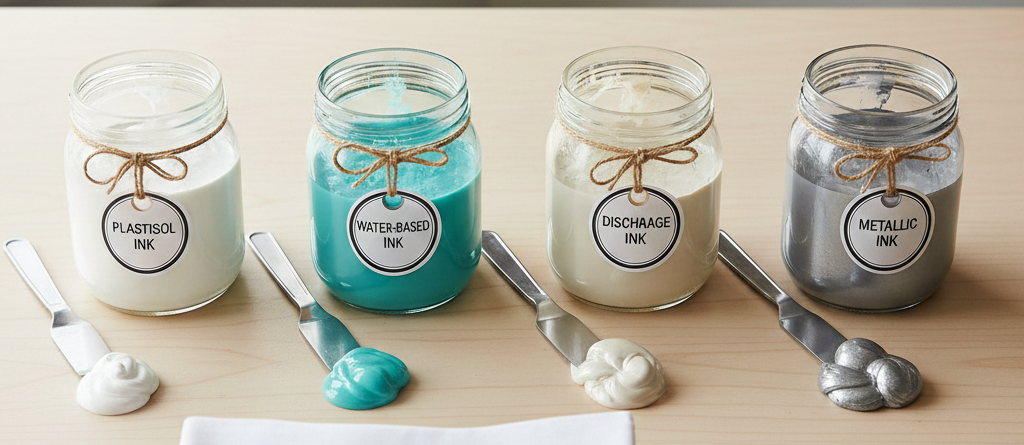
T-Shirt Printing Guide 2025: 7 Best Inks & Materials for Long-Lasting Results
Introduction
Good T-shirt printing starts with a compatible garment and printing system. The same artwork can look and feel different on cotton, dyed polyester and a stretchy blend. An ink name alone cannot tell you whether it will adhere, cure correctly or survive the customer’s care routine.
Use this guide to compare seven options without confusing screen ink, digital ink and transfer materials. The aim is to choose a sensible starting point, print a sample and approve the result before committing to a batch.
Chat with our team for printers, consumables, film, powder and business setup guidance.
Seven options for T-shirt printing
1. Plastisol screen ink
Plastisol is an established screen-printing ink family, useful for many repeat garment designs. Opacity, feel and flexibility depend on the formulation and ink deposit. Choose a product intended for the actual fabric and cure it according to its technical sheet.
Ordinary plastisol does not automatically block polyester dye migration. A low-bleed or approved barrier system may be needed for the garment. Increasing heat arbitrarily can make a sensitive fabric or dye problem worse.
2. Water-based screen ink
Water-based screen inks can suit designs where a softer feel matters. The result still depends on formulation, underbase, coverage, fabric and cure. “Water-based” does not mean a screen ink can be poured into a DTG or DTF printer, and it does not establish an environmental certification.
Control drying and follow the ink supplier’s curing instructions. A print that feels dry is not proof that it has completed the required cure.
3. Discharge ink
Discharge printing changes a compatible garment dye in the printed area; pigmented formulations can add colour. It can produce a soft-feel result, but a dark cotton label alone does not guarantee that the dye will discharge evenly. Test the exact garment colour and batch.
Use only the specified ink and activator combination, working time and handling procedure. Follow the product’s safety information rather than experimenting with extra activator to chase a lighter result.

4. Speciality screen inks
Puff, metallic and glow effects use particular formulations and processing instructions. A puff screen ink, puff HTV and puff DTF adhesive are different systems. A metallic transfer film is not a bottle of metallic screen ink.
Check the fabric, effect, equipment and processing requirements together. Compare a finished sample rather than promising that every effect will stretch or wash like an ordinary flat print.
5. DTG pigment-ink systems
Direct-to-garment printing puts a compatible digital ink onto the garment. Printer model, ink, garment, pretreatment where required and curing all matter. Cotton is a common starting point, but the complete approved process determines the result.
6. Garment DTF systems
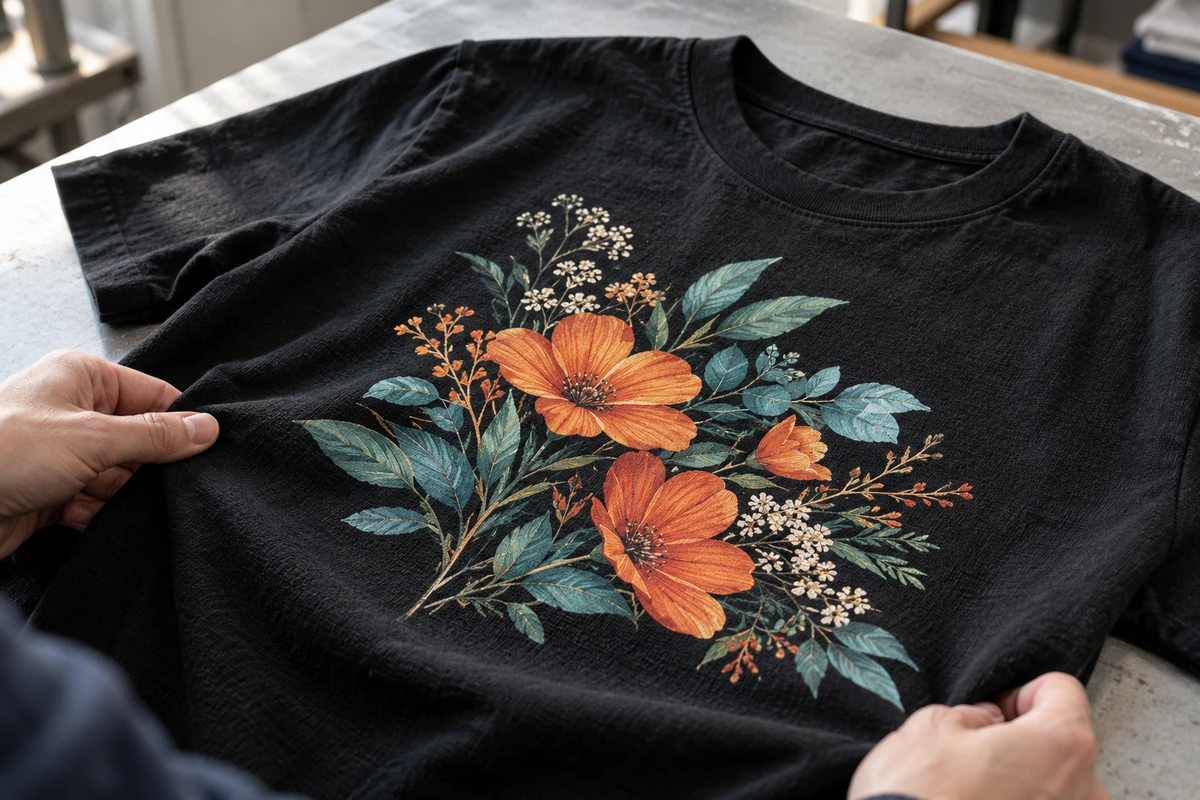
Garment DTF prints onto compatible PET film, uses a matched adhesive and cure process, and transfers the image to a suitable garment. It is useful for many fabrics, but it is not a works-on-everything guarantee. Coatings, stretch, fabric dyes and heat sensitivity still need checking.
For a compatible setup, compare DTF CMYK ink, the appropriate DTF white ink system, DTF PET film sheets and DTF adhesive powder. Verify printer and consumable compatibility before buying. These materials do not replace screen inks or sublimation supplies.

7. Sublimation ink systems
Standard dye sublimation is a different process again. Suitable white or light-coloured polyester garments are the usual starting point; ordinary dark cotton is not a like-for-like substitute. Standard sublimation has no white-ink layer, so garment colour affects the visible image. Follow the ink and blank supplier’s specifications.
Choosing the garment
Cotton
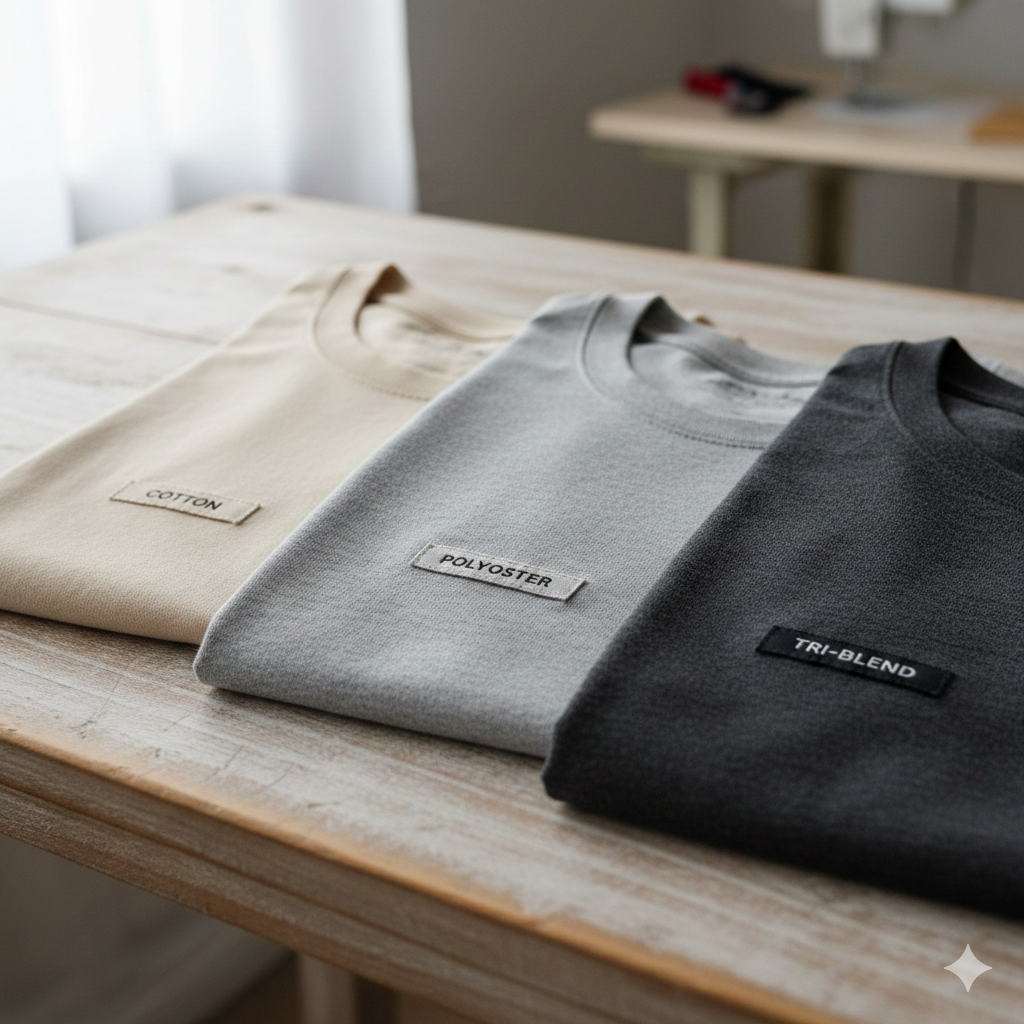
A smooth cotton blank can be a useful starting point for detailed T-shirt printing. Knit structure, surface fibres, garment colour and finishing treatments affect the image. Compare a printed sample for the intended screen ink, DTG or transfer process; do not assume every cotton shirt will behave the same.
Polyester
Polyester is common in sportswear, but heat sensitivity and dye migration can complicate decoration. For screen printing, select an ink system intended for the polyester garment. For a transfer, verify the adhesive and processing compatibility. Recheck a sample after the appropriate conditioning period because a colour change may not be obvious immediately.
Blends and tri-blends
Read the actual fibre label. Tri-blends commonly include cotton, polyester and rayon, but ratios and finishes vary. Test adhesion, feel and stretch recovery as well as colour. Do not add a generic additive or lower the cure below the ink’s requirement merely because the shirt feels delicate.
A practical sample test
- Identify: record the blank code, fibre blend, colour, ink or transfer batch and intended use.
- Prepare: follow the approved pretreatment, artwork, underbase and material instructions for that system.
- Process: use the specified cure or press procedure. Check equipment performance instead of guessing at higher heat.
- Inspect and test: assess colour, adhesion, feel and stretch, then complete the relevant conditioning and wash checks before approving the batch.
Keep the approved sample and written settings. Change one variable at a time when troubleshooting.
A careful sample is more informative than a universal “best ink” ranking. Use the same artwork size and garment when comparing methods so print coverage does not distort the feel or cost comparison.
How to compare systems
| Question | What to compare |
|---|---|
| Will it suit the garment? | Approved fibre, colour, coating, stretch and heat limits |
| Will the customer like the result? | Detail, opacity, feel, colour and decoration size |
| Can you repeat it? | Recorded settings, compatible batches and stable equipment |
| What does it cost? | Setup, materials, labour, tests and rejected pieces—not ink price alone |
Choose the combination, then prove it with a sample
Reliable T-shirt printing comes from matching the garment, ink system and processing instructions. Avoid promises based only on labels such as plastisol, water-based or DTF. Approve the real result and give the customer care guidance suited to both the garment and the decoration.
Buying the right supplies
The contextual DTF product links above are for a compatible garment DTF setup. Sublimation paper is not a plastisol transfer sheet, and PET film is not water-based screen ink. If you are comparing methods first, our DIY T-shirt printing guide explains the different workflows.
Manufacturer references: Avient’s dye-migration guide, Epson’s DTG and DTFilm overview, and Epson’s sublimation introduction. Use the technical instructions for the exact products in your workflow.

LEAVE A COMMENT