
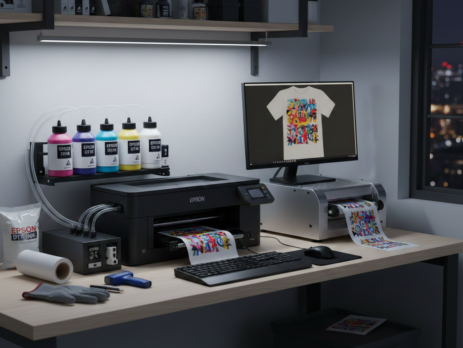
Epson L1800 Powerful Review: Pros, Cons & Real DTF Printing Experience
Table of Contents
Introduction
The Epson L1800 is one of the most talked-about printers in the DTF printing world. Many small print shops, startup businesses, and home users rely on it for daily DTF production. It is not a factory-made DTF printer, but its performance has made it popular after modification.
This review is based on real usage, not marketing talk. We will cover print quality, cost, maintenance, and real pros and cons. If you are planning to start DTF printing or upgrade your setup, this guide will help you decide if the Printer is the right fit.
Chat with our team for printers, consumables, film, powder and business setup guidance.
Product Overview
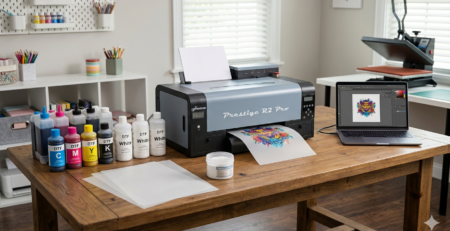
The Epson L1800 is originally an A3 photo inkjet printer. It comes with Epson’s Micro Piezo printhead, known for sharp details and smooth gradients. With proper DTF conversion, it works well for heat transfer printing on cotton, polyester, and blends.
Many users prefer it because spare parts are easy to find, ink compatibility is wide, and the print quality is consistent when maintained properly.
Key Specifications
- Print Size: A3+ (13 x 19 inches)
- Print Head: Epson Micro Piezo
- Ink Colors: 6 (CMYK + LC + LM)
- Resolution: Up to 5760 x 1440 dpi
- Ink System: Tank based
- Connectivity: USB
- Supported Media: PET DTF Film, Photo Paper
- Ideal Use: Small to medium DTF production
Unboxing and Setup
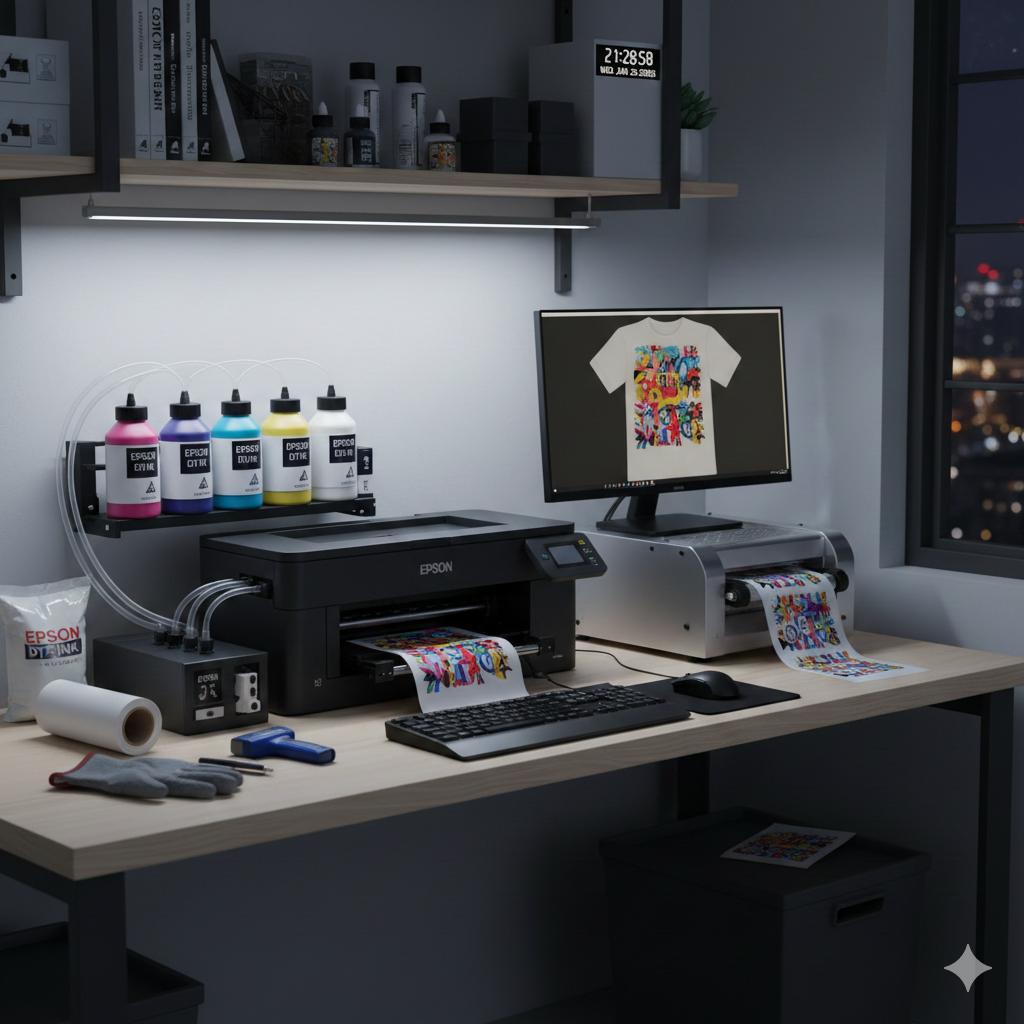
The Epson L1800 comes well packed. Inside the box, you get the printer unit, ink tanks, power cable, USB cable, and setup guide.
For DTF use, you will need:
- DTF inks
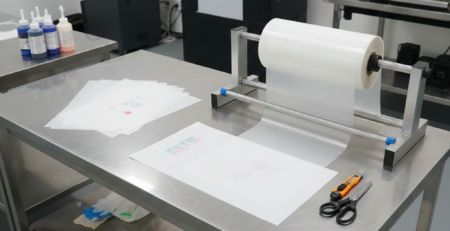
- PET DTF film
- RIP software
- White ink circulation setup
Initial setup takes around 2–3 hours if you are doing DTF conversion for the first time. Experienced users can finish faster.
Tip: Always run nozzle checks before printing on DTF film to avoid ink wastage.
Printing Process
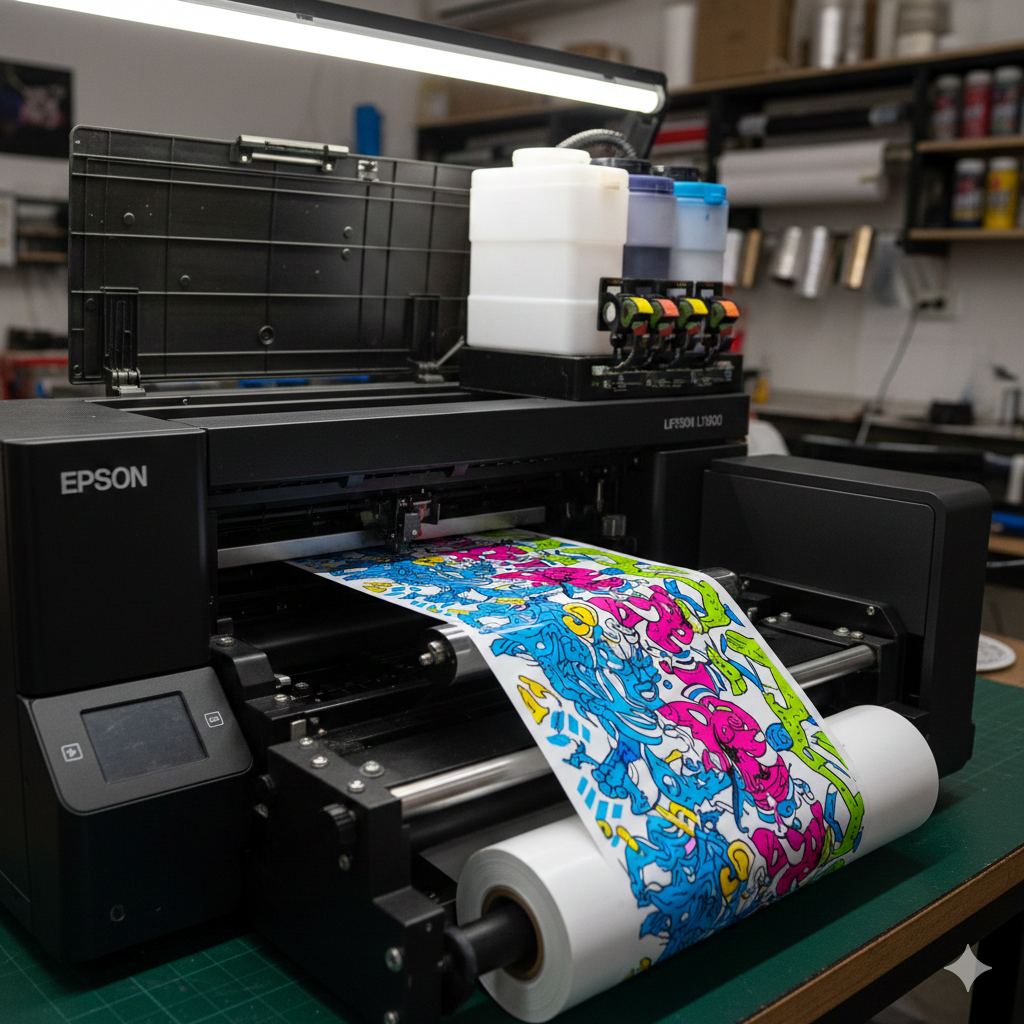
Once converted, the Epson L1800 handles DTF printing smoothly. The printer prints color layers first, followed by white ink.
Print speed is moderate. It is not the fastest, but it delivers consistent output.
Recommended workflow:
- Prepare artwork in RIP software
- Mirror image
- Print on PET film
- Apply hot melt powder
- Cure using heat press or oven
- Transfer to fabric
Print Quality Assessment
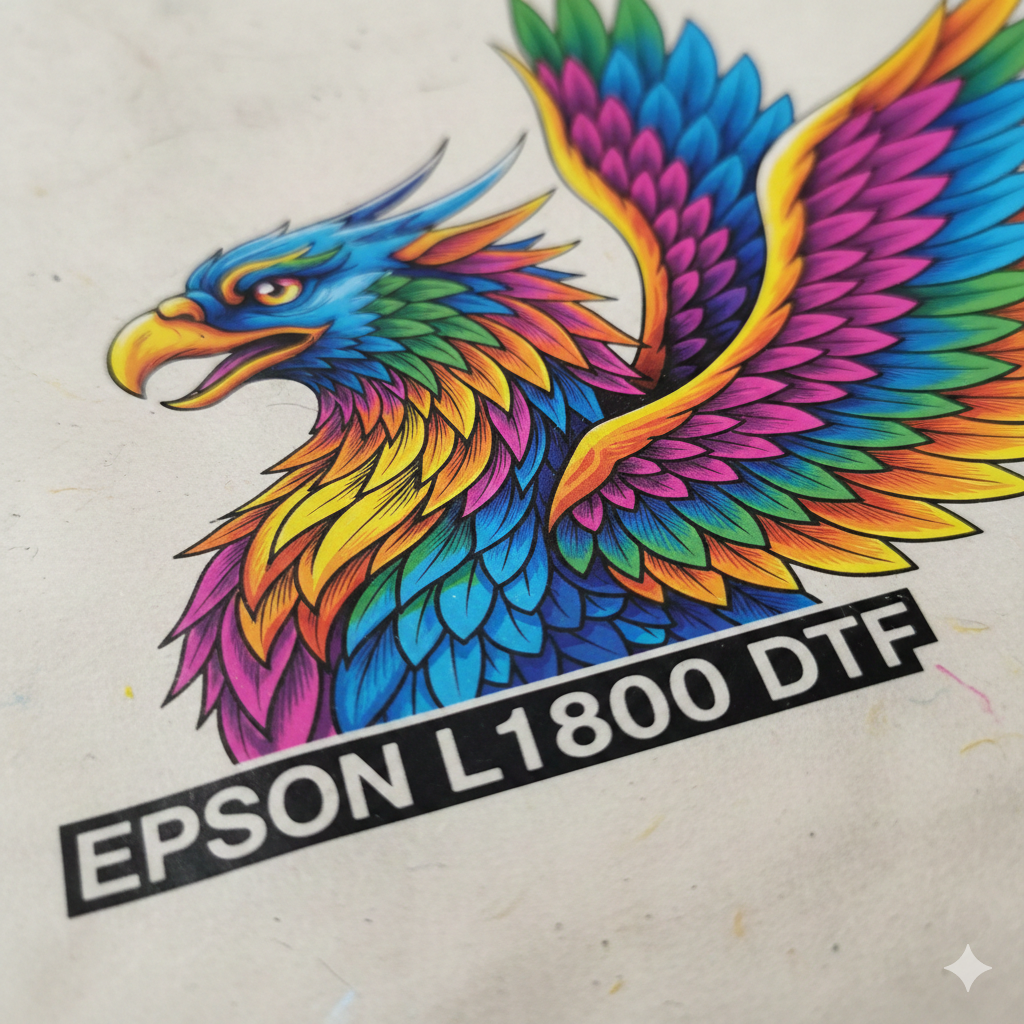
Print quality is the biggest strength of the Epson L1800. Text is sharp. Gradients are smooth. Skin tones look natural.
White ink coverage is good if circulation is maintained properly. For logos, t-shirts, and custom apparel, the results are professional.
Compared to entry-level A4 DTF printers, the Epson L1800 offers better color depth and larger print area.
Pros List
- Excellent print quality
- Large A3+ print size
- Easy availability of parts
- Wide DTF ink compatibility
- Suitable for beginners
- Low initial investment compared to industrial DTF machines
Cons List
- Not factory-built for DTF
- White ink clogging risk
- Manual maintenance required
- Slower than commercial DTF printers
- No wireless connectivity
Maintenance Tips
Maintenance is critical for the Epson L1800.
- Shake white ink daily
- Run white ink circulation every day
- Clean capping station weekly
- Do not leave printer unused for long
- Use quality DTF inks only
Neglecting maintenance can cause nozzle blockages and head damage.
Cost Analysis
Initial printer cost is affordable. However, DTF conversion adds extra cost.
Estimated expenses:
- Printer cost
- RIP software
- White ink circulation system
- DTF inks
- PET films and powder
Running cost per print is reasonable for small businesses. Compared to buying a factory DTF printer, the Epson L1800 saves money at the start.
Comparison with Alternatives
Epson L1800 vs A4 DTF Printers
- Larger print size
- Better productivity
- Slightly higher ink usage
Epson L1800 vs Industrial DTF Printers
- Much cheaper
- More maintenance
- Slower output
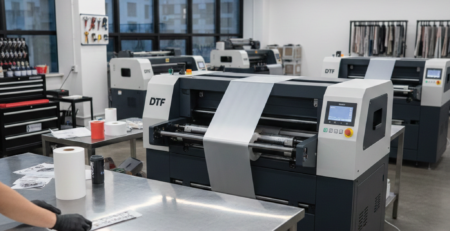
If you are printing 20–50 t-shirts per day, the Epson L1800 is suitable. For bulk production, industrial machines are better.
User Experiences
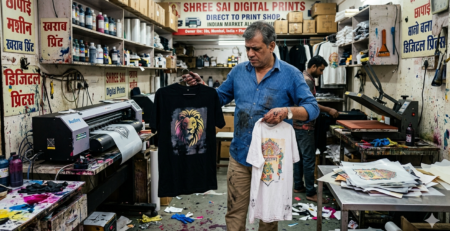
Most users praise the Epson L1800 for reliability when maintained well. Small print shops often use it for custom orders, event merchandise, and startup brands.
Common feedback:
- “Great quality for the price”
- “Needs daily care but worth it”
- “Perfect for small business”
Final Verdict
The Epson L1800 remains a strong choice for DTF printing in 2024 and beyond. It is not perfect, but it delivers excellent print quality at a reasonable cost.
If you are willing to handle maintenance and want professional results without heavy investment, the Epson L1800 is a solid option.
FAQs
Q1. Is Epson L1800 good for DTF printing?
Yes, with proper conversion and maintenance, it works very well.
Q2. Can beginners use Epson L1800?
Yes. Many beginners start with the Epson L1800.
Q3. How often should maintenance be done?
Daily white ink circulation and weekly cleaning are recommended.
Q4. Is Epson L1800 better than A4 DTF printers?
Yes, mainly due to larger print size and better productivity.
Product Suggestions (from DTFshop.in)
- Epson L1800 DTF Printer Bundle
- DTF White Ink Premium Grade
- PET DTF Film A3 Size
- Hot Melt DTF Powder Medium
- DTF Curing Oven Compact
These products are commonly used with the Epson L1800 for stable DTF printing.
External References + Credits
Helpful references:
Credit: Information references from Fespa, PrintIndustry, and other public sources.

Leave a Reply