
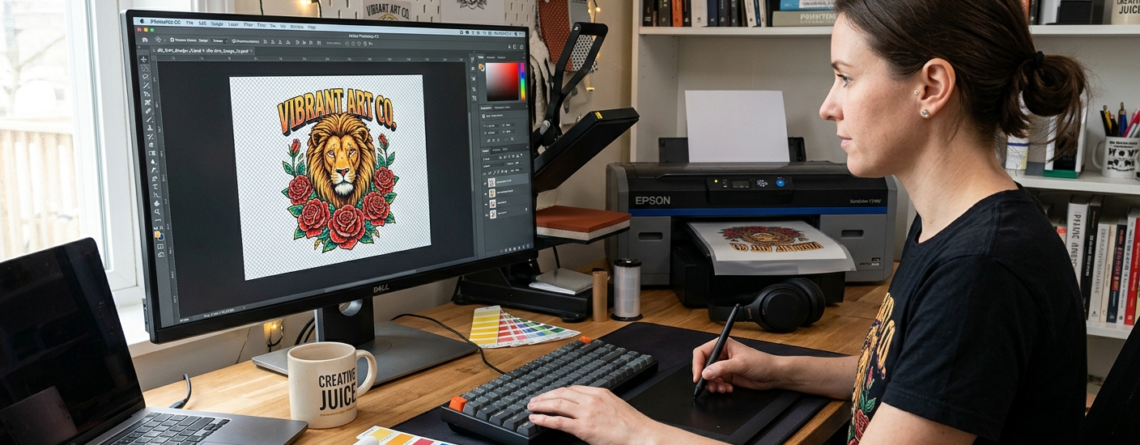
How to Proven Design for DTF Printing: Beginner’s Guide to File Formats 2026
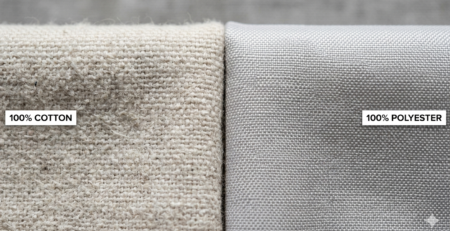
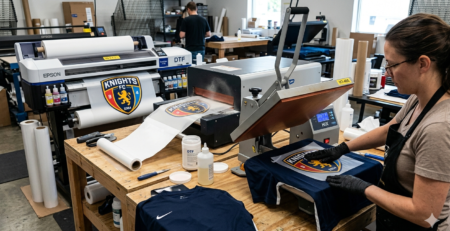
Direct-to-Film (DTF) printing is becoming very popular. It allows you to print designs on a special film and then transfer them to fabric. The best part? It works on cotton, polyester, blends, and more.
But here’s the truth — many beginners struggle not because of the printer, but because of incorrect file setup.
Chat with our team for printers, consumables, film, powder and business setup guidance.
That’s why this DTF file formats guide is important. If your file is wrong, your print will look dull, blurry, or even unusable.
In this guide, you’ll learn everything step by step in simple language.
Understanding File Formats
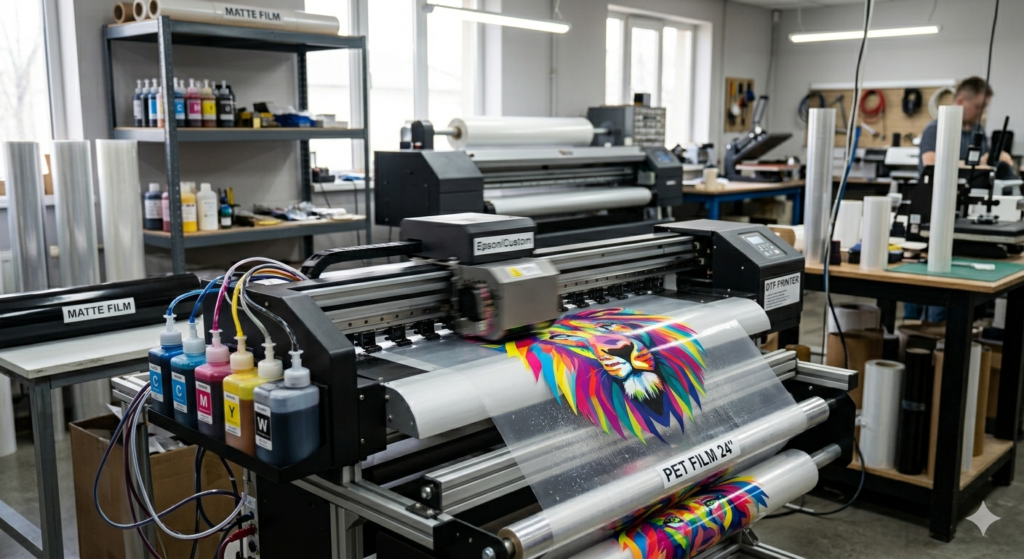
File format simply means how your design is saved.
For DTF printing, the file format controls:
- Image quality
- Transparency
- Color accuracy
- Print sharpness
Using the wrong format can destroy your design.
This DTF file formats guide helps you choose the right format so your prints come out clean and vibrant.
Recommended File Formats for DTF
Here are the best formats used in DTF printing:
1. PNG (Best Choice)
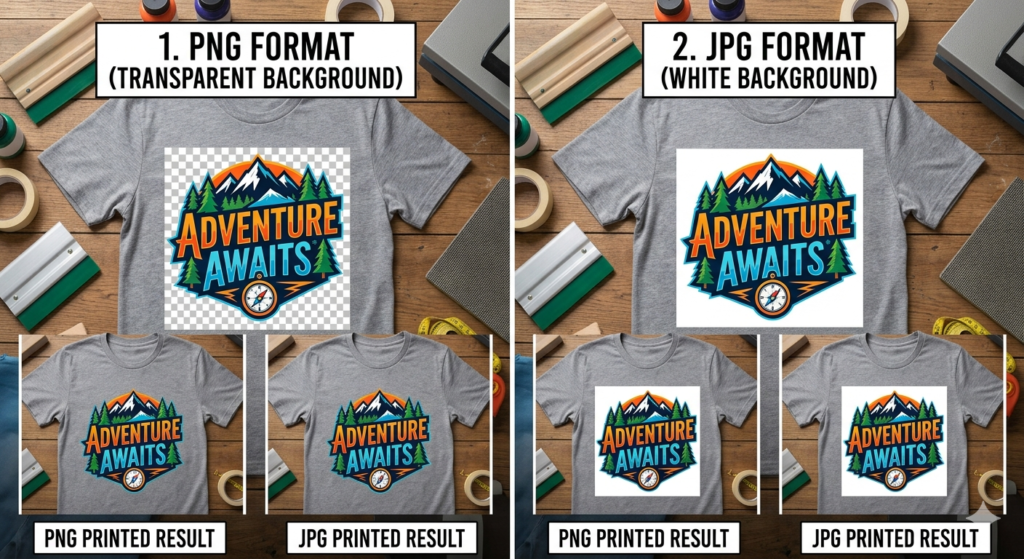
- Supports transparent background
- High quality
- Easy to use
👉 Most beginners should use PNG.
2. TIFF
- Very high quality
- Used for professional printing
- Large file size
3. PSD (Photoshop File)
- Keeps layers
- Best for editing before final export
4. PDF (High Quality Vector)
- Used for scalable designs
- Good for logos
👉 In this DTF file formats guide, PNG is recommended for most users.
Design Software Selection
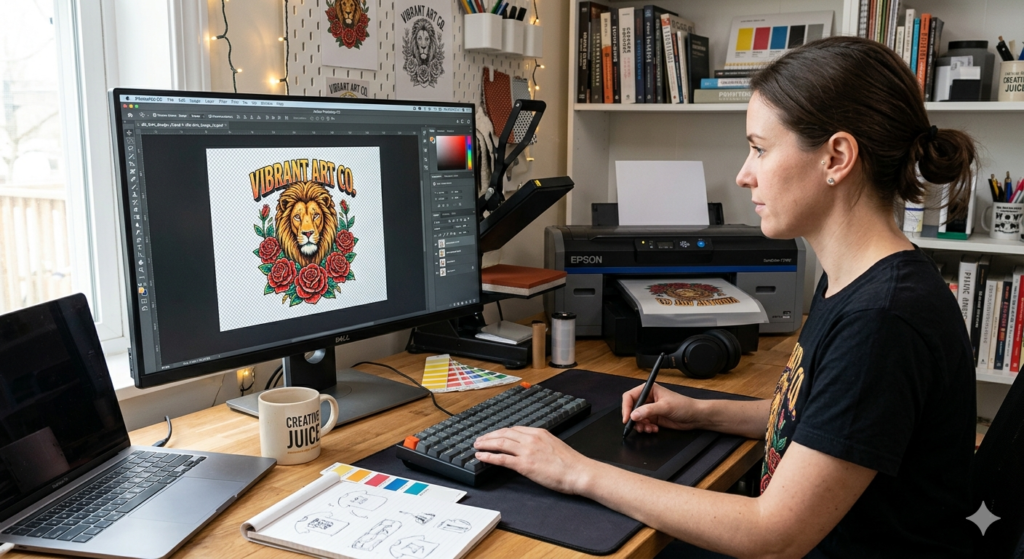
You don’t need expensive tools, but you need the right ones.
Popular options:
- Photoshop
- CorelDRAW
- Illustrator
If you’re using DTF machines like 🔵 ProlificGeeks DTF Printer L1800 or 🔵 XP600, these tools work perfectly.
Simple tip:
Start with Photoshop if you’re a beginner. It’s easier for handling PNG files and transparency.
Canvas Setup Guidelines
Before designing, set your canvas properly.
- Size: Match your print size (e.g., A4 or custom)
- Units: Use inches or cm
- Background: Transparent
Example:
If you’re printing a t-shirt logo, set canvas to 12×12 inches.
This step is often ignored, but it’s critical in this DTF file formats guide.
Color Modes: RGB vs CMYK
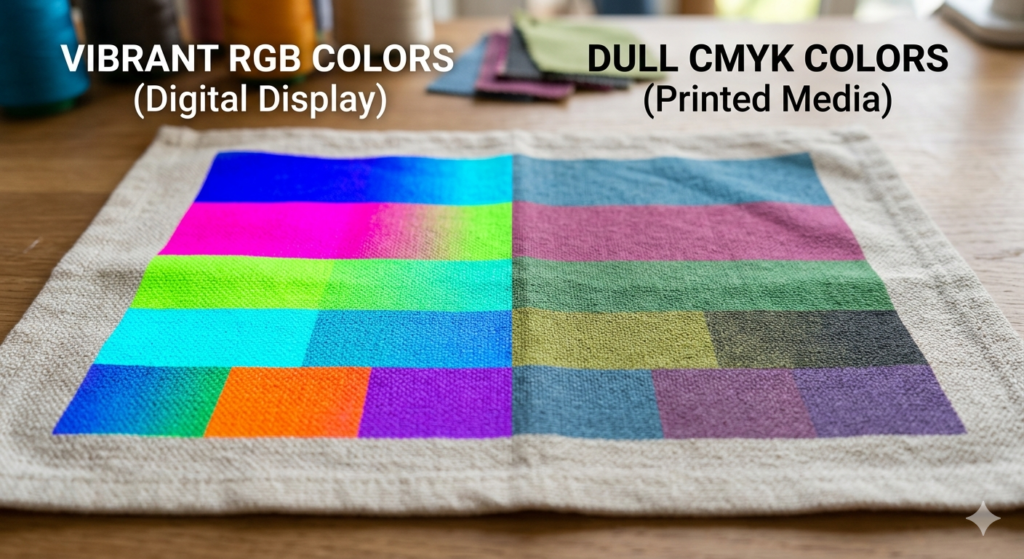
This is where many beginners make mistakes.
RGB (Recommended)
- Brighter colors
- Best for DTF printers
CMYK
- Used for traditional printing
- Colors may look dull
👉 Always design in RGB for DTF.
Even printers like 🔵 i3200 handle RGB files better for vibrant output.
Resolution and Sizing Best Practices
Resolution controls clarity.
- Minimum: 300 DPI
- Higher DPI = sharper print
Low resolution = blurry print ❌
High resolution = crisp print ✅
In this DTF file formats guide, always use 300 DPI as your standard.
Transparency and Background Removal
DTF printing requires clean transparency.
✔ No background
✔ No white box
✔ Only design visible
Use tools like:
- Photoshop Magic Wand
- Remove Background tools
If transparency is wrong, your print will have unwanted edges.
Preparing Layers for White Ink
DTF printers print white ink under colors.
If your design has layers:
- Keep them separate in PSD
- Flatten before export
Advanced printers like 🔵 XP600 and 🔵 i3200 manage white layers better, but your file must be clean.
Exporting and Saving Files
Final step before printing.
Export settings:
- Format: PNG
- Resolution: 300 DPI
- Background: Transparent
Double-check before saving.
This is one of the most important steps in this DTF file formats guide.
Common Mistakes to Avoid
Here are common beginner mistakes:
❌ Using JPG (no transparency)
❌ Low resolution images
❌ Wrong color mode
❌ Not checking edges
❌ Over-compressing files
Avoid these and your prints will improve instantly.
Pre-Print Checklist
Before printing, always check:
✔ File is PNG
✔ 300 DPI resolution
✔ RGB color mode
✔ Transparent background
✔ Correct size
This checklist is a core part of this DTF file formats guide.
Testing and Proofing Tips
Never print directly in bulk.
Do this instead:
- Print a small sample
- Check colors
- Check sharpness
Even with good machines like 🔵 ProlificGeeks DTF Printer L1800, testing saves money and material.
Key Takeaways
- Use PNG for best results
- Always design in RGB
- Keep resolution at 300 DPI
- Remove background properly
- Test before final printing
This DTF file formats guide is your foundation. Once you master this, your print quality will improve a lot.
Product Suggestions
Here are some commonly used DTF machines and components:
🔵 ProlificGeeks DTF Printer L1800
🔵 XP600 Printhead Printer
🔵 i3200 Advanced DTF Printer
🔵 DTF PET Film Rolls
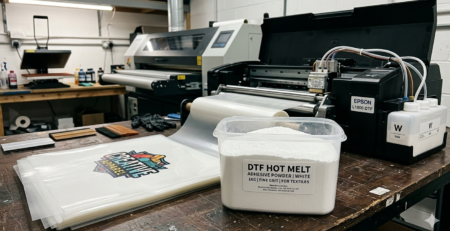
🔵 DTF Hot Melt Powder
Use them based on your budget and work scale.
External References + Credits
- PrintIndustry.com
- Fespa.com
- InkJetInsights.com
- ResearchGate
Credit: Information references from Fespa, PrintIndustry, and other public sources.

LEAVE A COMMENT