
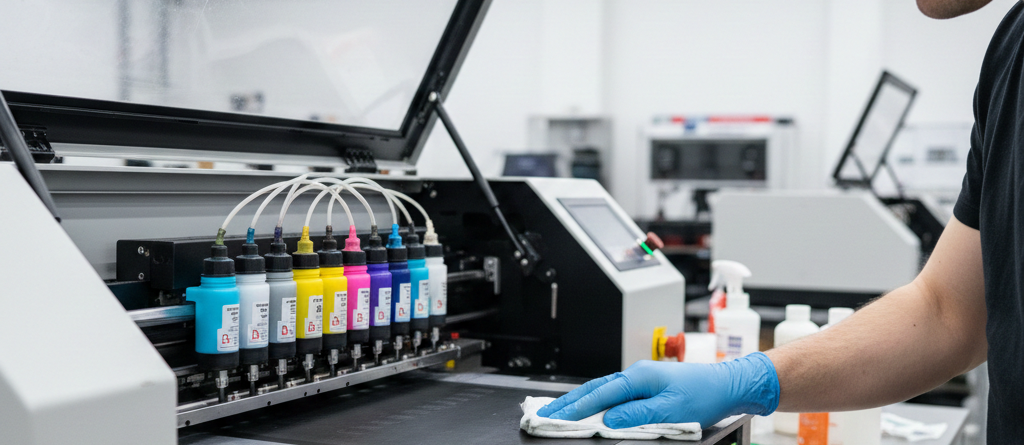
DTG Printing — 7 Powerful Ways to Maintain Your Machine for Long Life
Table of Contents
How to Maintain Your DTG Printing Machine for Long Life
Introduction
A DTG Printing machine is a long-term investment. Whether you run a small shop or a large production unit, proper care makes a huge difference. Machines that lack systematic maintenance usually have more breakdowns, print head clogs, and poor print quality. With a few smart routines, you can increase lifespan, save repair costs, and ensure consistent prints every day.
This guide explains practical maintenance habits tested by real DTG operators. No complicated language — only real experience and simple steps.
Benefits of Regular Maintenance
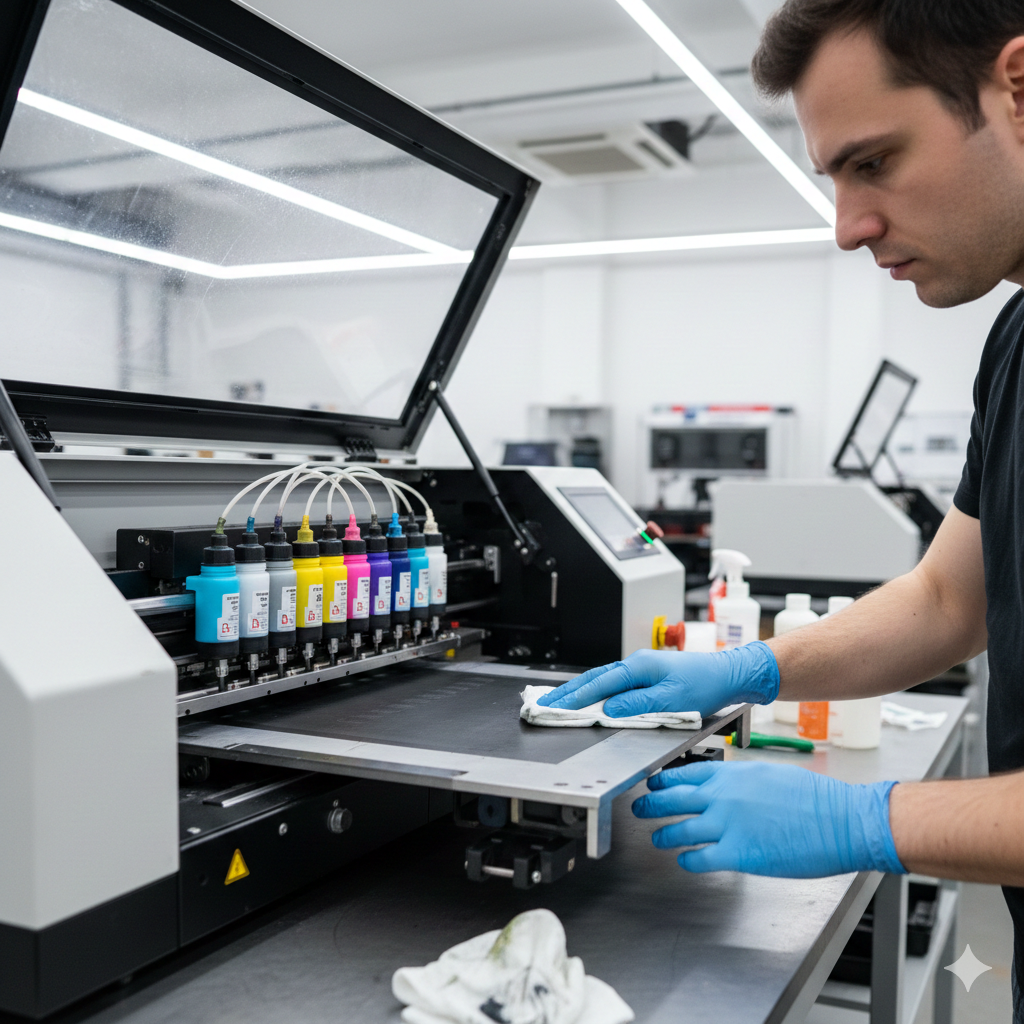
Regular maintenance of a DTG Printing machine does more than prevent breakdowns. Some advantages include:
- Clear, sharp and vibrant prints
- Reduced ink waste
- Longer print head life
- Faster job turnaround
- Lower repair costs
- Better consistency on all fabrics
If a shop prints 20 shirts daily and avoids even two failed prints a week, that’s huge savings over a year. In DTG, maintenance always pays back.
Daily Maintenance Routine
A short 10-minute daily routine keeps issues away:
- Power up the printer and run automatic cleaning.
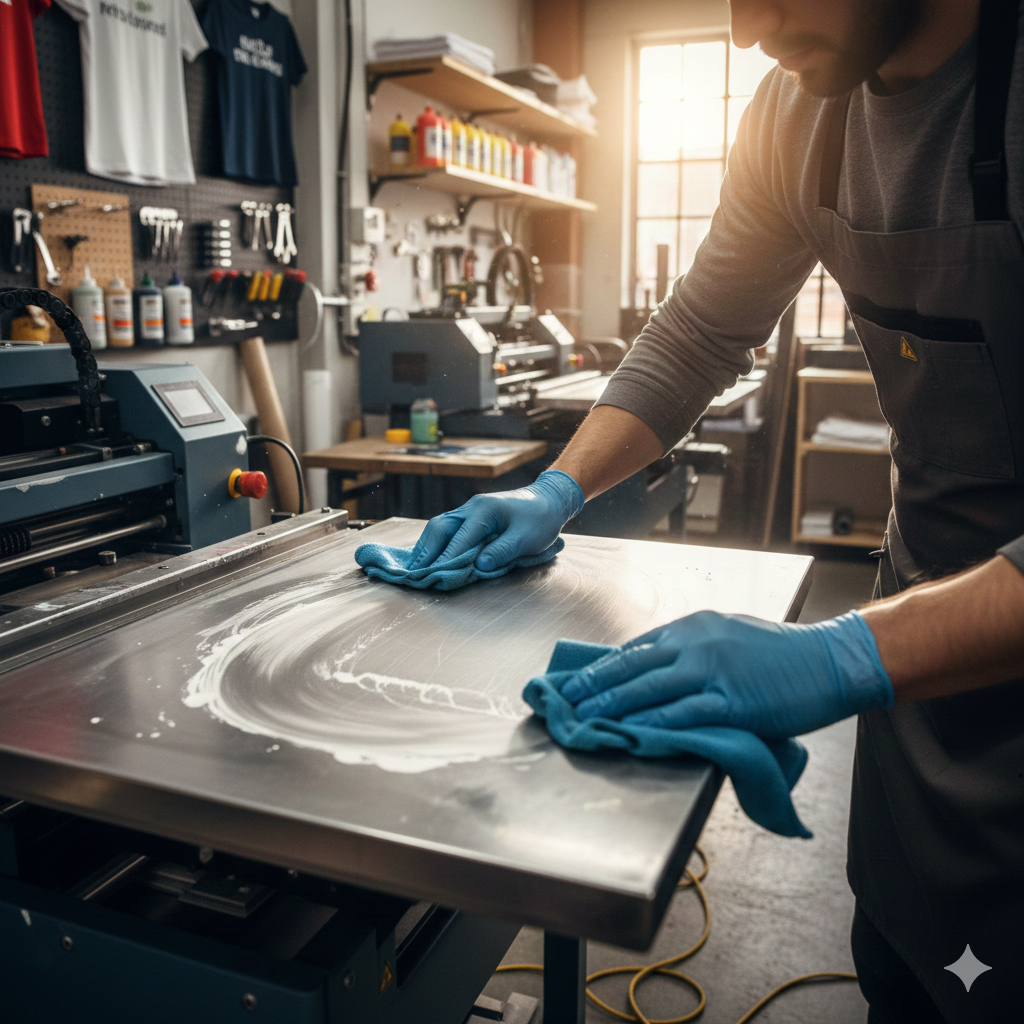
- Wipe dust and lint from the platen area and capping station.
- Shake white ink cartridges gently before printing.
- Keep humidity between 45% and 60%.
- Print a small test pattern before starting production.
Many operators use high-quality pretreatment and film to control print quality.
Weekly Maintenance Tasks
Once a week, go deeper:
- Check ink levels and expiration dates
- Inspect the capping station for dried ink
- Clean the wiper blade with lint-free wipes
- Lubricate the guide rails lightly
- Backup print queue settings and profiles
If your shop prints at high volume, also change filters more frequently.
Monthly Maintenance Checks
Every month, set 30 minutes for full inspection:
- Examine print head alignment and nozzle pattern
- Clean encoder strip
- Check platen height sensors
- Inspect ink tubes for bubbles
- Look for dried pretreatment on moving parts
Replacing consumables every few months costs less than repairing major components.
Common Components to Maintain
| Component | Why It Matters |
|---|---|
| Print Head | Determines print clarity and sharpness |
| Capping Station | Seals and protects nozzles |
| Ink System | Maintains ink consistency and flow |
| Filters | Prevent contamination inside the ink lines |
| Platen | Ensures shirt position accuracy |
A smooth workflow in DTG Printing depends on keeping these components clean and working.
Print Head Cleaning
Print head problems are the biggest reason shops lose production time. To avoid clogs:
- Never leave the machine powered off for long periods
- Always park the head on the capping station
- Run light cleaning instead of heavy cleaning whenever possible
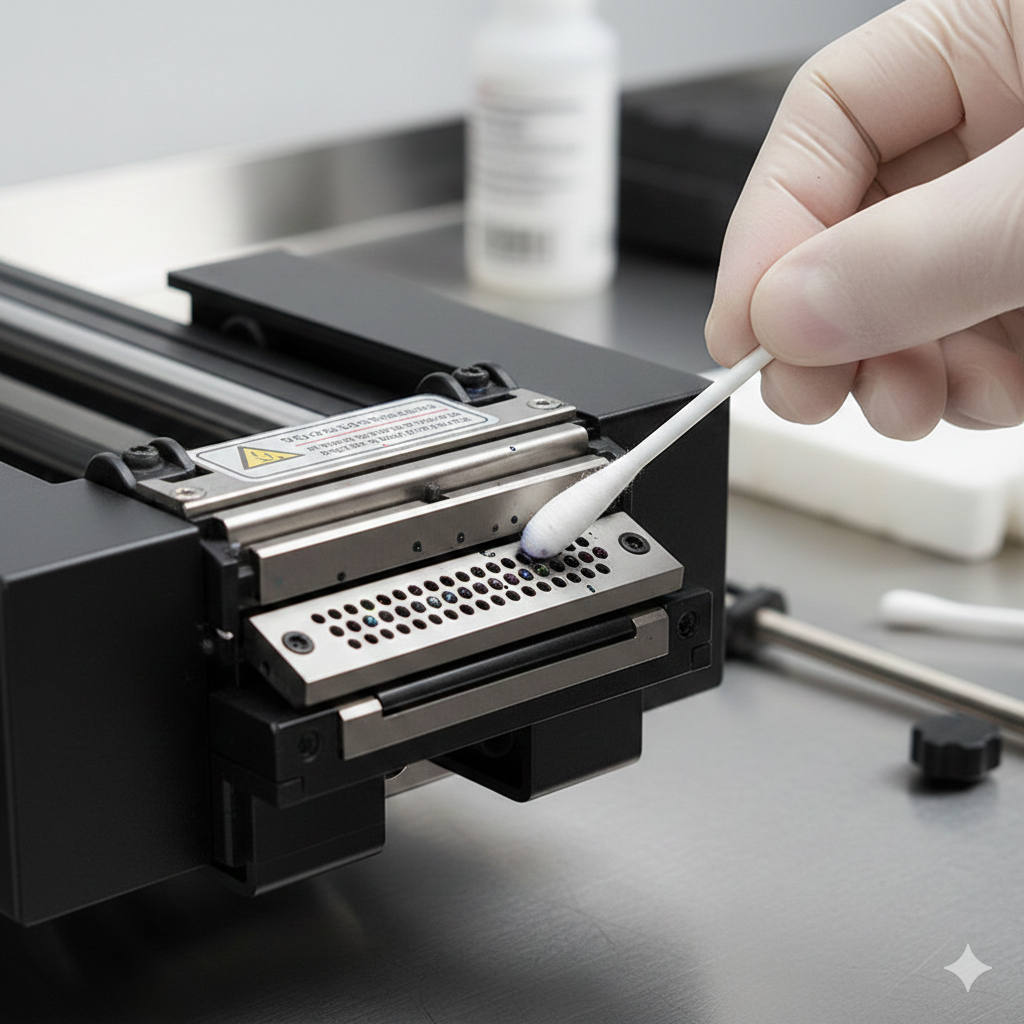
- Use soft, lint-free swabs only
If a print head skips nozzles during long runs, use DTG Printhead Flush – DTFshop.in.
Capping Station Care
The capping station is the seal for your print head. If it dries, the print head dries too.
Weekly care checklist:
- Remove dried ink using a soft swab
- Check the rubber surface for cracks
- Make sure the pump is pulling ink properly
A neglected capping station causes more damage than spilled ink ever will.
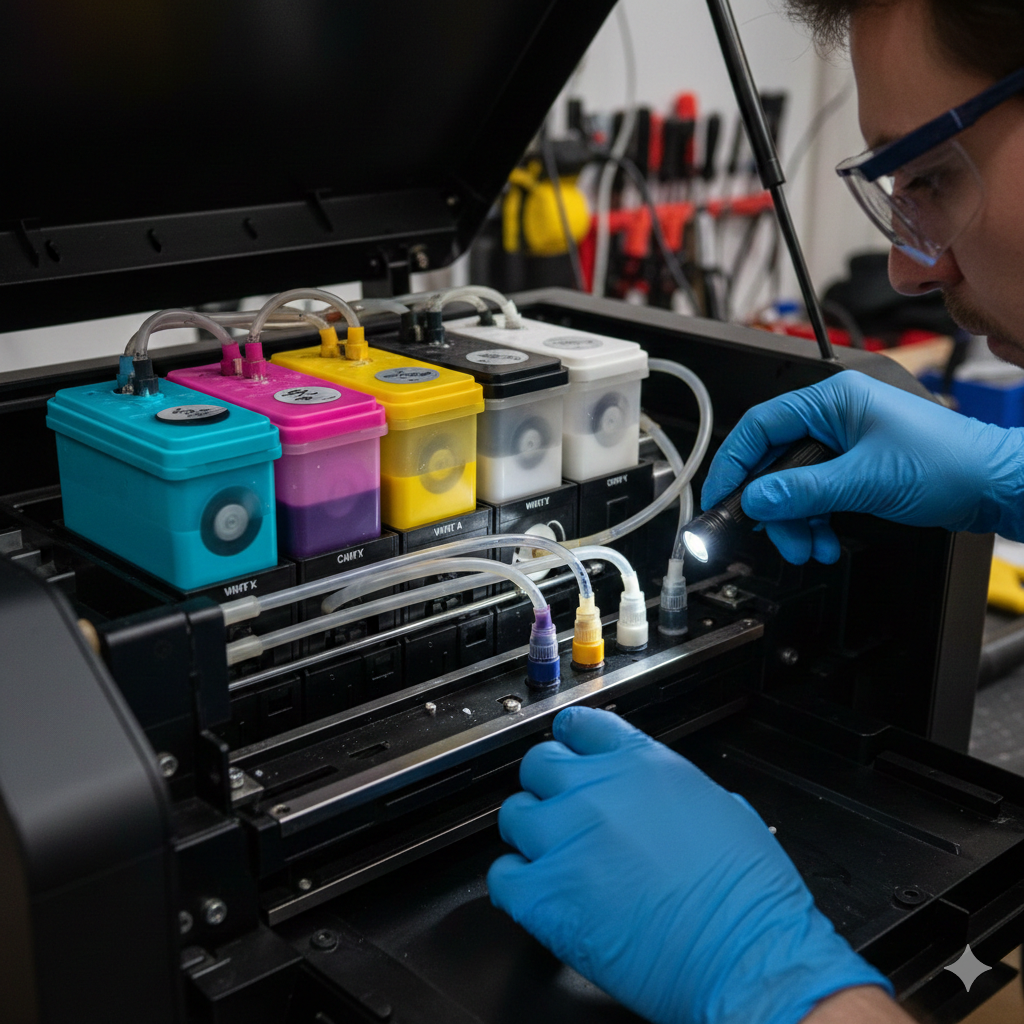
Ink System Checks
Ink flow must stay consistent for DTG Printing to stay reliable.
Follow these checks:
- Shake white ink daily
- Keep inks away from sunlight and heat
- Check expiry dates regularly
- Bleed air bubbles from the ink lines
For stable color output, some users rely on DTG Pigment Ink Set – DTFshop.in.
Filter Inspections
Filters protect the print head from contamination. It’s normal for them to catch particles over time.
Replace filters if:
- Ink flow reduces
- Nozzle test shows scattered missing lines
- Ink looks uneven near the capping area
Professional print forums like InkJetInsights.com discuss the impact of filter replacement frequency on lifespan.
Environmental Best Practices
The environment plays a huge role in DTG Printing performance.
| Factor | Best Condition |
|---|---|
| Humidity | 45–60% |
| Temperature | 20–25°C |
| Air Quality | Low lint environment |
| Storage | Keep inks sealed |
Using air purifiers or humidity controllers can save print heads in high-dust areas.
Troubleshooting Tips
Quick solutions based on practical shop experience:
| Problem | Possible Fix |
|---|---|
| Washed-out prints | Check pretreatment and platen height |
| Color banding | Run light head cleaning + check encoder strip |
| Ink puddling | Lower platen height + reduce ink limit |
| Head strikes | Flatten the garment, remove seams/wrinkles |
| White ink separation | Shake daily and run circulation pump |
Never run heavy cleaning repeatedly it wastes ink and heats up the print head.
Advanced Maintenance Strategies
For shops printing 8+ hours daily:
- Use automated head moistening systems
- Create maintenance schedule sheets
- Install UPS power backup to prevent mid-print shutdown
- Track print head firing counts
Conclusion
DTG Printing machines last longer with simple, consistent care. Instead of waiting for clogging or breakdowns, daily and weekly routines keep your machine reliable. Just like changing oil in a vehicle, small regular efforts prevent big repair costs later.
A well-maintained DTG machine prints better, runs smoother and supports faster business growth.
Product Suggestions (Used in Article)
External References + Credits
Helpful information adapted from:
Credit: Information references from Fespa, PrintIndustry, and other public sources.

LEAVE A COMMENT