
DTG Printing 2026 Power Guide: Common Problems and Fixes Explained
Table of Contents
Common Problems and Fixes for DTG Printing
Introduction
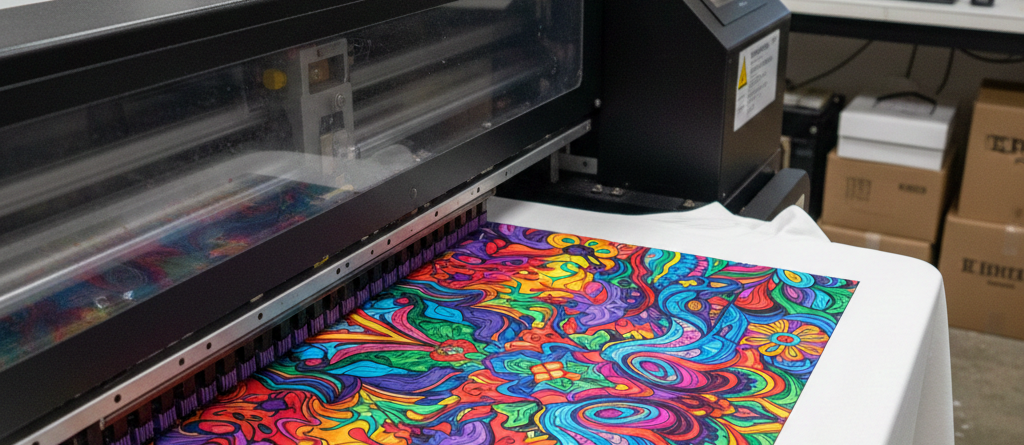
DTG Printing has changed the way custom garments are produced. It allows small batches, fast delivery, and full-color prints without screens. But anyone who has worked with DTG Printing knows it is not always smooth. Small mistakes can lead to wasted garments, poor prints, and lost time.
This guide explains the most common DTG Printing problems. You will learn why they happen, how to identify them early, and how to fix them properly. These are real shop-floor issues, not theory. The goal is to help you print better with fewer headaches.
Clogged Printheads
Causes
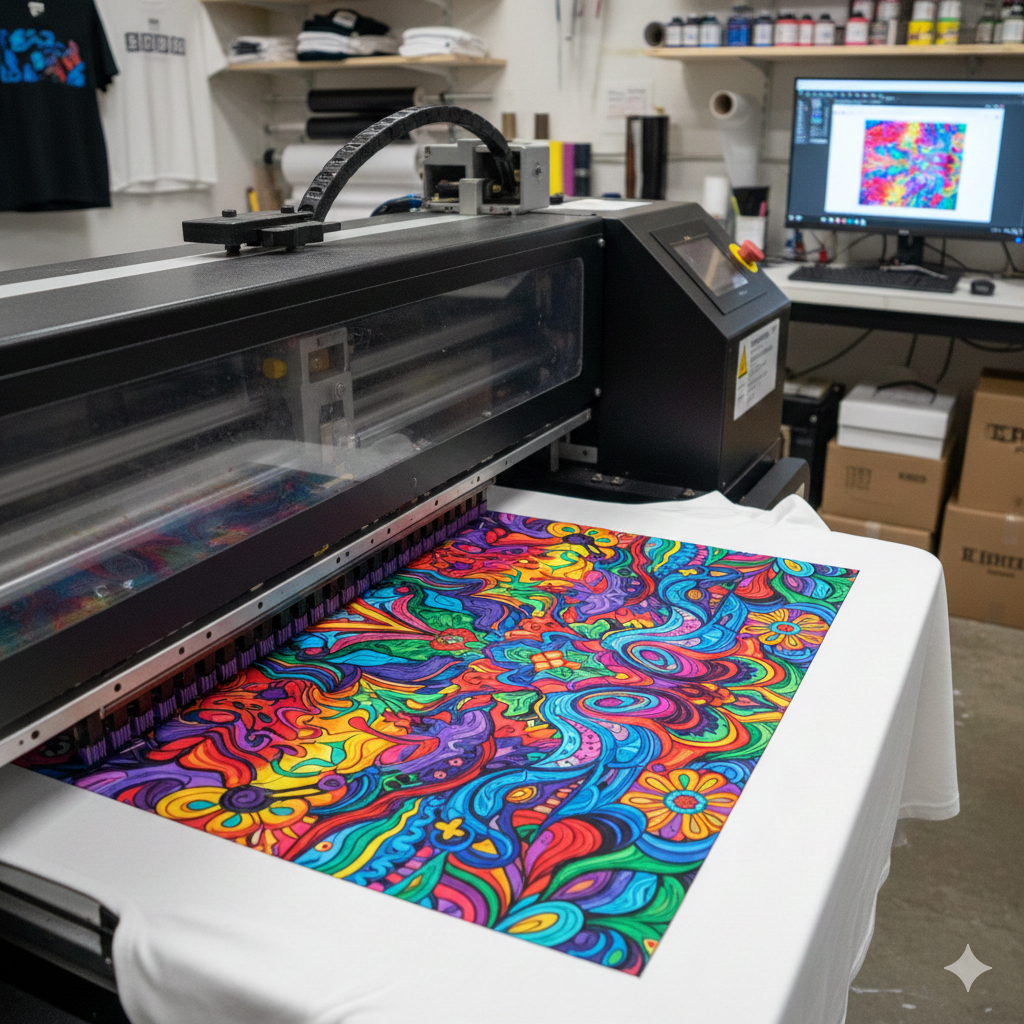
Clogged printheads are one of the most common DTG Printing problems. Ink dries inside nozzles when the printer sits unused. Poor-quality ink and skipped maintenance also cause clogs. White ink is especially sensitive.
Identification
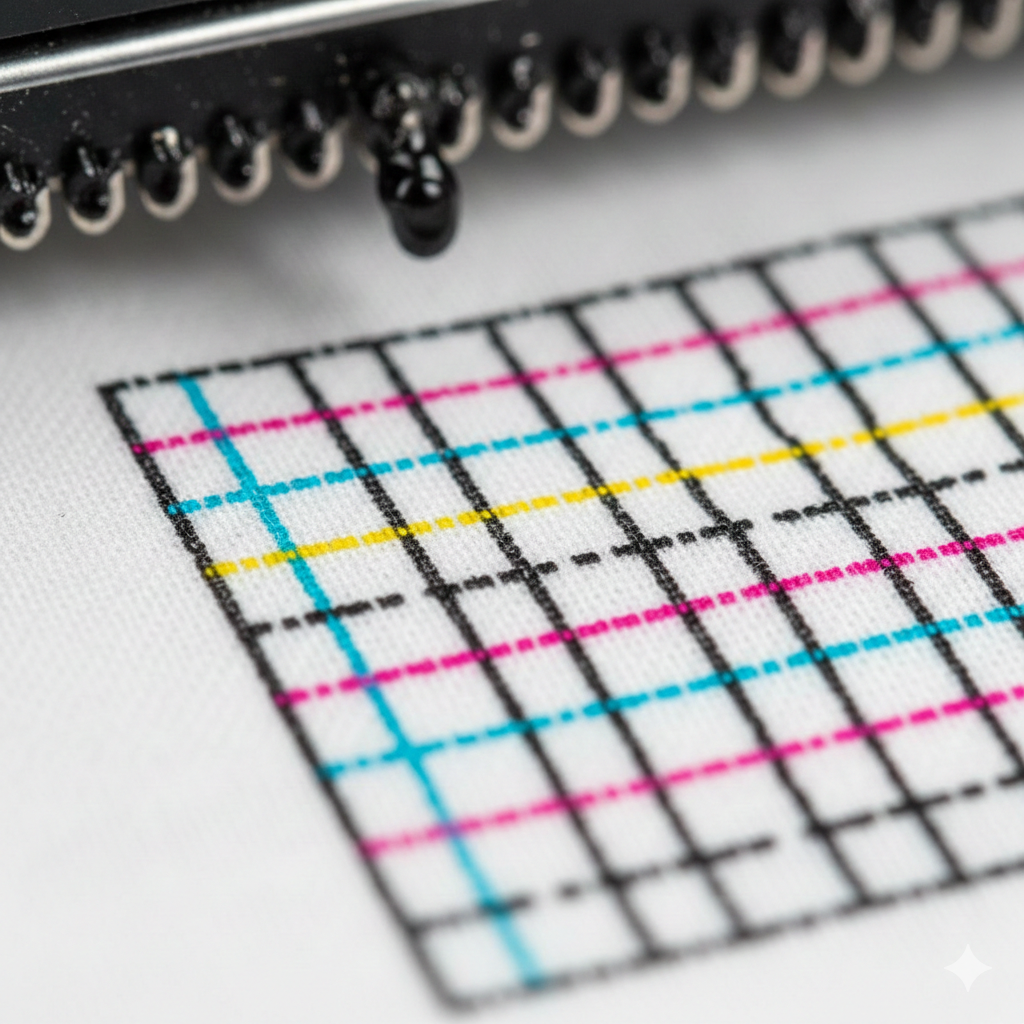
You will see missing lines, broken text, or patchy prints. Nozzle check patterns will show gaps. Colors may look uneven.
Fixes
Run a nozzle check daily. Perform light cleanings instead of heavy ones. Keep ink circulation on. If needed, use approved cleaning fluid. Store ink correctly and avoid cheap refills.
Many printers using DTG White Ink report fewer clog issues due to stable pigment quality.
Banding / Lines
Causes
Banding in DTG Printing usually comes from incorrect head height, low resolution settings, or mechanical vibration. Dirty encoder strips can also cause this issue.
Identification
You will notice horizontal or vertical lines across the print. These lines are evenly spaced and repeat across the design.
Fixes
Adjust platen height properly. Clean encoder strips gently. Increase print pass settings. Make sure the garment surface is flat and smooth.
Using a stable platen like DTG Adjustable Platen helps reduce movement during printing.
Faded Colors
Causes
Faded prints in DTG Printing often result from poor pretreatment, low ink density, or incorrect color profiles. Washing garments too soon also causes fading.
Identification
Colors look dull or washed out. Blacks may appear gray. Prints lose vibrancy after one wash.
Fixes
Use correct pretreatment amounts. Cure prints properly. Check ICC profiles in your RIP software. Always test wash samples.
Shops often pair quality ink with tools like DTG Pretreatment Liquid to maintain color strength.
Poor Adhesion
Causes
Poor adhesion happens when ink does not bond with fabric. This is common on dark garments when pretreatment is uneven or under-cured.
Identification
Ink cracks, peels, or flakes after washing. The print may feel powdery.
Fixes
Apply pretreatment evenly. Heat press at correct temperature and time. Avoid over-curing, which burns ink.
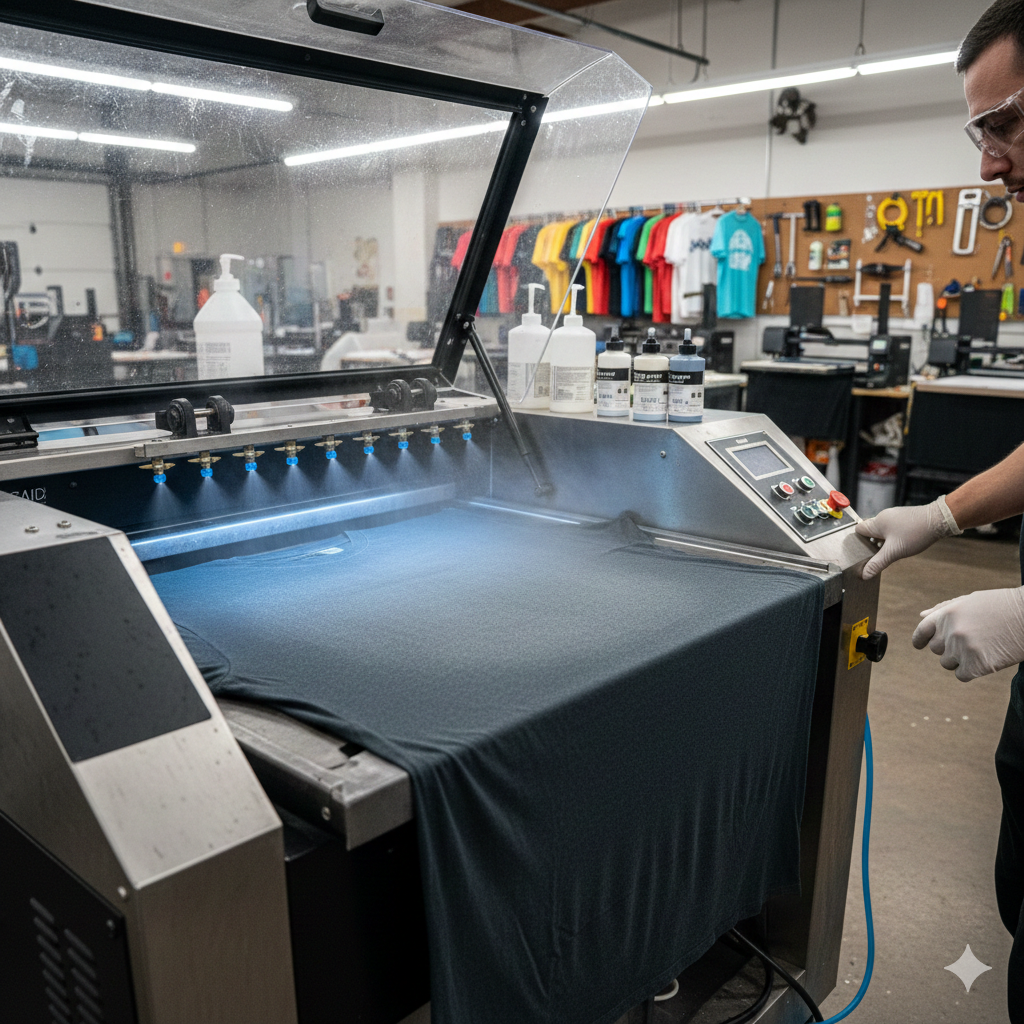
A consistent spray system such as DTG Pretreatment Spray Machine improves adhesion reliability.
Garment Shifting
Causes
Garment movement during DTG Printing causes blurred or double images. This happens when fabric is not secured or platen adhesive is weak.
Identification
Prints appear shadowed or misaligned. Edges look fuzzy.
Fixes
Use platen adhesive spray. Smooth garments before printing. Avoid stretching fabric. Choose correct platen size for each garment.
A strong hold spray like DTG Platen Adhesive Spray helps prevent movement.
Pretreatment Issues
Causes
Too much or too little pretreatment leads to problems. Incorrect drying also causes stains or box marks.
Identification
Dark stains, glossy patches, or visible spray lines appear on garments.
Fixes
Measure pretreatment correctly. Use heat press to dry evenly. Avoid hand spraying without proper tools.
Pretreatment problems drop significantly when using measured products like DTG Pretreatment Liquid with automated sprayers.
Software / RIP Errors
Causes
Wrong resolution, outdated firmware, or incorrect RIP settings cause DTG Printing failures. File transparency issues also play a role.
Identification
Colors print incorrectly. White ink floods or disappears. Designs shift or crop.
Fixes
Update RIP software regularly. Use proper ICC profiles. Flatten transparent layers. Test print before production.
Resources from InkJetInsights.com explain RIP calibration in detail.
Conclusion / Tips
DTG Printing is powerful but sensitive. Most problems come from skipped maintenance or rushed setups. Daily nozzle checks, clean platens, proper pretreatment, and correct curing solve 80% of issues.
Treat DTG Printing like precision work, not bulk printing. Small habits save big costs. Always test new garments and inks before full runs.
Product Suggestions (Blue Color)
DTG White Ink
DTG Adjustable Platen
DTG Pretreatment Liquid
DTG Pretreatment Spray Machine
External References + Credits
Helpful resources:
PrintIndustry.com
Fespa.com
InkJetInsights.com
Credit: Information references from Fespa, PrintIndustry, and other public sources.

LEAVE A COMMENT