
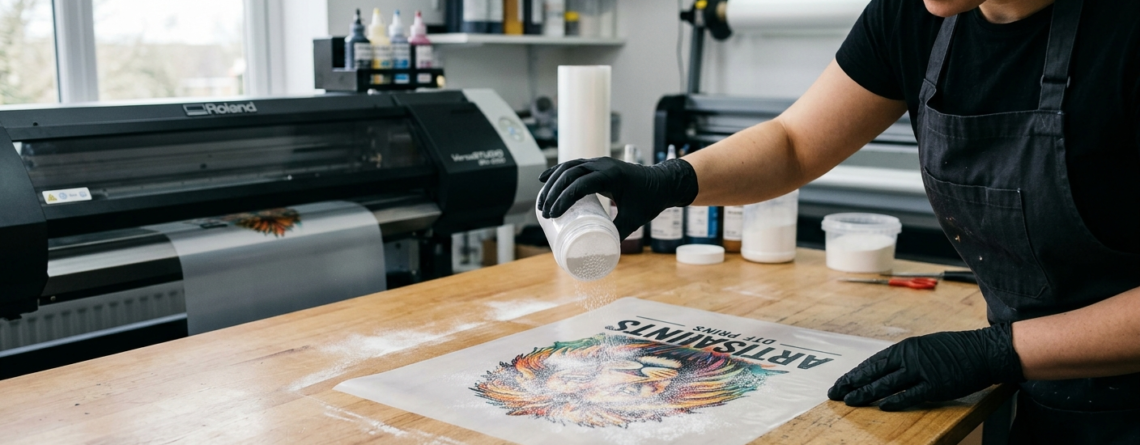
Perfect DTF Adhesive Powder 2026
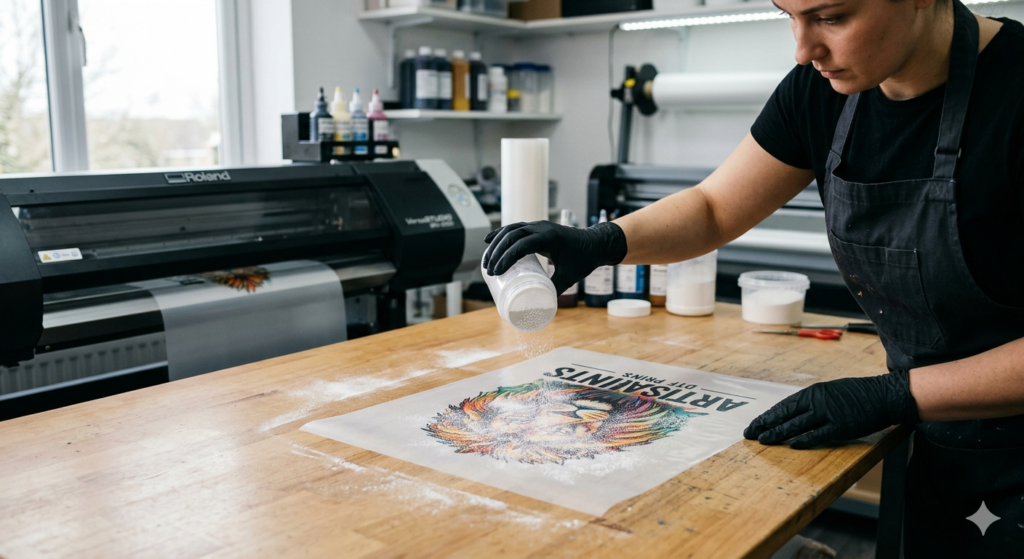
If you are working in custom t-shirt printing, you’ve probably heard about DTF adhesive powder. It plays a key role in DTF (Direct-to-Film) printing. Without it, your prints simply won’t stick to fabric properly.
Many beginners focus only on printers and inks. But in reality, the quality of your final print depends heavily on how well you use DTF adhesive powder.
In this guide, I’ll explain everything in simple terms. No confusing words. Just practical steps you can follow easily.
What is DTF Adhesive Powder?
DTF adhesive powder is a special hot-melt powder used in DTF printing. It acts like glue between your printed design and the fabric.
After printing your design on a film, this powder is applied on the wet ink. Once heated, it melts and creates a strong bond when transferred onto cloth.
In simple words:
👉 Ink prints the design
👉 Powder sticks the design to fabric
Without DTF adhesive powder, the print will not last long. It may peel or crack after a few washes.
Composition and Types of DTF Powder
Not all powders are the same. Understanding types helps you get better results.
1. TPU (Thermoplastic Polyurethane)
This is the most common type of DTF adhesive powder.
It is flexible and durable.
2. Fine Powder
Best for detailed designs.
Gives a smooth finish.
3. Medium Powder
Balanced option. Works for most prints.
4. Coarse Powder
Used for thicker prints. Strong grip but less smooth.
👉 Tip: For beginners, medium powder is the safest choice.
Benefits and Applications
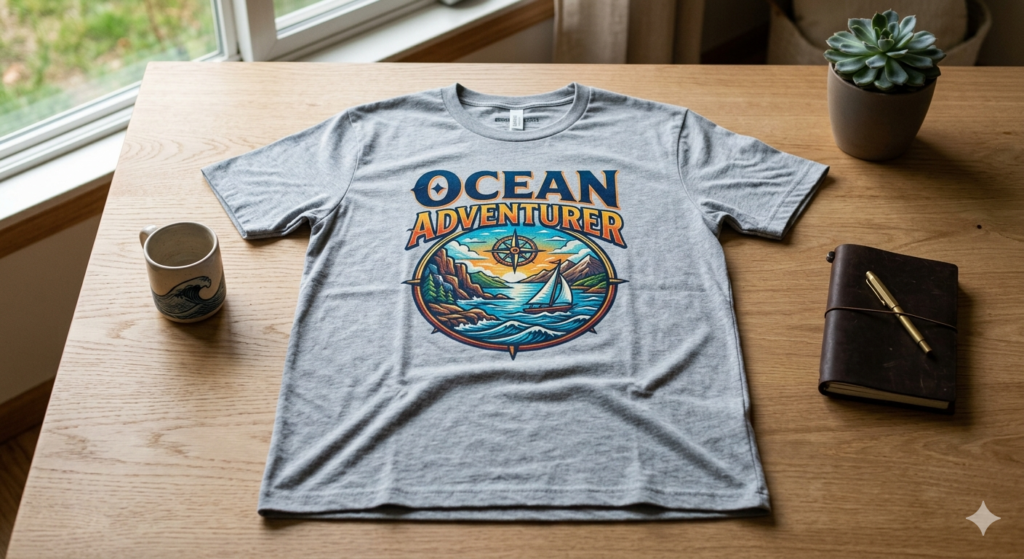
Using DTF adhesive powder correctly gives you many advantages:
- Strong fabric bonding
- Wash-resistant prints
- Works on cotton, polyester, blends
- No weeding required (unlike vinyl)
- Suitable for bulk production
Where it is used:
- T-shirt printing
- Hoodies
- Bags
- Caps
- Custom merchandise
Many small printing businesses prefer DTF because it’s simple and cost-effective.
Tools and Materials Required
Before you start, make sure you have everything ready:
- DTF printer
🔵 ProlificGeeks DTF Printer L1800 - Printhead options
🔵 XP600
🔵 i3200 - PET film
- DTF inks
- DTF adhesive powder
- Heat press machine
- Oven or curing machine
👉 Good equipment reduces mistakes and saves time.
Step-by-Step Guide: How to Use DTF Adhesive Powder
Let’s go step by step. Follow this exactly for best results.
1. Print the design
Print your design on PET film using DTF ink.
👉 Important:
- Print in mirror mode
- Ensure white ink layer is applied
Your print should still be wet before applying DTF adhesive powder.
2. Apply the powder
Now comes the key step.
- Take your printed film
- Sprinkle DTF adhesive powder evenly
- Cover the entire design
Shake off extra powder.
👉 Tip:
Do not leave empty spots. Uneven powder leads to weak prints.
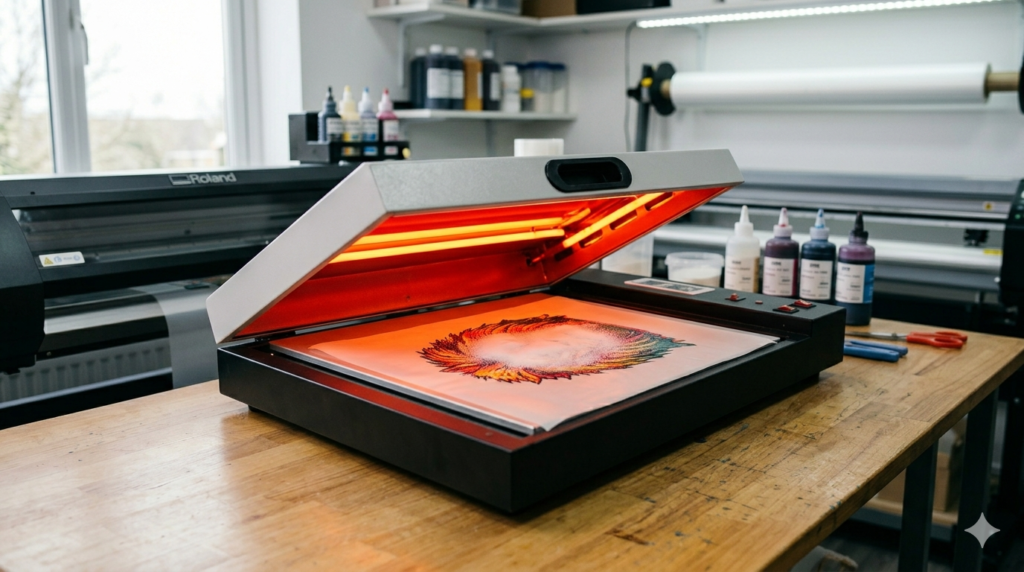
3. Cure the powder
After applying powder, you need to heat it.
- Place film in curing oven
- Temperature: around 110–130°C
- Time: 2–5 minutes
The powder will melt and form a smooth layer.
👉 You can also hover a heat press if no oven is available.
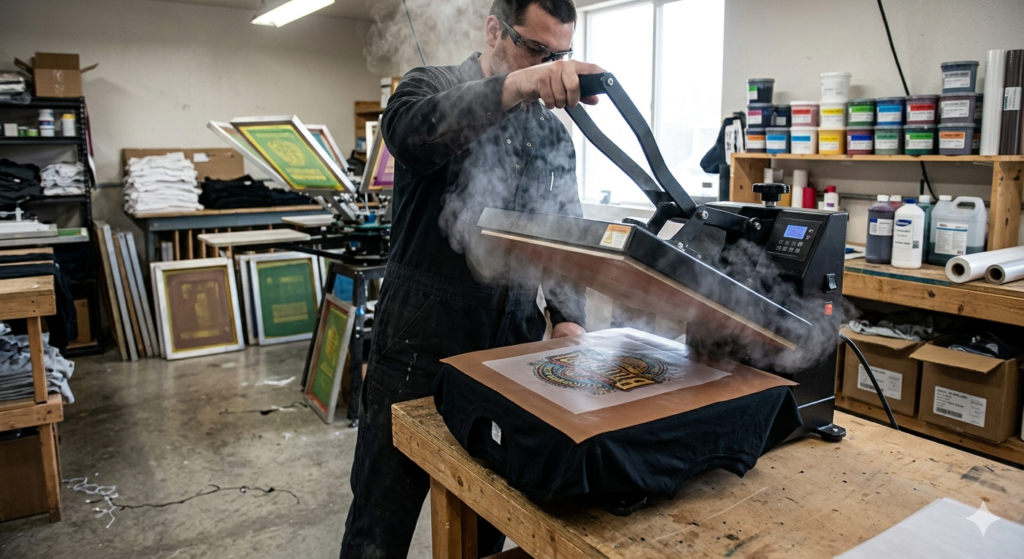
4. Transfer to fabric
Now place the film on your fabric.
- Use heat press
- Temperature: 150–165°C
- Press for 10–15 seconds
The melted DTF adhesive powder bonds with the fabric.
5. Peel and finish
Let it cool slightly.
- Peel off the film
- Press again for 5 seconds (final press)
This improves durability and smoothness.
Tips for Correct Application
Using DTF adhesive powder correctly is all about small details.
- Always apply powder on wet ink
- Use proper temperature settings
- Shake off excess powder
- Store powder in a dry place
- Use gloves to avoid contamination
👉 Real tip:
If your print feels rough, you probably used too much powder.
Common Mistakes and Troubleshooting
Even experienced users make mistakes. Here are common ones:
1. Uneven Powder Application
Problem: Patchy prints
Solution: Shake film properly
2. Overheating
Problem: Burnt or yellowish print
Solution: Lower curing temperature
3. Under-curing
Problem: Powder doesn’t stick
Solution: Increase curing time slightly
4. Too Much Powder
Problem: Thick and rubbery print
Solution: Remove excess powder
5. Poor Quality Film or Printer
Using reliable tools like:
🔵 ProlificGeeks DTF Printer L1800
🔵 XP600
🔵 i3200
makes a big difference in final output.
Safety Precautions and Storage
Even though DTF adhesive powder is easy to use, safety matters.
- Avoid inhaling powder
- Use mask if working in bulk
- Keep away from moisture
- Store in sealed container
- Keep away from children
👉 Humidity can ruin powder quality quickly.
Conclusion
By now, you should have a clear understanding of DTF adhesive powder and how to use it properly.
It may look like a small step, but it is the backbone of DTF printing. If you get this right, your prints will last longer, look better, and feel more professional.
Start simple. Practice a few times. You’ll improve quickly.
Key Takeaways
- DTF adhesive powder acts as a bonding agent
- Apply it on wet ink only
- Cure at correct temperature
- Avoid excess powder
- Use proper tools and materials
- Practice improves consistency
Product Suggestions
- 🔵 ProlificGeeks DTF Printer L1800
- 🔵 XP600 Printhead
- 🔵 i3200 Printhead
- 🔵 DTF PET Film Rolls
- 🔵 Premium DTF Adhesive Powder (Medium Grade)
External References
- PrintIndustry.com
- Fespa.com
- InkJetInsights.com
- ResearchGate
Credit: Information references from Fespa, PrintIndustry, and other public sources.

LEAVE A COMMENT