
DTF Printer Powerful Tips: 7 Reasons Nozzle Checks Save Your Prints
Table of Contents
Introduction
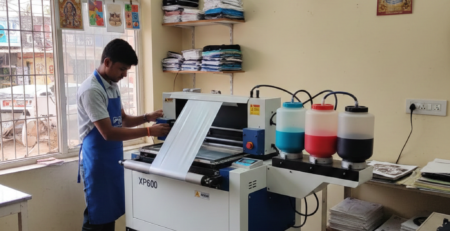
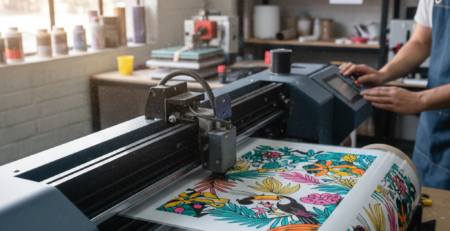
A DTF Printer works hard every day. It prints designs, logos, and graphics that must look sharp and clean. But even the best printer can fail if its nozzles are blocked or dirty.
One small issue can ruin a full print job. That is why a nozzle check is not optional. It is basic care. Many operators skip it because the printer seems “fine.” Later, they face banding, missing colors, or ink drops.
Chat with our team for printers, consumables, film, powder and business setup guidance.
This guide explains why nozzle checks matter, how to do them correctly, and how to avoid costly mistakes. If you use a DTF Printer daily or even weekly, this is a habit you should never ignore.
What is a Nozzle Check?
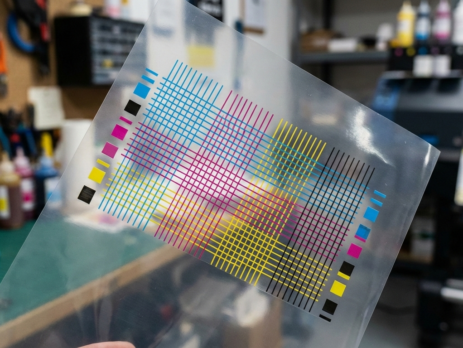
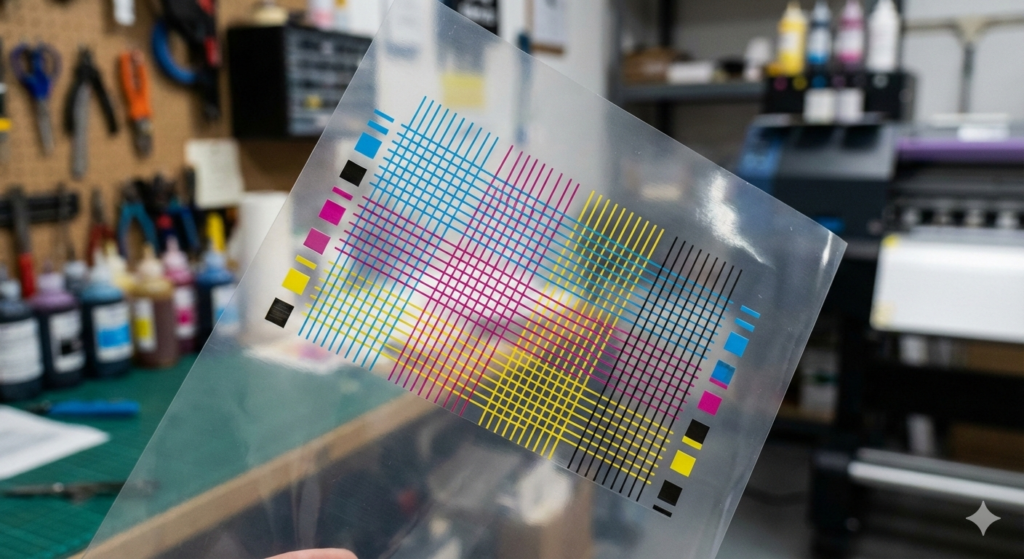
A nozzle check is a test pattern printed by your DTF Printer.
It shows whether ink flows properly from every nozzle.
The pattern usually looks like thin lines or grids in CMYK colors. If all lines appear clear and straight, your printer is healthy. If lines are broken or missing, some nozzles are clogged.
Think of it like a health report for your printer.
Nozzle checks do not clean the printer. They only show problems early.
Why Nozzle Checks Are Crucial
A DTF Printer uses fine ink channels. DTF ink is thicker than dye ink. That makes clogging more common.
Regular nozzle checks help you:
- Catch clogs early
- Save expensive DTF ink
- Reduce film and powder waste
- Avoid head damage
- Keep print colors accurate
Many print head failures start with small clogs. These clogs harden over time. Once ink dries inside the head, replacement becomes the only option.
According to industry discussions shared on Fespa and PrintIndustry platforms, most DTF head failures come from poor daily maintenance.
Signs of Nozzle Problems
You should run a nozzle check if you notice:
- Missing lines in prints
- Horizontal banding
- Faded colors
- Uneven white ink layer
- Ink splashes or dots
Even if the print looks “almost okay,” that is a warning.
A DTF Printer rarely fixes itself.
How to Perform a Nozzle Check
Most DTF printers have a nozzle check option in the software or control panel.
Basic process:
- Load DTF film properly
- Ensure ink tanks have enough ink
- Select “Nozzle Check”
- Print the test pattern
- Inspect lines carefully
Do this before starting large jobs.
It takes less than two minutes and saves hours later.
Step-by-Step Cleaning Process
If your nozzle check shows broken lines, cleaning is needed.
Step 1: Light Cleaning
Run the automatic cleaning cycle once.
Then print another nozzle check.
Step 2: Medium Cleaning
If the problem remains, run medium cleaning.
Wait 10 minutes before checking again.
Step 3: Manual Cleaning (If Needed)
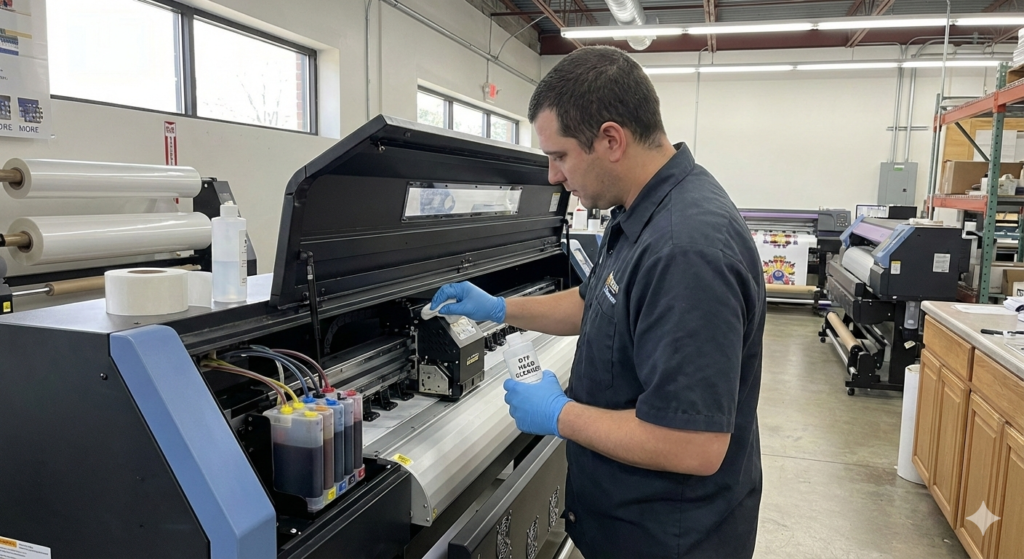
Use proper cleaning solution.
Never use water or alcohol.
A reliable cleaning liquid like those paired with printers from Premium DTF Printer setups helps dissolve dried ink safely.
Do not over-clean. Too much cleaning wears the print head faster.
Daily and Preventive Maintenance Tips
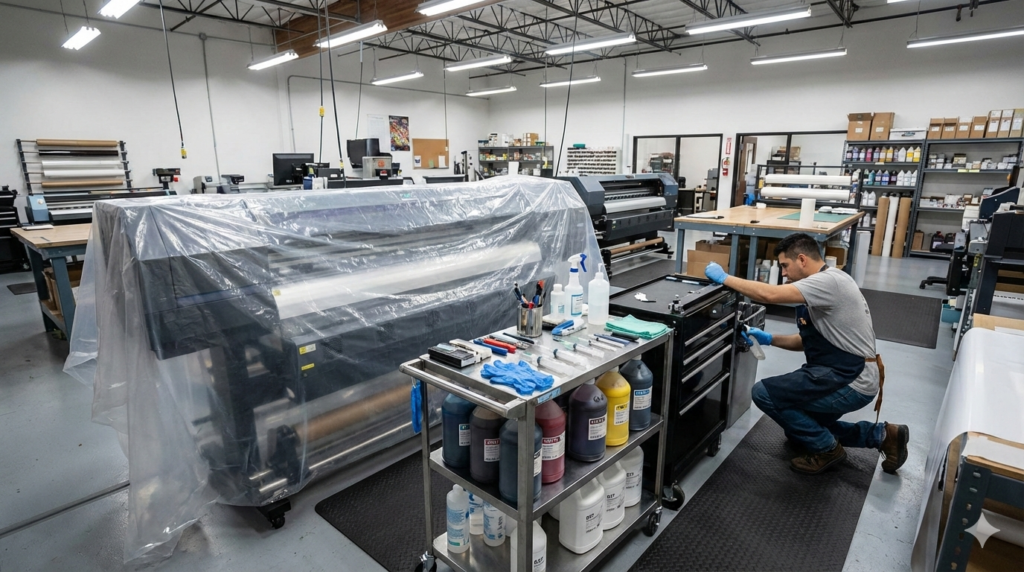
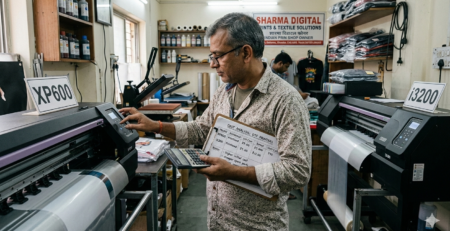
Good habits extend the life of your DTF Printer.
Daily tips:
- Run a nozzle check before printing
- Shake white ink bottles gently
- Keep printer covered when not in use
Weekly tips:
- Clean capping station
- Wipe wiper blade
- Check ink tubes for air bubbles
Using quality consumables also matters. Poor ink causes more clogs. Many operators prefer balanced setups using tools like DTF Ink Set and stable film such as Hot Peel DTF Film for consistent flow.
Common Mistakes to Avoid
These mistakes damage a DTF Printer faster than anything else:
- Skipping nozzle checks for days
- Running cleaning cycles repeatedly
- Turning off the printer without proper shutdown
- Using low-quality ink
- Ignoring early warning signs
More cleaning does not mean better cleaning.
It only drains ink and stresses the head.
Troubleshooting Persistent Issues
If nozzle problems keep coming back:
- Check room humidity (ideal: 45–60%)
- Inspect capping station seal
- Verify white ink circulation
- Replace old dampers
Sometimes the issue is not the head.
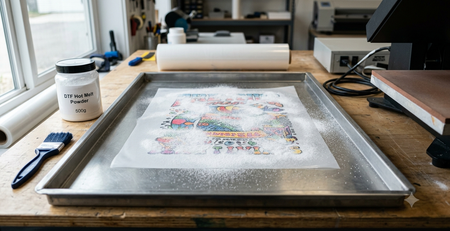
Powder residue or poor airflow also affects output.
A balanced workflow using proper curing with tools like DTF Powder Shaker & Dryer helps prevent ink buildup and smudging.
Benefits of Regular Checks
Regular nozzle checks give real benefits:
- Stable print quality
- Lower ink waste
- Fewer rejected prints
- Longer print head life
- Predictable production time
Shops that perform daily checks report fewer emergency repairs.
This is confirmed in multiple technical papers on ResearchGate discussing inkjet reliability.
Conclusion and Final Recommendations
A DTF Printer is an investment.
Nozzle checks protect that investment.
They are fast, simple, and effective.
Skipping them costs money, time, and stress.
Make nozzle checks part of your daily routine.
Use good ink. Keep your printer clean.
Small habits create big results.
If your prints matter, nozzle checks matter.
Product Suggestions (Internal Linking)
- Premium DTF Printer
- DTF Ink Set
- Hot Peel DTF Film
- DTF Powder Shaker & Dryer
- Cleaning Solution Kit
(Products mentioned naturally for workflow understanding.)
External References + Credits
Helpful industry sources:
Credit: Information references from Fespa, PrintIndustry, and other public sources.

Leave a Reply