
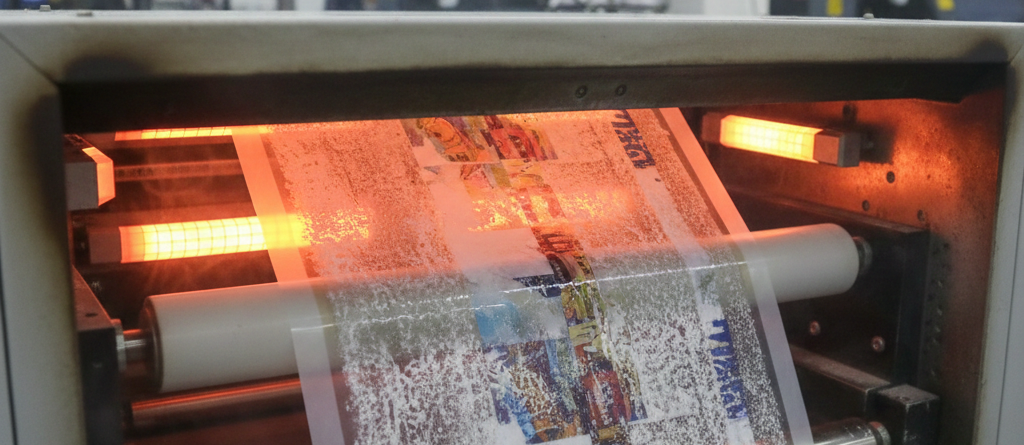
DTF Prints Ultimate Guide: 7 Proven Ways to Fix Fading Colors Fast
Table of Contents
Introduction
Fading colors in DTF Prints can be frustrating. You print a bright design, press it perfectly, and after a few washes, the colors look dull or washed out. Many beginners think fading means bad ink or cheap film. In reality, fading usually happens because of small mistakes during printing, curing, or pressing.
The good news? Most color fading issues in DTF Prints are easy to fix. You don’t need expensive upgrades. You just need better control, correct settings, and the right materials.
Chat with our team for printers, consumables, film, powder and business setup guidance.
In this guide, I’ll explain why DTF Prints fade, how to fix the problem step by step, and how to prevent it in future orders. Everything here is based on practical print-shop experience, not theory.
Causes of Fading Colors
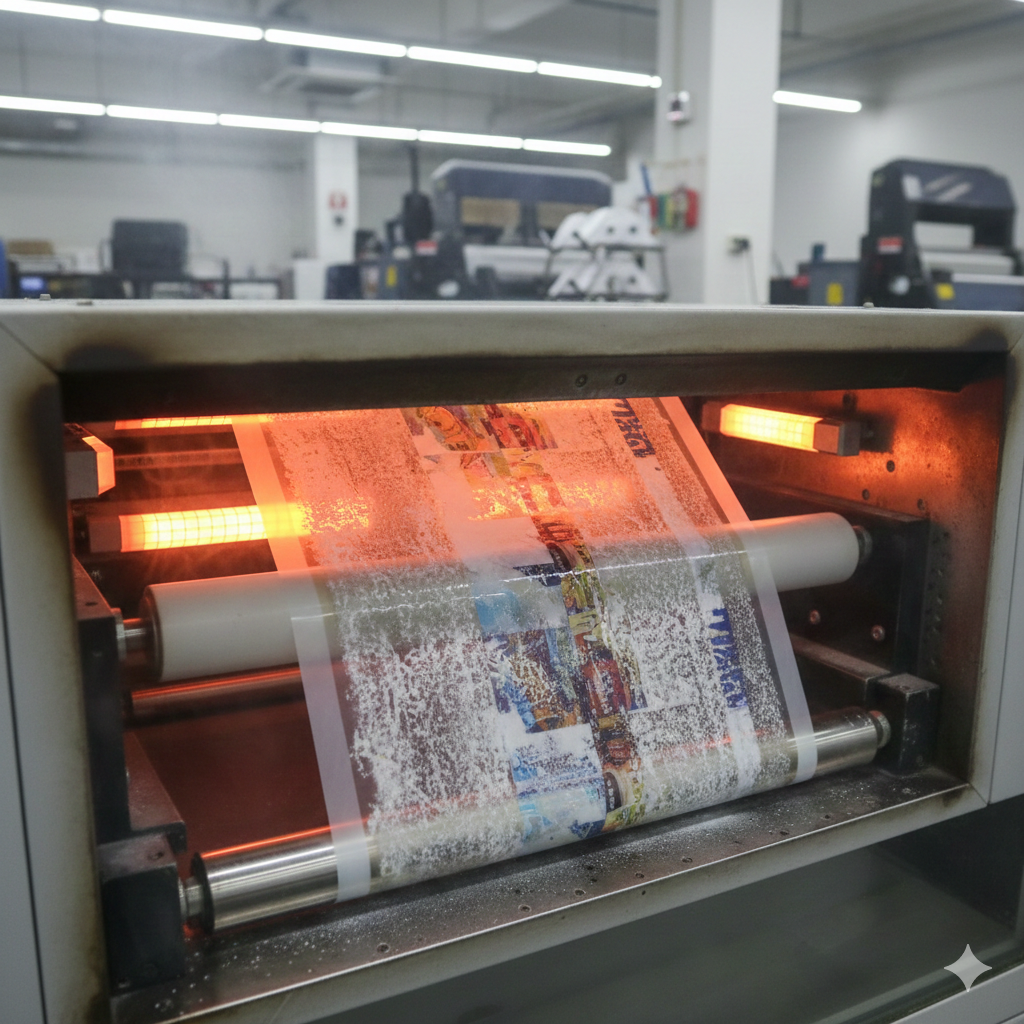
Before fixing fading DTF Prints, you must understand the root causes. Color loss usually doesn’t come from one single issue.
1. Incorrect Curing Temperature
If the adhesive powder is under-cured, it won’t bond properly with fabric. Over-curing burns pigments and dulls colors.
2. Poor Ink Quality
Low-grade ink fades faster after washing. This is common in cheap imports with weak pigment density.
3. Low Ink Coverage
Thin ink layers may look fine at first but fade quickly after washing.
4. Heat Press Errors
Too much heat or pressure can damage DTF Prints, while low heat fails to lock the ink.
5. Fabric Compatibility Issues
Some fabrics, especially untreated polyester, need special handling to prevent dye migration and fading.
According to technical studies on ResearchGate, pigment stability depends heavily on correct heat exposure and curing time.
Preparation Checklist
Before fixing fading DTF Prints, prepare properly.
✔ Clean heat press platen
✔ Confirm temperature accuracy with thermometer
✔ Use fresh adhesive powder
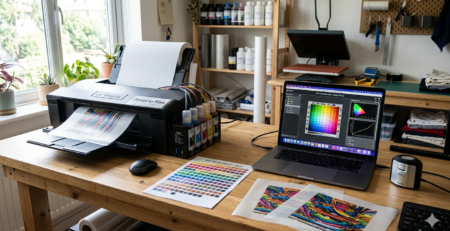
✔ Check RIP color profiles
✔ Test fabric type
Skipping preparation leads to repeat problems.
Step-by-Step Fix Guide
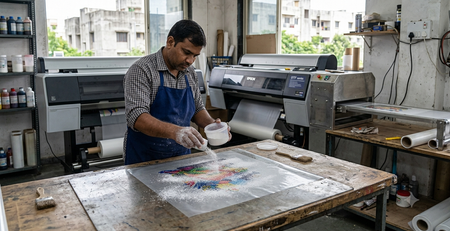
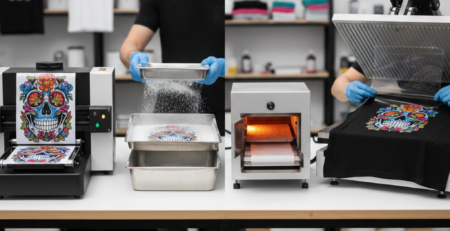
Step 1: Adjust Curing Process
Cure adhesive powder at 110–130°C for 2–4 minutes. The surface should look matte, not glossy.
If you use a curing oven, ensure even airflow. Uneven heat causes patchy fading.
Step 2: Improve Ink Density
Increase ink saturation slightly in your RIP software. Do not flood ink. Balanced layers give better wash resistance in DTF Prints.
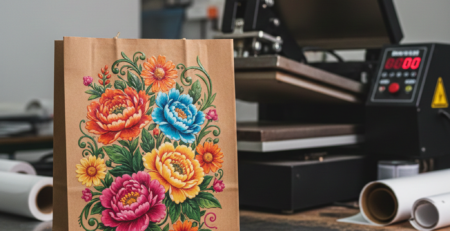
Step 3: Optimize Heat Press Settings
Recommended press settings:
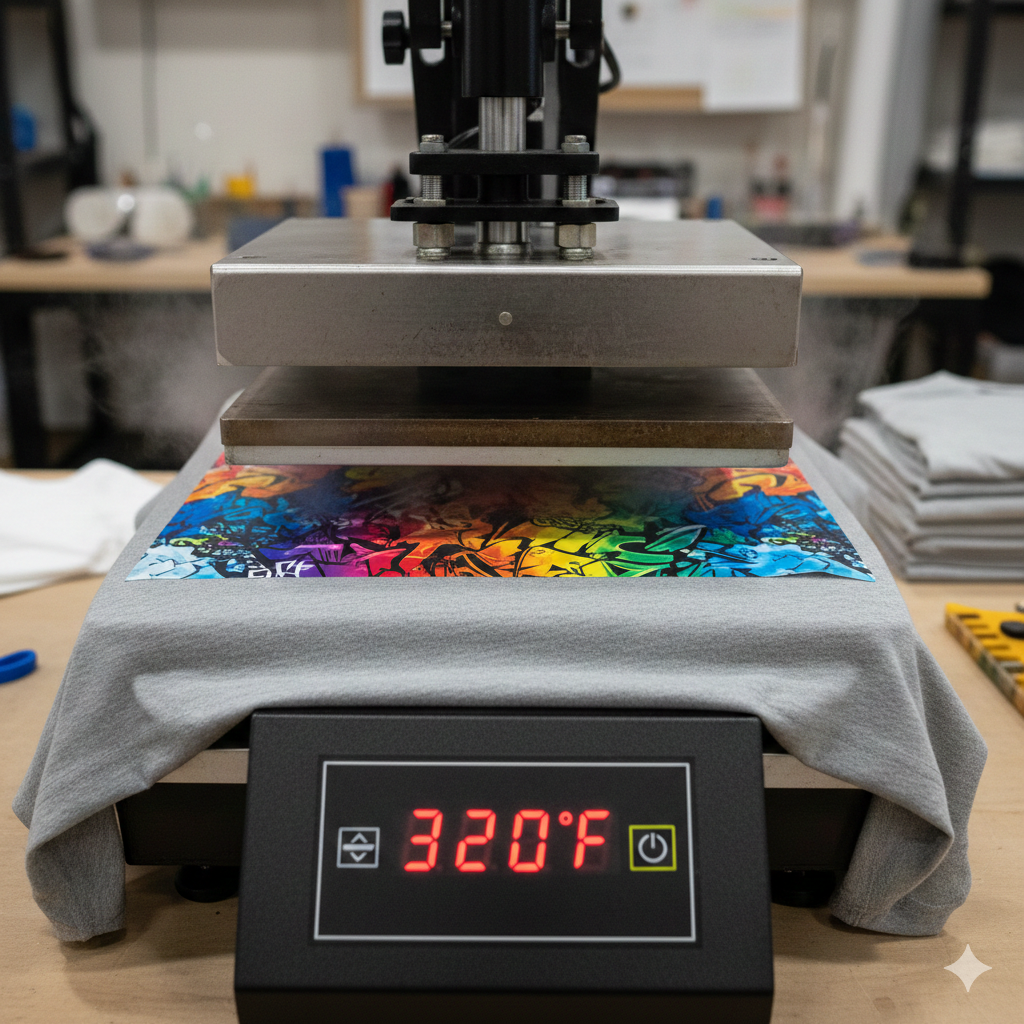
- Temperature: 150–160°C
- Pressure: Medium
- Time: 10–15 seconds
Too much heat burns colors. Too little heat causes weak bonding.
Step 4: Use Quality Consumables
Reliable materials matter. Poor film or powder weakens color hold.
Many shops use Premium Hot Melt Powder because it melts evenly and holds pigments better.
Step 5: Final Press Technique
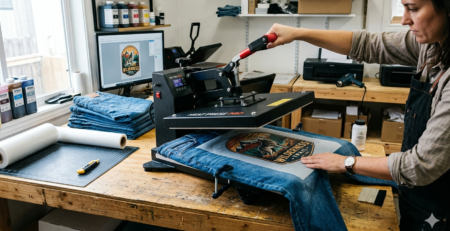
After peeling, do a second press using parchment paper for 5 seconds. This seals the print and improves durability.
Prevention Tips
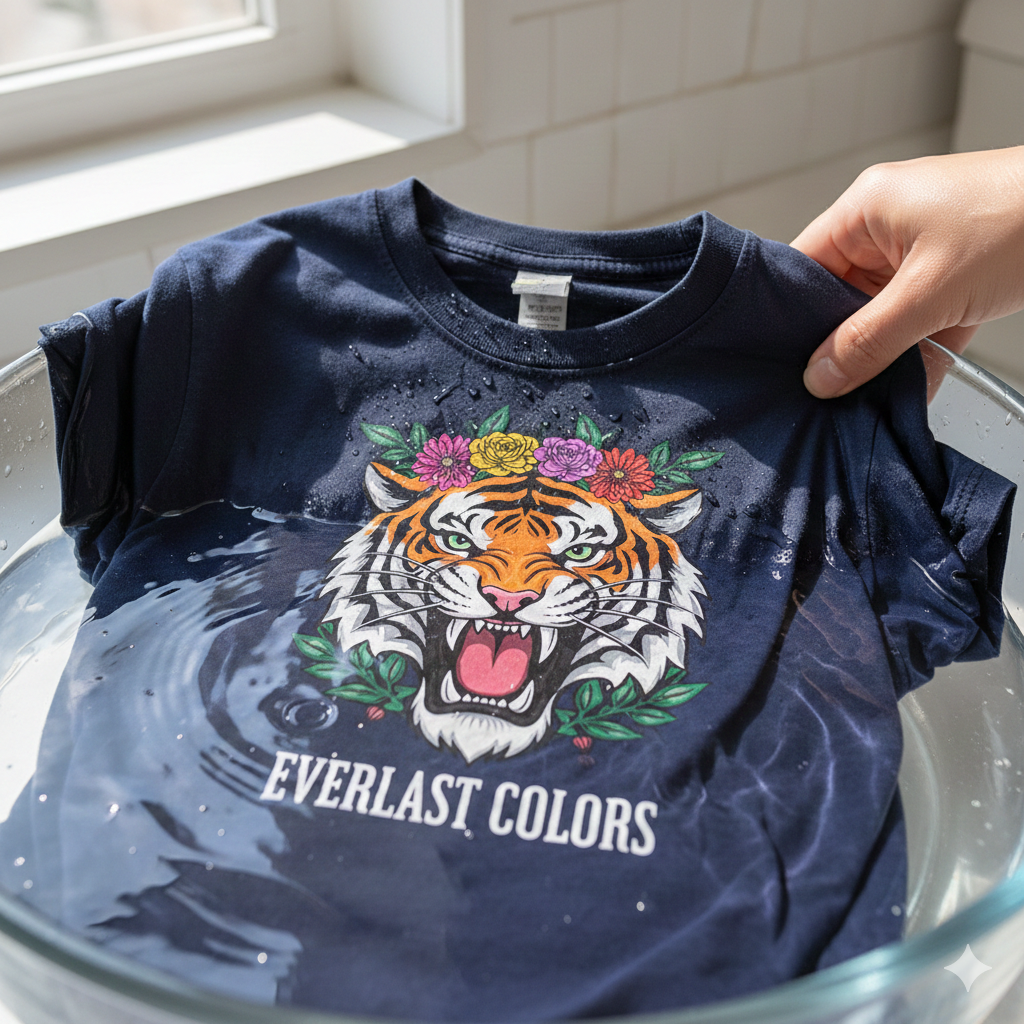
Preventing fading is easier than fixing it.
✔ Store ink in cool, dark areas
✔ Shake white ink daily
✔ Use correct ICC profiles
✔ Avoid over-washing garments
✔ Test new fabrics before bulk printing
Professional printers at Fespa events often stress that stable workflows prevent 90% of fading complaints.
Tools and Materials Needed
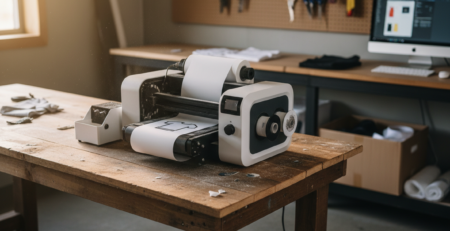
You don’t need advanced machines, but you do need consistent tools.
- Quality DTF ink
- Reliable PET film
- Heat press with digital control
- Accurate thermometer
- Curing oven or hover heat press
Many printers prefer DTF PET Film (Hot Peel) for strong ink grip and smooth release.
Testing and Troubleshooting
Always test before full production.
Wash Test
Wash at 30°C after 24 hours. Check color retention.
Stretch Test
Stretch fabric lightly. Cracking or fading means poor bonding.
Rub Test
Dry rub with cotton cloth. Pigment transfer indicates curing issues.
If fading continues, adjust one variable at a time. Don’t change everything together.
InkJetInsights.com highlights that controlled testing reduces material waste and repeat failures.
Conclusion
Fading colors in DTF Prints are not a mystery. They are usually caused by incorrect curing, weak ink layers, or pressing errors. Once you fix these basics, your prints will stay vibrant for many washes.
Focus on consistency. Use good materials. Test often. Small improvements make a big difference in professional DTF Prints.
When done right, DTF printing delivers strong colors, soft feel, and long-lasting results.
Product Suggestions (Used Naturally)
Premium DTF Ink
DTF PET Film (Hot Peel)
Premium Hot Melt Powder
Heat Resistant Teflon Sheet
External References + Credits
Helpful industry references used for technical understanding:
Credit: Information references from Fespa, PrintIndustry, and other public sources.


LEAVE A COMMENT