
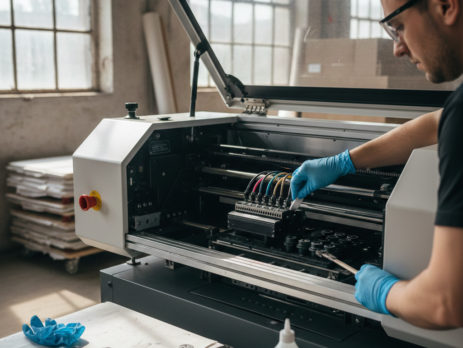
1. DTG Printing Mastery: How to Maintain Your DTG Printing Machine for Long Life
Table of Contents
Introduction
DTG Printing has changed the way custom garments are produced. It allows detailed designs, smooth color blending, and fast turnaround. But like any precision machine, a DTG printer needs regular care. Many printers fail early not because of bad build quality, but because of poor maintenance.
If you run a print shop, you already know downtime means lost orders. Ink clogging, head strikes, color inconsistency these problems often start small. With the right habits, you can avoid expensive repairs and extend your DTG Printing machine’s life by years.
Chat with our team for printers, consumables, film, powder and business setup guidance.
This guide is written from real shop-floor experience. No theory. No complex language. Just practical steps that work.
Daily Maintenance Routine
Daily maintenance is the backbone of DTG Printing machine health. Skipping one day may seem harmless, but ink dries fast.
1. Nozzle Check Every Morning
Before printing anything, run a nozzle check. This takes two minutes and tells you if ink is flowing correctly. If you see broken lines, clean the head immediately.
2. Head Cleaning (Light Only)
Use light cleaning mode unless there is a serious blockage. Over-cleaning wastes ink and stresses the printhead.
3. Wipe the Capping Station
Ink residue builds up around the cap. Use lint-free wipes and approved cleaning fluid. Never use tap water.
4. Shake White Ink Bottles
White ink settles overnight. Gently shake cartridges or bottles before starting. This keeps pigment balanced.
Many operators using Epson DTG Printhead Cleaning Solution find daily wiping reduces long-term clogs.
Weekly Maintenance Tasks
Weekly care goes deeper and keeps parts working smoothly.
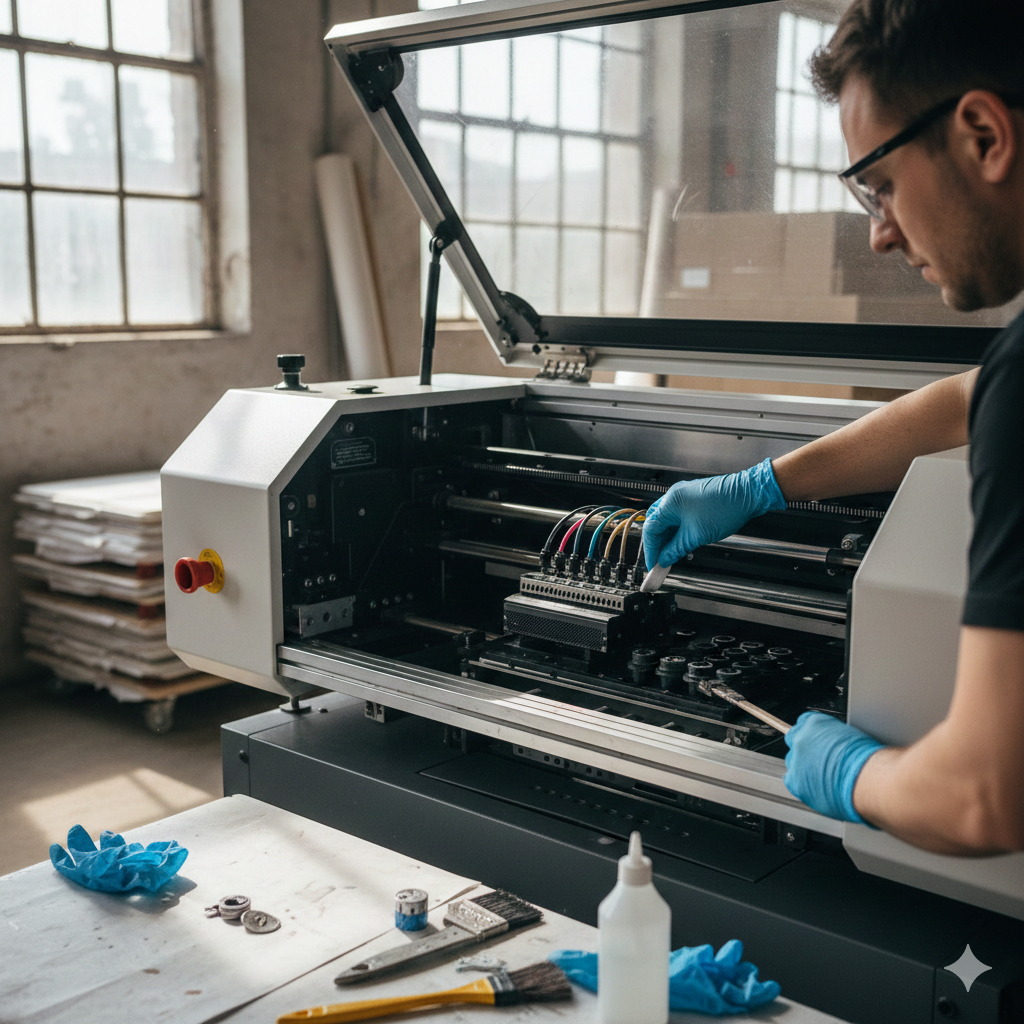
1. Clean Wiper Blade
A dirty wiper spreads ink instead of cleaning it. Remove and clean with solution. Replace if cracked.
2. Flush Ink Lines (If Idle)
If the machine stays unused for 2–3 days, flush the ink lines. This is critical for DTG Printing systems using white ink.
3. Inspect Dampers
Look for air bubbles or ink separation. Dampers regulate ink flow and protect the head.
Many professionals keep spare DTG Ink Dampers on hand to avoid emergency downtime.
Monthly Deep Cleaning
Once a month, schedule deeper cleaning. Treat it like servicing a vehicle.
1. Full Head Soak
Use cleaning solution to soak the printhead (as per manufacturer guide). This dissolves dried ink inside nozzles.
2. Rail and Encoder Strip Cleaning
Ink mist settles on rails and encoder strips. Clean gently with lint-free cloth. Dirty encoder strips cause banding.
3. Vacuum Waste Ink System
Check waste tubes and bottle. Overflow can damage electronics.
Users running high-volume DTG Printing often rely on DTG Maintenance Cleaning Kit for monthly care.

Environmental Controls
Your printer’s environment matters more than most people think.
Ideal Conditions
- Temperature: 20–28°C
- Humidity: 45–60%
Low humidity dries ink faster. High humidity affects fabric absorption.
Avoid Dust
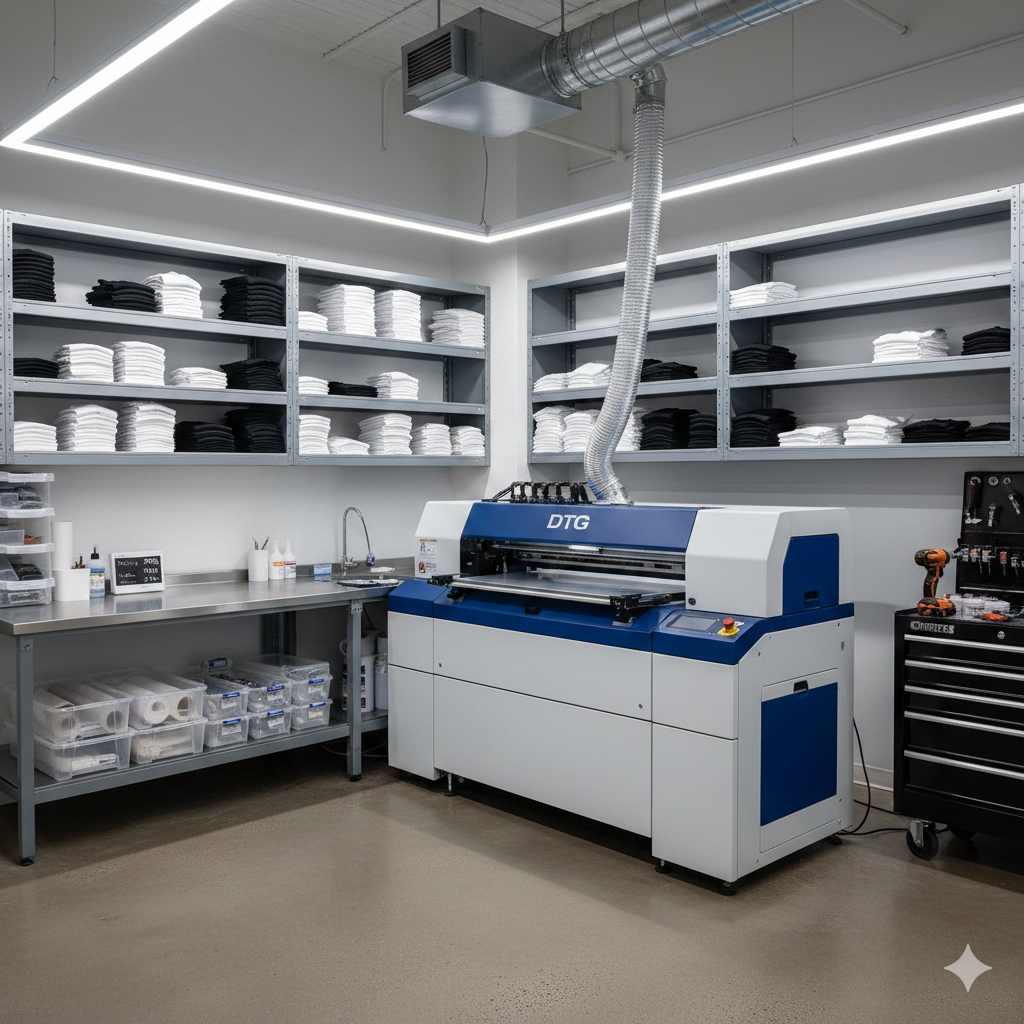
Dust is the silent killer of DTG Printing machines. Keep doors closed. Use covers when idle.
Stable Power Supply
Voltage fluctuations damage boards. Use a stabilizer or UPS.
According to studies shared on InkJetInsights.com, stable humidity alone can reduce nozzle clogging by over 40%.
Ink and Consumable Care
Ink quality directly affects print life and machine health.
Use Fresh Ink
Never use expired ink. Pigments break down and clog lines.
Store Ink Properly
Keep bottles sealed. Store away from sunlight.
Use Recommended Pretreatment
Poor pretreatment causes ink bleed and head strikes.
Many shops prefer DTG White Ink – Premium Grade for consistent flow and smoother curing.
Troubleshooting Common Issues
Problem: Missing Colors
Cause: Partial nozzle clog
Fix: Light head cleaning + nozzle check
Problem: White Ink Not Printing
Cause: Settled pigment
Fix: Shake ink system, run white ink circulation
Problem: Head Strike
Cause: Fabric height mismatch
Fix: Adjust platen height and flatten garment
Problem: Banding
Cause: Dirty encoder strip
Fix: Clean strip and rails
Most DTG Printing issues start with simple neglect. Fix them early.
Advanced Tips
Keep the Machine Running
Printing one test image daily is better than leaving the machine idle.
Log Maintenance
Keep a notebook or spreadsheet. Note cleanings, ink changes, issues.
Train Operators
Machines last longer when everyone follows the same routine.
Use Quality Spares
Cheap parts save money short-term but cost more later. Items like DTG Printhead Protection Fluid help during long shutdowns.
Conclusion
DTG Printing machines are reliable when treated well. Most failures are preventable. Daily checks, weekly cleaning, and monthly deep care keep prints sharp and machines healthy.
Think of maintenance as insurance. A few minutes each day saves thousands in repairs. Whether you run a small shop or a busy production unit, these habits will protect your investment.
Clean machine. Stable environment. Fresh ink. That’s the formula for long-lasting DTG Printing success.
Product Suggestions (from DTFshop.in)
- DTG Maintenance Cleaning Kit
- DTG White Ink – Premium Grade
- DTG Ink Dampers
- Epson DTG Printhead Cleaning Solution
External References + Credits
Helpful reading sources:
Credit: Information references from Fespa, PrintIndustry, and other public sources.

Leave a Reply