
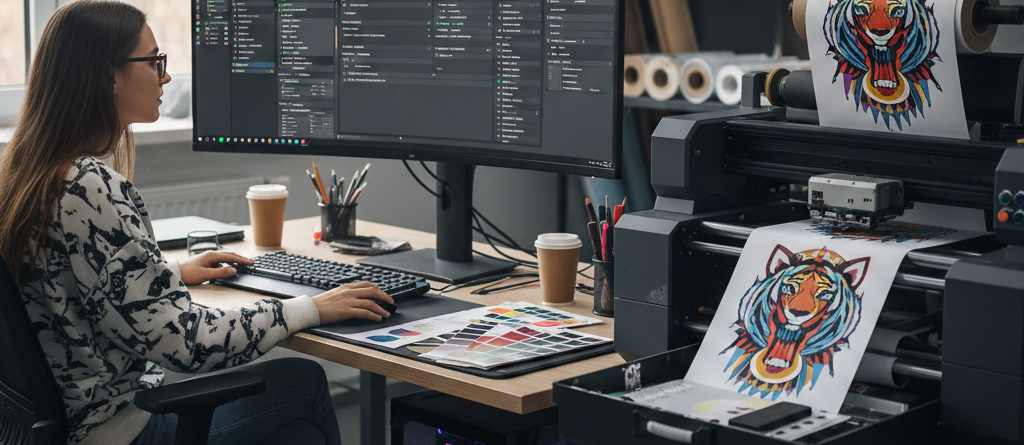
Software for DTF Printing – Best Buyer’s Guide for 2025
Table of Contents
Choosing the Right Software for DTF Printing
Introduction
DTF printing is growing fast across the world. Whether someone is running a small t-shirt studio or a large apparel export company, the main goal is clear prints must be smooth, sharp, and long-lasting. Many new business owners focus only on printers, films, and inks but forget one major element: software for DTF printing. The right software makes a big difference in print quality, productivity, and export profit.
This guide explains how to choose the right software in simple, practical language. It comes from real experience and everyday industry scenarios not generic theory.
What is DTF Printing?
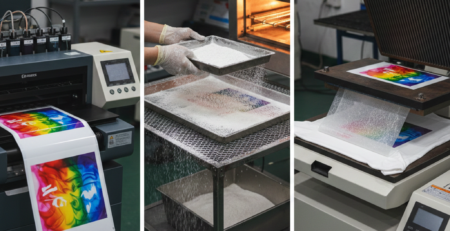
DTF (Direct to Film) printing transfers designs to fabric using a printed film and hot-melt powder. It works on cotton, polyester, blends, nylon, and many other materials. Unlike screen printing or sublimation, DTF is low investment, high return, and suitable for small and bulk orders.
But all these results depend heavily on software for DTF printing, which controls color management, white ink layers, image resolution, and print speed.
Importance of Choosing the Right Software
Choosing random software can lead to issues like:
- Wrong color mapping
- Weak white ink layer
- Too much powder usage
- Slow printing speed
- Higher film consumption
Using proper software for DTF printing fixes these instantly. It can reduce wastage, speed up bulk orders, and keep customers satisfied. For businesses exporting prints, accuracy becomes even more important because buyers expect perfect results.
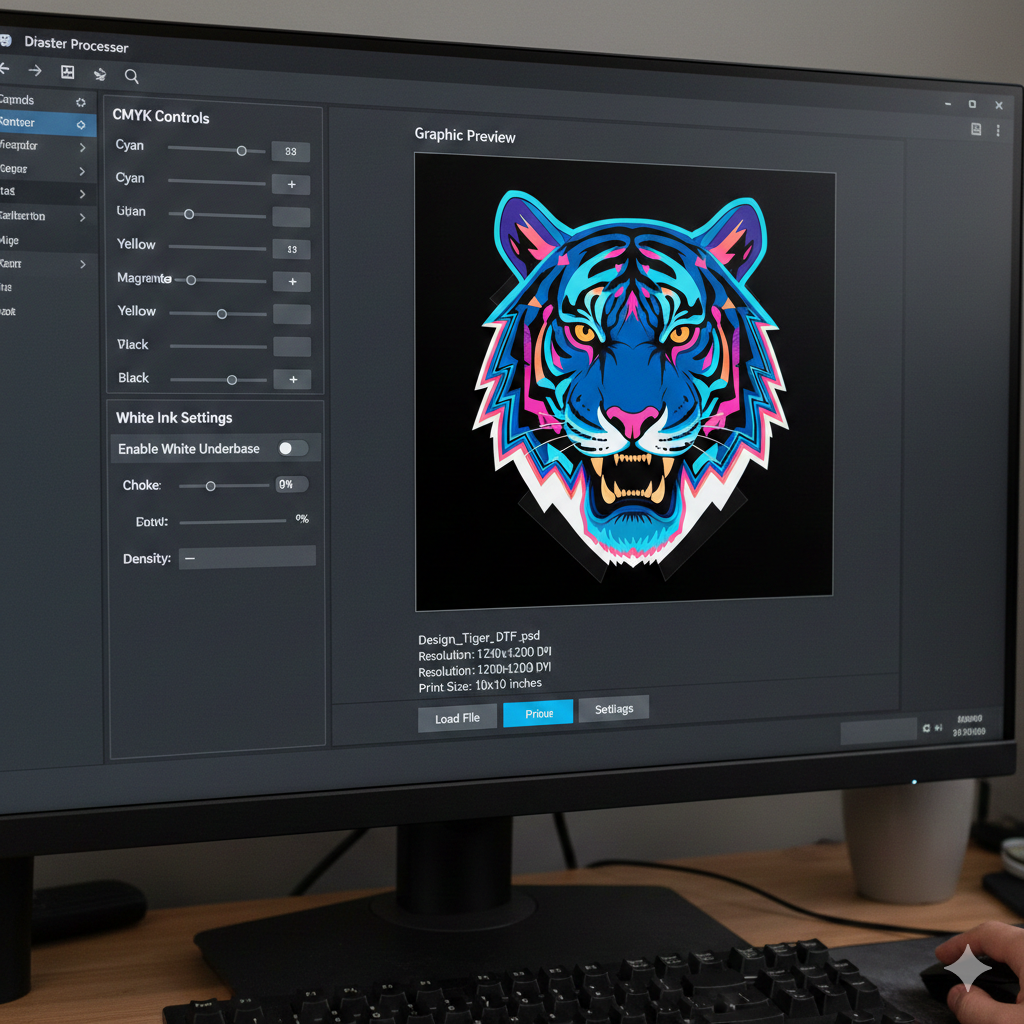
Key Features to Look for in DTF Printing Software
Before buying any software for DTF printing, check the following:
✔ Strong Color Profiling
Accurate CMYK and white ink mixing for vivid colors.
✔ Raster and Halftone Control
Useful for breathable prints on sportswear.
✔ Layer Control for White & Color
Helps avoid over-inking.
✔ Hot Folder / Batch Printing
Speeds up production.
✔ Supports Large Files
Needed for hoodie, bedsheet, and jersey exports.
Compatibility with Hardware and Operating Systems
Not all software for DTF printing works with every printer. Some are made only for Epson printheads, some for XP600, and some are RIP-agnostic.
Also consider:
- Windows version support
- MAC support (most DTF software doesn’t)
- Driver support for different printers
Before buying any printer, check if the software supports it.
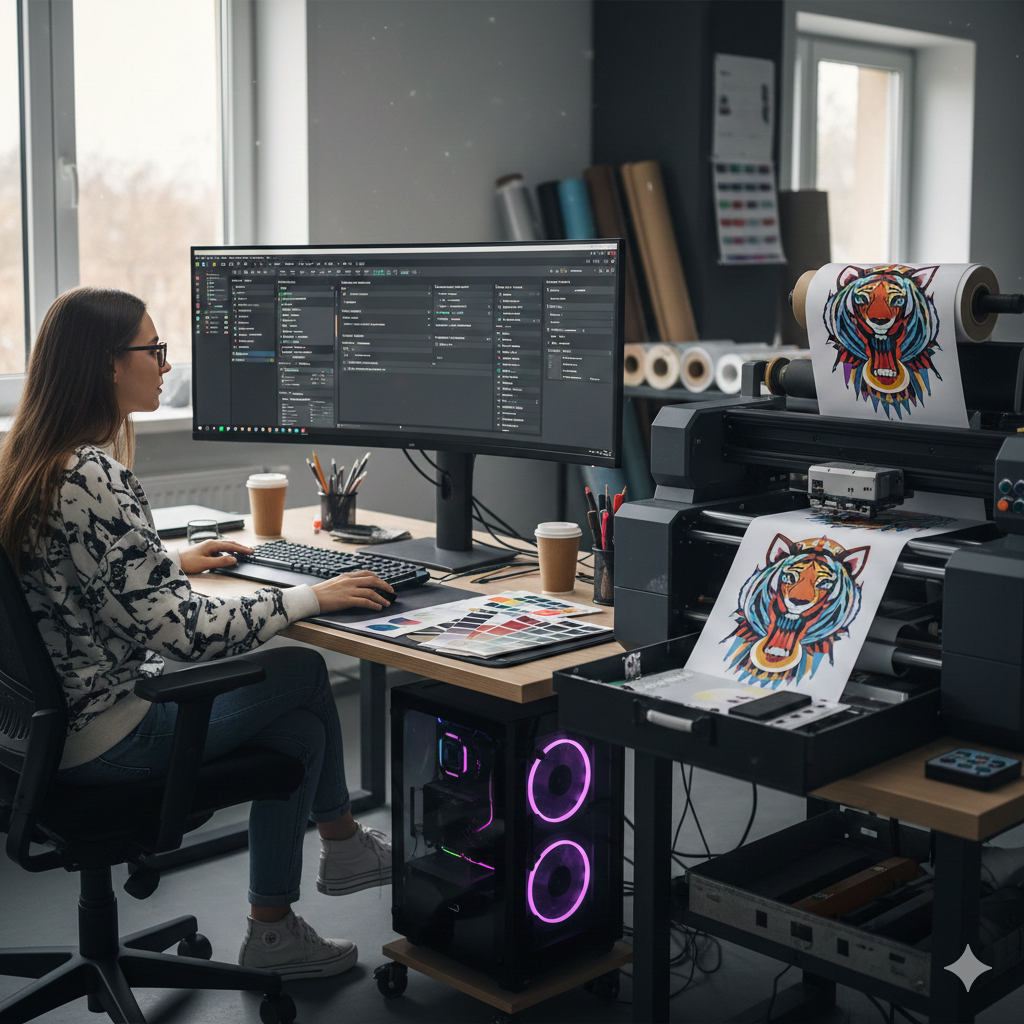
User Interface and Ease of Use
A complicated system slows down workflow. Good software should allow:
- Preview before print
- One-click white management
- Easy color adjustments
- Drag-and-drop artwork import
Small studios with one operator benefit a lot from an easy UI.
Software Support and Updates
DTF technology changes fast. New inks and films need updated ICC profiles. Choose software that provides:
- Regular updates
- Quick support
- Replacement license in case of system crash
Cost and Licensing Options
Software comes in 3 pricing patterns:
| License Type | Advantage | Limitation |
|---|---|---|
| Perpetual | One-time cost | Expensive initially |
| Annual | Small yearly renewal | Long-term expensive |
| Dongle-based | Portable | Risk of damage/loss |
Don’t choose only based on cost compare value and performance.
Popular DTF Printing Software Options
There are many DTF printing software options in the market. Some popular choices include:
- Cadlink Digital Factory
- Print Explorer
- MainTop
- Flexi
- Fiery
Each has strengths, but performance depends on printer compatibility.
How to Evaluate and Test Software Before Buying
A simple checklist to avoid wasting money:
- Ask for sample ICC profiles for your printer.
- Print the same design in two different software for comparison.
- Test halftone on sports jersey fabric.
- Try a neon color to check accuracy.
- Calculate powder and ink usage.
If your supplier rejects test prints, do not trust the license.
Tips for Maximizing Software Performance
Here are some practical tips used by experienced DTF businesses:
- Use high-resolution PNG instead of compressed JPEG.
- Keep RIP software on a dedicated PC.
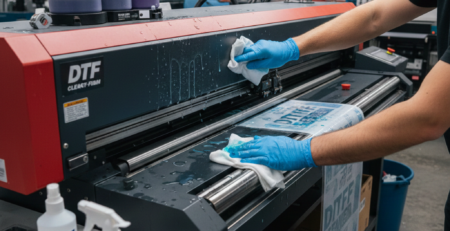
- Clean printheads only after proper nozzle check.
- Use branded PET films and inks for uniform color results.
A few helpful supplies from DTFshop.in that work well with professional software:
- DTF Hot Melt Powder – Premium Grade
- PET Film for DTF Printers – Anti-Static
- DTF CMYK + White Ink Combo
- DTF Cleaning Solution for Printhead Maintenance
- Epson Printhead Protection Capping Station
Using reliable consumables makes good software even more effective.
Conclusion and Final Recommendations
Choosing the right software for DTF printing is not only a technical decision — it affects quality, business growth, export success, and customer satisfaction. Spend time comparing features instead of buying blindly.
If you plan to export prints or garments, strong color consistency is essential. Trusted printing portals like PrintIndustry.com, Fespa.com, and InkJetInsights.com publish useful guidelines for global standards and compliance that every business owner should follow.
A great printer cannot deliver great results without great software. Invest wisely, test before buying, and pick software that works smoothly with your printer and workflow.
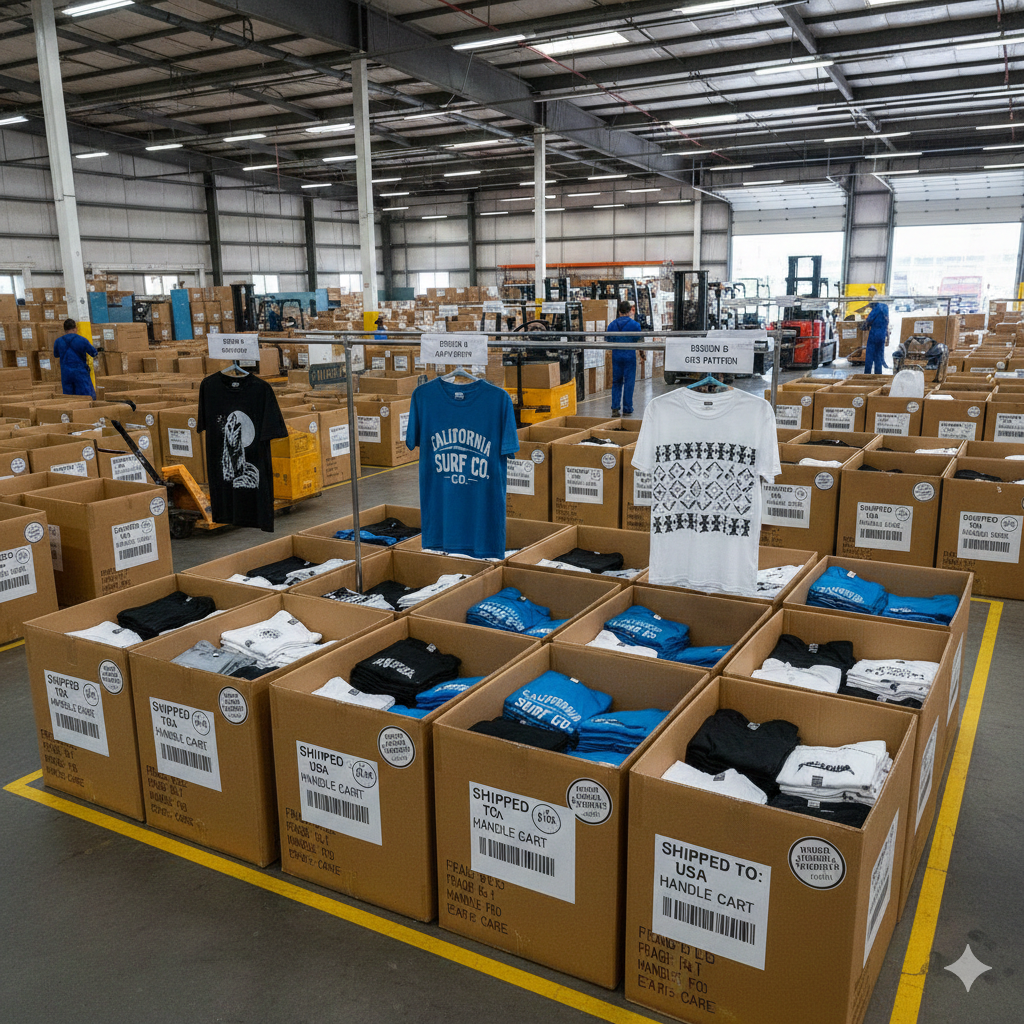
External References + Credits
Credit: Information references from Fespa, PrintIndustry, and other public sources.

LEAVE A COMMENT