DTFShop benefitSave up to 26%
Includes eligible prepaid saving before GST/fees
Our DTF PET Film 12×18 pack supplies blank PET carrier sheets for a compatible textile DTF printer. The cut-sheet format lets you prepare individual garment designs or several smaller logos on one sheet without installing a continuous roll.
DTF PET Film 12×18 — one pack of 100 blank PET sheets, each 304.8 × 457.2 mm, for compatible textile DTF printing.
Requires a feed path accepting the full 12-inch sheet width; not full-sheet compatible with the Epson L8050.
Standard matte working procedure: bake 160°C / 15 seconds; press 160°C / 15 seconds with heavy pressure.
Hot/hybrid peel per batch instructions; second press recommended.
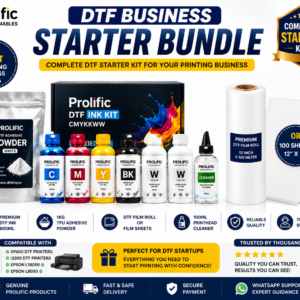
Film only. Ink, powder and equipment are separate.
Smart Online SavingsYour order cost, explained
Compare automated website ordering—including COD, card/digital payments, rewards and coupons—with a manual/offline order.
Order on DTFShop.inRecommended
Product value₹2,000.00
Prepaid discount (7.5%)−₹150.00
Website shippingCalculated by weight at checkout
GST (18%)+₹333.00
Estimated platform fee (2.36% of total)+₹52.76
Estimated prepaid subtotal₹2,235.76
Weight-based shipping will be added at checkout
Online purchase rewardsEarn and use eligible rewards
Purchase + email couponsGet eligible coupon offers and free promotional coupons by email
✓ Order online anytime, from anywhere✓ Choose COD where available✓ Pay securely by credit card or available digital payment methods✓ Immediate digital payment proof and automatic order confirmation✓ GST invoice available without manual follow-up✓ Automatic tracking and WhatsApp order updates✓ Earn rewards on eligible completed online purchases✓ Receive eligible purchase coupons and free promotional coupons by email
Manual / Offline Order
Product value₹2,000.00
Manual / offline shippingCalculated by actual weight and location
GST (18%)+₹360.00
Prepaid website discount₹0
Website rewards / coupon₹0
Estimated manual order subtotal₹2,360.00
Actual weight/location-based courier charge is extra
• Payment coordinated manually through WhatsApp/bank transfer• Confirmation and invoice may require manual processing• Courier charged on the actual/manual booking basis• Shipment timing and updates are coordinated manually
Estimated saving by ordering prepaid on DTFShop.in₹124.24
before weight-based shipping and any additional eligible rewards or coupon saving
How this estimate works:
Website example uses the 7.5% prepaid discount only when the eligible value is ₹10,000 or below, plus GST 18% and an estimated non-EMI platform fee equal to 2.36% of the subtotal including that fee. Shipping, coupons and final taxes are confirmed at checkout.
Website and manual/offline shipping are excluded from these subtotals because courier charges are calculated from actual weight, dimensions and delivery location.
Final checkout or confirmed manual quotation is authoritative and can change with shipping, coupon, rewards, variation and payment method.
Frequently bought together
Complete your setup
Useful add-ons commonly paired with this product. Choose only what you need.
DTF PET Film 12×18 — 100 blank sheets for garment-transfer printing
Our DTF PET Film 12×18 pack supplies blank PET carrier sheets for a compatible textile DTF printer. The cut-sheet format lets you prepare individual garment designs or several smaller logos on one sheet without installing a continuous roll. Print your artwork using suitable DTF ink, apply hot-melt adhesive powder, cure the printed transfer and heat press it onto your garment. The PET carrier is removed during transfer application.
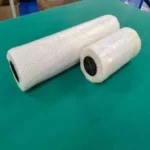
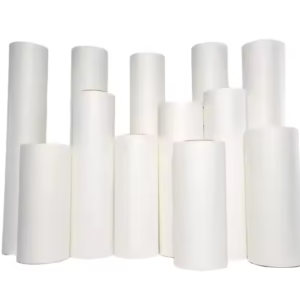
Existing product view of the sheet media. This purchase supplies blank film, not ready-printed transfers or a printer.
What you receive for the listed price
One pack of 100 blank PET film sheets, each 12 × 18 inches.
Physical sheet dimensions: 304.8 × 457.2 mm.
Ink, adhesive powder, printed artwork, printer, oven and heat press are purchased separately.
Quantity 1 means one 100-sheet pack, not one individual sheet. GST and shipping are shown separately at checkout. Product guides and machinery in demonstration videos are not extra supplied items.
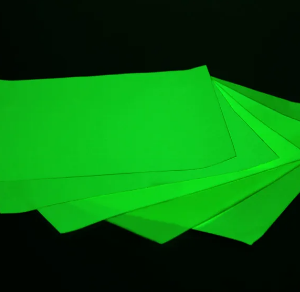
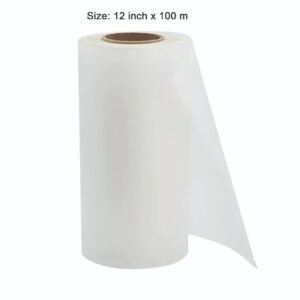
Additional sheet-media view from the existing gallery. Check the pack quantity and physical dimensions rather than estimating size from the picture.
Exact size and printer compatibility
Format
Blank PET sheets for textile DTF printing
Sheet dimensions
12 × 18 inches / 304.8 × 457.2 mm
Pack quantity
100 sheets
Order unit
One pack
Required feeding capability
A compatible DTF setup accepting the full physical sheet width and length
DTF PET Film 12×18 is often described as A3-class media, but these are not standard ISO A3 sheets measuring 297 × 420 mm. Set a custom page size and check the machine’s actual maximum media size. Printable artwork area is smaller than the sheet when your printer requires handling or feed margins.
Important compatibility correction: a full 12-inch-wide sheet does not fit the Epson L8050’s standard 8.5-inch maximum media width. Do not order this format for full-sheet feeding into that machine. A suitable A3-capable machine, such as a correctly configured L1800-class DTF conversion, still needs its media path and ink system checked. Epson’s original photo-printer specifications do not constitute approval for DTF conversion or DTF ink.
Further sheet-product view. Confirm a supported 304.8 mm feed width before choosing this full-sheet format.
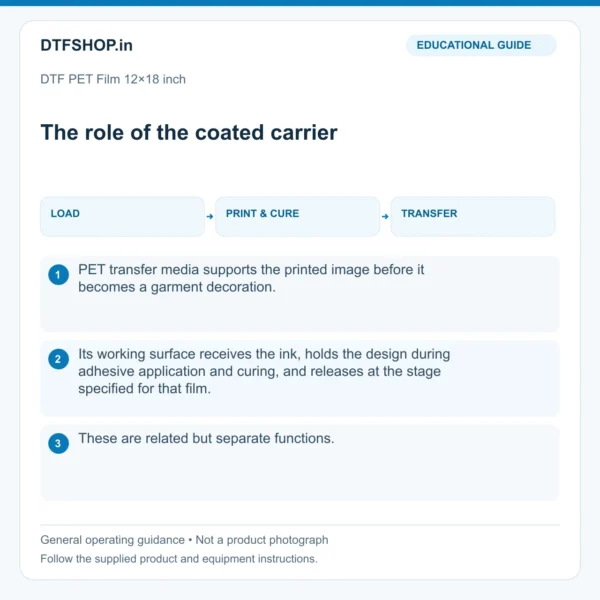
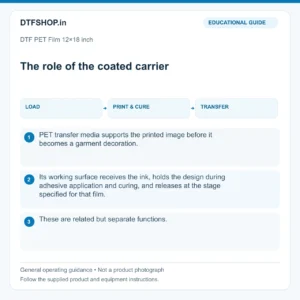
What the coated sheet does
The film’s working surface receives the printed image and supports it through adhesive powder application and curing. The ink and adhesive form the garment decoration; the PET is peeled away at the appropriate stage. This media is not ordinary inkjet transparency, sublimation paper or UV DTF A+B sticker film. Use the textile DTF process and compatible materials throughout.
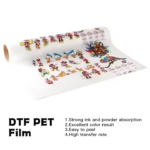
Educational carrier-film illustration. It explains the process and is not a batch photograph or certification.
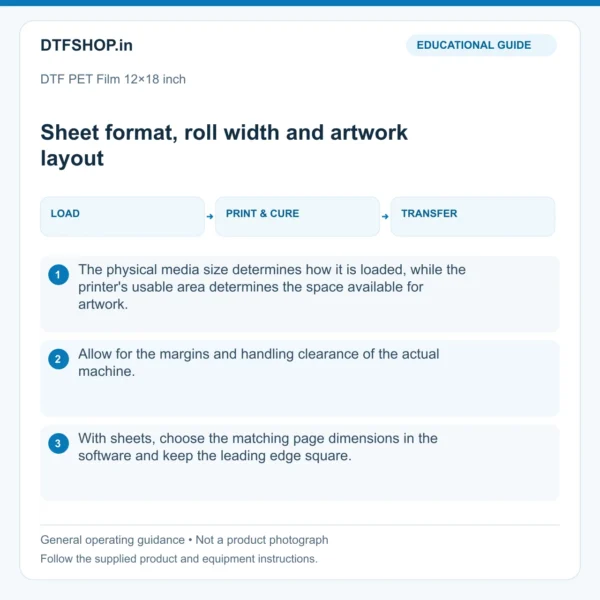
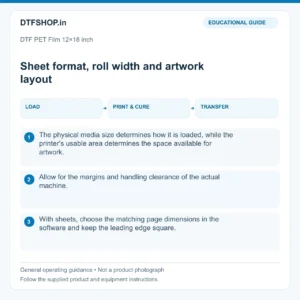
Prepare the sheet and artwork layout
Handle DTF PET Film 12×18 by the edges where practical. Identify the coated print face, keep the sheet flat and load its leading edge squarely. Avoid fingerprints, dust and moisture on the working surface. Use the loading arrangement recommended for your converted or dedicated DTF printer instead of assuming an office-paper loading method will work unchanged.
Set the actual sheet dimensions in your RIP and use the required mirrored design. Leave the printer’s margins and adequate space for powder removal, handling and cutting. A gang layout can combine several small designs, but the entire physical sheet is not automatically printable. Calibration, handling clearance and sample transfers should be included when estimating material yield.
Educational layout guide. Use the actual 12×18-inch sheet size and your printer’s margins; roll-related examples do not change this product into roll media.
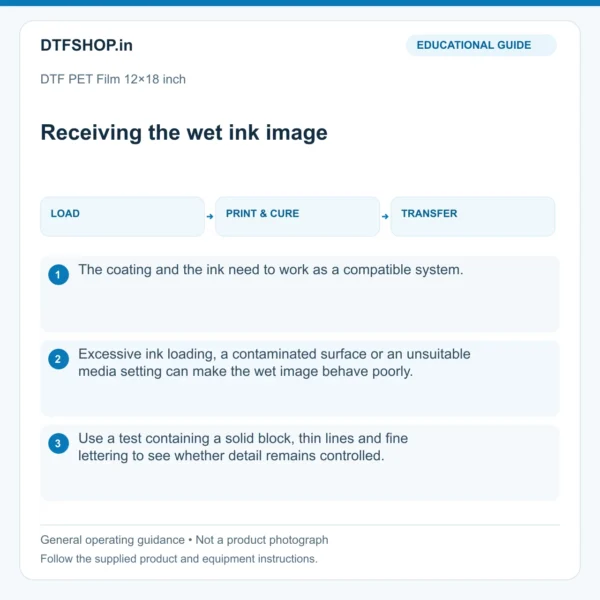
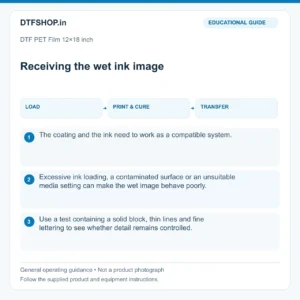
Inspect the wet print before powdering
Start a new pack with a small representative design containing solid colour, fine lettering and open spaces. Check that detail stays controlled and that the ink is on the correct face. If it pools or spreads, check orientation, cleanliness and RIP ink loading before changing several settings. A good-looking wet image is only the first check; complete the transfer before approving a long customer run.
Educational wet-image guide. Inspect your own printed sheet; this diagram is not evidence of tested batch performance.
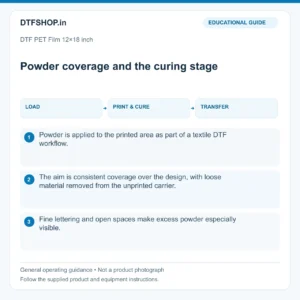
Standard matte baking and pressing procedure
For standard matte DTF PET Film 12×18, use the store-confirmed working procedure below with compatible powder. Verify the film grade supplied with your pack; do not transfer these settings to an unrelated special-effect sheet.
Baking / adhesive curing
160°C for 15 seconds
Garment pressing
160°C for 15 seconds
Pressure
Heavy pressure
Release
Hot / hybrid peel following batch timing instructions
Second press
Recommended for washability. Ask our team for its duration and suitable cover-sheet guidance.
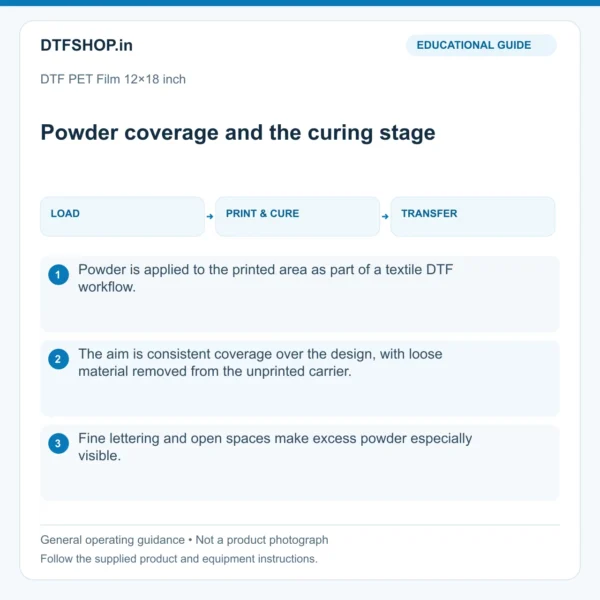
Baking cures adhesive on the printed sheet; pressing bonds the transfer onto the garment. These are separate operations. Test the actual film, ink, powder and fabric combination, verify equipment temperature and resolve any conflicting adhesive-curing instruction before production.
Educational adhesive and curing guide. Apply the numeric procedure stated in the text and confirmed batch instructions.
Printing and application sequence
Set the custom sheet size, mirrored artwork and tested colour/white-layer settings in the DTF RIP.
Load the coated face correctly and print a representative test.
Apply suitable hot-melt powder to the wet printed design and remove loose powder from unprinted areas.
Bake the adhesive using the verified procedure for your film, powder and equipment.
Position on the garment and heat press using the required temperature, time and pressure.
Peel at the correct stage, complete the finishing press and inspect the result.
Watch the general DTF workflow
This ProlificGeeks Locor A3 video demonstrates a roll-fed printer-and-shaker workflow. It explains the broad printing and powdering stages, but does not show this 100-sheet pack or establish sheet-feeding compatibility. Machinery shown is not included.
Evaluate DTF PET Film 12×18 on the actual garment. Check fine text, clear open spaces, edge adhesion and release consistency. Test washing and stretch before promising durability to your own customers. No universal wash-cycle count or all-fabric guarantee is claimed.
Issue
First checks
Artwork is clipped
Custom page size, orientation and printer margins.
Ink pools or detail spreads
Coated face, contamination and RIP ink loading.
Adhesive marks outside artwork
Loose-powder removal, static and moisture.
Uneven release or lifting edges
Adhesive cure, even pressure and correct peel stage.
Store sheets flat and record accepted settings
Keep unused sheets flat in their protective packaging, away from dust, moisture, direct heat and creasing. Identify opened packs by size and batch. Check supplied information for shelf life, thickness and specific storage limits; those values are not inferred from a similar supplier listing.
Retain a finished reference transfer with your RIP, ink, powder and pressing settings. Compare one variable at a time when a result changes. Consistent handling and a short production record are more useful than changing the full recipe whenever a single print behaves differently.
Reference videos explain a method or related model. They do not certify your supplied machine, consumable batch or print results. Follow the exact product manual and recommended settings.
Additional information
Weight
1.5 kg
Dimensions
48 × 34 × 4 cm
3 reviews for DTF PET Film 12×18 inch – 100-Sheet Pack for A3-Capable DTF Printers | ProlificGeeks
4 out of 5
Divya Sharma–
Perfect compatibility with our converted machines. Flow rates are smooth and packaging arrived safely. Static handling is excellent and peel properties remain crisp.
4 out of 5
Kavita Reddy–
Perfect compatibility with our converted machines. Flow rates are smooth and packaging arrived safely. Static handling is excellent and peel properties remain crisp.
5 out of 5
Divya Sharma–
Great value for money. Setup is incredibly easy if you follow standard industrial printing parameters. Static handling is excellent and peel properties remain crisp.
Continue on WhatsAppPlease share your details so our team can help you faster.
DTF PET Film 12×18 inch – 100-Sheet Pack for A3-Capable DTF Printers | ProlificGeeks₹2,500.00Original price was: ₹2,500.00.₹2,000.00Current price is: ₹2,000.00.









Divya Sharma –
Perfect compatibility with our converted machines. Flow rates are smooth and packaging arrived safely. Static handling is excellent and peel properties remain crisp.
Kavita Reddy –
Perfect compatibility with our converted machines. Flow rates are smooth and packaging arrived safely. Static handling is excellent and peel properties remain crisp.
Divya Sharma –
Great value for money. Setup is incredibly easy if you follow standard industrial printing parameters. Static handling is excellent and peel properties remain crisp.