DTFShop benefitSave up to 20.7%
Includes eligible prepaid saving before GST/fees
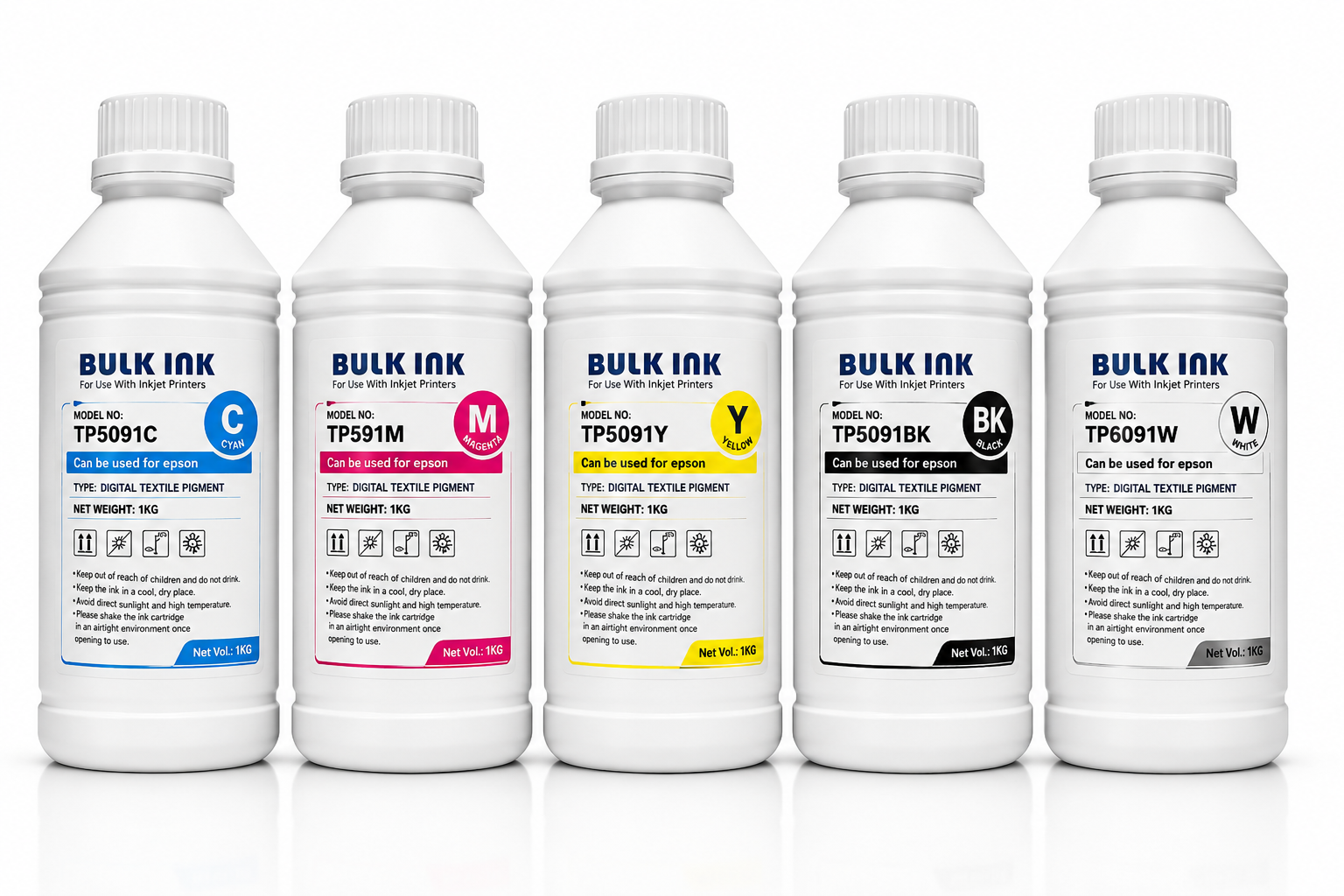
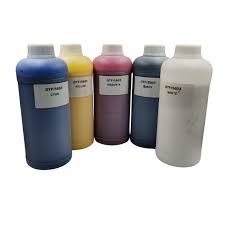
INKBANK DTF Ink 1KG is an Inkbank ink with colour and pack-size variations for the stated Epson-based DTF workflow. The selected variation determines the ink colour and supplied size.
INKBANK DTF Ink 1KG is an Inkbank ink with colour and pack-size variations for the stated Epson-based DTF workflow. The selected variation determines the ink colour and supplied size. A 100ML option and a 1KG option should not be read as one combined package.
What you receive for the listed price
INKBANK textile DTF ink in the colour and pack-size option selected before adding to cart.
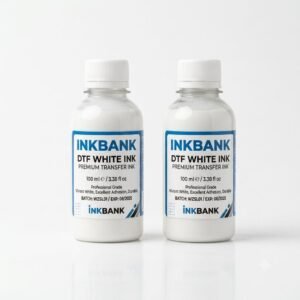
Available size choices must be selected individually; a selected-colour price is not a complete CMYKW set.
Applicable taxes and shipping, where relevant, are shown at checkout. Gallery guides and demonstration equipment explain use; they are not additional supplied items.
Smart Online SavingsYour order cost, explained
Compare automated website ordering—including COD, card/digital payments, rewards and coupons—with a manual/offline order.
Order on DTFShop.inRecommended
Product value₹300.00
Prepaid discount (7.5%)−₹22.50
Website shippingCalculated by weight at checkout
GST (18%)+₹49.95
Estimated platform fee (2.36% of total)+₹7.91
Estimated prepaid subtotal₹335.36
Weight-based shipping will be added at checkout
Online purchase rewardsEarn and use eligible rewards
Purchase + email couponsGet eligible coupon offers and free promotional coupons by email
✓ Order online anytime, from anywhere✓ Choose COD where available✓ Pay securely by credit card or available digital payment methods✓ Immediate digital payment proof and automatic order confirmation✓ GST invoice available without manual follow-up✓ Automatic tracking and WhatsApp order updates✓ Earn rewards on eligible completed online purchases✓ Receive eligible purchase coupons and free promotional coupons by email
Manual / Offline Order
Product value₹300.00
Manual / offline shippingCalculated by actual weight and location
GST (18%)+₹54.00
Prepaid website discount₹0
Website rewards / coupon₹0
Estimated manual order subtotal₹354.00
Actual weight/location-based courier charge is extra
• Payment coordinated manually through WhatsApp/bank transfer• Confirmation and invoice may require manual processing• Courier charged on the actual/manual booking basis• Shipment timing and updates are coordinated manually
Estimated saving by ordering prepaid on DTFShop.in₹18.64
before weight-based shipping and any additional eligible rewards or coupon saving
How this estimate works:
Website example uses the 7.5% prepaid discount only when the eligible value is ₹10,000 or below, plus GST 18% and an estimated non-EMI platform fee equal to 2.36% of the subtotal including that fee. Shipping, coupons and final taxes are confirmed at checkout.
Website and manual/offline shipping are excluded from these subtotals because courier charges are calculated from actual weight, dimensions and delivery location.
Final checkout or confirmed manual quotation is authoritative and can change with shipping, coupon, rewards, variation and payment method.
This product is variable, so this comparison currently uses the starting variation price.
Frequently bought together
Complete your setup
Useful add-ons commonly paired with this product. Choose only what you need.
INKBANK DTF Ink 1KG is an Inkbank ink with colour and pack-size variations for the stated Epson-based DTF workflow. The selected variation determines the ink colour and supplied size. A 100ML option and a 1KG option should not be read as one combined package.
What you receive for the listed price
INKBANK textile DTF ink in the colour and pack-size option selected before adding to cart.
Available size choices must be selected individually; a selected-colour price is not a complete CMYKW set.
Applicable taxes and shipping, where relevant, are shown at checkout. Gallery guides and demonstration equipment explain use; they are not additional supplied items.
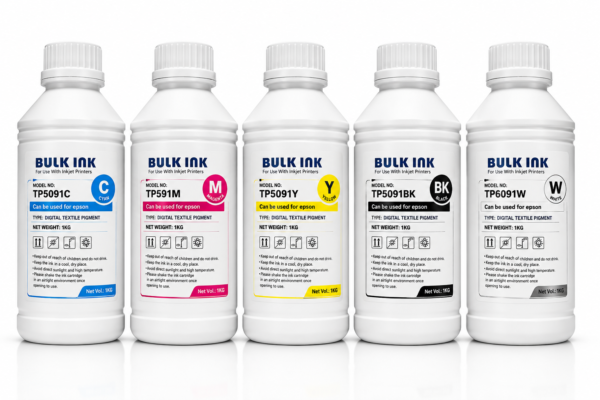
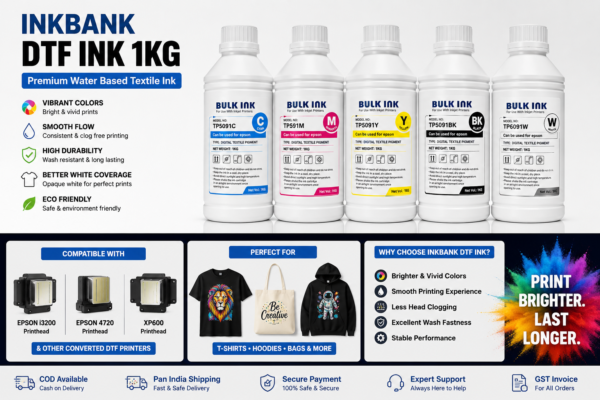
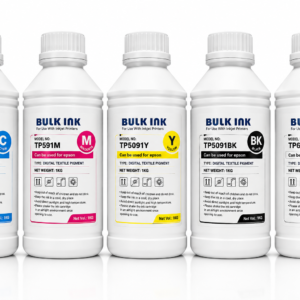
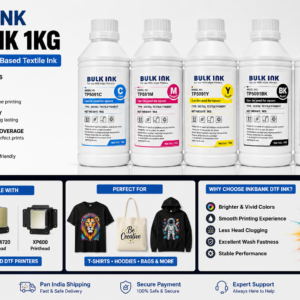
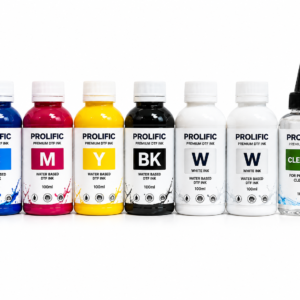
Product view CMYKW Set for Epson i3200 4720 XP600 DTF Printers.
Ink, film and white-layer balance
The visible image is only one stage of a DTF transfer. Ink is printed onto compatible coated film, the adhesive layer is applied and cured, and a separate heat-press operation transfers the design. The colour profile and white-layer settings should be treated as a matched recipe for the ink and media.
Illustrated guide to product use, handling or workflow. Educational illustration, not a product photograph.
Daily use and practical checks
When working with INKBANK DTF Ink 1KG, select the colour and pack together before comparing prices or planning replenishment. White and CMYK channels perform different roles and should remain clearly identified.
Specifications and available options
Select Ink Color
Black Ink, Cyan Ink, Magenta-ink, White-Ink, Yellow ink
Select Pack Size
100ML, 1KG
Choose the required variation to select the size, colour or configuration for your order.
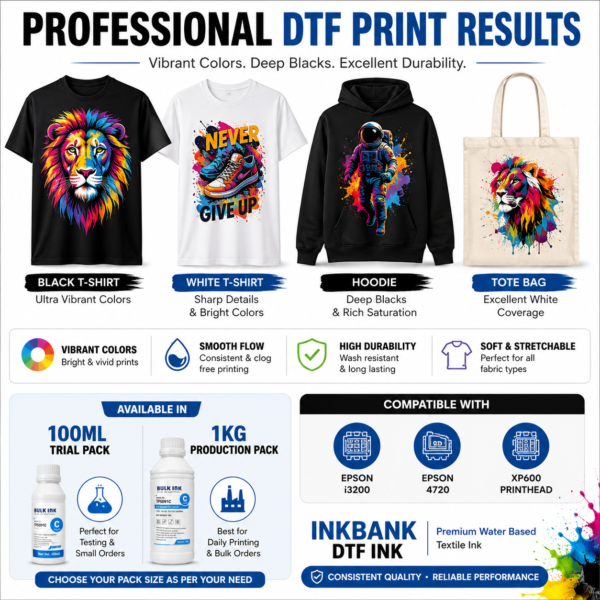
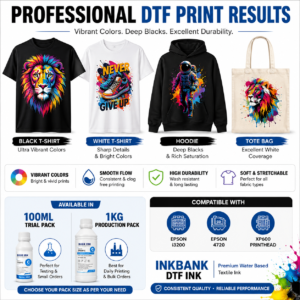
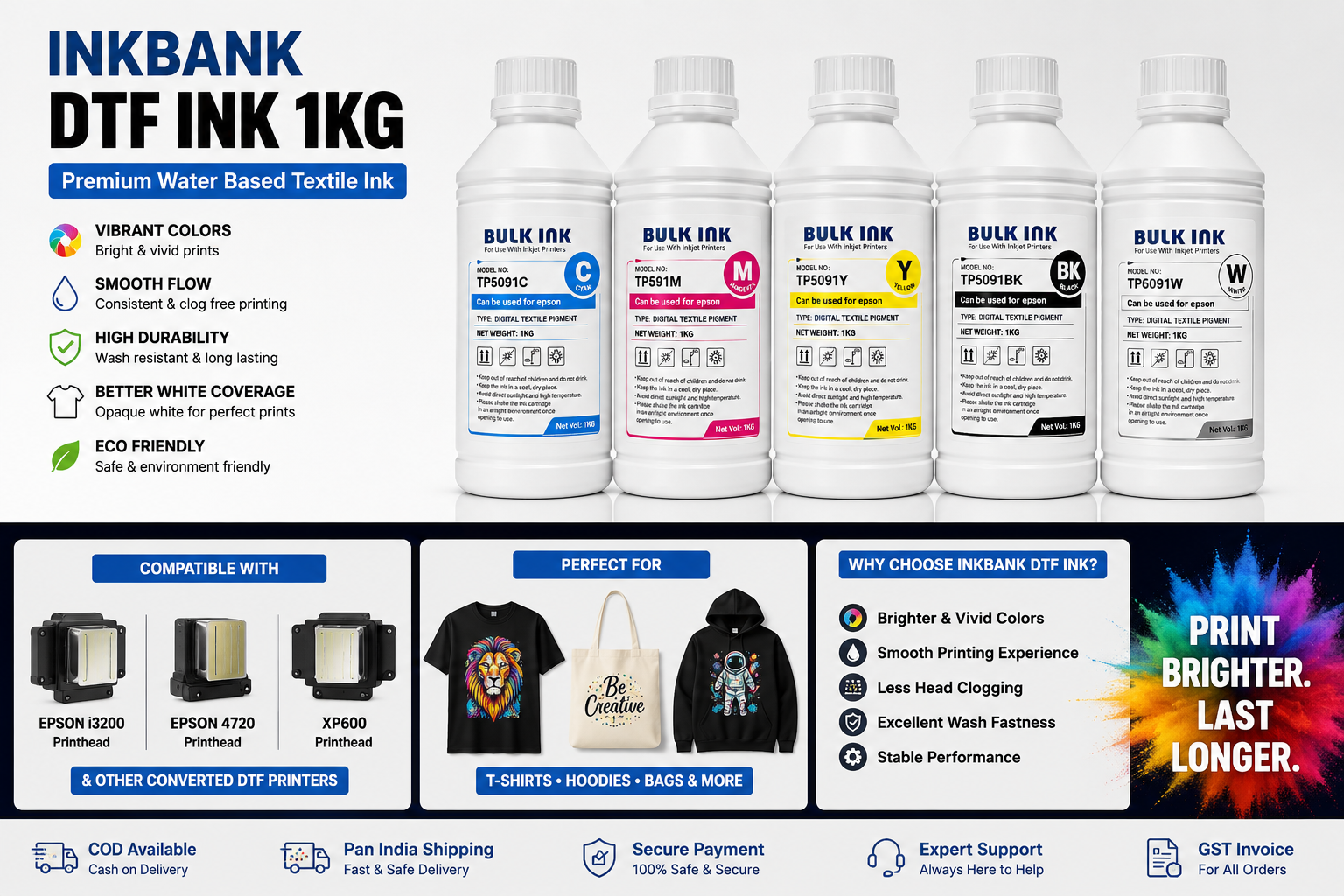
Professional DTF print output samples on T shirts hoodies and tote bags using INKBANK DTF Ink compatible with Epson i3200 4720 and XP600 printers.
Routine control in the ink system
For INKBANK DTF Ink 1KG, start production with a nozzle check and keep ink channels correctly identified. Use the ink supplier's storage and agitation instructions. A repeatable maintenance routine is more useful than increasing ink limits to disguise a missing nozzle or unstable supply.
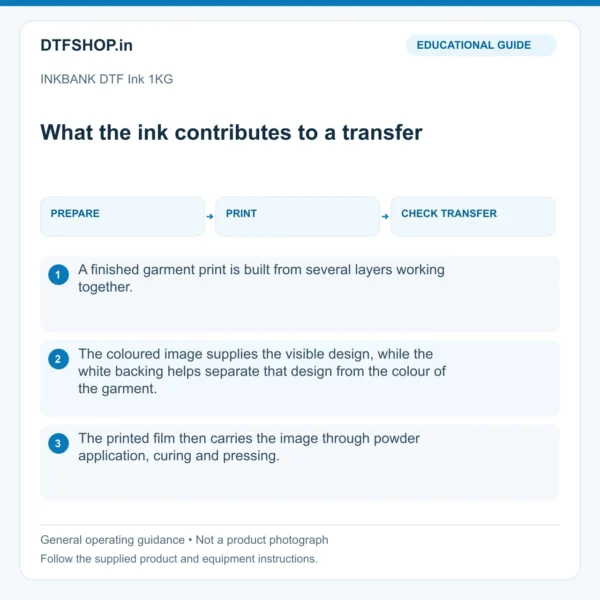
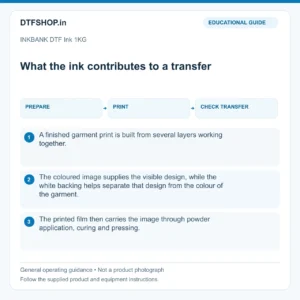
What the ink contributes to a transfer
A finished garment print is built from several layers working together. The coloured image supplies the visible design, while the white backing helps separate that design from the colour of the garment. The printed film then carries the image through powder application, curing and pressing. Each stage influences the result seen by the customer.
A dense wet image is therefore only an intermediate observation. The useful quality reference is a completed transfer with clean edges, even coverage and an appearance appropriate to the artwork and fabric. This is why ink evaluation belongs in the complete production workflow.
Illustrated guide: what the ink contributes to a transfer. Educational illustration, not a product photograph.
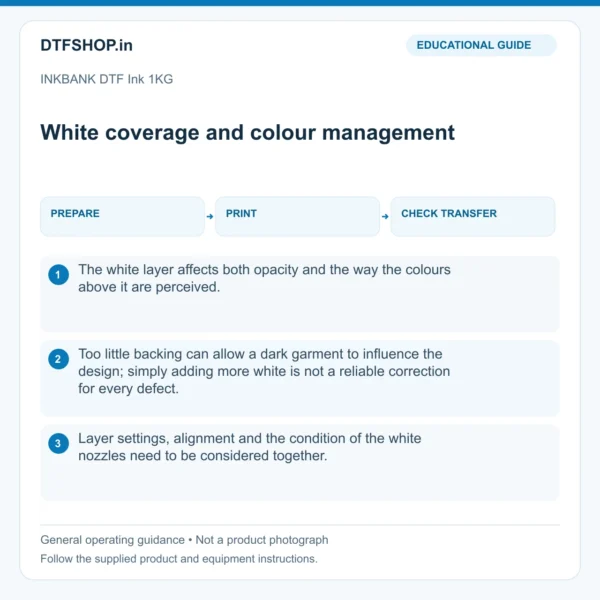
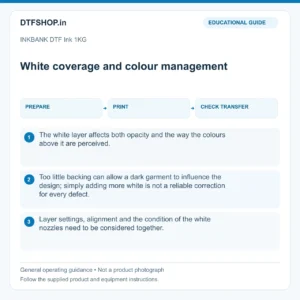
White coverage and colour management
The white layer affects both opacity and the way the colours above it are perceived. Too little backing can allow a dark garment to influence the design; simply adding more white is not a reliable correction for every defect. Layer settings, alignment and the condition of the white nozzles need to be considered together.
For colour work, a suitable profile and a consistent viewing reference help keep repeat jobs predictable. A screen preview is useful for layout, but it is not a physical colour standard. Keep a finished sample when a particular colour match matters to an ongoing job.
Illustrated guide: white coverage and colour management. Educational illustration, not a product photograph.
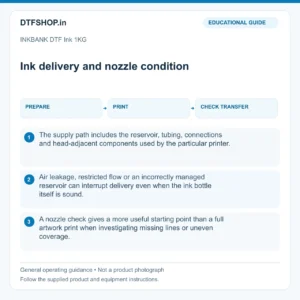
Ink delivery and nozzle condition
The supply path includes the reservoir, tubing, connections and head-adjacent components used by the particular printer. Air leakage, restricted flow or an incorrectly managed reservoir can interrupt delivery even when the ink bottle itself is sound. A nozzle check gives a more useful starting point than a full artwork print when investigating missing lines or uneven coverage.
Record the pattern before changing settings. If a problem follows one channel, inspect that channel methodically rather than increasing the ink limit across the entire job. Cleaning and priming should follow the equipment procedure, with attention to the capping and waste system.
Illustrated guide: ink delivery and nozzle condition. Educational illustration, not a product photograph.
Replenishment, storage and material changes
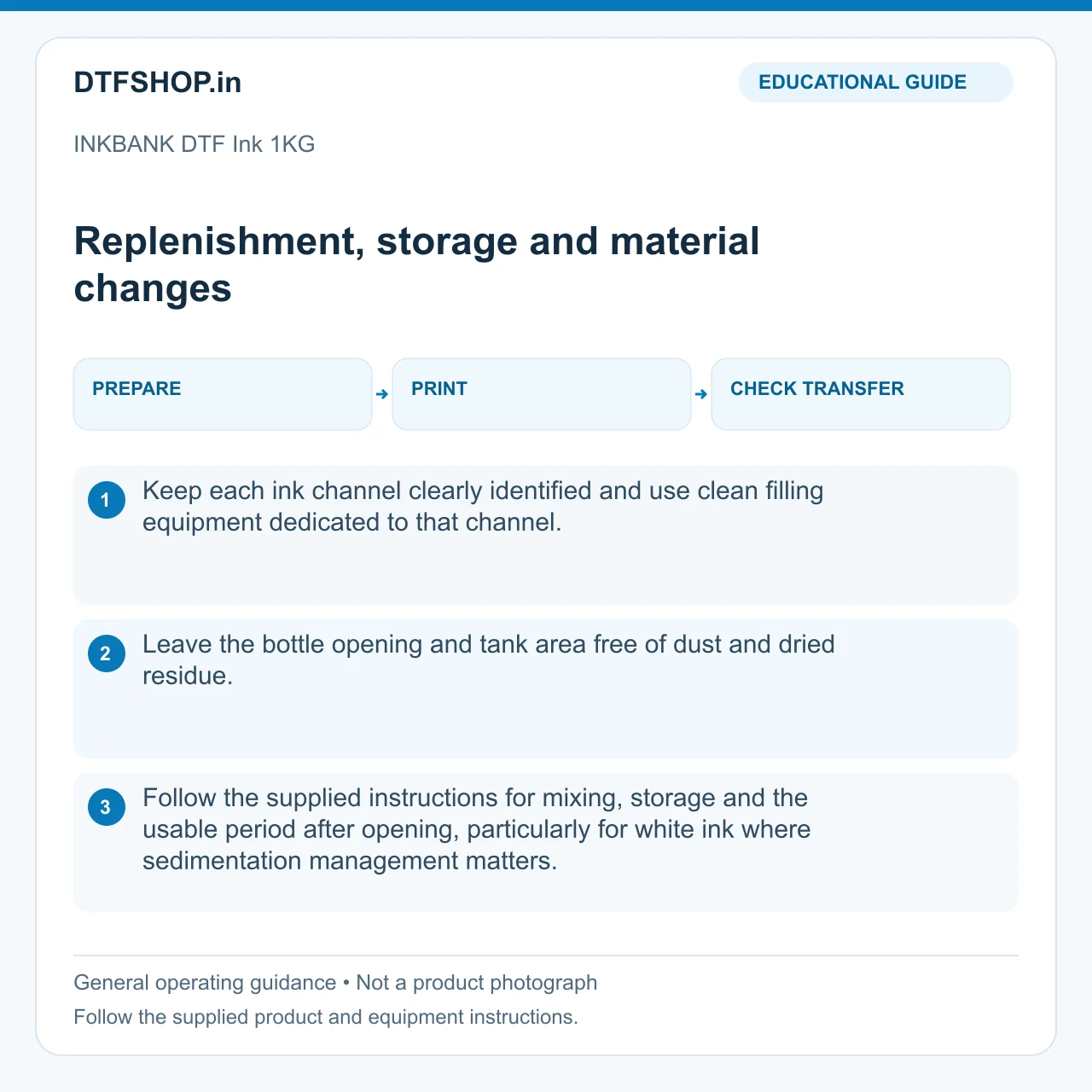
Keep each ink channel clearly identified and use clean filling equipment dedicated to that channel. Leave the bottle opening and tank area free of dust and dried residue. Follow the supplied instructions for mixing, storage and the usable period after opening, particularly for white ink where sedimentation management matters.
A larger bottle is convenient for regular production, while an appropriate working quantity helps avoid unnecessary handling. When changing an ink range, use the printer supplier's changeover procedure. Topping up an unfamiliar formulation into an existing supply makes later colour, flow and compatibility problems much harder to interpret.
Illustrated guide: replenishment storage and material chang. Educational illustration, not a product photograph.
Balancing ink with film and adhesive
Film coating determines how the wet image is received, while powder forms the adhesive layer used for garment transfer. Beading, excessive spread or poorly defined edges can involve more than one material or setting. Use a small test design containing solid areas, fine text and open spaces so those differences are visible.
Keep the film, powder and press conditions constant while evaluating an ink adjustment. This gives the test a clear purpose. Once the combination is stable, save the working preset and material details so the same job can be reproduced without starting the setup process again.
A practical production quality record
For repeat work, retain the artwork version, RIP preset, material batch details and an approved finished sample together. Inspect the white foundation, colour appearance, small lettering and transfer edges under consistent lighting. If adhesion or durability is being assessed, use a representative garment and the appropriate finished-product test rather than judging an unpressed film.
Record any change to film, powder or pressing conditions alongside an ink change. This separates a genuine material difference from an unrelated process adjustment. The aim is dependable output from one run to the next, with a clear record that supports sensible troubleshooting and customer expectations.
Recommended Add-ons from DTFShop
To complete the workflow, you may also check these related DTFShop products when they match your machine or printing process:
Reference videos explain a method or related model. They do not certify your supplied machine, consumable batch or print results. Follow the exact product manual and recommended settings.
Practical questions
Does replacing this part fix every printing fault?
No. Use the original symptom and the component’s function to guide diagnosis. Ink starvation, a poor cap seal, damaged wiring and a failed nozzle can create similar output problems. Compare the normal service checks before and after replacement so a different fault is not mistaken for a defective new part.
What should I record after fitting?
Keep the part identity, installation date and the result of the machine’s normal service test. Note any change to connections, routing or alignment. A short record makes repeat maintenance easier and helps identify a fault that returns elsewhere in the system.
What is included with INKBANK DTF Ink 1KG?
The package-contents section above lists the supplied item and quantity. Choose the stated option when alternatives are available; a gallery showing several examples does not turn one selected option into a combined set.









Mahesh –
It delivers vibrant color output, smooth printing performance, and excellent fabric adhesion, ensuring long-lasting and wash-resistant prints