
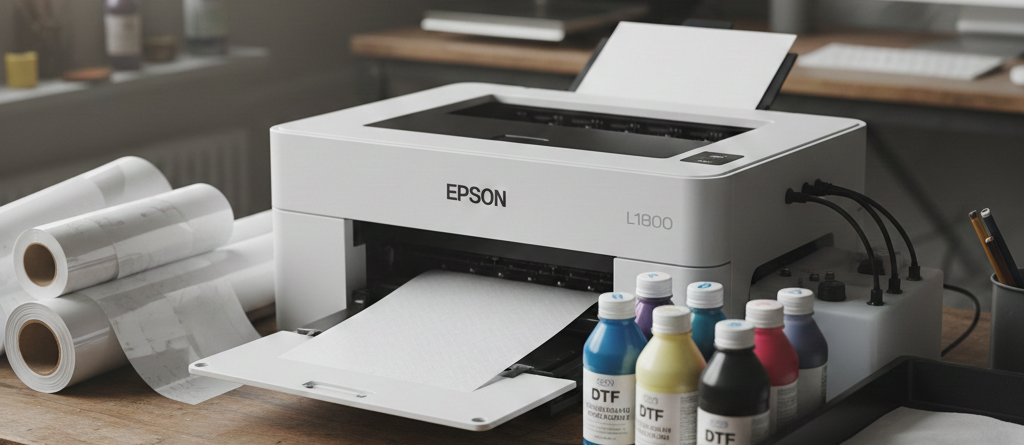
Epson L1800 Powerful Choice for Beginners in DTF Printing
Table of Contents
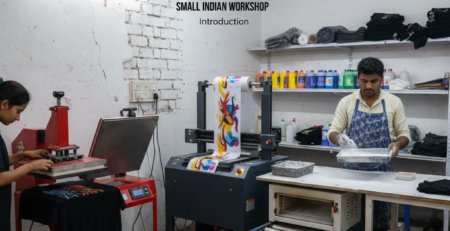
Introduction
DTF printing has become popular because it allows printing on almost any fabric. Many beginners look for a low-cost printer to start. One common question is whether the Epson L1800 is suitable for DTF printing, especially for beginners.
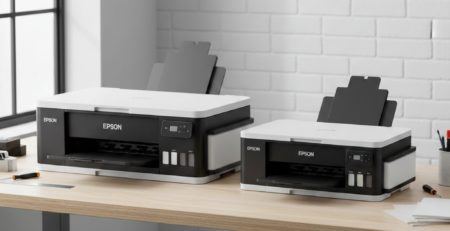
The Epson L1800 is originally a photo printer. It was not made for DTF. But many small print shops and home users have successfully converted it. With the right setup and patience, beginners can use Epson L1800 for DTF printing.
This guide explains everything clearly. No technical confusion. Just real-world advice.
What is DTF Printing?
DTF means Direct to Film printing. Instead of printing directly on fabric, you print the design on a special film. Then powder adhesive is applied. After curing, the design is heat pressed onto fabric.
DTF works on cotton, polyester, blends, dark and light fabrics. That flexibility makes it popular for small businesses.
Compared to DTG, DTF needs less pretreatment. Compared to vinyl, it handles complex designs better.
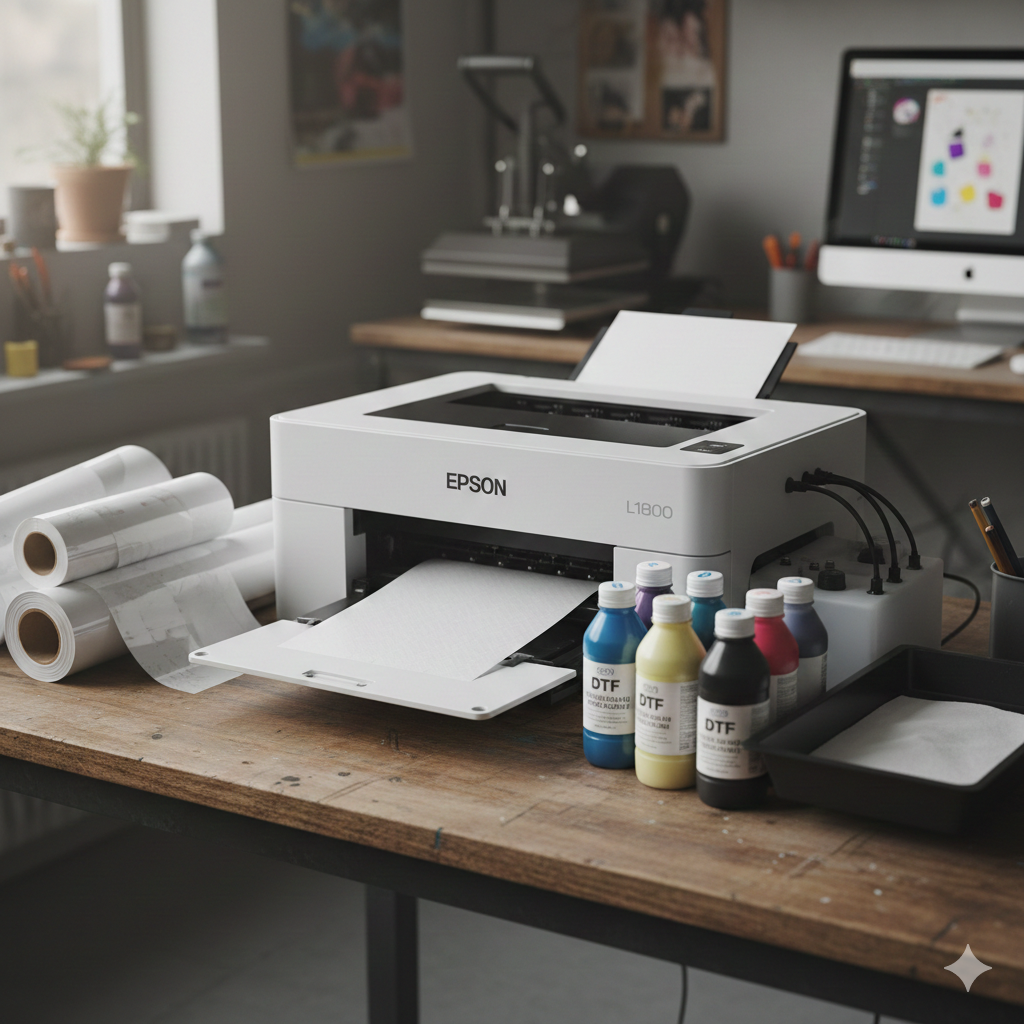
Epson L1800 Printer Specifications
Understanding the printer helps beginners decide better.
Basic specs of Epson L1800:
- A3+ inkjet printer
- 6-color ink system
- Micro Piezo print head
- Borderless printing support
- High photo resolution
The Epson L1800 is valued because:
- Large print size
- Smooth color gradients
- Easy availability of spare parts
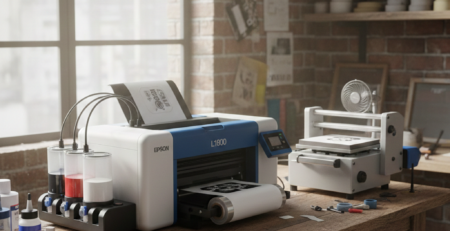
However, it does not support white ink by default. That’s where conversion comes in.
Feasibility for Beginners (Pros and Cons)
Pros
- Affordable compared to commercial DTF printers
- Easy to find in India
- Good print quality after proper setup
- Strong online community support
Cons
- Manual white ink circulation needed
- Requires regular maintenance
- Slower than industrial DTF machines
- Needs careful setup to avoid clogging
For beginners who want to learn DTF printing without heavy investment, Epson L1800 is a workable option.
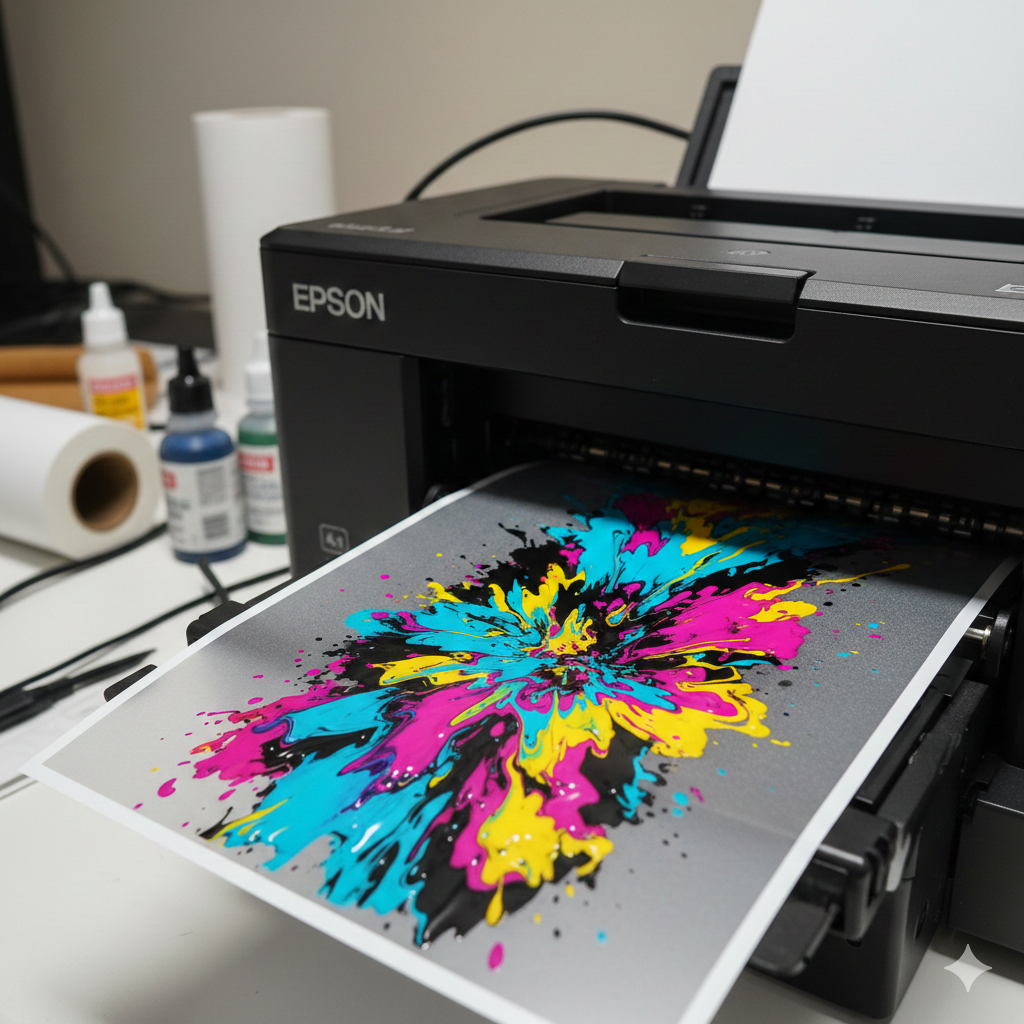
Required Modifications and Setup Steps
To use Epson L1800 for DTF printing, some changes are required:
- Convert ink system to DTF inks
- Use RIP software for white ink
- Regular nozzle checks
- Manual white ink agitation
Most beginners start without full white ink circulation systems. This saves cost but increases maintenance effort.
Essential Supplies and Costs
Here are the basic supplies needed:
- DTF inks (CMYK + White)
- DTF PET film
- Hot melt adhesive powder
- Heat press machine
- RIP software
You can find beginner-friendly supplies from trusted stores like:
- DTF Ink Set
- DTF PET Film A3
- Hot Melt Powder Medium Grade
- Manual Heat Press Machine
- DTF Cleaning Solution
These products are commonly used by small setups and beginners.
Step-by-Step Conversion Guide
- Flush original ink from Epson L1800
- Fill DTF inks carefully
- Install RIP software
- Set white ink underbase
- Test print on plain paper
- Adjust color and white density
- Start printing on DTF film
Always do small test prints first.
Printing Process for DTF
The printing process with Epson L1800 is simple once setup is done:
- Load DTF film correctly (matte side up)
- Print design in mirror mode
- Ensure white ink layer prints properly
- Check ink coverage before powdering
Beginners often struggle with white ink balance. Adjust RIP settings slowly.
Curing and Transfer Instructions
After printing:
- Apply adhesive powder evenly
- Shake excess powder
- Cure at 130–150°C for 3–5 minutes
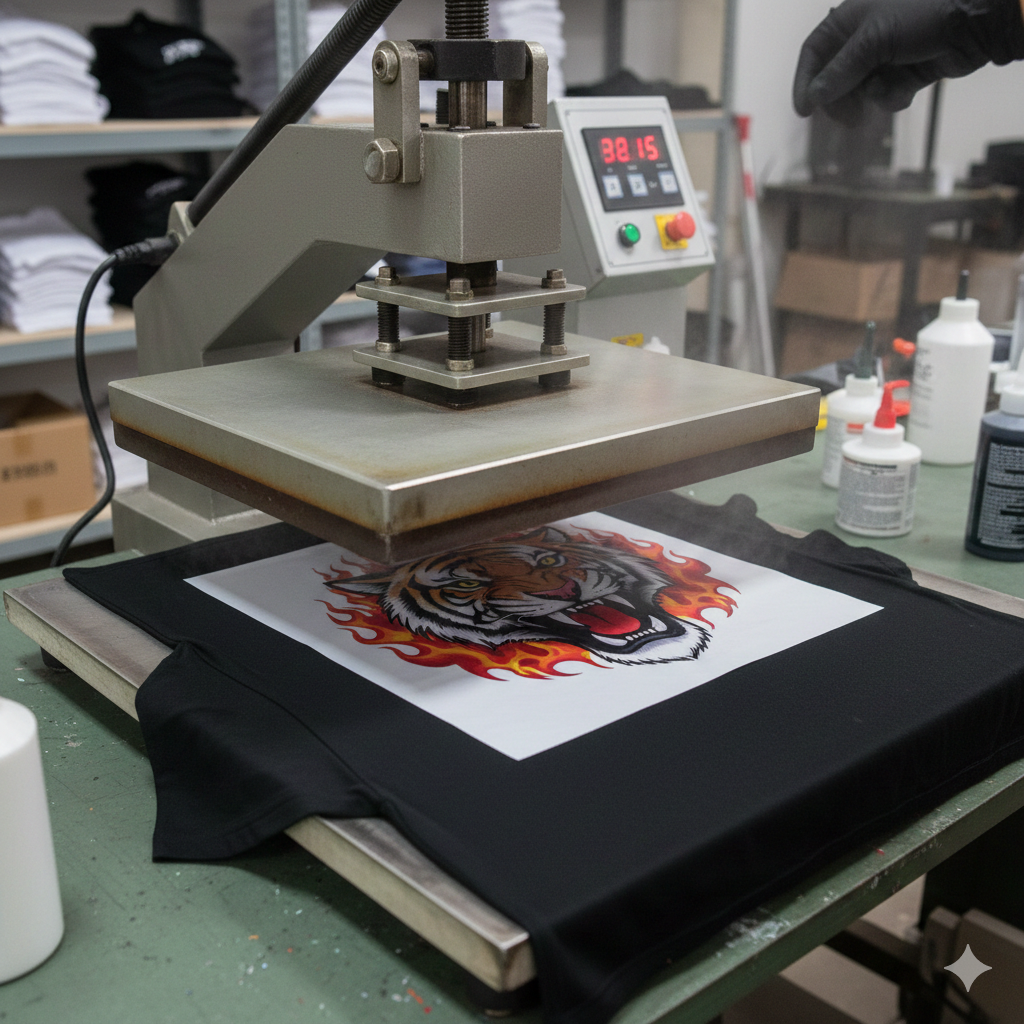
- Heat press at 150–160°C for 10–15 seconds
- Peel film (hot or cold depending on film type)
Use steady pressure during heat press.
Common Beginner Challenges and Solutions
White Ink Clogging
Solution: Shake ink tanks daily and run nozzle checks.
Film Jamming
Solution: Feed film manually and avoid humidity.
Poor Adhesion
Solution: Use correct curing temperature and fresh powder.
Color Mismatch
Solution: Adjust RIP profiles and do test prints.
Every beginner faces these problems. Practice fixes most of them.
Maintenance Tips
Proper care increases Epson L1800 life:
- Print daily, even small designs
- Clean print head weekly
- Keep printer in dust-free area
- Store white ink properly
- Avoid long idle periods
Many users damage printers by neglecting maintenance.
Cost Analysis and ROI
Approximate beginner setup cost:
- Epson L1800 printer
- DTF inks and film
- Heat press
This setup is much cheaper than commercial DTF printers.
A small shop printing 10–15 designs daily can recover costs within a few months. Profit depends on fabric type and design complexity.
Alternatives for Beginners
If Epson L1800 feels complex, consider:
- Dedicated A4 DTF printers
- Outsourcing white ink prints
- Starting with CMYK only for light fabrics
However, Epson L1800 still remains a popular entry point.
Conclusion and Recommendations
Yes, beginners can use Epson L1800 for DTF printing. It is not plug-and-play, but it is affordable and proven.
If you enjoy learning and don’t mind regular maintenance, Epson L1800 is a practical starting printer. Start slow. Learn settings. Upgrade later.
Many successful DTF businesses began with this exact printer.
Product Suggestions (Blue Color)
- DTF Ink Set
- DTF PET Film A3
- Hot Melt Powder Medium Grade
- Manual Heat Press Machine
- DTF Cleaning Solution
External References + Credits
Helpful learning sources:
Credit: Information references from Fespa, PrintIndustry, and other public sources.

LEAVE A COMMENT