
DTF Printing – Ultimate Guide to Fix Common Problems (Power Solutions)
Table of Contents
Introduction to DTF Printing
DTF Printing has quickly become one of the most popular methods for printing on fabric because it works on cotton, polyester, blends, denim and even leather. But like any technology, it comes with challenges. Many beginners face issues like smudging, dull colors, and poor adhesion. Even professionals face these problems when humidity changes, inks get expired, or film quality drops.
The good news? Every problem in DTF Printing has a practical fix. The solutions shared here come from real workshop experience and discussions with industry experts across platforms like PrintIndustry.com and Fespa.com. Let’s break down each issue in simple terms.
Common Problem 1: Ink Smudging
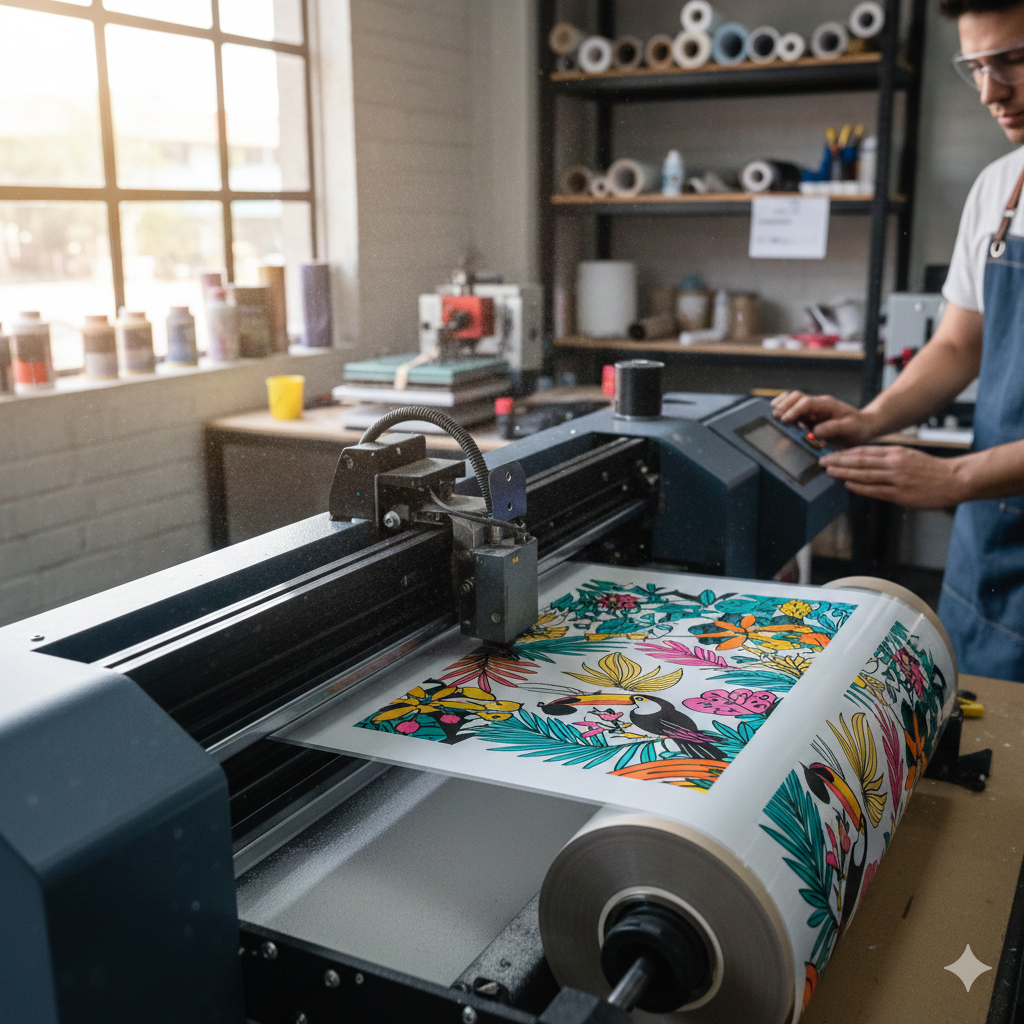
Symptoms: Wet prints, colors spreading, and edges losing sharpness.
Cause: Too much ink, high humidity, slow curing, or low-quality film.
Fix:
- Reduce ink limit in RIP software.
- Dry prints properly before powder application.
- Maintain humidity between 40–60%.
- Use reliable film to hold ink evenly.
Many printers have solved smudging by switching to high-coating PET film like “DTFshop Premium PET Film Rolls” which keeps the droplets stable and dries faster.
Common Problem 2: Image Blurring
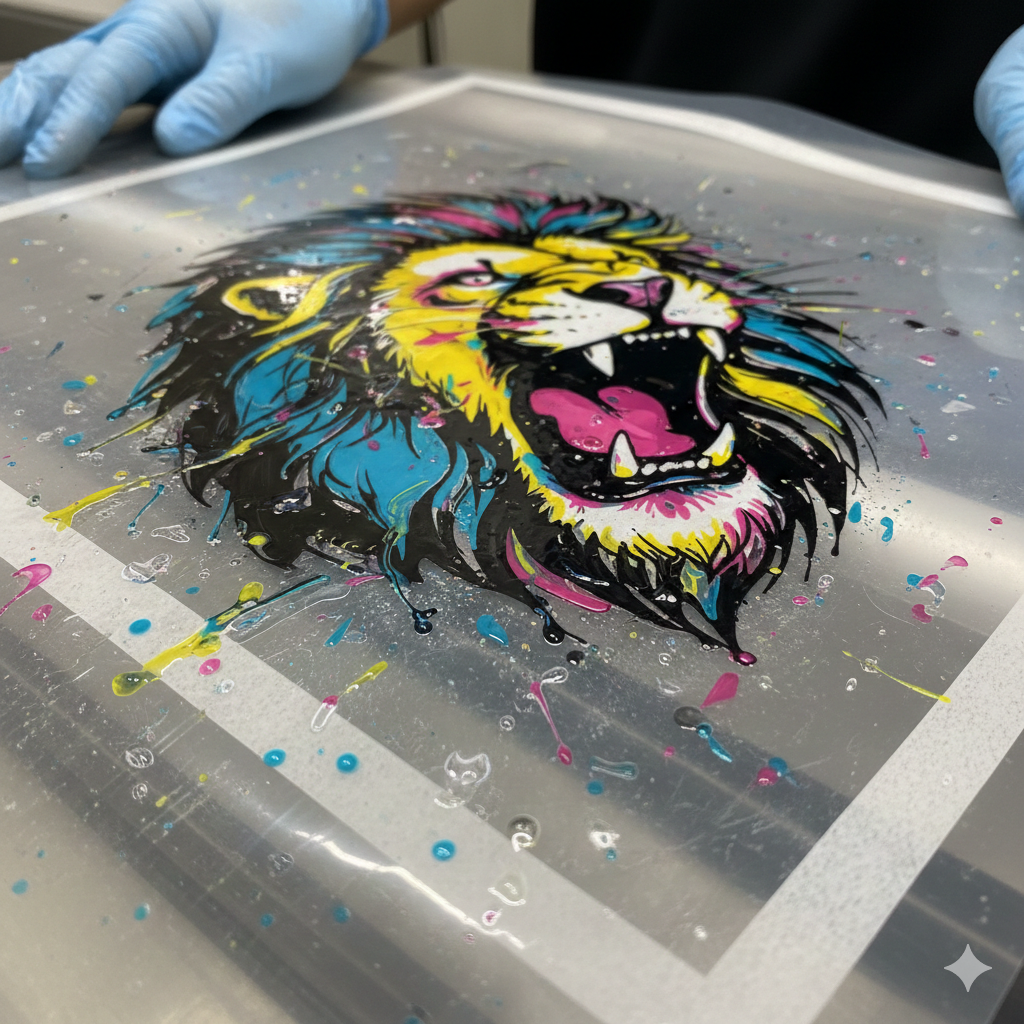
Why it happens: Incorrect resolution, wrong platen height, or vibration during printing.
Solution:
- Set image resolution to 300 DPI or higher.
- Ensure the film sits completely flat on the tray.
- Lower the platen height so the printhead moves closer to the film.
Some workshops noticed better accuracy when upgrading to stable film boards such as“DTFshop Film Holder A3/A4” for vibration-free printing.
Common Problem 3: Color Inconsistencies
This is one of the biggest complaints in DTF Printing — especially when printing large orders.
Reasons:
- Different ink brands mixed.
- Color profiles not set properly.
- Inconsistent curing temperature.
What to do:
- Stick to one brand of ink at a time.
- Load correct ICC profile for your ink + film.
- Cure consistently at around 150°C for 60–90 seconds (varies by brand).
For stable colors, many shops prefer “DTFshop Premium CMYK Ink Set” due to predictable color response.
Common Problem 4: Printhead Clogging
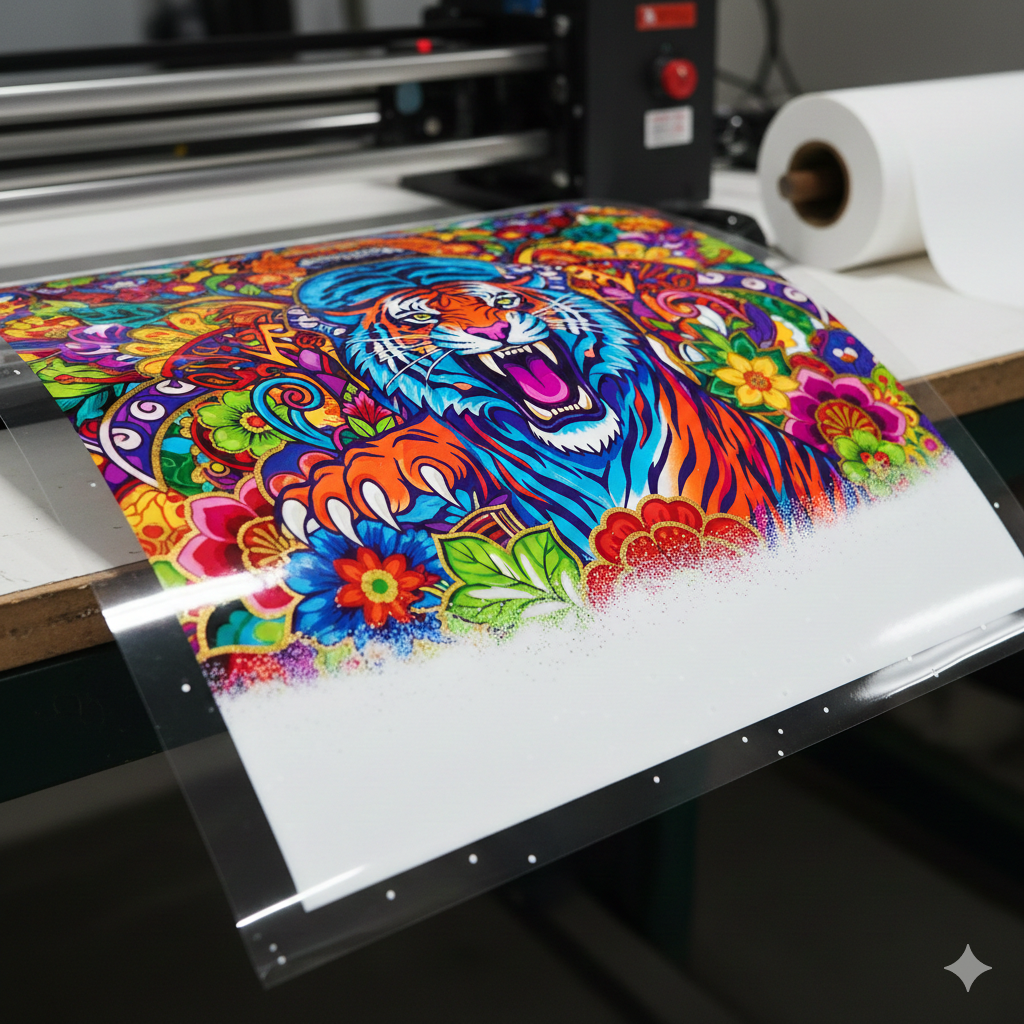
White ink is heavier and settles fast, making clogging common.
Quick Prevention Tips:
- Shake white ink bottles daily.
- Run nozzle checks every morning.
- Use automatic circulation if your printer has it.
- Keep the printer running at least once every 48 hours.
If clogging already exists, head cleaning with “DTFshop Printhead Cleaning Solution” usually helps.
Common Problem 5: Poor Adhesion
A great print on film doesn’t mean a great result on fabric. Poor adhesion shows as:
- Transfers peeling after wash
- Edges lifting
- Design cracks
Main Causes:
- Not enough hot melt powder
- Incorrect melt temperature
- Weak heat press pressure
Fix Process:
- Coat the film evenly with powder no bald patches.
- Melt at 115–125°C until powder becomes a smooth gel.
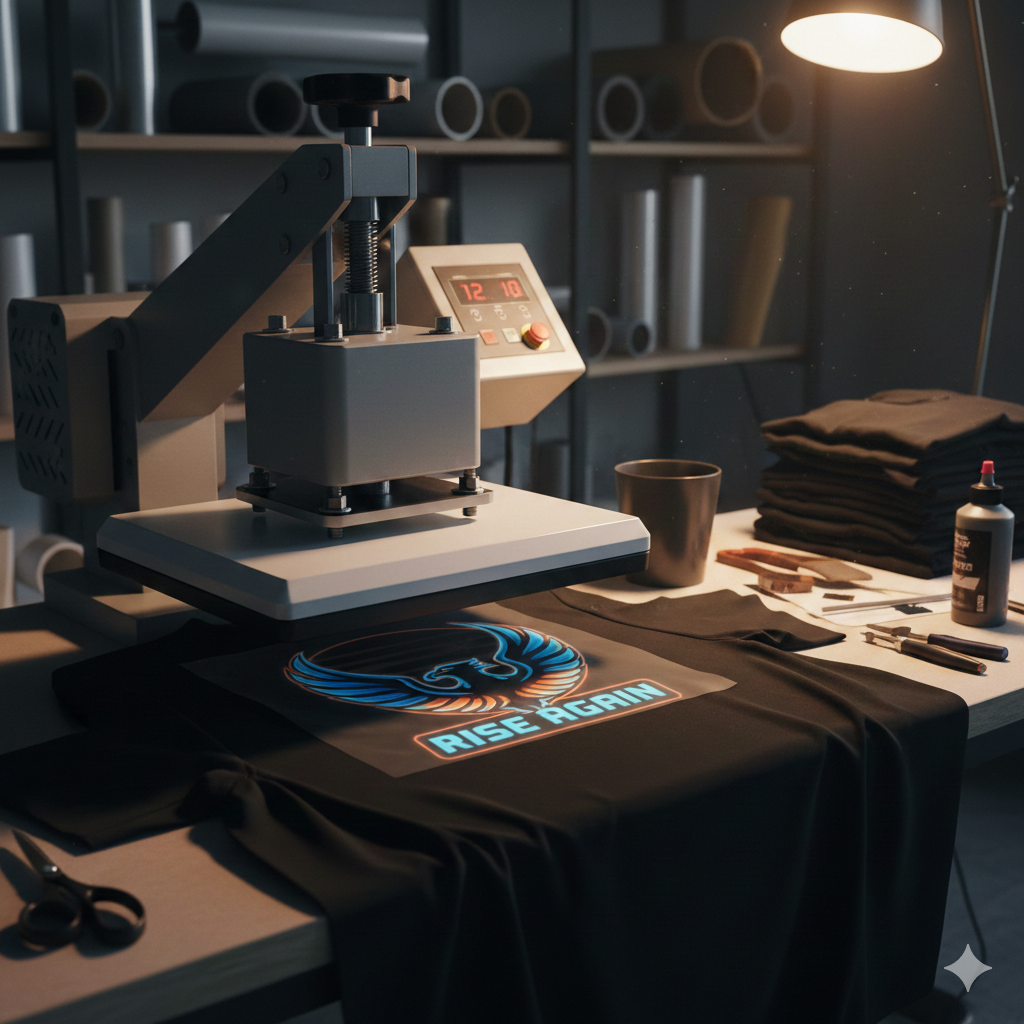
- Heat press at high pressure (4–6 bar) for 15 seconds.
Most users get better wash results with “DTFshop High Bond TPU Powder” because it melts evenly and bonds strongly.
Common Problem 6: Film Wrinkling
Wrinkling ruins prints before they even reach the heat press.
Triggers:
- Overheating during curing
- Film exposed to humidity
- Film stored improperly
Solution:
- Store film flat, not rolled.
- Add a curing tray or baking sheet to distribute heat.
- Reduce heating time instead of increasing temperature.
Common Problem 7: White Ink Issues
White ink is crucial because it makes colors pop on dark fabric, but it causes issues when:
- Ratio is too high or too low
- Hot melt powder sticks unevenly
- Using the wrong RIP settings
Fix:
- For most printers, 60% white – 40% CMYK base works well.
- Enable “White overprint” in RIP for dark garments.
- Use high-density settings when printing block colors.
Other Frequent Issues (Printhead Strikes, Uneven Prints, etc.)
| Issue | Cause | Fix |
|---|---|---|
| Printhead Strikes | Film too high | Lower platen height |
| Uneven Prints | Dirty encoder strip | Clean strip gently |
| Grainy Prints | Low-resolution file | Export design in 300 DPI |
| Dull Finish | Undercured | Cure slightly longer |
| Sticky Film | Overcuring | Reduce curing temperature |
Preventive Maintenance Tips
Even the best DTF Printing setup fails without maintenance. These small habits save money and frustration:
- Shake white ink daily.
- Wipe capping station weekly.
- Replace dampers every 3–6 months.
- Store film in airtight bags.
- Keep humidity stable to avoid static and dust.
- Print a small square test daily to keep ink circulating.
A machine that prints regularly rarely clogs.
Conclusion
DTF Printing is powerful because it works on nearly any fabric and delivers vibrant results. Most problems come from environment, ink handling, or curing rather than the printer itself. With the right setup, film, and maintenance, anyone can print consistently and scale production.
Remember — practice + observation is the key. Every workshop develops its own best settings over time.
Product Suggestions (mentioned above)
Premium PET Film Rolls
Film Holder A3/A4
Premium CMYK Ink Set
Printhead Cleaning Solution
High Bond TPU Powder
External References + Credits
Information cross-checked with:
- Fespa.com (printing industry insights)
- PrintIndustry.com (technical print standards & troubleshooting)
- InkJetInsights.com (ink behavior studies)
Credit: Information references from Fespa, PrintIndustry, and other public sources.

LEAVE A COMMENT