
DTF Printing Business Guide: 7 Proven Steps to Export Prints Successfully
Table of Contents
Introduction
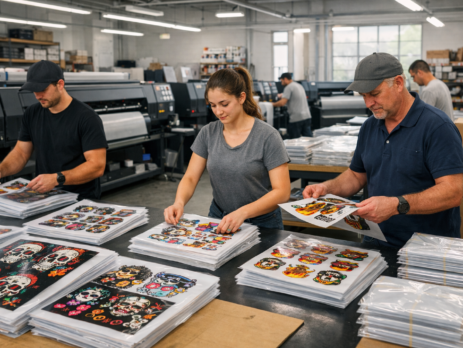
Running a DTF Printing Business today is not limited to local orders. Many small and mid-size print shops are now exporting prints to other countries. T-shirts, hoodies, and fabric transfers made using DTF are in demand worldwide.
If you already have a DTF Printing Business, exporting prints can increase profit without opening new shops. You only need the right printer, stable quality, and a clear export process. This article explains how to export prints, what machines work best, and how to choose the right multi-head DTF printer for commercial use.
We will also cover printer comparisons, cost planning, and real tips based on daily printing experience.
What is a Multi-Head DTF Printer?
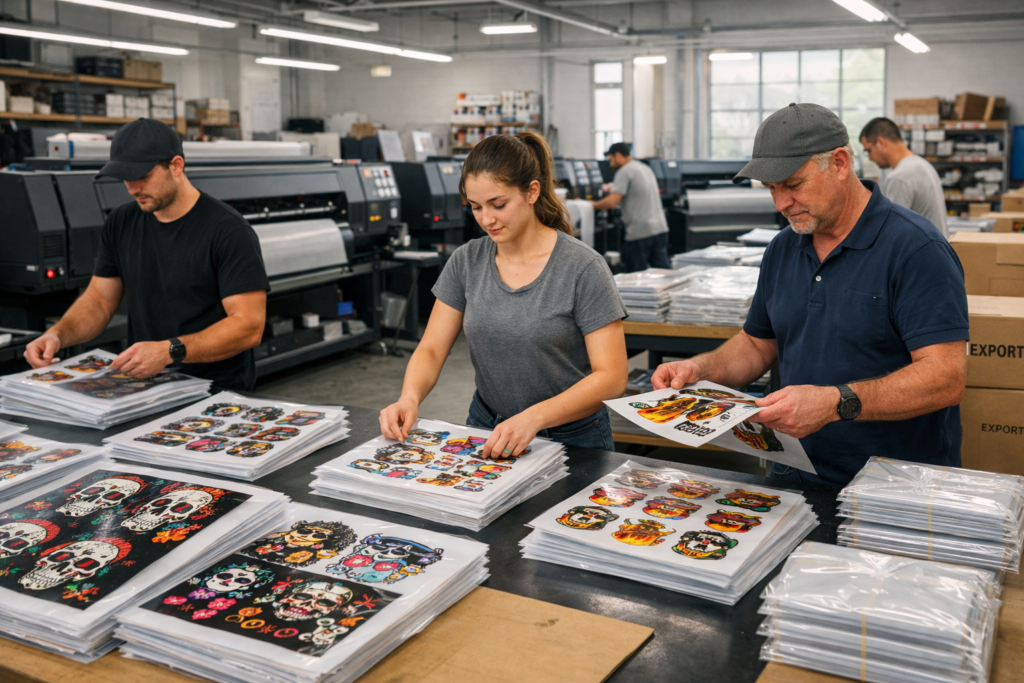
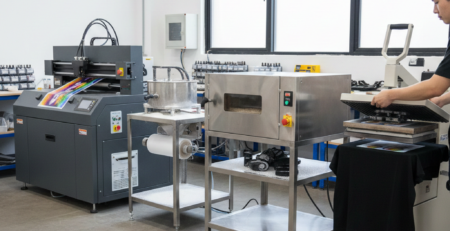
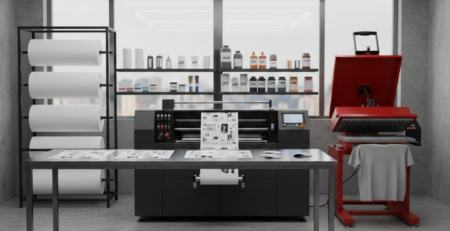
A multi-head DTF printer uses more than one print head to print designs on PET film. In a DTF Printing Business, this matters because speed and consistency decide profit.
For example, a 2-head printer prints faster than a single-head model. A 4-head printer can handle bulk export orders without delay. When exporting prints, deadlines are strict. Multi-head machines help meet those deadlines.
Most export-focused print shops choose multi-head printers because they reduce labor time and offer stable output for long runs.
Key Factors to Consider
Print speed and volume capacity
Export orders usually come in bulk. One client may ask for 500 or 2,000 prints. In a DTF Printing Business, slow printing can delay shipments.
Multi-head printers can print 20–40% faster. This helps complete large jobs without running the machine day and night.
Print head count (2-head vs 4-head)
A 2-head printer is good for small exporters. It balances cost and speed.
A 4-head printer suits large DTF Printing Business setups working with overseas buyers weekly.
If you plan to export regularly, 4-head machines save time and power cost.
Print width and resolution
Export clients expect clean lines and sharp colors. A minimum 300 DPI output is standard.
A wider print width allows multiple designs in one run. This is helpful when exporting mixed-size orders.
Ink system and color gamut
Stable ink flow is critical. Pigment inks must stay consistent for long print cycles.
A DTF Printing Business exporting prints should use CMYK + White ink systems with good circulation. Poor ink quality can cause reprints, wasting money and time.
Cost and ROI
Export printing requires upfront investment. Multi-head printers cost more but return value faster.
For example, a printer costing more but finishing orders in half the time helps you take more export jobs. ROI usually improves within 6–12 months for an active DTF Printing Business.
Maintenance and reliability
Export buyers do not accept delays. Machines should be easy to clean and stable during long runs.
Daily head cleaning and weekly checks are enough if the printer is reliable. Choose models with local support and spare parts availability.
Top Multi-Head DTF Printers Reviewed
Printer 1: Features, Pros, Cons, Price
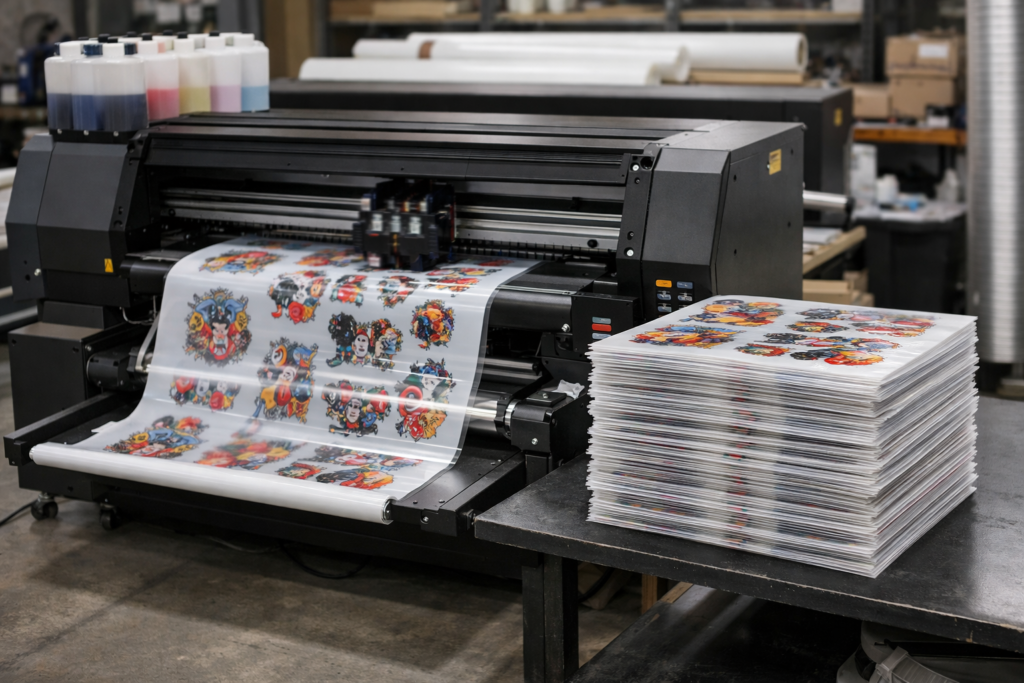
Model: Multi-Head DTF Printer 2-Head (i3200)
Features
- Dual Epson i3200 heads
- Stable white ink circulation
- Medium power consumption
Pros
- Good speed for export beginners
- Sharp print quality
- Easy maintenance
Cons
- Not ideal for very high volumes
Price Range
Mid-range investment, suitable for growing DTF Printing Business exporters.
Related supplies such as DTF PET Film Rolls – Cold Peel from DTFshop.in work well with this printer.
Printer 2: Features, Pros, Cons, Price
Model: Multi-Head DTF Printer 4-Head (i3200)
Features
- Four industrial-grade heads
- High-speed production
- Strong frame for long runs
Pros
- Best for bulk export orders
- Consistent color output
- Lower per-print cost
Cons
- Higher upfront cost
- Needs trained operator
Price Range
Higher investment but ideal for established DTF Printing Business owners.
Use reliable inks like DTF Textile Pigment Ink Set from DTFshop.in for export quality consistency.
Printer 3: Features, Pros, Cons, Price
Model: Compact 2-Head Commercial DTF Printer
Features
- Space-saving design
- Dual-head printing
- Energy efficient
Pros
- Good for small export units
- Easy installation
- Lower power usage
Cons
- Limited speed for very large orders
Price Range
Budget-friendly option for new exporters entering the DTF Printing Business.
Pair it with DTF Hot Melt Powder – Premium Grade for strong wash resistance.
Comparison Table
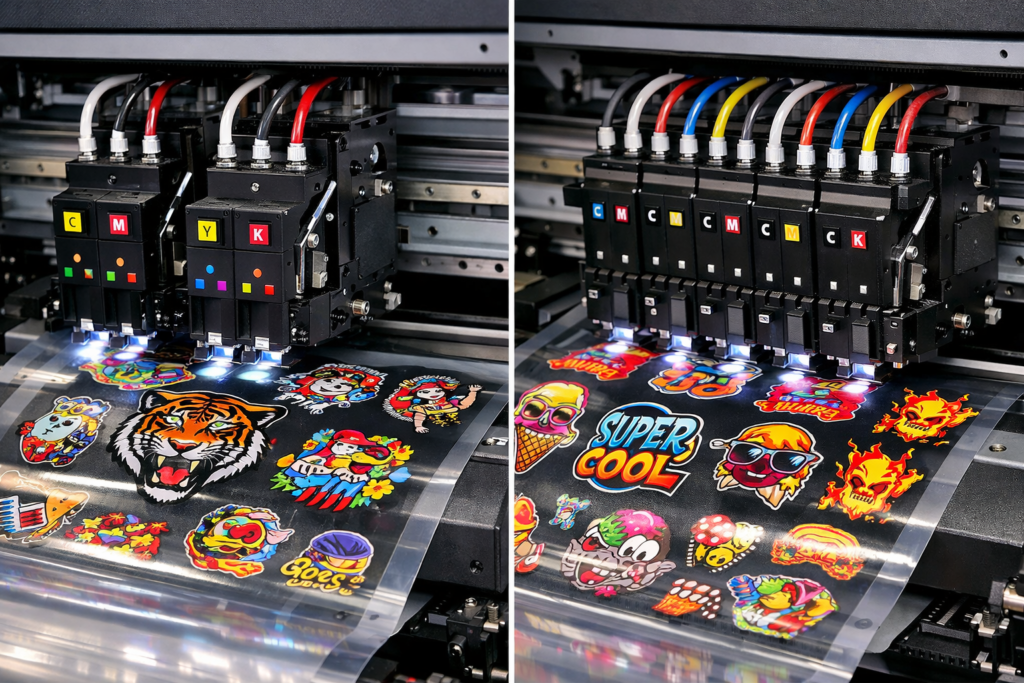
| Feature | 2-Head Printer | 4-Head Printer |
|---|---|---|
| Speed | Medium | High |
| Export Volume | Small–Medium | Medium–Large |
| Cost | Lower | Higher |
| Maintenance | Easy | Moderate |
| ROI Time | 8–12 months | 6–9 months |
Buying Guide for Commercial Use
When planning export operations in a DTF Printing Business, think beyond the printer.
- Choose printers with local technical support
- Test prints before full export runs
- Use export-grade packing to avoid film damage
- Match printer speed with drying and powder systems
Many exporters also use tools like Automatic DTF Powder Shaker & Dryer to maintain consistency.
If you are learning how to start export business in printing, start with small overseas orders. Build trust. Then scale slowly.
Successful exporters focus on quality first, not just speed.
Conclusion
Exporting prints is a smart growth step for any DTF Printing Business. With the right multi-head printer, good ink, and simple processes, even small print shops can serve global clients.
Focus on reliable machines, stable quality, and honest timelines. Avoid rushing. Export printing rewards consistency more than speed.
As demand grows worldwide, DTF exporters who plan well today will lead tomorrow.
Product Suggestions (Blue Color)
- DTF PET Film Rolls – Cold Peel
- DTF Textile Pigment Ink Set
- DTF Hot Melt Powder – Premium Grade
- Automatic DTF Powder Shaker & Dryer
- DTF Cleaning Solution & Maintenance Kit
(All products available on DTFshop.in)
External References + Credits
Helpful resources for export printing and DTF technology:
Credit: Information references from Fespa, PrintIndustry, and other public sources.

Leave a Reply