
DTF Printers Expert Guide: 9 Powerful Tips to Stop PET Film Jamming
Table of Contents
Introduction
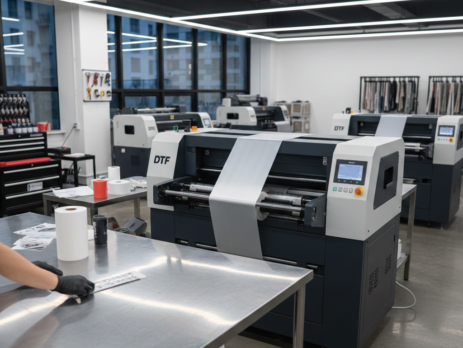
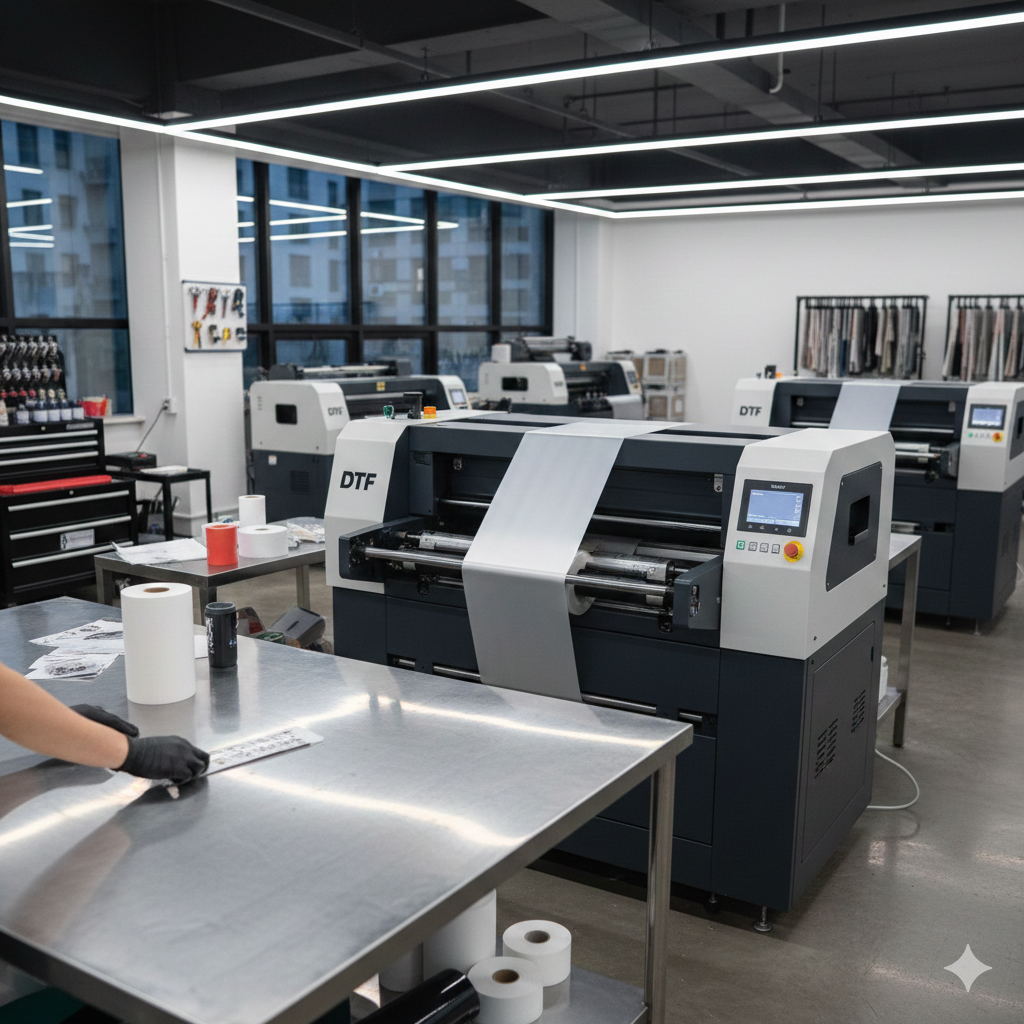
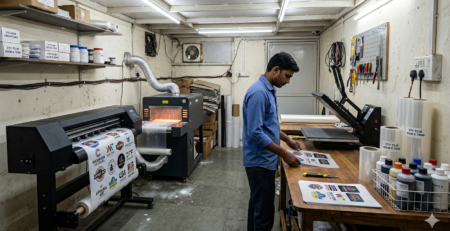
DTF Printers often face PET film jamming issues during daily printing work, especially in busy production environments. When the PET film stops, wrinkles, or shifts inside the machine, it affects print quality, wastes materials, and slows down output.
PET film jamming is one of the most common headaches users face while working with DTF Printers. One minute the print is smooth, and the next minute the film stops, wrinkles, or shifts. This wastes film, ink, and time.
If you run a small print shop or handle daily orders, these jams can slow everything down. The good news is that most PET film jamming problems in DTF Printers are easy to fix if you understand the reason behind them.
This guide explains the real causes, simple fixes, and practical habits that help keep DTF Printers running smoothly. No technical overload. Just clear steps that actually work.
Understanding PET Film Jamming
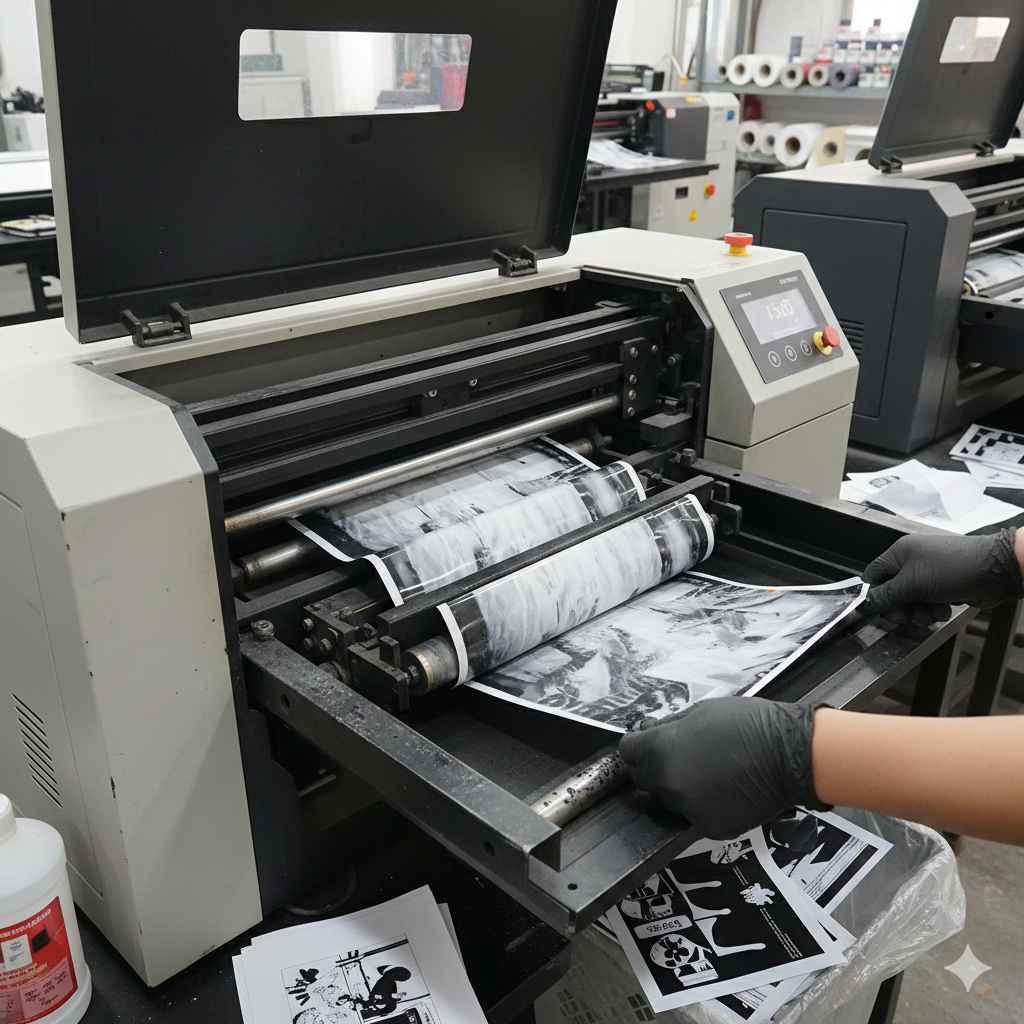
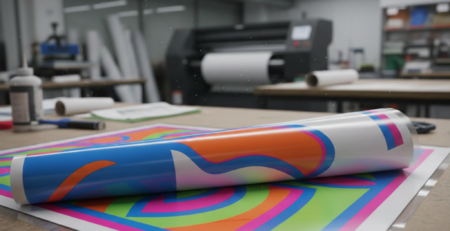
PET film is the backbone of DTF printing. It carries the ink and powder before heat transfer. Unlike paper, PET film reacts strongly to humidity, dust, static, and poor feeding alignment.
In DTF Printers, PET film jamming usually happens when the film does not move evenly through the rollers. Sometimes it curls. Sometimes it slips sideways. Sometimes it sticks inside the machine.
Understanding this behavior is important. PET film is thin, smooth, and sensitive. Treat it wrong, and it fights back.
Common Causes of Jamming
1. Poor Film Quality
Low-grade PET film often has uneven thickness. This leads to unstable feeding in DTF Printers.
2. Humidity and Static
High humidity makes PET film sticky. Dry air creates static. Both conditions cause jamming.
3. Incorrect Film Loading
If the film is not straight while loading, it slowly drifts and jams.
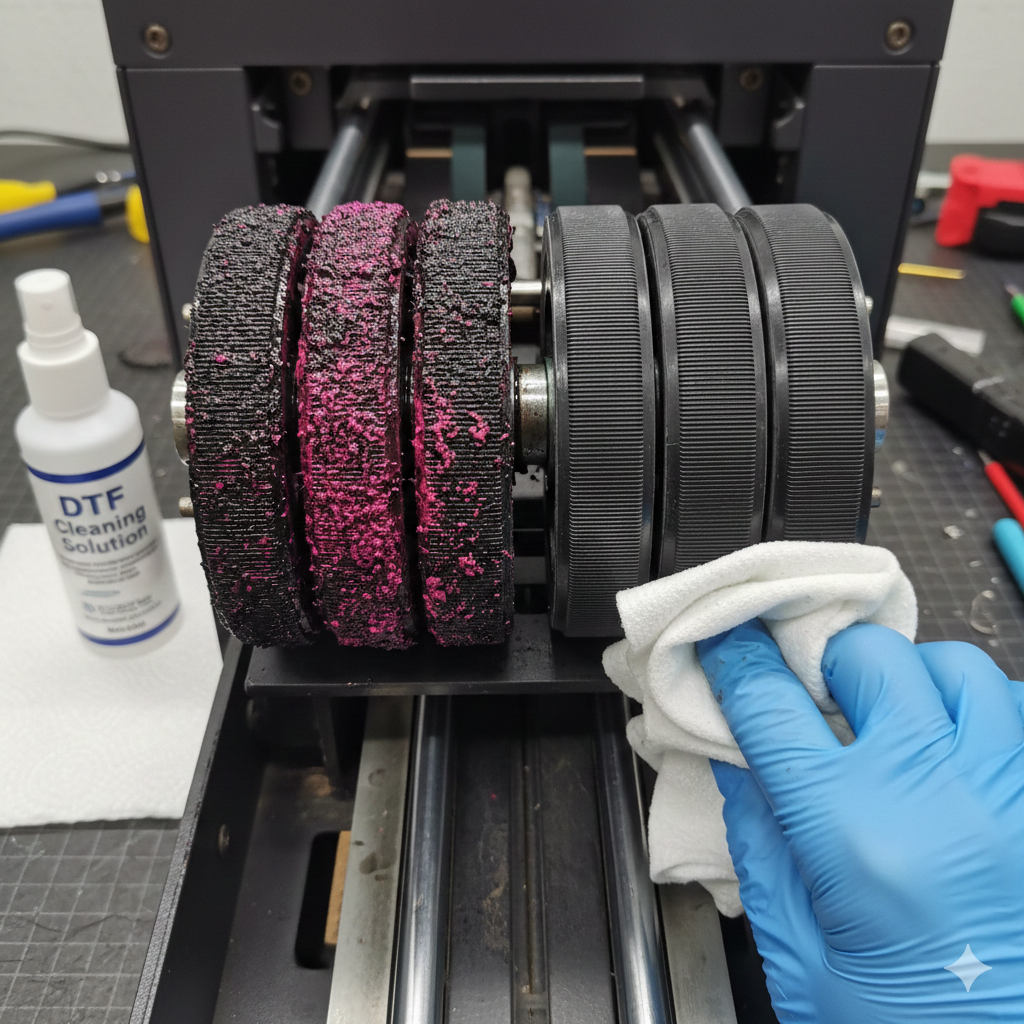
4. Dirty Rollers
Ink mist, dust, and powder residue reduce roller grip.
5. Wrong Tension Settings
Too loose causes slipping. Too tight causes curling.
6. Uneven Printer Surface
A tilted printer frame affects film movement more than people realize.
Preparation Before Fixing
Before touching the printer, do these basics:
- Turn off the printer properly
- Remove the film slowly, do not pull
- Clean your hands (oil transfers easily to PET film)
- Use a lint-free cloth
- Keep spare PET film ready
Also, make sure the room temperature is stable. DTF Printers hate sudden changes in environment.
Step-by-Step Troubleshooting Guide
Step 1: Inspect the PET Film Roll
Check for:
- Curled edges
- Cracks
- Uneven cuts
If the film looks damaged, replace it. Many jams start from bad film rolls.
Using reliable film like DTF PET Film Roll – Matte Finish from DTFshop.in helps reduce feeding problems.
Step 2: Reload the Film Correctly
Align the film exactly at the center.
Do not rush.
Ensure both edges are equally tight.
Most DTF Printers jam simply because the film is loaded in a hurry.
Step 3: Clean the Rollers
Use isopropyl alcohol and a lint-free cloth.
Focus on:
- Feed rollers
- Pressure rollers
Even a thin ink layer can cause slipping.
Step 4: Adjust Film Tension
Manual tension knobs should feel firm, not stiff.
A good test:
Pull the film gently.
It should move smoothly without snapping back.
Step 5: Check Printer Level
Use a small spirit level.
If the printer is tilted:
- Film shifts sideways
- Ink pooling increases
- Jamming becomes frequent
Leveling alone solves many DTF Printers issues.
Step 6: Reduce Static
Simple tricks:
- Lightly wipe film with anti-static cloth
- Maintain 45–55% humidity
- Avoid plastic fans near the printer
Static is invisible but powerful.
Step 7: Run a Test Print
Use a small design first.
Watch:
- Film movement
- Edge alignment
- Ink spread
Only proceed to full prints once movement looks stable.
Preventive Maintenance Tips
Prevention saves more money than repairs.
Daily Habits
- Clean rollers after every shift
- Store PET film in sealed bags
- Power off DTF Printers properly
Weekly Checks
- Inspect tension springs
- Clean encoder strip
- Check belt tightness
Monthly Care
- Deep clean feed path
- Inspect motor alignment
- Replace worn rollers if needed
Using stable machines like DTF Printer A3 Pro Model reduces frequent adjustments.
Advanced Fixes and When to Seek Help
Some problems are not basic.
Advanced Signs
- Film skewing repeatedly
- Motor noise during feeding
- Random stops mid-print
At this stage:
- Check firmware updates
- Inspect feed motor gears
- Replace pressure rollers
If problems continue, call a technician.
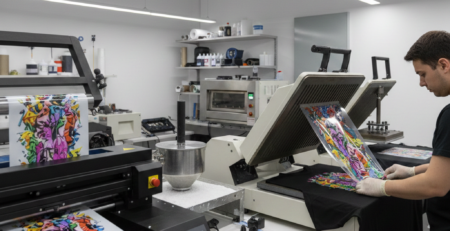
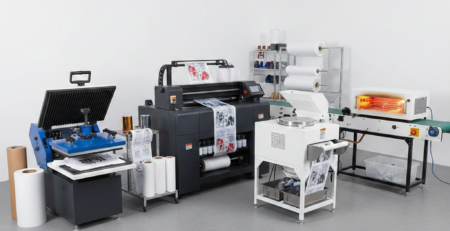
Accessories like DTF Powder Shaker Machine and Industrial Heat Press Machine from DTFshop.in also help maintain smooth workflow and reduce handling stress on prints.
For heavy production, pairing DTF Printers with Automatic DTF Dryer Unit improves consistency.
Conclusion
PET film jamming in DTF Printers is frustrating, but rarely permanent. Most issues come from small mistakes poor film handling, dirty rollers, or environment problems.
Treat PET film carefully. Keep your printer clean. Control humidity. Load slowly.
With these habits, DTF Printers run smoother, prints stay sharp, and production stays stress-free.
A little attention every day saves hours of downtime later.
Product Suggestions (Blue Color)
- DTF Printer A3 Pro Model
- DTF PET Film Roll – Matte Finish
- Automatic DTF Dryer Unit
- DTF Powder Shaker Machine
- Industrial Heat Press Machine
External References + Credits
Helpful reading sources:
Credit: Information references from Fespa, PrintIndustry, and other public sources.


Leave a Reply