
DTF Print Transfer Guide (Ultimate Guide): 10 Easy Steps to Perfect Fabric Printing
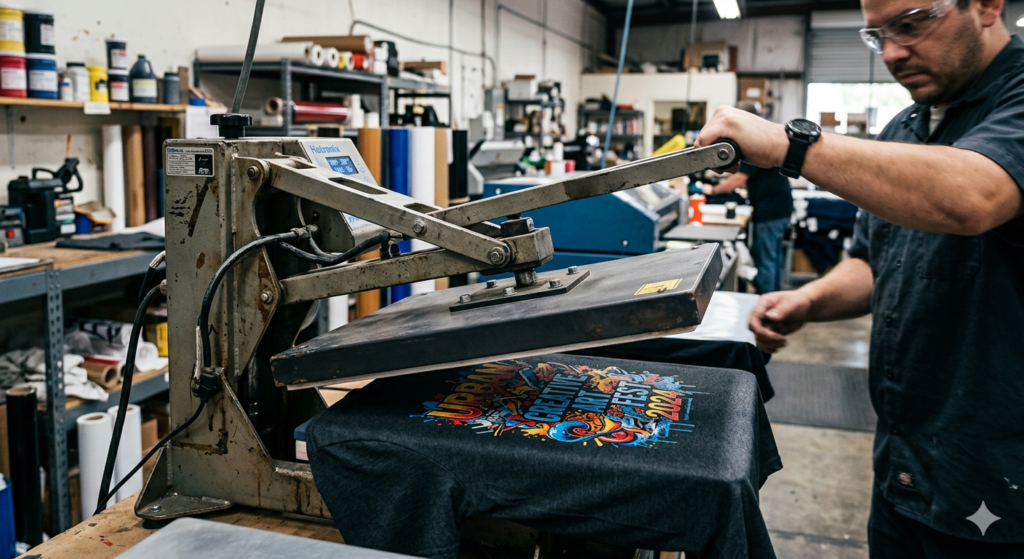
If you’re new to fabric printing, this DTF print transfer guide will help you understand everything in a simple way. DTF (Direct-to-Film) printing is one of the easiest and most flexible methods to print designs on clothes.
Unlike traditional methods, DTF does not need fabric pre-treatment. You can print on cotton, polyester, blends, and even dark fabrics.
Many small business owners and hobby creators are now using DTF because it is simple, fast, and gives professional results.
What You’ll Need (Materials & Tools)
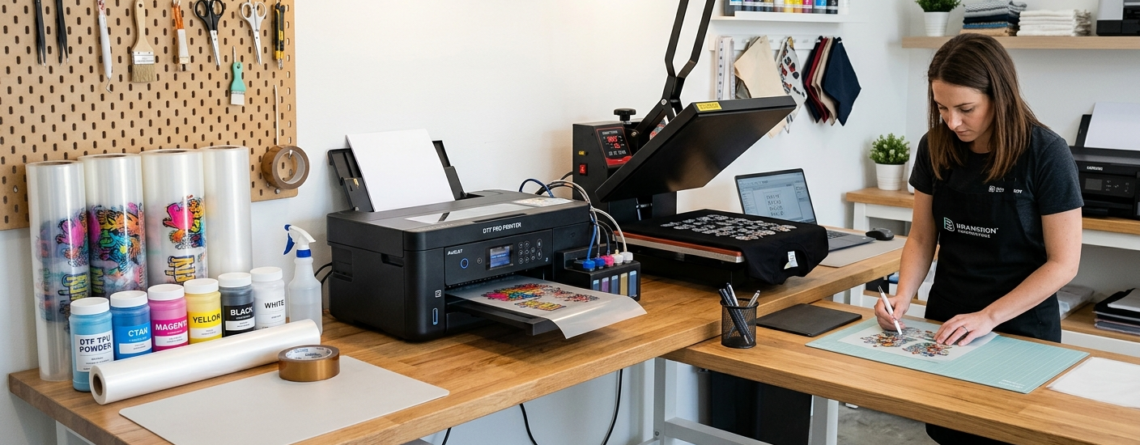
Before starting this DTF print transfer guide, gather all the essential tools:
- DTF Printer (like 🔵 ProlificGeeks DTF Printer L1800)
- DTF Film Sheets
- DTF Inks (CMYK + White)
- Adhesive Powder
- Heat Press Machine
- Design Software
- Curing Oven or Heat Gun
If you want better speed and quality, printers like 🔵 XP600 or 🔵 i3200 are great upgrades.
Preparing Your Design
This is where your creativity starts.
- Use software like Photoshop or CorelDRAW
- Create high-resolution designs (300 DPI)
- Mirror the image before printing
- Use transparent background
A clean design ensures a perfect result when following this DTF print transfer guide.
Printing the Design on DTF Film
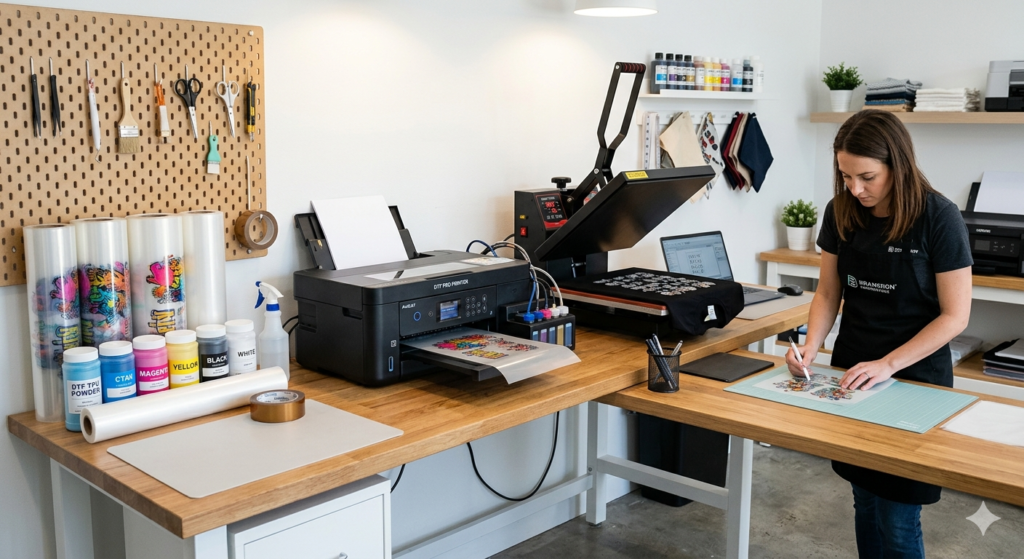
Step 1: Load the Film
Insert the DTF film into the printer correctly.
Step 2: Print the Design
Print your design using DTF inks.
- First layer: Color (CMYK)
- Second layer: White ink
Using advanced print heads like 🔵 XP600 ensures smoother ink flow and sharper prints.
Applying Adhesive Powder
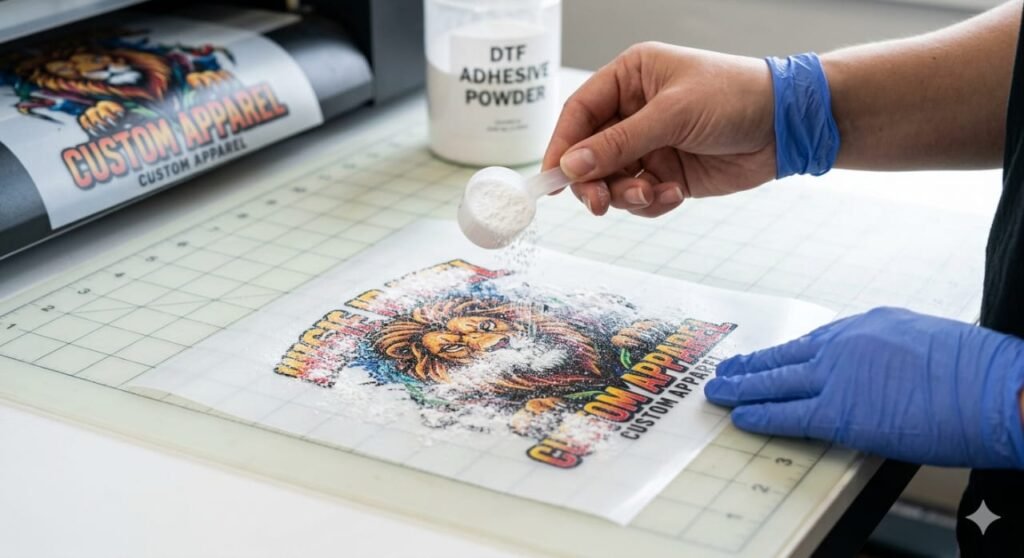
Step 3: Add Powder
Right after printing:
- Sprinkle adhesive powder evenly
- Shake off excess powder
- Ensure full coverage
This step is critical in this DTF print transfer guide because uneven powder leads to weak prints.
Curing the Powder
Step 4: Heat the Powder
- Use a curing oven or heat press
- Temperature: Around 160°C
- Time: 2–5 minutes
The powder should melt and form a smooth layer.
Pre-Pressing the Fabric
Step 5: Prepare the Fabric
Before transferring:
- Place fabric on heat press
- Press for 5–10 seconds
- Remove moisture and wrinkles
This step improves bonding and is often skipped by beginners in many DTF print transfer guide tutorials.
Transferring the Print (Heat Press)
Step 6: Transfer the Design
- Place DTF film on fabric (design facing down)
- Set heat press to 160–170°C
- Press for 10–15 seconds
Using stable machines with printers like 🔵 i3200 setups ensures consistent results.
Peeling the Film
Step 7: Peel Carefully
- Let it cool slightly (cold peel or warm peel depending on film)
- Slowly peel off the film
If done correctly, your design will stick perfectly.
Post-Pressing for Durability
Step 8: Final Press
- Cover design with parchment paper
- Press again for 5–10 seconds
This step locks the print and improves wash durability.
This is one of the most important steps in this DTF print transfer guide.
Tips for Beginners
- Start with simple designs
- Always test before bulk printing
- Maintain your printer regularly
- Use high-quality film and powder
- Keep temperature consistent
Real example:
Many beginners face peeling issues simply because they skip post-pressing.
Common Mistakes to Avoid
Here are some common errors:
- ❌ Not mirroring the design
- ❌ Uneven powder application
- ❌ Incorrect temperature
- ❌ Skipping pre-press
- ❌ Using low-quality materials
Following this DTF print transfer guide properly will help you avoid these problems.
Conclusion
DTF printing is one of the easiest ways to start fabric customization. With the right tools and proper steps, anyone can achieve professional results.
This DTF print transfer guide gives you a complete roadmap — from design to final press.
Practice a few times, and you’ll quickly gain confidence.
Key Takeaways
- DTF works on almost all fabrics
- Powder application is very important
- Heat press settings must be accurate
- Post-pressing improves durability
- Quality tools make a big difference
Product Suggestions
Here are some helpful tools you can explore:
🔵 ProlificGeeks DTF Printer L1800
🔵 XP600 Print Head Printer
🔵 i3200 Advanced DTF Printer
🔵 DTF Transfer Film Sheets
🔵 DTF Adhesive Powder Premium Grade
External References + Credits
- PrintIndustry.com
- Fespa.com
- InkJetInsights.com
- ResearchGate
Credit: Information references from Fespa, PrintIndustry, and other public sources.

LEAVE A COMMENT