
Crystal UV 3D Printing – Ultimate Guide to Choosing the Right Software
Table of Contents
Choosing the Right Software for Crystal UV 3D Printing
Introduction to Crystal UV 3D Printing
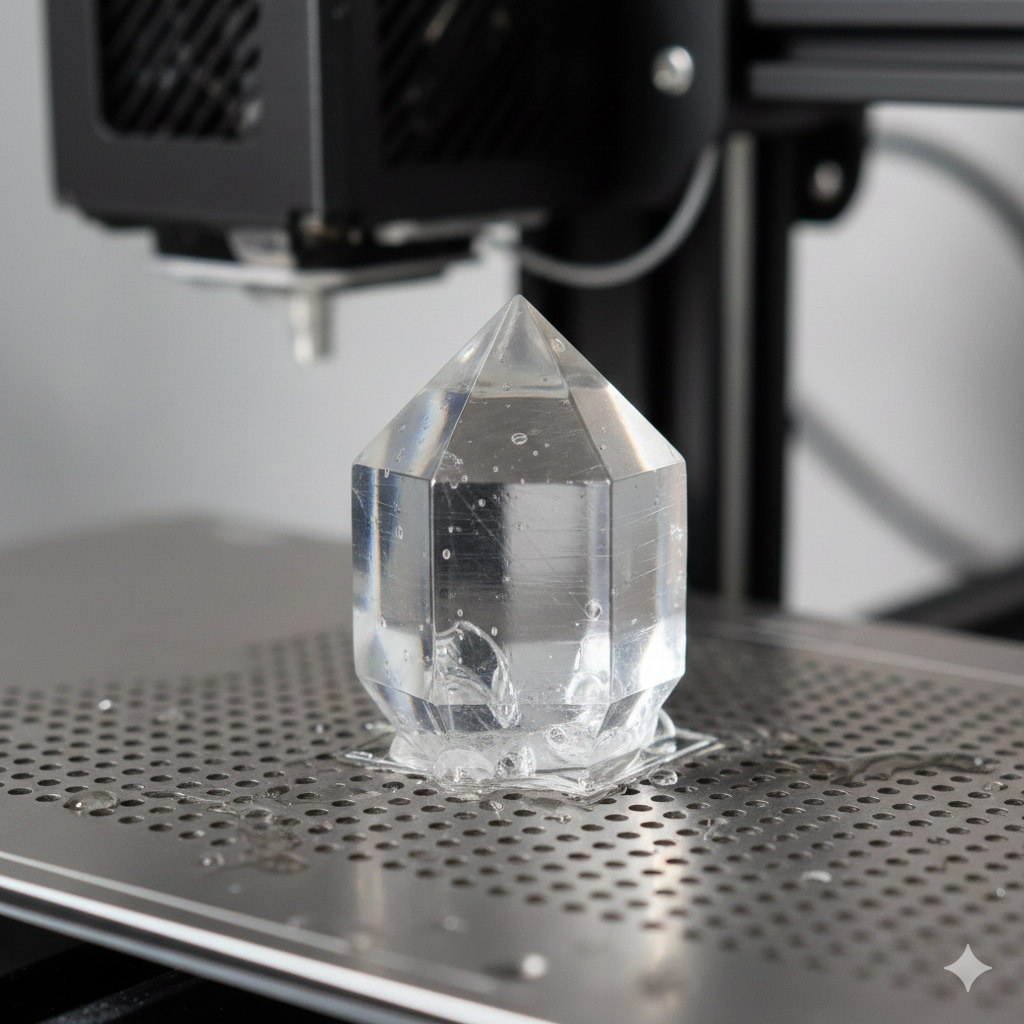
Crystal UV 3D Printing has become one of the most impressive ways to create sharp, transparent, glass-like parts. Whether it’s jewelry molds, decorative pieces, trophies, or engineering prototypes, this technique produces stunning clarity and detail. But the results depend not only on the printer the software plays a major role. Good software controls slicing, supports, exposure time, resolution, and smooth surface finish.
Importance of Choosing the Right Software
Many new users focus only on the printer and resin. But the software determines how data is processed. A wrong slicing setup may cause cracks, layer lines, or failed prints. With the right software, UV 3D Printing becomes smooth, predictable, and cost-efficient.
Key Features to Look for in Software
When evaluating software for UV 3D Printing, consider these core features:
- Accurate slicing engine
- Automatic + manual support generation
- Exposure controls for resin curing
- Anti-aliasing for clarity
- Smart material presets
Small differences in software settings can easily improve the quality of a crystal print.
Compatibility with Crystal UV Printers
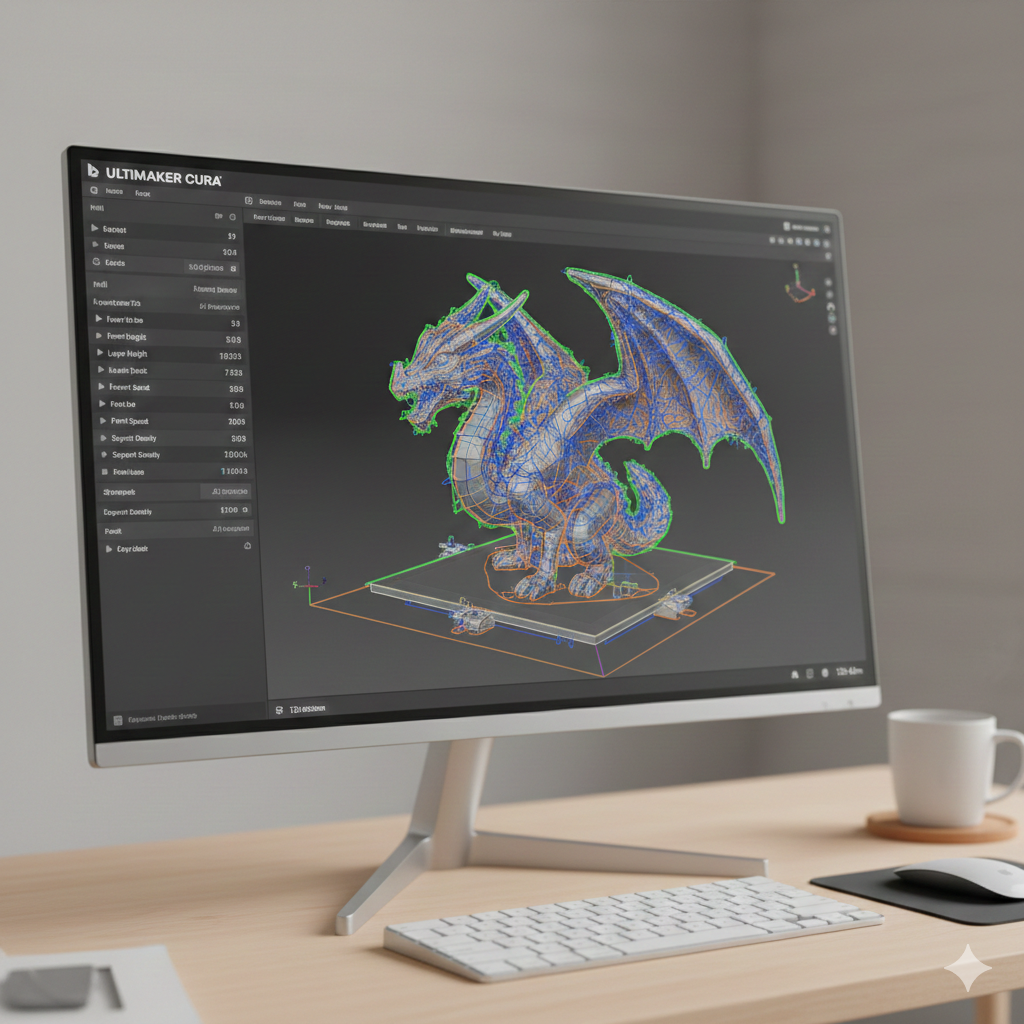
Not every slicer works with every UV 3D printer. Always confirm chipset and format support (e.g., .ctb, .photon, .stl, .obj, .step). Good software should allow custom machine profiles so you can fine-tune settings instead of staying limited to presets.
User Interface and Ease of Use
Complex software can slow down productivity. A clear dashboard and simple workflow help you test more designs. Look for drag-and-drop import, beginner profiles, and one-click support generation. This reduces learning time and avoids mistakes on expensive UV 3D Printing resin.
Supported File Formats and Import Options
File compatibility matters because different industries use different formats. For Crystal UV 3D Printing, STL, OBJ, and STEP are common. Some advanced software even supports CAD formats. If you’re working with jewelry or medical models, ensure that the software doesn’t compress or distort data when importing.
Slicing Capabilities and Customization
Slicing quality is perhaps the most critical part. A good slicer should support:
- Layer thickness from 0.01–0.05 mm
- Adjustable exposure time
- Bottom layer curing
- UV light control
Proper slicing prevents under-curing and yellowing issues that are common with crystal resin.
Support Structure Optimization
Crystal prints need supports, but too many supports leave marks. Too few supports cause detachment and failure. Look for software with:
- Touch-point size adjustment
- Auto-density calculation
- Support preview
These tools keep transparency smooth, which is essential for UV 3D Printing.
Print Quality and Accuracy Tools
Features like anti-aliasing, surface smoothing, grayscale compensation, and adaptive layering are extremely useful. These tools reduce voxel marks and improve clarity — especially for figurines, lenses, embossing logos, and display models.
Software Integration with Hardware
A good slicer communicates correctly with the printer firmware. Some software allows real-time monitoring and progress tracking. This reduces waste and ensures that every UV 3D Printing job finishes in the expected time.
Community and Technical Support
Even good software feels difficult without support. Choose slicers with:
- User communities
- Troubleshooting tutorials
- Printable profiles
- FAQs and email support
Forums and groups can save hours during troubleshooting.
Price and Licensing Options
Some slicers are free and work well for basic prints. Paid software usually offers better support generation and clarity optimization. However, if you’re starting out, don’t overspend. Test trial versions before committing.
Comparison of Top Software Options for Crystal UV 3D Printing
Here’s a brief comparison of commonly used slicers:
| Software | Learning Curve | Best For | Strength |
|---|---|---|---|
| Chitubox | Easy | Beginners | Reliable auto supports |
| Lychee | Medium | Artistic prints | Best anti-aliasing |
| Voxeldance Tango | Medium-High | Industrial / Mold making | Precise exposure control |
| Photon Workshop | Easy | Budget users | Fast slicing |
| PrusaSlicer (Resin Mode) | Medium | Engineering users | CAD-friendly |
Different industries need different benefits, so the “best” option depends on your workflow.
Tips for Testing and Evaluating Software
Before deciding on a final slicer, try this approach:
- Import the same model into different slicers.
- Generate supports automatically and manually.
- Slice with equal settings.
- Print mini test cubes using UV 3D Printing.
- Compare surface finish, accuracy, and support removal.
This method gives honest results without marketing bias.
If you want to improve project success further, consider using good consumables from DTFshop.in. Many users prefer:
🔹UV DTF A Film
🔹 UV DTF B Film
🔹 UV DTF Laminating Machine
These products help with more durable prints and clean transparency when coating final models or combining panels.
Conclusion and Final Recommendations
The right software is just as important as the printer and resin. When chosen wisely, it helps produce crystal-clear prints with fewer fails and less resin wastage. Start with a user-friendly slicer, test prints, and learn how supports and exposure times affect transparency.
With consistent practice and the right UV 3D Printing tools, anyone can produce professional-grade crystal models at home or in a workshop.
Link out to external resources
- Resources like PrintIndustry (https://www.printindustry.com) and Fespa (https://www.fespa.com) provide excellent guides on resin and curing calibration.

LEAVE A COMMENT