
Sublimation Machine: 10 Powerful Tips to Avoid Costly Damage & Extend Its Life
Table of Contents
Introduction
A sublimation machine is not cheap. Whether you run a small print shop or work from home, it is the heart of your business. Many users replace machines too early simply because they skip basic care. The truth is simple. A well-maintained sublimation machine can work smoothly for years.
I have seen two shops using the same model. One machine failed in 18 months. The other is still running after 5 years. The difference was not brand. It was maintenance.
In this guide, I will explain how to maintain your sublimation machine using easy daily, weekly, and monthly routines. No technical language. Just real, practical steps you can follow.
Daily Maintenance Routine
Daily care takes less than 10 minutes. But it saves you hours of repair later.
1. Power-on and shutdown properly
Never unplug your sublimation machine directly. Always use the proper shutdown option. This allows ink systems to seal correctly and prevents nozzle drying.
2. Check nozzle status
Run a quick nozzle check before starting work. If you see broken lines, clean the print head immediately. Ignoring this can damage the head.
Using good-quality ink helps here. Many users prefer consistent inks like
Sublimation Ink
because low-grade ink often causes clogging.
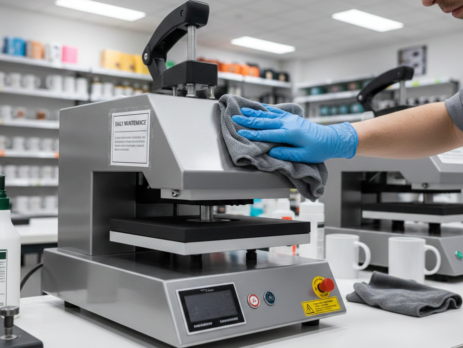
3. Clean exterior surfaces
Dust settles fast in print rooms. Wipe the machine body daily with a dry microfiber cloth. Dust can enter vents and affect cooling.
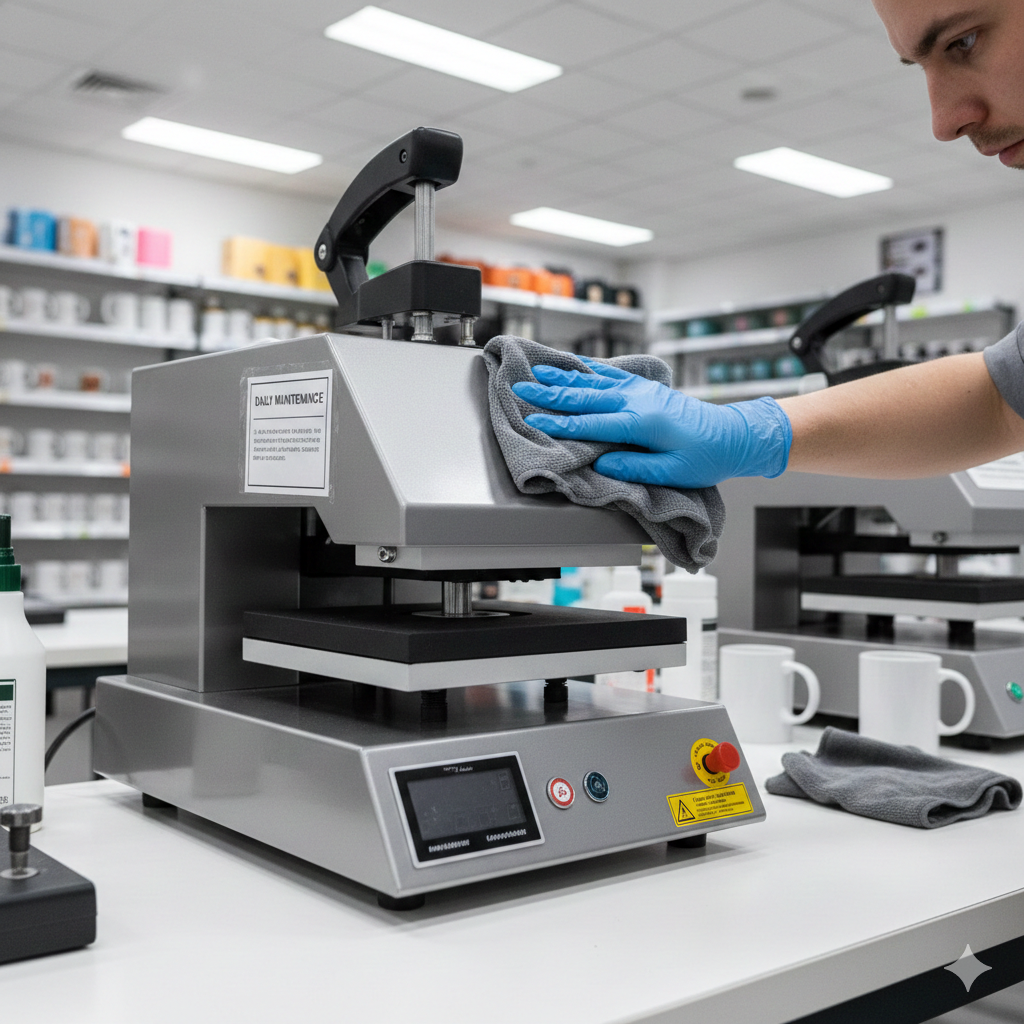
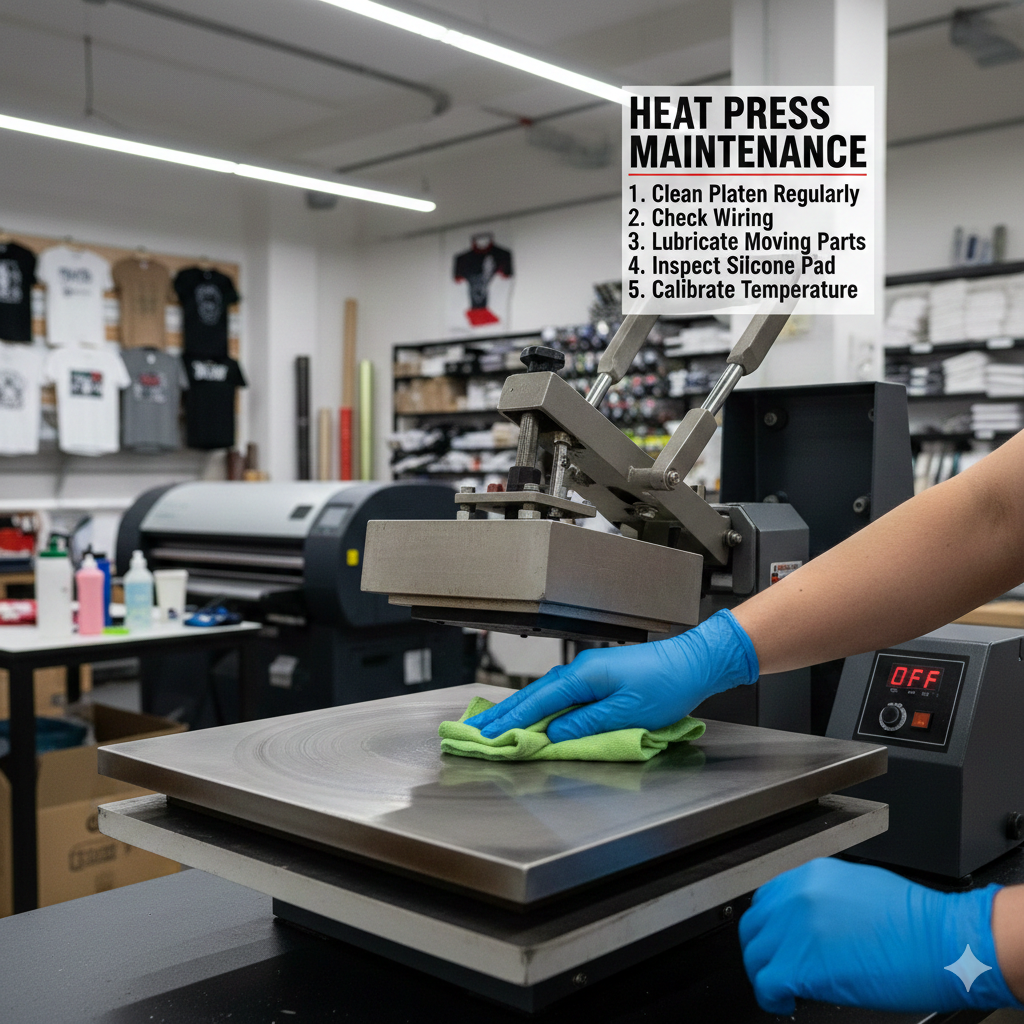
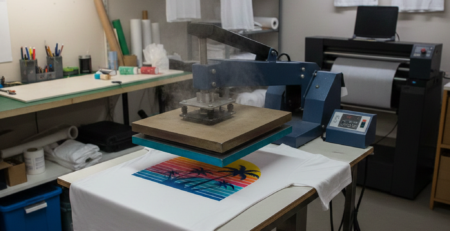
4. Keep the heat press clean
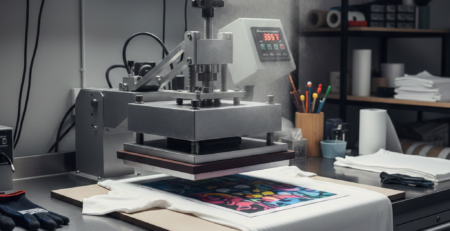
If your sublimation machine setup includes a heat press, clean its surface daily. Ink residue can transfer to new prints.
A reliable option many printers use is
Heat Press Machine
because spare parts and service support are easier to find.
Weekly Cleaning Procedures
Weekly maintenance keeps internal parts healthy.
1. Print head cleaning
Run a standard cleaning cycle once a week, even if prints look fine. This prevents micro-clogs.
Do not over-clean. Too much cleaning wastes ink and wears parts.
2. Waste ink pad check
Check for ink overflow or smell. If pads are soaked, get them serviced. Ignoring this can cause leakage inside the sublimation machine.
3. Paper path cleaning
Open the rear tray and remove loose paper dust. Use a soft blower or hand air pump. Avoid compressed air cans. They push dust deeper.
4. Check rollers and belts
Look for ink spots or paper fibers. Clean gently with a lint-free cloth.
If you print daily, using stable paper matters. Many professionals use
Sublimation Paper
to reduce dust and paper jams.

Monthly Deep Maintenance
Monthly care ensures long-term performance.
1. Deep print head cleaning (manual)
Only do this if prints show consistent issues. Use manufacturer-approved cleaning fluid. Never use water or alcohol.
Some shops prefer ready-to-use solutions like
Print Head Cleaning Solution
because it reduces risk.
2. Ventilation check
Heat is the silent killer of any sublimation machine. Ensure fans and vents are clear. Overheating shortens electronic life.
3. Cable and connector inspection
Loose cables cause random errors. Gently check visible connectors. Do not pull hard.
4. Firmware and driver updates
Check official support pages monthly. Updated drivers improve compatibility and reduce bugs.
Troubleshooting Common Issues
Even with care, issues happen. Here is how to handle common ones.
Problem: Faded or dull prints
Cause: Old ink, wrong temperature, or clogged nozzles.
Solution: Replace ink, clean nozzles, and verify heat press settings.
Problem: Lines or banding
Cause: Partial clog or alignment issue.
Solution: Run nozzle check and head alignment.
Problem: Paper jams
Cause: Dusty rollers or poor paper quality.
Solution: Clean rollers and switch paper brand.
Problem: Color mismatch
Cause: Incorrect ICC profile.
Solution: Reinstall color profiles and calibrate.
Research from InkJetInsights explains how small nozzle clogs affect color accuracy in sublimation machines.
Long-Term Storage Tips
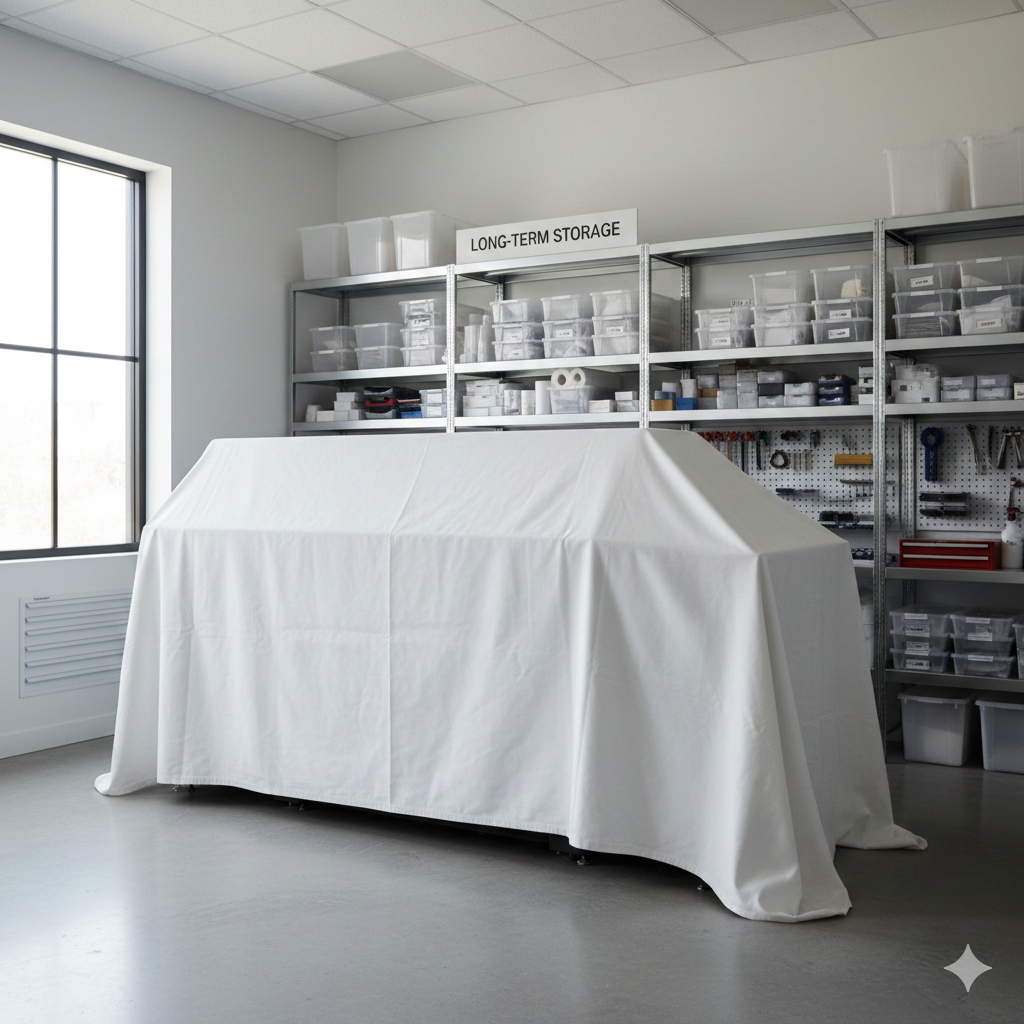
If you plan not to use your sublimation machine for weeks or months, storage matters.
1. Never store with empty ink tanks
Empty tanks introduce air. Air dries nozzles faster than ink.
2. Run cleaning cycle before storage
This coats internal parts with ink or fluid.
3. Cover the machine
Use a dust cover or clean cloth. Avoid plastic sheets that trap moisture.
4. Control room environment
Store in a dry room. Ideal temperature is between 18°C–28°C.
5. Power on monthly
Even in storage, power on once a month and run a test print. This single step can double print head life.
Conclusion
A sublimation machine is a long-term investment. Most failures are not manufacturing defects. They are maintenance mistakes.
Daily wiping. Weekly checks. Monthly deep cleaning. These habits protect your machine, improve print quality, and save money.
Think of your sublimation machine like a car. Regular service keeps it running smooth. Ignore it, and repairs become expensive.
If you follow these steps, your sublimation machine will stay reliable, consistent, and profitable for years.
Product Suggestions (Blue Color)
External References + Credits
Helpful reading sources:
- PrintIndustry.com – Sublimation maintenance basics
- Fespa.com – Print technology care and workflows
- InkJetInsights.com – Inkjet and sublimation research
Credit: Information references from Fespa, PrintIndustry, and other public sources.

Leave a Reply