
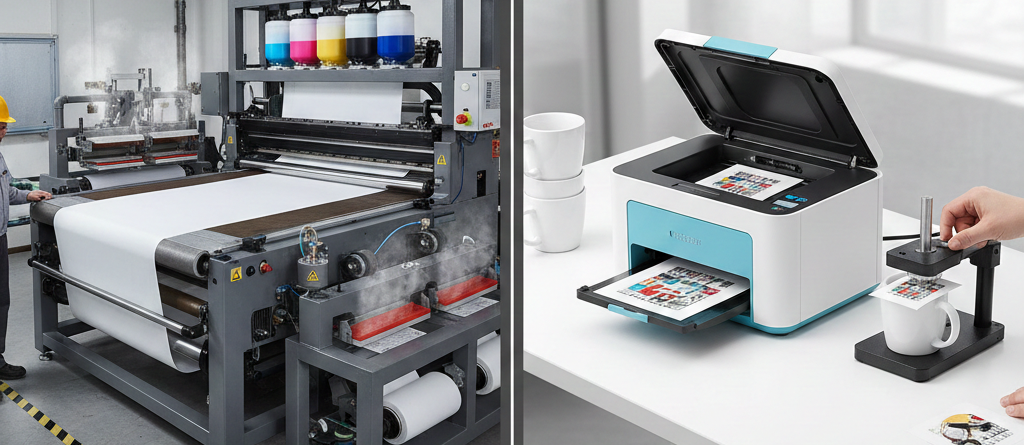
Sublimation 7-Point Ultimate Guide: Industrial vs Budget Machines for Real Printing Success
Table of Contents
Industrial vs Budget Machines for Sublimation
Introduction
Many new printing businesses want to start with sublimation, but the biggest question appears quickly: Should I buy an industrial machine or a budget machine?
Both can print high-quality designs, but they don’t perform the same for commercial workloads. If you choose the wrong one, you may spend more money later upgrading or fixing equipment.
This blog breaks down the real-world difference between industrial vs budget sublimation machines using clear examples, simple numbers, and industry references. By the end, you should know which one fits your business needs.
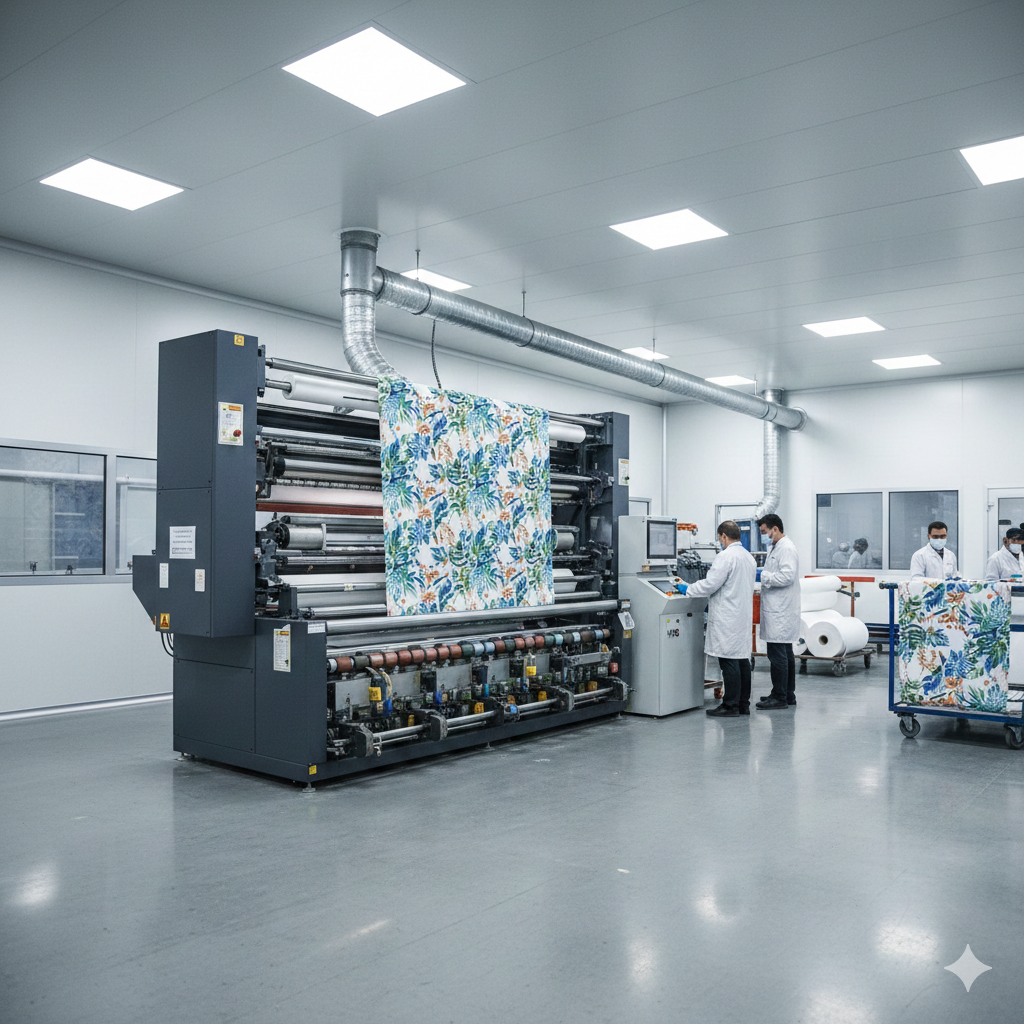
What is Sublimation Printing?
It is a digital printing method that transfers special ink onto polyester-based materials using heat. The ink becomes gas when heated and permanently bonds with the fabric or coated surface.
People use sublimation to print on:
- T-shirts
- Mugs
- Phone cases
- Cushions
- Sportswear
- Corporate uniforms
The biggest benefit of sublimation is rich color and long-lasting graphics without cracking, peeling, or fading.
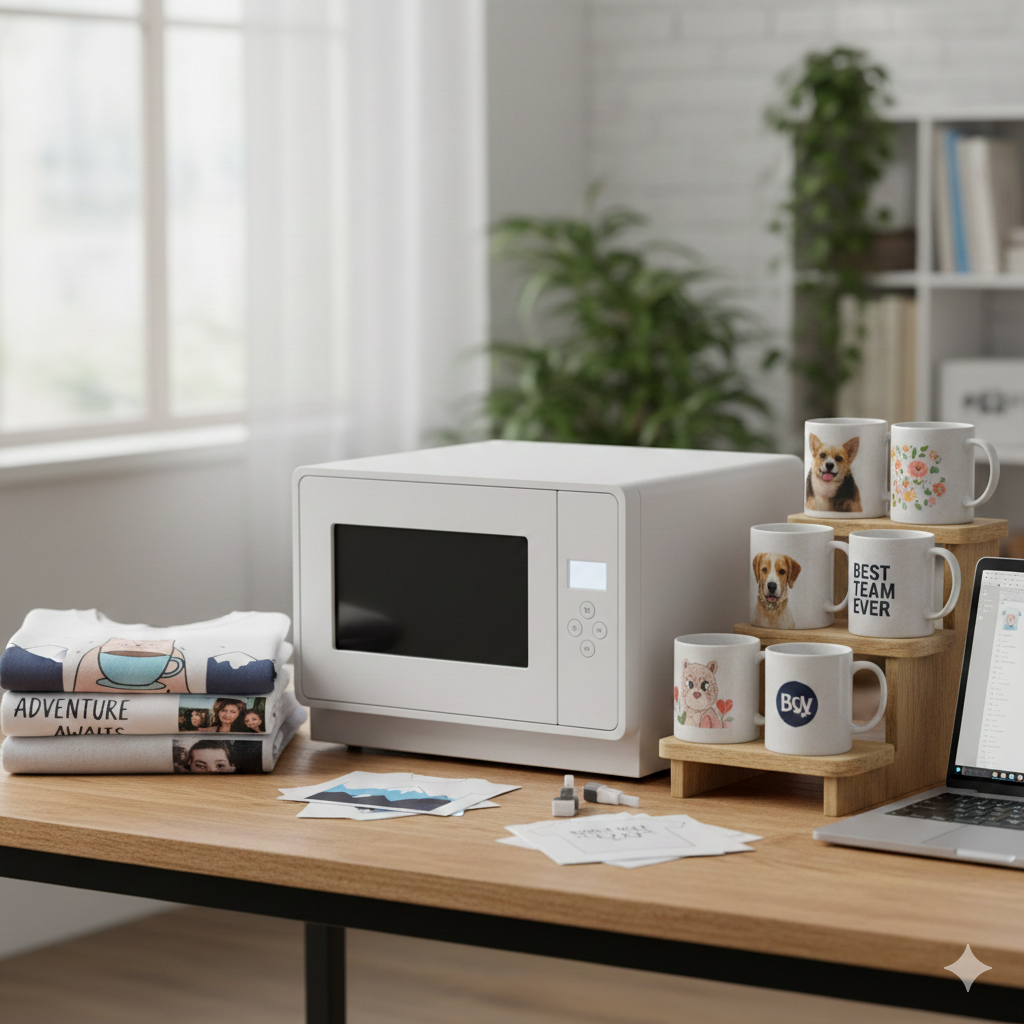
Overview of Industrial Sublimation Machines
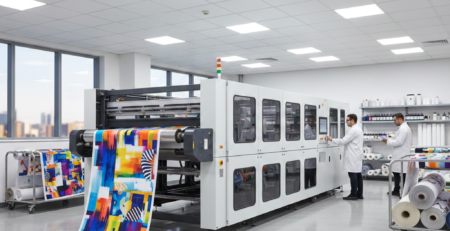
Industrial sublimation machines are designed for mass production. These printers usually support large paper rolls, multiple print heads, and continuous ink systems. They run for long hours with stable color accuracy and minimal downtime.
Typical features:
- 24–72 inch print width
- 3–8 print heads
- High-speed motorized feeding
- Auto cleaning and drying units
- Built to run 18–24 hours a day
Factories producing sportswear, fashion garments, and bulk merchandise rely on these machines for consistent output and profit margins.
Overview of Budget Sublimation Machines
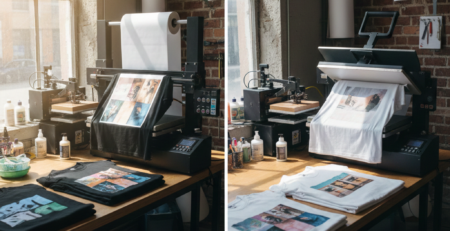
Budget sublimation machines are ideal for small businesses and hobby users. Most are desktop-size and use A4 or A3 sheets rather than rolls.
Typical features:
- 1–2 print heads
- Compact size
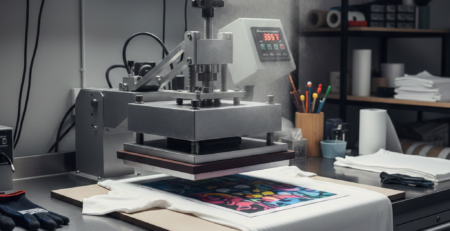
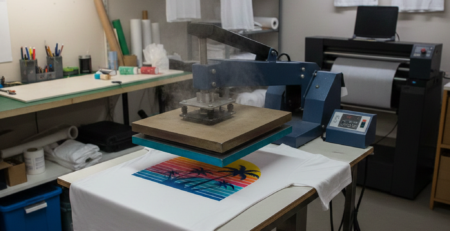
- Manual heat press required
- Best for personalized products
A home-based printing shop usually starts with a budget machine and upgrades later after sales increase.
Key Differences Between Industrial and Budget Machines
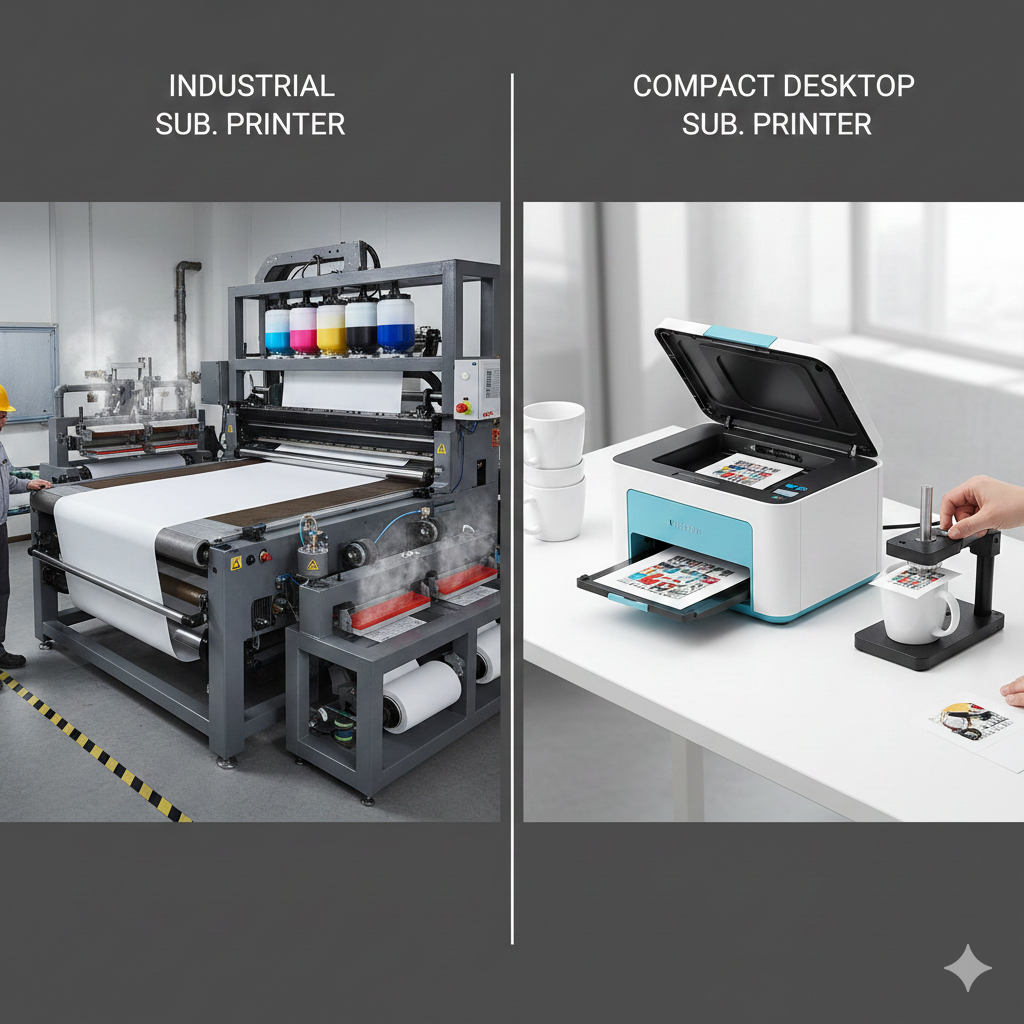
| Aspect | Industrial | Budget |
|---|---|---|
| Print Size | Up to 72 inch | A4/A3 |
| Speed | Very Fast | Medium |
| Duty Cycle | 18–24 hrs | Few hours a day |
| Ink System | Continuous | Standard cartridges |
| Maintenance | Automatic | Manual |
Performance Comparison (Speed, Quality, Durability)
Speed
An industrial sublimation printer can print 200–600 meters per hour.
A budget printer usually prints 5–50 sheets per hour.
Quality
Quality is excellent in both categories. But industrial machines maintain color accuracy during long work cycles, while budget machines may show minor shade shifts after many hours.
Durability
Industrial machines are engineered for years of daily printing. Budget machines last long too but need frequent break periods and cleaning.
Cost Analysis
| Type | Initial Cost | Operating Cost | Production Cost per Print |
|---|---|---|---|
| Industrial | High | Low (bulk ink) | Very Low |
| Budget | Low | Medium (cartridges) | Medium |
If you’re making fewer than 20 shirts per day, a budget sublimation setup is perfect. For 100+ prints daily, industrial becomes the economical choice in the long run.
Ideal Use Cases for Industrial Machines
Industrial sublimation is best when:
- You run a commercial print shop
- You print for brands, teams, or events
- You need fast turnaround and big volumes
- You want exact color matching (sportswear numbers, school logos, etc.)
Ideal Use Cases for Budget Machines
Budget machines are ideal when:
- You are starting a side business
- You print personalised mugs, cushions, and T-shirts
- You do custom gift printing
- You handle small daily orders
Pros and Cons of Industrial Machines
Pros
- Ultra-high productivity
- Strong color consistency
- Handles bulk orders easily
- Lower production cost per unit
Cons
- Expensive to purchase
- Requires trained operator
- Needs large workspace
Pros and Cons of Budget Machines
Pros
- Affordable price
- Great for beginners
- Works in small rooms
- Low learning curve
Cons
- Slow for bulk orders
- Higher ink cost per print
- More manual maintenance
How to Choose the Right Machine for Your Needs
Ask yourself:
| Question | If YES | If NO |
|---|---|---|
| Do I print more than 20 items daily? | Industrial | Budget |
| Do I need exact color matching for brands? | Industrial | Budget |
| Do I have limited capital at the beginning? | Budget | Industrial |
| Do I plan to grow fast and take large orders? | Industrial | Budget |
A smart strategy followed by many print entrepreneurs is:
Start with a budget sublimation machine → grow your customer base → upgrade to industrial equipment when workload increases.
Internal Product Suggestions (Natural Use)
Many beginners who want a reliable basic setup choose Epson L1800 DTF & Sublimation Printer
For mug and gift printing, Microtec Auto-Open Heat Press is a strong match.
If someone wants faster production without going industrial yet, A3 Dual Head Sublimation Printer is a good mid-range option.
When scaling up, print shops often switch to Industrial 1.6m Roll-to-Roll Sublimation Printer.
Conclusion
Both industrial and budget machines can deliver excellent sublimation results. The right choice depends on your workload, investment capacity, and business direction. If you print occasionally or operate a home-based gift shop, a budget printer is more practical. If you print for brands and bulk clients, an industrial machine ensures speed, accuracy, and long-term profit.
Call to Action or Recommendations
If you’re confused, start small and upgrade later. What matters most is learning the sublimation process and building steady clients. Machines can always be upgraded — customer trust cannot.
External References + Credits
Some technical information and performance benchmarks were validated using:
Credit: Information references from Fespa, PrintIndustry, and other public sources.

LEAVE A COMMENT