DTFShop benefitSave up to 46%
Includes eligible prepaid saving before GST/fees
AcroRip Software India is RIP software for organising supported digital-print jobs. A raster image processor turns artwork into device-specific print data.
AcroRip Software India is RIP software for organising supported digital-print jobs. A raster image processor turns artwork into device-specific print data. Its settings link image resolution, colour handling, ink-channel behaviour and the selected output mode.
What you receive for the listed price
The named software package in the supported edition and activation arrangement.
A printer or printing consumables are not included. The exact licence edition and delivery arrangement require confirmation where not stated.
Applicable taxes and shipping, where relevant, are shown at checkout. Gallery guides and demonstration equipment explain use; they are not additional supplied items.
Smart Online SavingsYour order cost, explained
Compare automated website ordering—including COD, card/digital payments, rewards and coupons—with a manual/offline order.
Order on DTFShop.inRecommended
Product value₹3,500.00
Prepaid discount (7.5%)−₹262.50
Website shippingCalculated by weight at checkout
GST (18%)+₹582.75
Estimated platform fee (2.36% of total)+₹92.34
Estimated prepaid subtotal₹3,912.59
Weight-based shipping will be added at checkout
Online purchase rewardsEarn and use eligible rewards
Purchase + email couponsGet eligible coupon offers and free promotional coupons by email
✓ Order online anytime, from anywhere✓ Choose COD where available✓ Pay securely by credit card or available digital payment methods✓ Immediate digital payment proof and automatic order confirmation✓ GST invoice available without manual follow-up✓ Automatic tracking and WhatsApp order updates✓ Earn rewards on eligible completed online purchases✓ Receive eligible purchase coupons and free promotional coupons by email
Manual / Offline Order
Product value₹3,500.00
Manual / offline shippingCalculated by actual weight and location
GST (18%)+₹630.00
Prepaid website discount₹0
Website rewards / coupon₹0
Estimated manual order subtotal₹4,130.00
Actual weight/location-based courier charge is extra
• Payment coordinated manually through WhatsApp/bank transfer• Confirmation and invoice may require manual processing• Courier charged on the actual/manual booking basis• Shipment timing and updates are coordinated manually
Estimated saving by ordering prepaid on DTFShop.in₹217.41
before weight-based shipping and any additional eligible rewards or coupon saving
How this estimate works:
Website example uses the 7.5% prepaid discount only when the eligible value is ₹10,000 or below, plus GST 18% and an estimated non-EMI platform fee equal to 2.36% of the subtotal including that fee. Shipping, coupons and final taxes are confirmed at checkout.
Website and manual/offline shipping are excluded from these subtotals because courier charges are calculated from actual weight, dimensions and delivery location.
Final checkout or confirmed manual quotation is authoritative and can change with shipping, coupon, rewards, variation and payment method.
Frequently bought together
Complete your setup
Useful add-ons commonly paired with this product. Choose only what you need.
AcroRip Software India — Overview and practical use
AcroRip Software India is RIP software for organising supported digital-print jobs. A raster image processor turns artwork into device-specific print data. Its settings link image resolution, colour handling, ink-channel behaviour and the selected output mode.
What you receive for the listed price
The named software package in the supported edition and activation arrangement.
A printer or printing consumables are not included. The exact licence edition and delivery arrangement require confirmation where not stated.
Applicable taxes and shipping, where relevant, are shown at checkout. Gallery guides and demonstration equipment explain use; they are not additional supplied items.
Product view for DTF and UV printing management.
Artwork preparation and repeatable output
The RIP connects the artwork to the printer driver and supported output settings. Sizing, resolution, colour management and white-layer behaviour need to be set for the actual application. A good preset is specific to a working printer, ink and media combination.
Daily use and practical checks
When working with AcroRip Software India, build a repeatable job preset around one printer, ink and media combination. Changing several settings at once makes it difficult to identify the reason for a colour or coverage change.
Licensing and workflow records
For AcroRip Software India, use an appropriately licensed edition and the printer driver supplied for the supported setup. Keep a backup of working presets and note which ink/media combination they belong to. Supported editions and printer models depend on the supplied licence and driver.
What the RIP does between artwork and printing
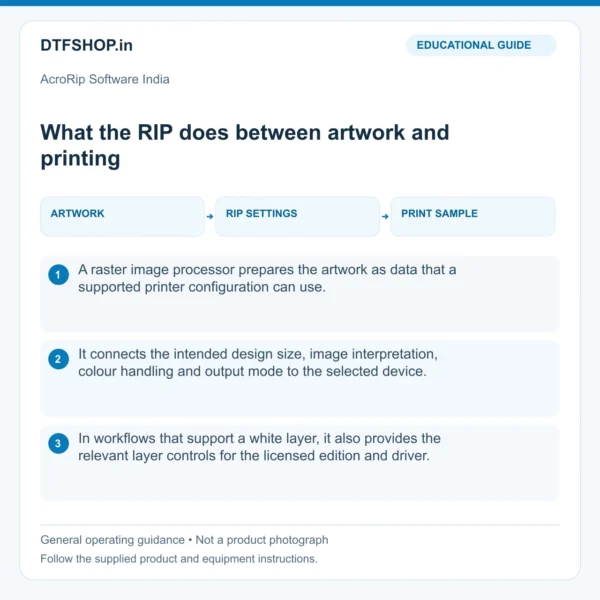
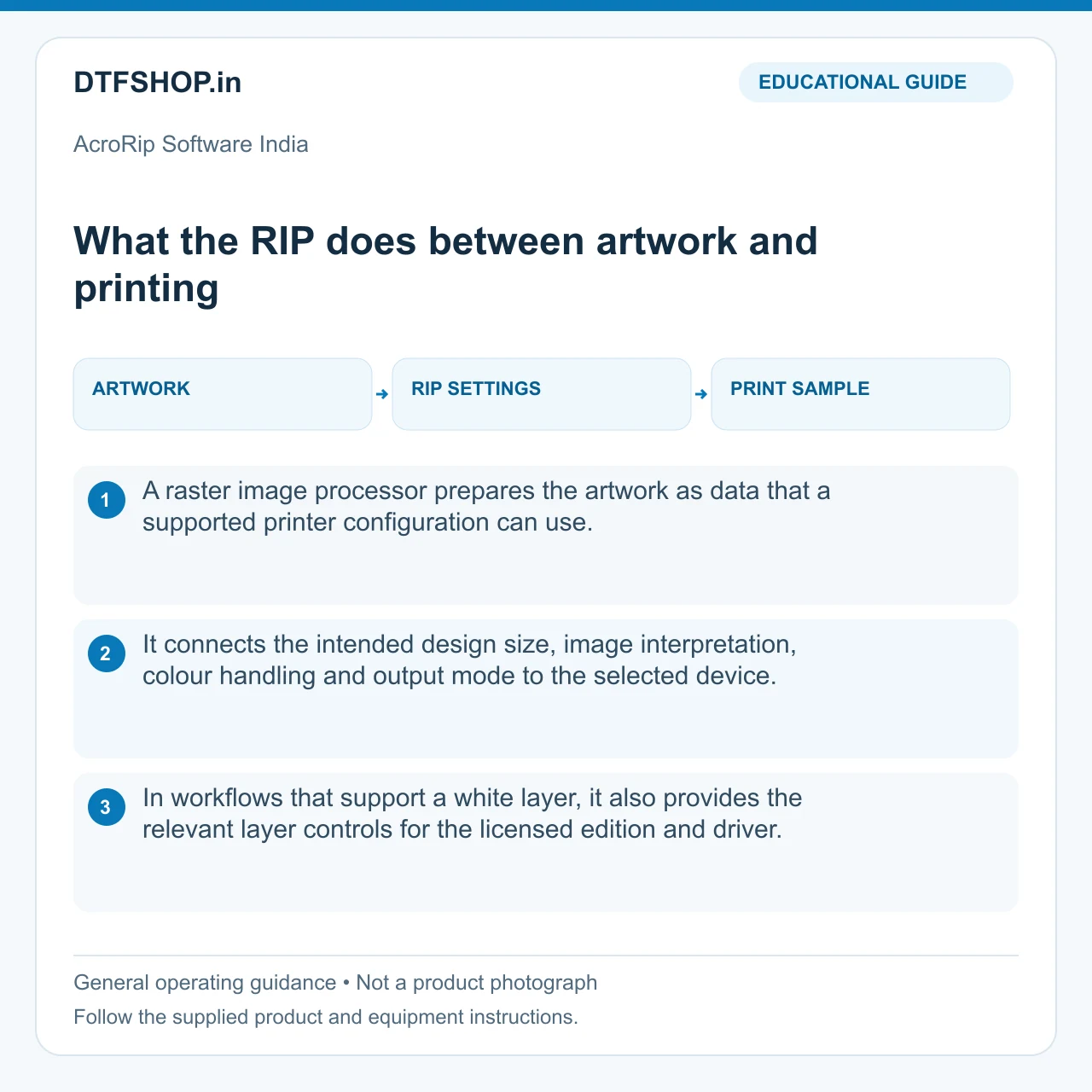
A raster image processor prepares the artwork as data that a supported printer configuration can use. It connects the intended design size, image interpretation, colour handling and output mode to the selected device. In workflows that support a white layer, it also provides the relevant layer controls for the licensed edition and driver.
The software is therefore part of the production process rather than a replacement for suitable ink, media or printer maintenance. A useful setup produces the right physical dimensions and repeatable output from a file that is correctly prepared for the job.
Illustrated guide: what the rip does between artwork and pr. Educational illustration, not a product photograph.
Preparing files with clear production dimensions
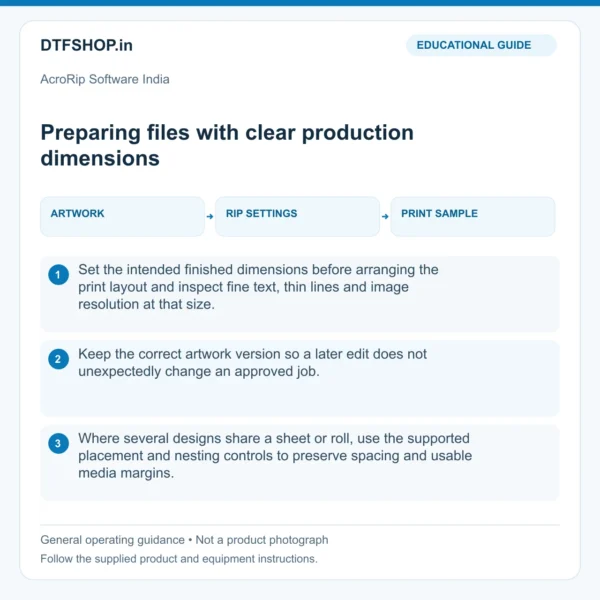
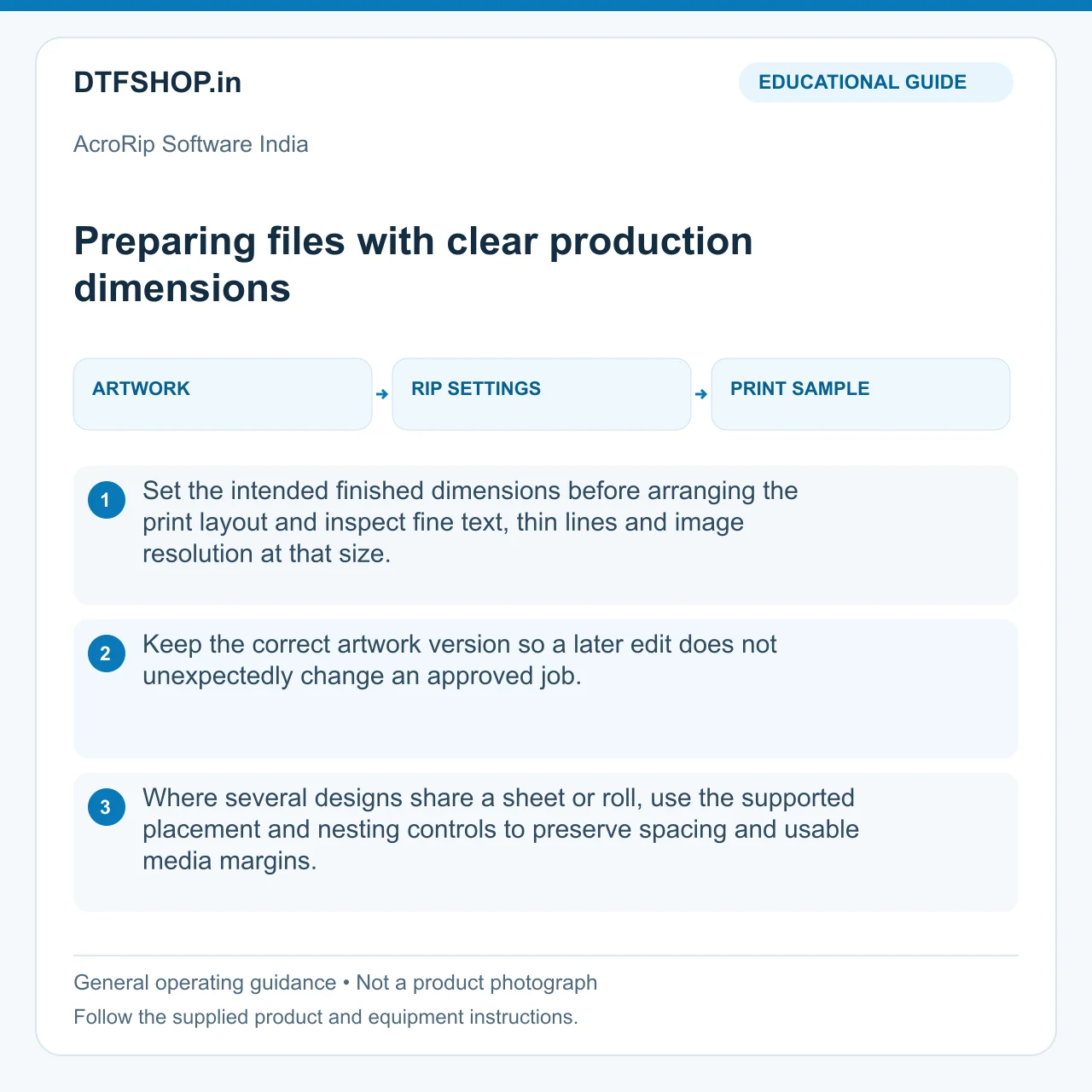
Set the intended finished dimensions before arranging the print layout and inspect fine text, thin lines and image resolution at that size. Keep the correct artwork version so a later edit does not unexpectedly change an approved job. Where several designs share a sheet or roll, use the supported placement and nesting controls to preserve spacing and usable media margins.
A layout that looks efficient on screen must still work with the printer feed area and downstream handling. Retain an approved test file with known dimensions; it is a useful reference when a new installation or preset is being evaluated.
Illustrated guide: preparing files with clear production di. Educational illustration, not a product photograph.
Colour management and material presets
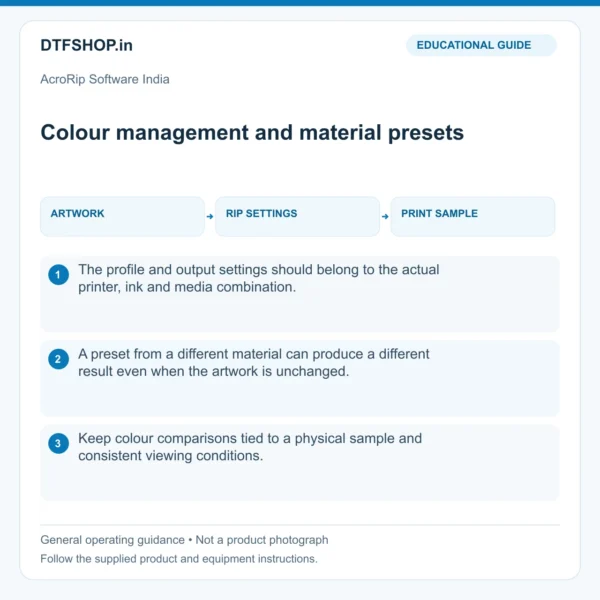
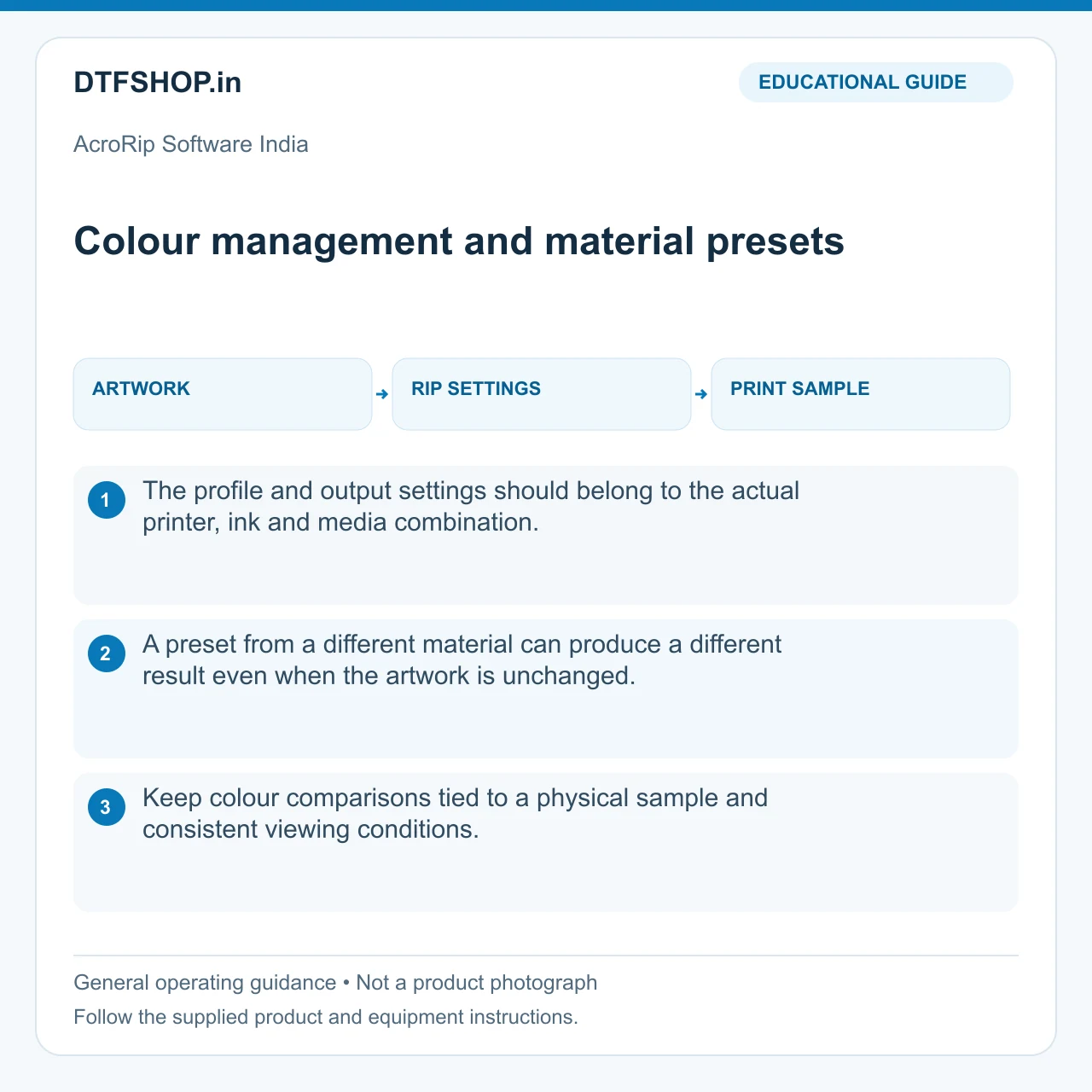
The profile and output settings should belong to the actual printer, ink and media combination. A preset from a different material can produce a different result even when the artwork is unchanged. Keep colour comparisons tied to a physical sample and consistent viewing conditions. Avoid adjusting several unrelated controls at the same time.
If a file has already been colour managed elsewhere, understand how it enters the RIP so the intended workflow remains clear. The purpose is controlled output rather than simply increasing colour saturation. A reliable preset has a documented material context and can be returned to when a repeat order arrives.
Illustrated guide: colour management and material presets. Educational illustration, not a product photograph.
White-layer preparation and print behaviour
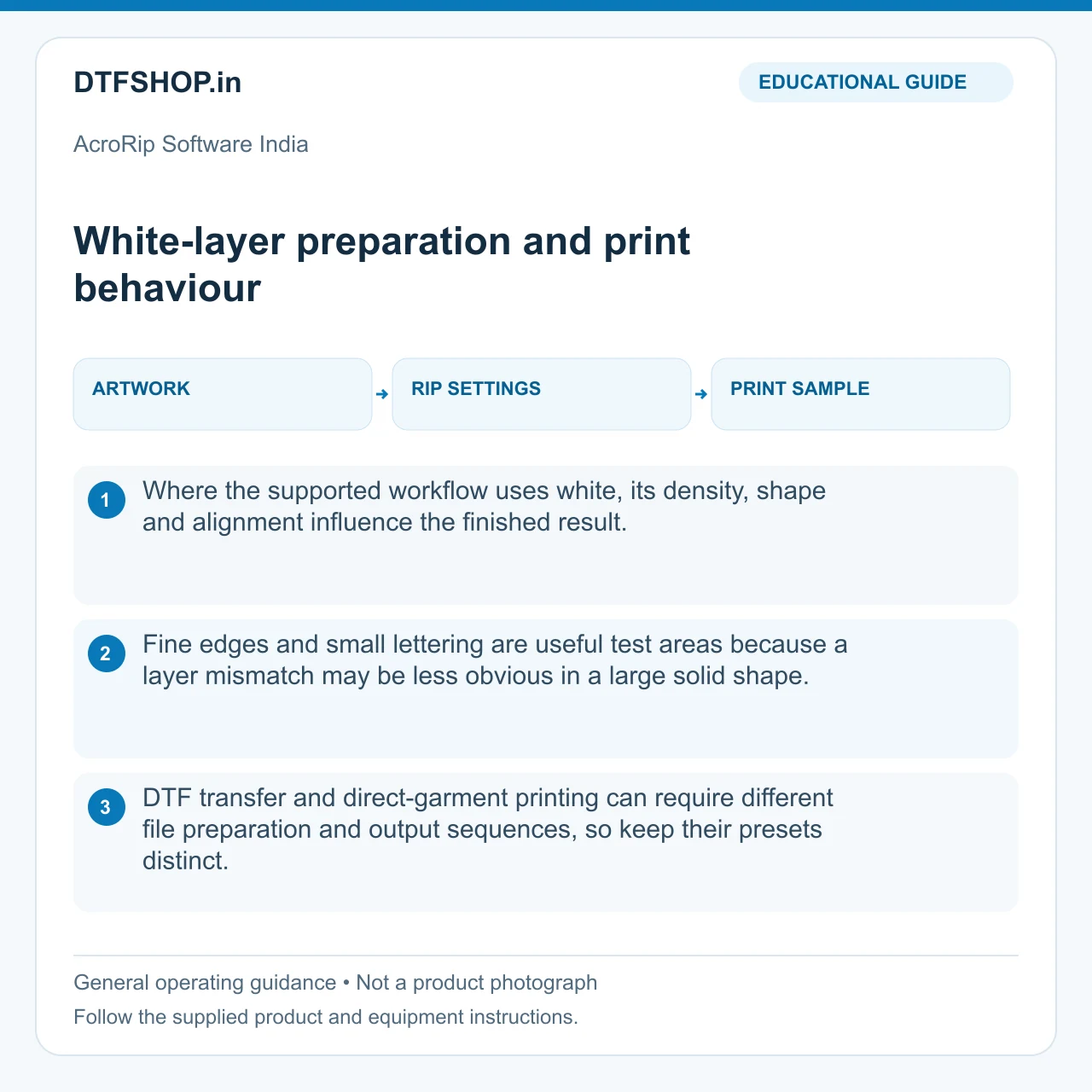
Where the supported workflow uses white, its density, shape and alignment influence the finished result. Fine edges and small lettering are useful test areas because a layer mismatch may be less obvious in a large solid shape. DTF transfer and direct-garment printing can require different file preparation and output sequences, so keep their presets distinct.
Use the software documentation for the controls available in the supplied edition. A missing nozzle, supply interruption or mechanical alignment fault remains a printer issue; a software setting should not be used to conceal it and then treated as an approved production baseline.
Illustrated guide: white layer preparation and print behavi. Educational illustration, not a product photograph.
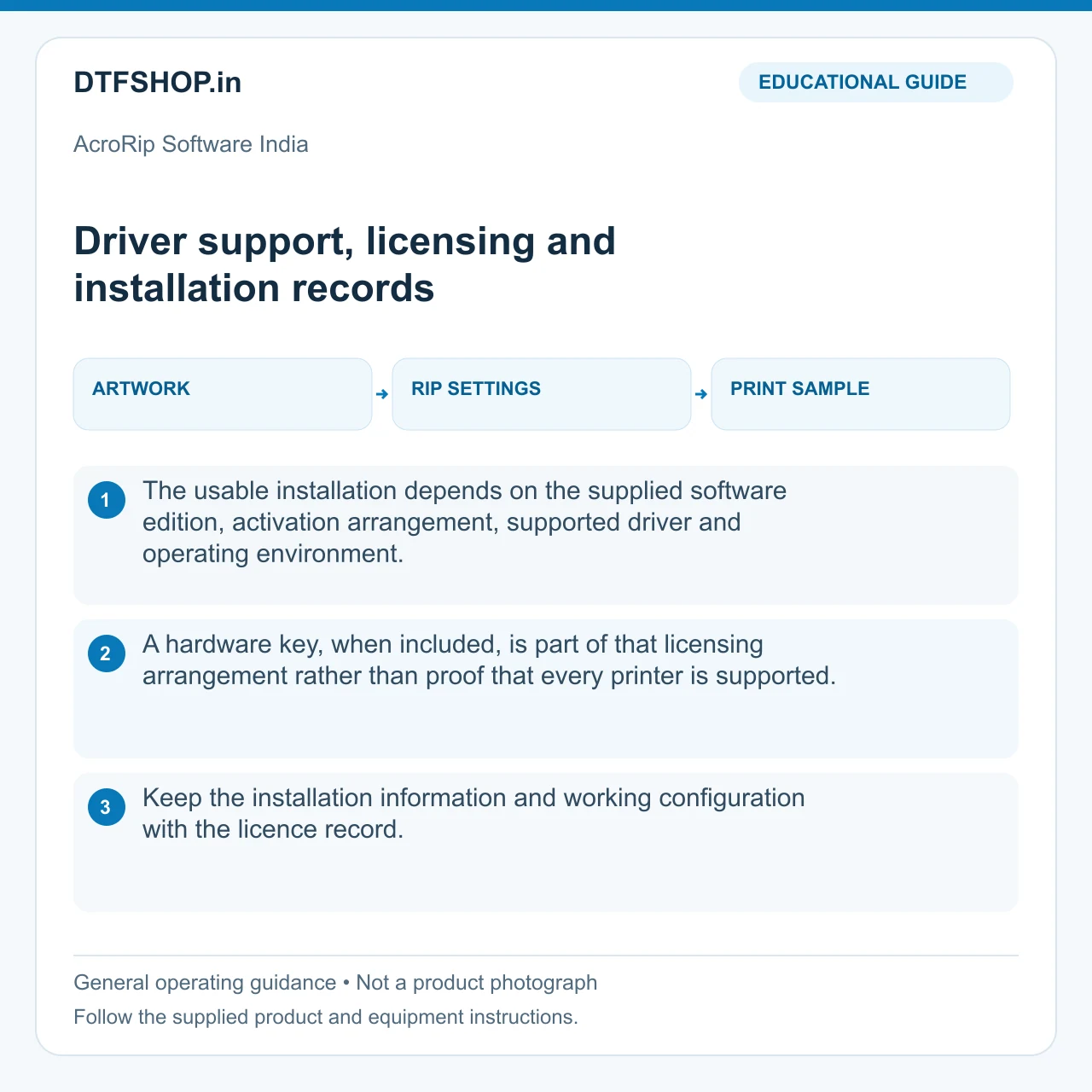
Driver support, licensing and installation records
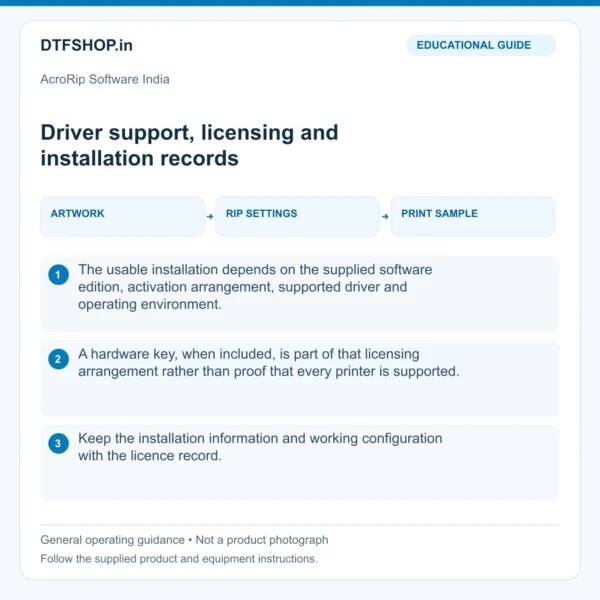
The usable installation depends on the supplied software edition, activation arrangement, supported driver and operating environment. A hardware key, when included, is part of that licensing arrangement rather than proof that every printer is supported. Keep the installation information and working configuration with the licence record.
Protect any supplied key from damage and use the software through its authorised setup. Do not assume that a product title establishes rights to every edition, update or device driver. Clear installation records are especially useful when a workstation is replaced or a printer is moved to another production computer.
Illustrated guide: driver support licensing and installatio. Educational illustration, not a product photograph.
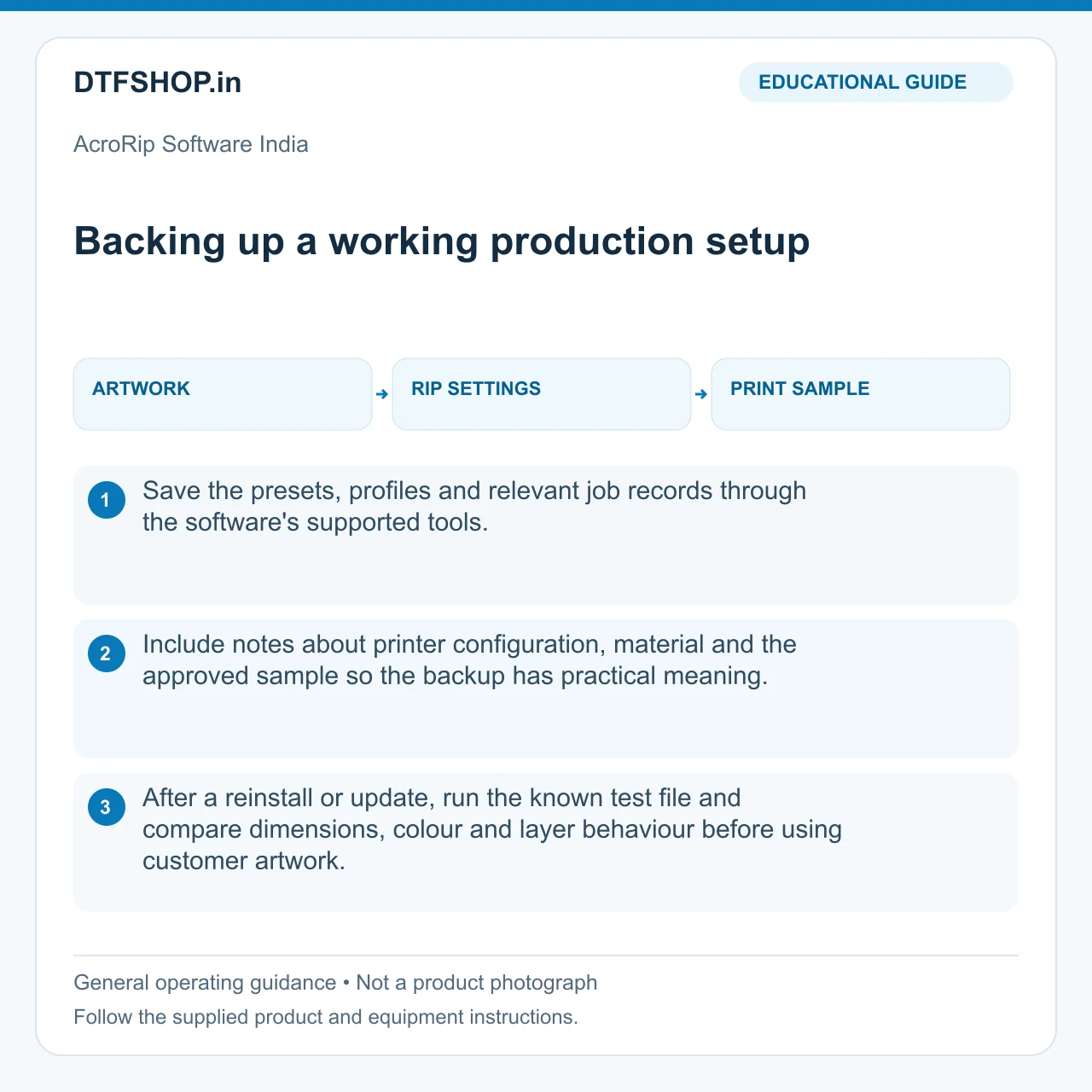
Backing up a working production setup
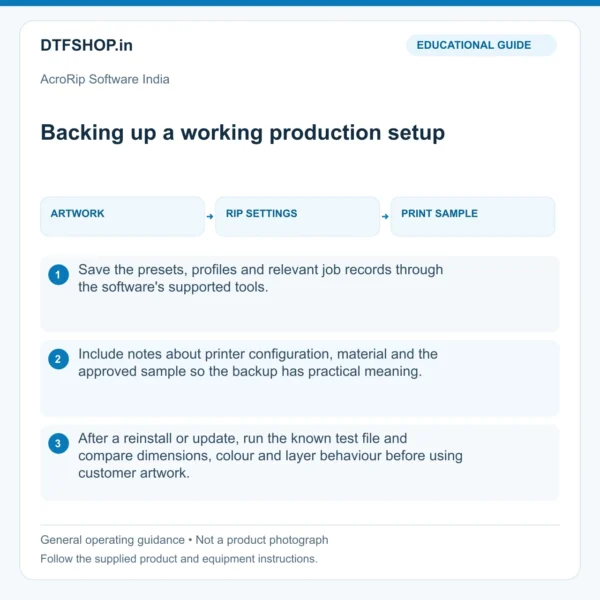
Save the presets, profiles and relevant job records through the software's supported tools. Include notes about printer configuration, material and the approved sample so the backup has practical meaning. After a reinstall or update, run the known test file and compare dimensions, colour and layer behaviour before using customer artwork.
Keep a record of changes rather than overwriting every working preset with an experimental one. This makes troubleshooting more deliberate and repeat orders more predictable. The value of a RIP installation is the supported, reproducible workflow it enables, with suitable materials and equipment care continuing alongside the software.
Illustrated guide: backing up a working production setup. Educational illustration, not a product photograph.
Recommended Add-ons from DTFShop
To complete the workflow, you may also check these related DTFShop products when they match your machine or printing process:
Reference videos explain a method or related model. They do not certify your supplied machine, consumable batch or print results. Follow the exact product manual and recommended settings.
Practical questions
Does software replace printer maintenance?
No. A RIP prepares supported print data and output settings. It does not repair missing nozzles, unstable media transport or ink-supply faults. Establish a mechanically sound baseline before adjusting colour or white-layer settings.
What should I keep with the installation?
Retain the licence record, supported printer-driver details and a backup of working presets and profiles. Keep experimental presets separate from approved production settings. Edition, activation and device support must match the supplied software package.
What is included with AcroRip Software India?
The package-contents section above lists the supplied item and quantity. Choose the stated option when alternatives are available; a gallery showing several examples does not turn one selected option into a combined set.
Additional information
Weight
0.5 kg
Dimensions
20 × 15 × 10 cm
10 reviews for AcroRip Software India – Advanced RIP Printing Solution
4 out of 5
Sudha Wagley–
Excellent build quality. Solved our production bottleneck instantly. Highly recommended for commercial print environments.
4 out of 5
Sudha Wagley–
Excellent build quality. Solved our production bottleneck instantly. Highly recommended for commercial print environments.
5 out of 5
Rohan Das–
Very clean color separation profiles for white ink management. Layout manager saves a lot of PET film waste.
5 out of 5
Rohan Das–
Very clean color separation profiles for white ink management. Layout manager saves a lot of PET film waste.
4 out of 5
Rohith–
Nice product , delivery late but it’s fyn
4 out of 5
Shahrukh–
Acrorip software is very useful for DTF printing nice product amd good quality if print
4 out of 5
Kavita Rao–
Soft-hand halftoning algorithm works flawlessly for black t-shirts. Had a minor driver hitch but fixed easily.
4 out of 5
Vijay Tiwari–
Excellent build quality. Solved our production bottleneck instantly. Highly recommended for commercial print environments.
5 out of 5
Meena Joshi–
Excellent build quality. Solved our production bottleneck instantly. Highly recommended for commercial print environments.
5 out of 5
Vikram Malhotra–
Industry standard RIP engine. Color accuracy profiles match our ink setups without tweaking.










Sudha Wagley –
Excellent build quality. Solved our production bottleneck instantly. Highly recommended for commercial print environments.
Sudha Wagley –
Excellent build quality. Solved our production bottleneck instantly. Highly recommended for commercial print environments.
Rohan Das –
Very clean color separation profiles for white ink management. Layout manager saves a lot of PET film waste.
Rohan Das –
Very clean color separation profiles for white ink management. Layout manager saves a lot of PET film waste.
Rohith –
Nice product , delivery late but it’s fyn
Shahrukh –
Acrorip software is very useful for DTF printing nice product amd good quality if print
Kavita Rao –
Soft-hand halftoning algorithm works flawlessly for black t-shirts. Had a minor driver hitch but fixed easily.
Vijay Tiwari –
Excellent build quality. Solved our production bottleneck instantly. Highly recommended for commercial print environments.
Meena Joshi –
Excellent build quality. Solved our production bottleneck instantly. Highly recommended for commercial print environments.
Vikram Malhotra –
Industry standard RIP engine. Color accuracy profiles match our ink setups without tweaking.