DTFShop benefitSave up to 44.5%
Includes eligible prepaid saving before GST/fees
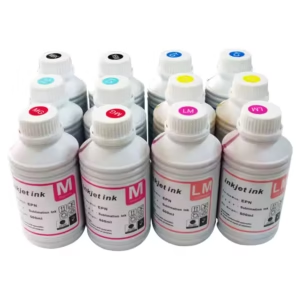
Sublimation Ink 600ML is a 600ML CMYK/LC/LM sublimation-ink identified as repacked Inkbank ink. The six-channel format belongs to supported converted sublimation systems.
Sublimation Ink 600ML is a 600ML CMYK/LC/LM sublimation-ink identified as repacked Inkbank ink. The six-channel format belongs to supported converted sublimation systems. The stated printer references identify the listing's intended platforms, but the installed ink setup remains the deciding factor.
What you receive for the listed price
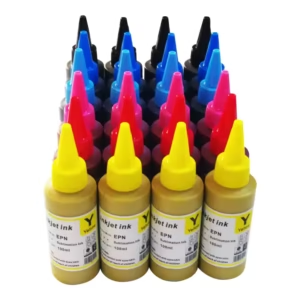
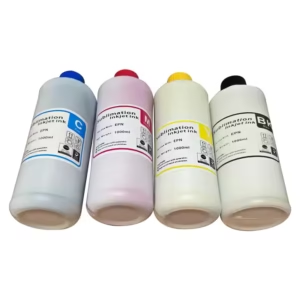
600 ml total repacked INKBANK sublimation ink in the CMYK + LC + LM assortment.
Six colour channels: cyan, magenta, yellow, black, light cyan and light magenta.
Applicable taxes and shipping, where relevant, are shown at checkout. Gallery guides and demonstration equipment explain use; they are not additional supplied items.
Smart Online SavingsYour order cost, explained
Compare automated website ordering—including COD, card/digital payments, rewards and coupons—with a manual/offline order.
Order on DTFShop.inRecommended
Product value₹1,080.00
Prepaid discount (7.5%)−₹81.00
Website shippingCalculated by weight at checkout
GST (18%)+₹179.82
Estimated platform fee (2.36% of total)+₹28.49
Estimated prepaid subtotal₹1,207.31
Weight-based shipping will be added at checkout
Online purchase rewardsEarn and use eligible rewards
Purchase + email couponsGet eligible coupon offers and free promotional coupons by email
✓ Order online anytime, from anywhere✓ Choose COD where available✓ Pay securely by credit card or available digital payment methods✓ Immediate digital payment proof and automatic order confirmation✓ GST invoice available without manual follow-up✓ Automatic tracking and WhatsApp order updates✓ Earn rewards on eligible completed online purchases✓ Receive eligible purchase coupons and free promotional coupons by email
Manual / Offline Order
Product value₹1,080.00
Manual / offline shippingCalculated by actual weight and location
GST (18%)+₹194.40
Prepaid website discount₹0
Website rewards / coupon₹0
Estimated manual order subtotal₹1,274.40
Actual weight/location-based courier charge is extra
• Payment coordinated manually through WhatsApp/bank transfer• Confirmation and invoice may require manual processing• Courier charged on the actual/manual booking basis• Shipment timing and updates are coordinated manually
Estimated saving by ordering prepaid on DTFShop.in₹67.09
before weight-based shipping and any additional eligible rewards or coupon saving
How this estimate works:
Website example uses the 7.5% prepaid discount only when the eligible value is ₹10,000 or below, plus GST 18% and an estimated non-EMI platform fee equal to 2.36% of the subtotal including that fee. Shipping, coupons and final taxes are confirmed at checkout.
Website and manual/offline shipping are excluded from these subtotals because courier charges are calculated from actual weight, dimensions and delivery location.
Final checkout or confirmed manual quotation is authoritative and can change with shipping, coupon, rewards, variation and payment method.
Frequently bought together
Complete your setup
Useful add-ons commonly paired with this product. Choose only what you need.
Sublimation Ink 600ML — Overview and practical use
Sublimation Ink 600ML is a 600ML CMYK/LC/LM sublimation-ink identified as repacked Inkbank ink. The six-channel format belongs to supported converted sublimation systems. The stated printer references identify the listing's intended platforms, but the installed ink setup remains the deciding factor.
What you receive for the listed price
600 ml total repacked INKBANK sublimation ink in the CMYK + LC + LM assortment.
Six colour channels: cyan, magenta, yellow, black, light cyan and light magenta.
Applicable taxes and shipping, where relevant, are shown at checkout. Gallery guides and demonstration equipment explain use; they are not additional supplied items.
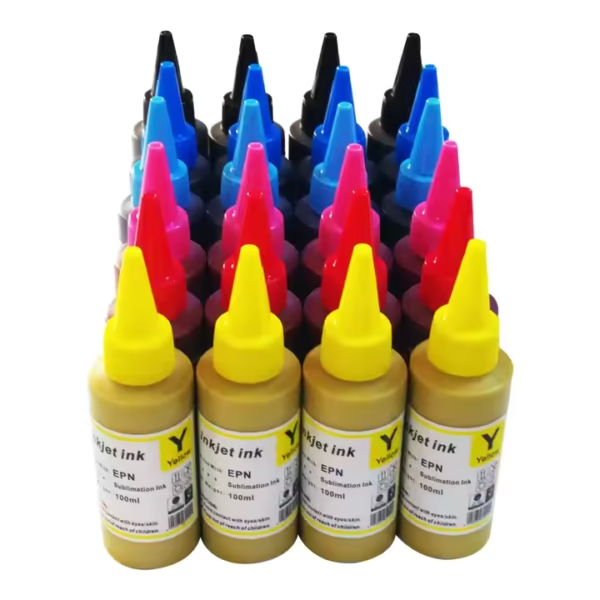
Product view Inkbank.
From paper image to finished substrate
Sublimation uses a dye image carried on transfer paper and fixed into an appropriate polyester surface or polymer coating with heat. Untreated cotton and an uncoated rigid object do not behave like a suitable sublimation blank. The paper print may look different from the completed transfer.
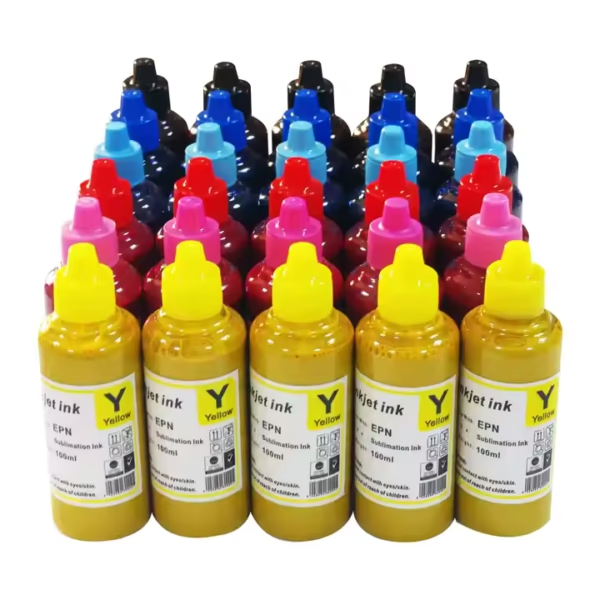
Product view (CMYK + LC + LM).
Daily use and practical checks
When working with Sublimation Ink 600ML, keep each repacked bottle clearly identified and closed. Cross-contamination between light and standard colour channels is particularly noticeable in pale gradients.
Colour setup and careful handling
For Sublimation Ink 600ML, use a profile appropriate to the ink, paper and printer combination. Keep transfer placement stable to avoid movement marks, and use the material supplier's process guidance. Changing ink, paper and pressing settings simultaneously makes colour troubleshooting unnecessarily difficult.
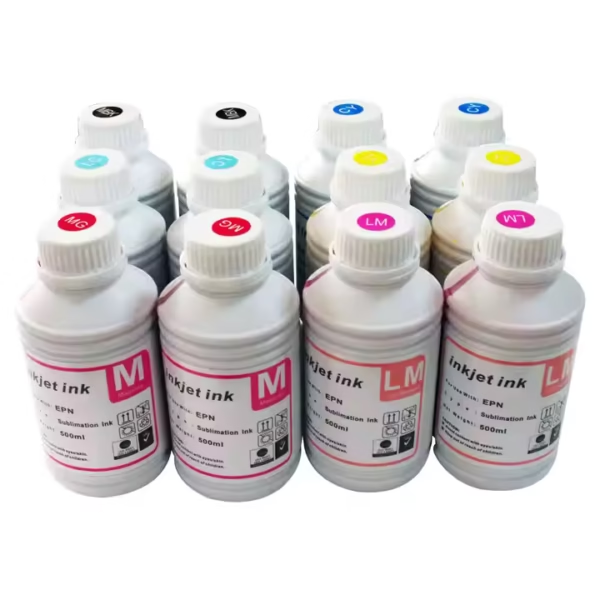
Product view (CMYK + LC + LM).
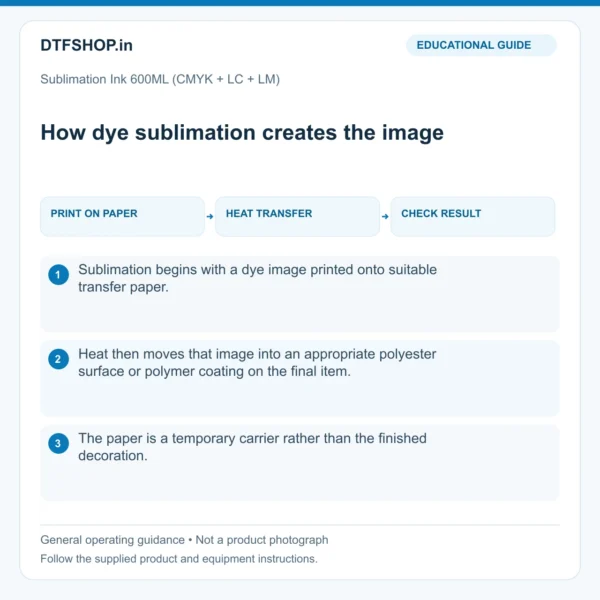
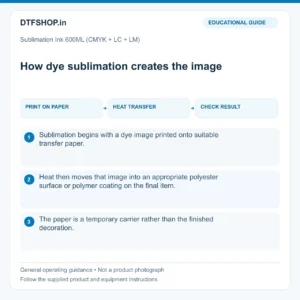
How dye sublimation creates the image
Sublimation begins with a dye image printed onto suitable transfer paper. Heat then moves that image into an appropriate polyester surface or polymer coating on the final item. The paper is a temporary carrier rather than the finished decoration. This distinction explains why the paper print and the transferred result can look different.
It also explains why the final substrate must be selected as part of the process. Polyester fabric and a suitably coated rigid blank are intended applications for the workflow; an untreated material does not acquire the same behaviour simply because it can fit under a press.
Illustrated guide: how dye sublimation creates the image. Educational illustration, not a product photograph.
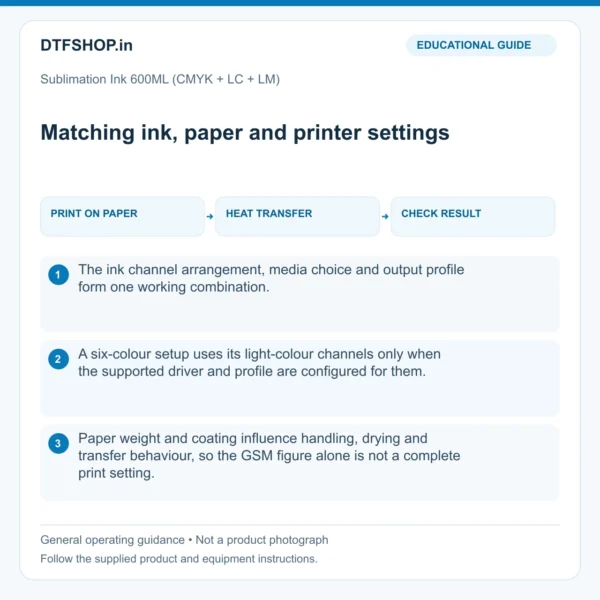
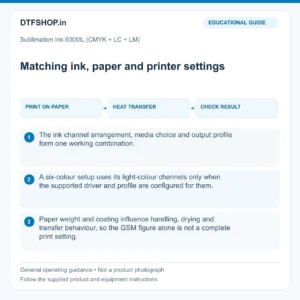
Matching ink, paper and printer settings
The ink channel arrangement, media choice and output profile form one working combination. A six-colour setup uses its light-colour channels only when the supported driver and profile are configured for them. Paper weight and coating influence handling, drying and transfer behaviour, so the GSM figure alone is not a complete print setting.
Establish a baseline using a known artwork file and one paper type. Save the preset once the transferred result is acceptable. When a material is changed, record the change before adjusting colour settings. This keeps an ordinary paper or blank difference from becoming a confusing series of unrelated corrections.
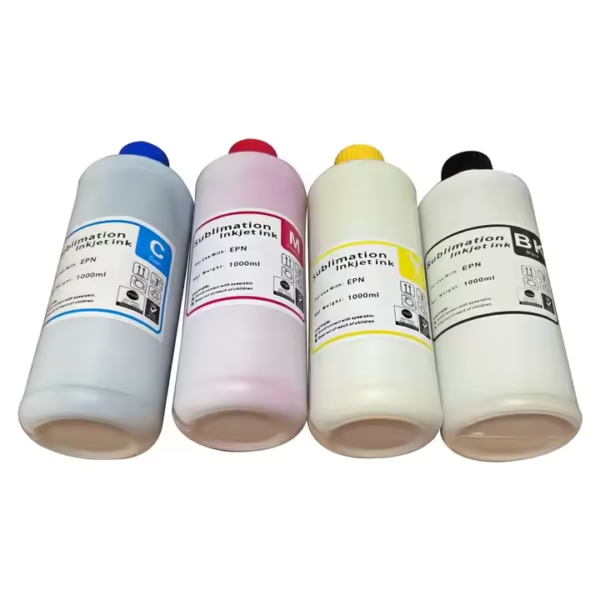
Product view (CMYK + LC + LM).Illustrated guide: matching ink paper and printer settings. Educational illustration, not a product photograph.
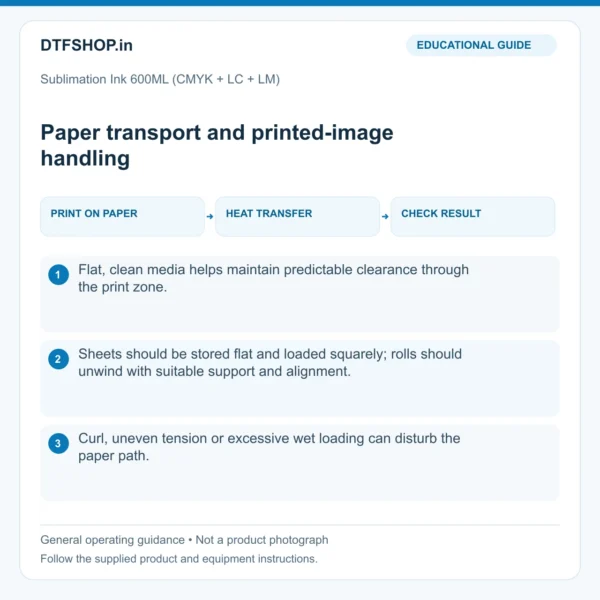
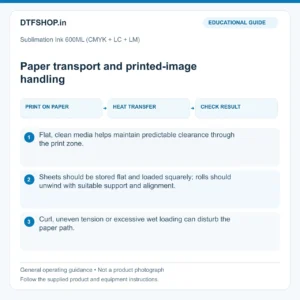
Paper transport and printed-image handling
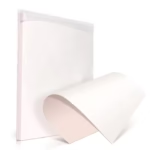
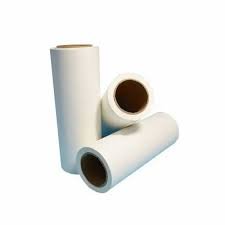
Flat, clean media helps maintain predictable clearance through the print zone. Sheets should be stored flat and loaded squarely; rolls should unwind with suitable support and alignment. Curl, uneven tension or excessive wet loading can disturb the paper path. Keep the printed surface away from contamination while it is waiting for transfer.
If a wide-format line is used, plan where printed paper will be held and how it will reach the press or calender. A smooth route through the workshop reduces accidental creasing and handling marks that would otherwise appear only after valuable substrate has been loaded.
Illustrated guide: paper transport and printed image handli. Educational illustration, not a product photograph.
Placement and heat-transfer control
Artwork position matters before the transfer begins because movement during the process can create a second edge or ghosted appearance. Use the appropriate placement and securing method for the blank and follow its process instructions. Time, temperature and pressure depend on the actual ink, paper and substrate combination.
A setting from a mug, a polyester panel and a coated sheet should not be assumed interchangeable. Evaluate a representative finished item after the recommended cooling and handling stage. Consistent preparation gives a more useful comparison than changing several press settings while also switching between different blanks.
Judging colour on the finished item
Keep a physical sample for important repeat colours and view comparisons under consistent lighting. A monitor, transfer paper and finished coated surface have different appearances, so they should not be treated as identical colour references. Check gradients, neutral tones, fine text and large saturated areas in the sample.
If colour changes, consider the blank batch and transfer process alongside the printer settings. A stable nozzle pattern is also part of the baseline. Documenting these observations makes it easier to identify whether a change began at printing, material handling or the final heat-transfer stage.
Planning a practical sublimation workflow
Consumable quantity and equipment capacity should match the work being produced. A compact sheet workflow can suit individual blanks, while a roll-fed arrangement needs suitable downstream transfer capacity and space for media handling. Keep ink supplies clearly labelled and maintenance fluids separate from printing consumables. Use the equipment documentation for installation, electrical requirements and maintenance intervals.
For ongoing jobs, record the paper, ink, profile, blank and transfer recipe together. The useful result is a repeatable finished item with clear artwork and consistent colour, supported by a process that the operator can reproduce on the next order.
Recommended Add-ons from DTFShop
To complete the workflow, you may also check these related DTFShop products when they match your machine or printing process:
Reference videos explain a method or related model. They do not certify your supplied machine, consumable batch or print results. Follow the exact product manual and recommended settings.
Practical questions
Can sublimation ink be used as textile DTF ink?
No. Dye sublimation transfers an image from paper into a suitable polyester surface or polymer coating. It is a different process from pigment DTF printing with adhesive powder. Use the ink and media for the system your printer is configured to run.
Why does the paper image look different before transfer?
The paper is an intermediate carrier. Evaluate colour on the finished item using the correct blank-specific transfer procedure. Keep the paper, ink profile, blank and heat-transfer settings recorded together for repeat orders.
What is included with Sublimation Ink 600ML?
The package-contents section above lists the supplied item and quantity. Choose the stated option when alternatives are available; a gallery showing several examples does not turn one selected option into a combined set.
Outstanding performance! Drastically lowered our maintenance overhead and printhead clogging issues. Color accuracy and opacity layers are exceptional.
4 out of 5
Kavita Reddy–
Excellent build quality. Solved our production bottleneck instantly. Highly recommended for commercial print environments. Color accuracy and opacity layers are exceptional.






Abhishek Rao –
Outstanding performance! Drastically lowered our maintenance overhead and printhead clogging issues. Color accuracy and opacity layers are exceptional.
Kavita Reddy –
Excellent build quality. Solved our production bottleneck instantly. Highly recommended for commercial print environments. Color accuracy and opacity layers are exceptional.