
Use an available credit card or digital payment method for automated payment proof, confirmation, invoice and order processing.
No 7.5% prepaid discount above ₹10,000. GST, payment fee and weight-based shipping apply as applicable.HOT
-11%




Audley DTF Dual Head XP600 Printer | Ultimate Heavy-Duty DTF Printer with 1-Year Warranty
Original price was: ₹380,000.00.₹340,000.00Current price is: ₹340,000.00.
Reviews
4 customer reviews
Add review
Availability
In stock
Ready to order
DTFShop benefit
Save up to 10.5%
Product-price saving only; no prepaid discount above ₹10,000
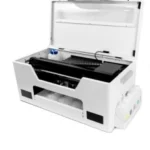
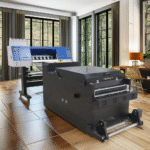
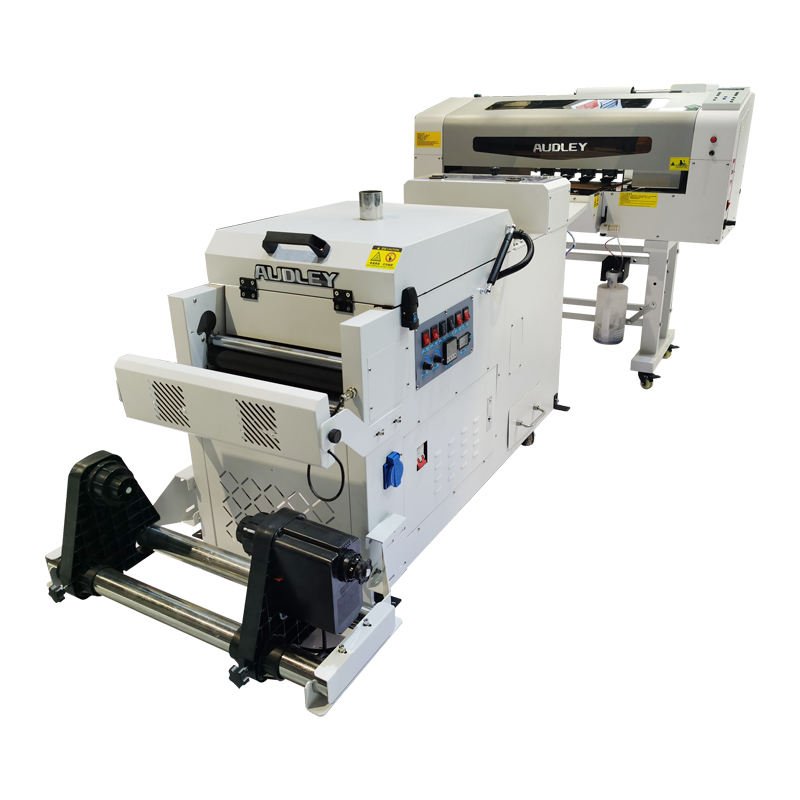
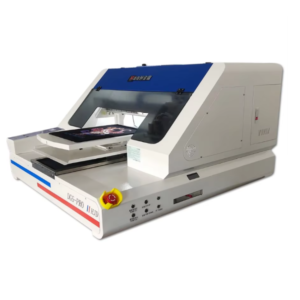
The Audley DTF Dual Head XP600 Printer is a textile DTF machine with two XP600 printheads for producing transfers on coated PET film. It suits workshops evaluating a dedicated printing line for apparel graphics, T-shirt designs and repeated branding work.
The Audley DTF Dual Head XP600 Printer is a textile DTF machine with two XP600 printheads for producing transfers on coated PET film. It suits workshops evaluating a dedicated printing line for apparel graphics, T-shirt designs and repeated branding work. The process combines a colour image and white backing with adhesive powder and curing, followed by heat transfer onto the garment.
What you receive for the listed price
- One Audley industrial printer with two XP600 printheads.
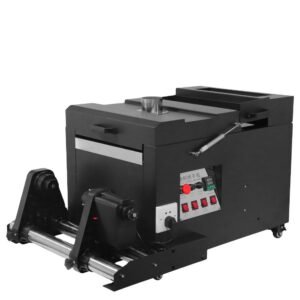
- Matching powder shaker/curing unit.
- 5 kg starter ink; 2 kg adhesive powder; 1 litre cleaner.
- One matching-width PET film roll (12 or 24 inches according to the supplied machine), 100 metres long.
- Free RIP software and installation.
- One-year warranty, subject to the store warranty terms.
- Three onsite service visits are included and must be used before the first year is complete. The service visit fee is included; travel/conveyance costs are paid by the customer.
Warranty details: Printheads are excluded under the published store policy. Read warranty and service terms for coverage and exclusions.
Applicable taxes and shipping, where relevant, are shown at checkout. Gallery guides and demonstration equipment explain use; they are not additional supplied items.
GST invoice available / Shipping calculated at checkout / Product support
Payment Options
Order online with automated confirmation and flexible payment choices
Choose prepaid, COD where available, credit card, digital payment or eligible EMI assistance.
For high-value products, our team may verify your order, address and delivery possibility before dispatch.
COD availability depends on product, location and order confirmation.We can assist with EMI or credit-card payment link options where available.
Ask on WhatsApp
✓ Automated order confirmation and digital payment proof
✓ COD option where available and approved
✓ Credit-card, digital-payment and eligible EMI choices
✓ GST invoice, tracking and WhatsApp updates
✓ Eligible purchase rewards and promotional coupons by email
Note:
EMI may be available up to ₹5,00,000, subject to bank/card eligibility. Available payment methods are confirmed at checkout.
Frequently bought together
Ask expert
Complete your setup
Useful add-ons commonly paired with this product. Choose only what you need.
- Description
- Additional information
- Reviews (4)
Description
Audley DTF Dual Head XP600 Printer for garment-transfer production
The Audley DTF Dual Head XP600 Printer is a textile DTF machine with two XP600 printheads for producing transfers on coated PET film. It suits workshops evaluating a dedicated printing line for apparel graphics, T-shirt designs and repeated branding work. The process combines a colour image and white backing with adhesive powder and curing, followed by heat transfer onto the garment.
The quality of the completed transfer depends on how those stages work together.
What you receive for the listed price
- One Audley industrial printer with two XP600 printheads.
- Matching powder shaker/curing unit.
- 5 kg starter ink; 2 kg adhesive powder; 1 litre cleaner.
- One matching-width PET film roll (12 or 24 inches according to the supplied machine), 100 metres long.
- Free RIP software and installation.
- One-year warranty, subject to the store warranty terms.
- Three onsite service visits are included and must be used before the first year is complete. The service visit fee is included; travel/conveyance costs are paid by the customer.
Warranty details: Printheads are excluded under the published store policy. Read warranty and service terms for coverage and exclusions.
Applicable taxes and shipping, where relevant, are shown at checkout. Gallery guides and demonstration equipment explain use; they are not additional supplied items.
We look at a printer through the jobs it will actually produce. A dense colour graphic with a substantial white layer can behave differently from a small logo with open spaces. Compare the selected print mode using your normal artwork and garment type, then inspect the finished pressed sample.
That approach gives a more useful buying reference than a short demonstration of the carriage moving across the film.
Two heads: alignment and channel configuration
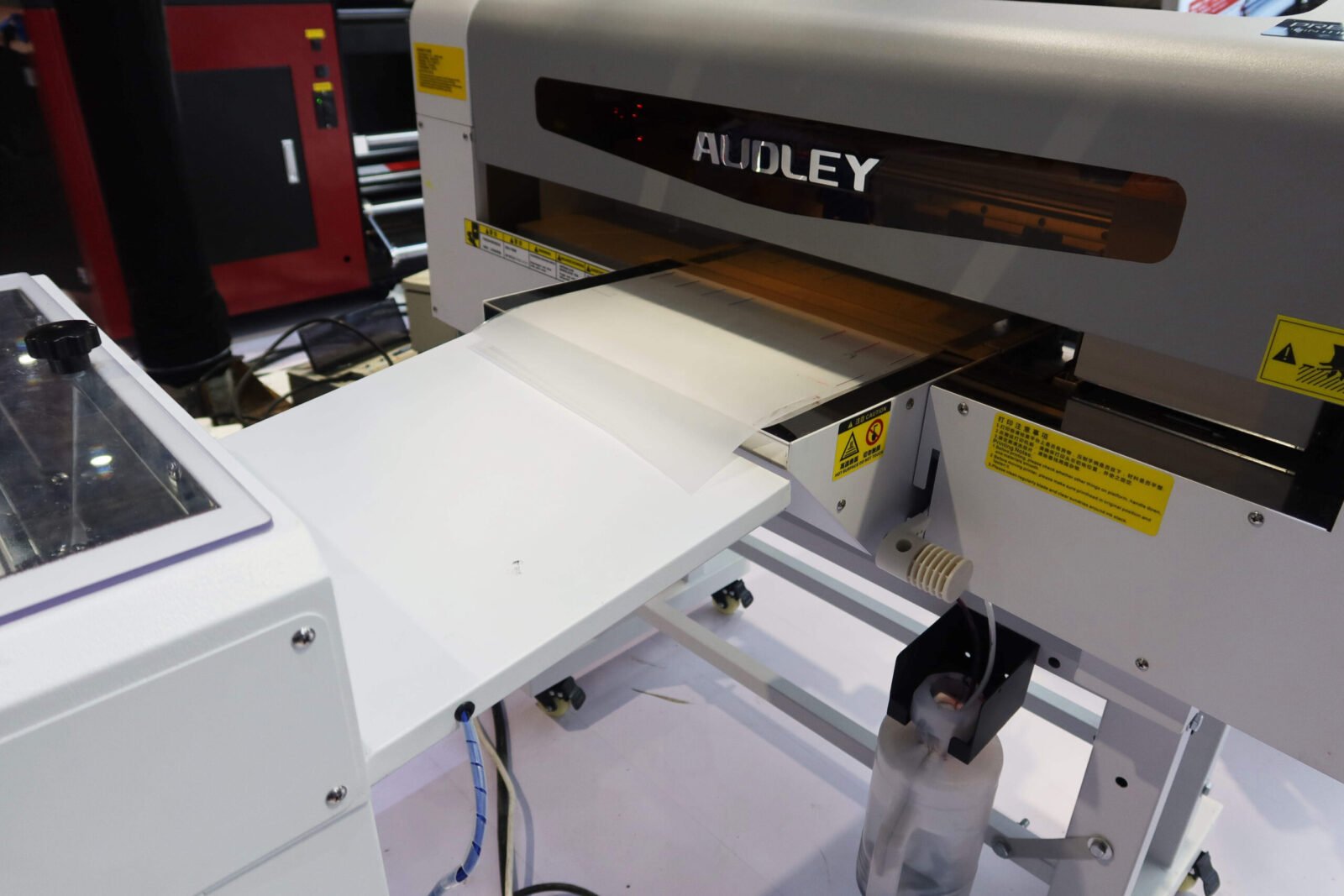
The dual-head arrangement introduces a relationship between two physical printheads. The installed channel mapping, head offsets and alignment need to agree with the RIP and controller configuration. Small registration errors can show as a white edge around coloured artwork or inconsistent detail. Establish a clean nozzle pattern on both heads before using alignment adjustments to correct an image; missing nozzles and misregistration are different faults.
When setting up the Audley DTF Dual Head XP600 Printer, retain the alignment results and the preset associated with the approved sample. Check fine lettering, narrow borders and coloured shapes over white. Recheck the relevant setup after head replacement or other service work that changes positioning.
Having two heads does not by itself guarantee twice the finished output of a single-head machine, because print mode and downstream handling also determine capacity.
Colour, white ink and a repeatable RIP recipe
The white layer provides the backing needed for artwork to retain its appearance on a coloured garment. Too little coverage can allow the substrate to influence the result, while an unsuitable heavy layer can alter feel and transfer behaviour. Use the ink system and software settings specified for the supplied configuration.
Save the colour and white settings together rather than treating the white layer as an unrelated final adjustment.
The Audley DTF Dual Head XP600 Printer requires appropriate textile DTF inks and compatible maintenance fluids. Similar head names do not make aqueous DTF, UV and sublimation formulations interchangeable. Keep filling tools clean, identify channels clearly and follow the supplied white-ink care routine. Any fitted stirring or circulation feature supports ink management; it does not remove the operator’s responsibility to inspect nozzle condition and the maintenance station.
Film transport and the transition to powdering
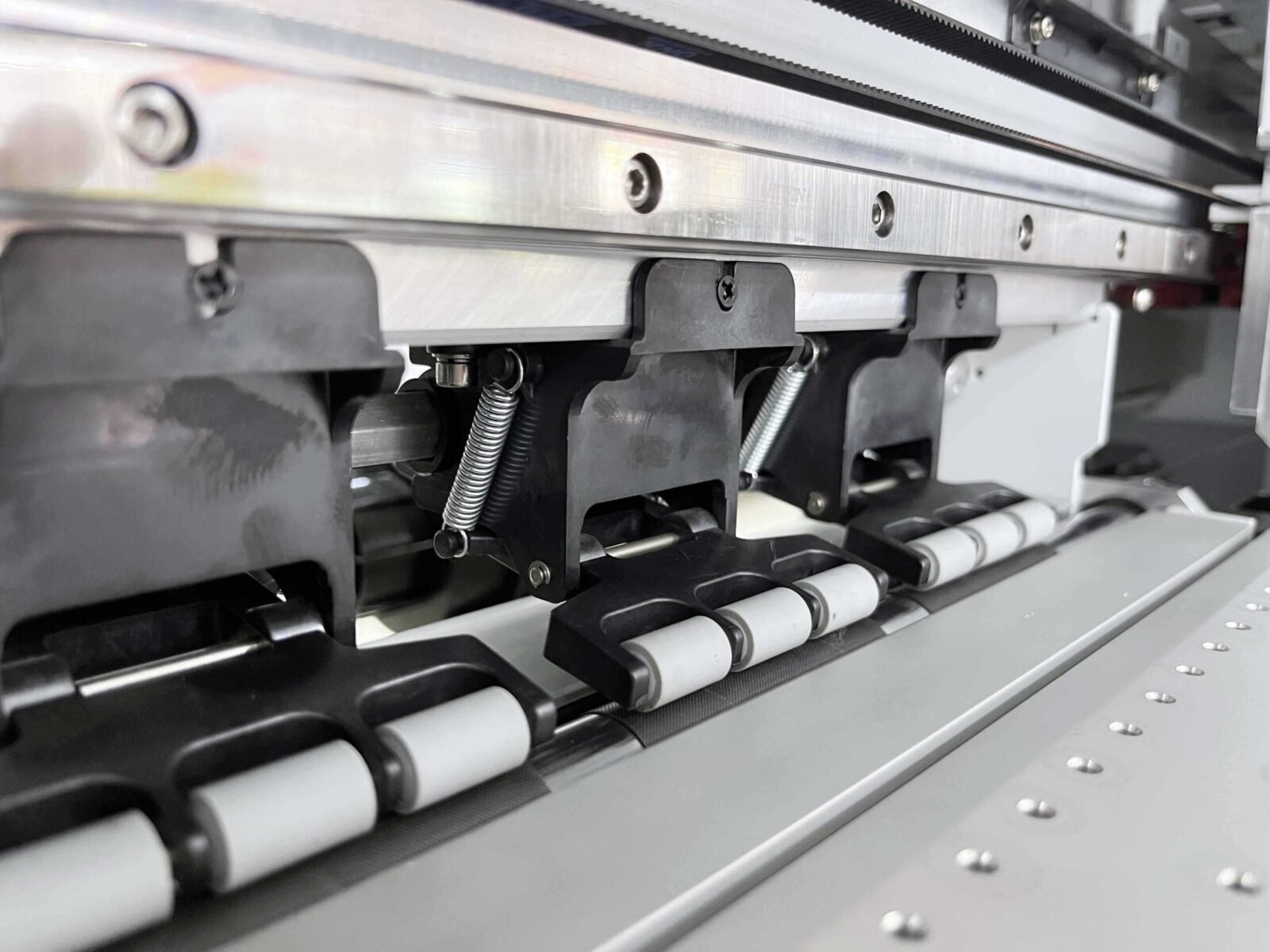
Feed stability matters throughout a roll job. Set up the film so it enters squarely, has appropriate support and reaches the next stage without contacting the wet image. Watch for wrinkles, edge drift and changes in tension. If the line includes a powder shaker or curing unit, coordinate its take-up and transport with the printer instead of allowing one unit to pull against the other.
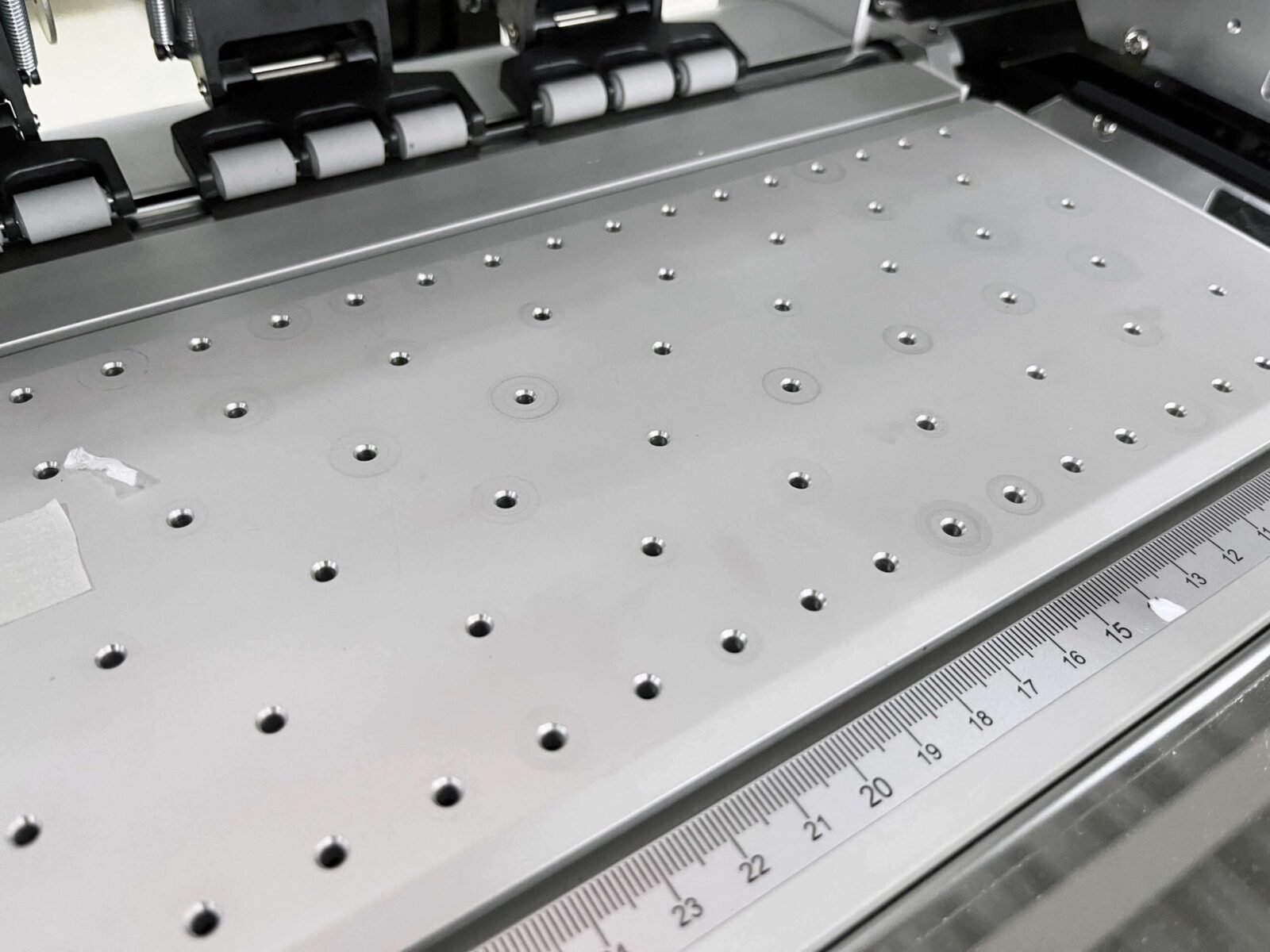
For the Audley DTF Dual Head XP600 Printer, confirm the actual printable width of the supplied model before building a gang-sheet template. A nominal size such as 12 inch refers to a class of equipment or media; it should not replace a checked artwork boundary. Leave enough space between designs for cutting and keep long layouts inside the usable film area.
Use a transfer film whose coating and peel behaviour are compatible with the validated process.
Adhesive, curing and transfer quality
Adhesive powder needs to cover the printed area consistently, with loose excess removed before curing. Uneven application can lead to inconsistent bonding or residue outside the image. Check the condition of the cured transfer rather than assuming the curing display alone proves that the adhesive has been processed correctly.
Film, ink coverage, powder grade and the actual heating conditions all influence the outcome.
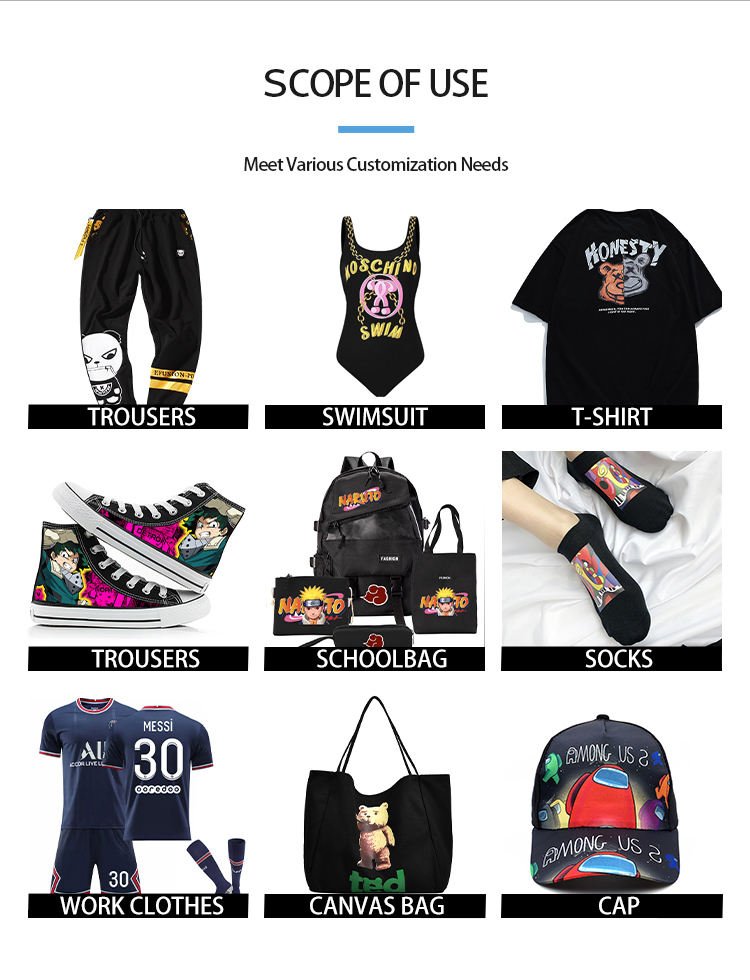
Press a trial on the garment intended for the order. Follow the material-specific temperature, time, pressure and peel sequence, then inspect the print after cooling. Check edge definition, adhesion, stretch behaviour and the intended care performance. Glitter films, puff materials and other special effects need their own validated settings; a recipe established for standard film and flat adhesive should not automatically be reused.
Operating the line throughout the working day
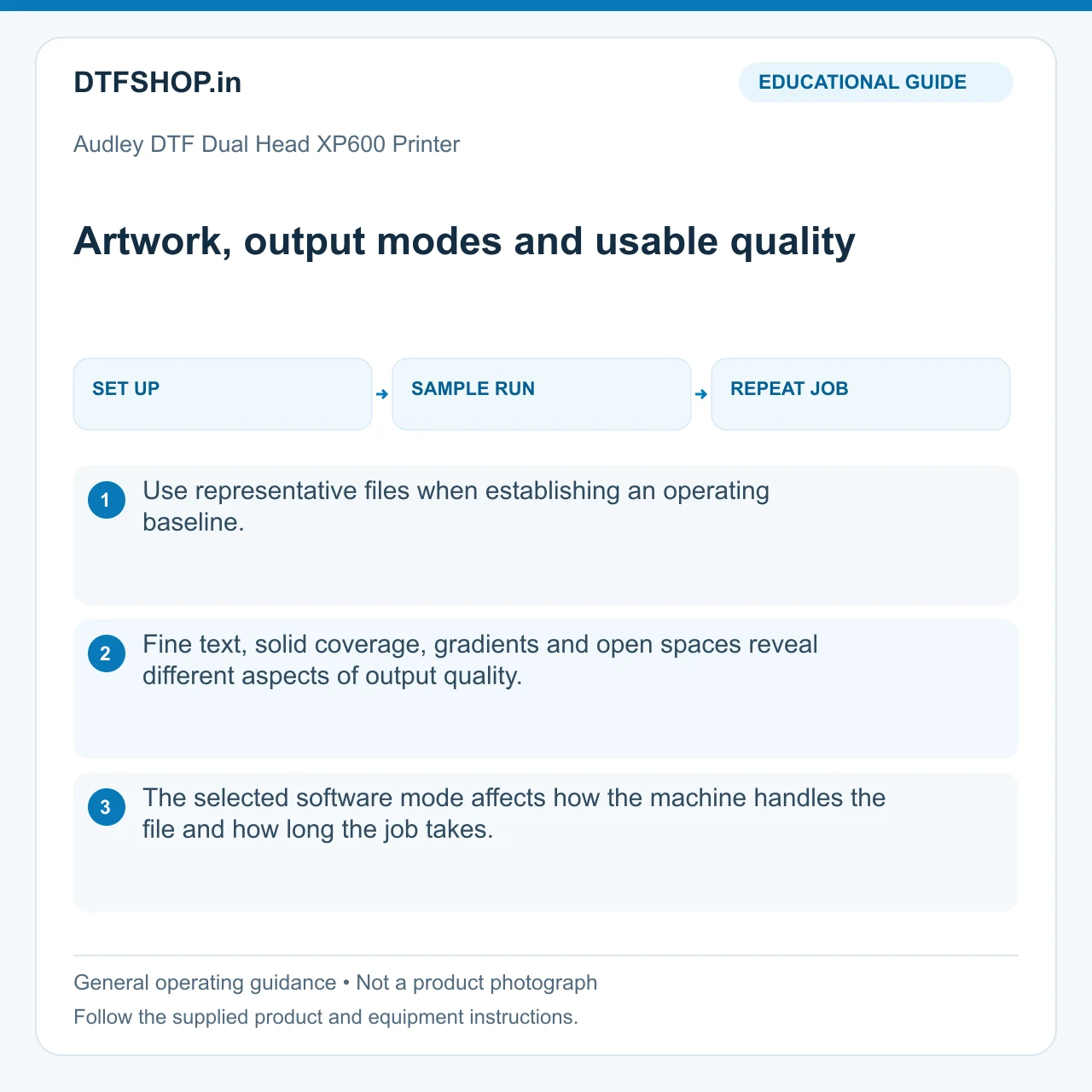
Start the Audley DTF Dual Head XP600 Printer with checks covering both nozzle patterns, media transport and the prescribed maintenance areas. Keep a record of recurring defects and when they occur. A colour-to-white registration issue, an ink-delivery interruption and a film-feed problem require different investigations. Changing the RIP repeatedly can conceal the symptoms without correcting a mechanical or maintenance issue.
Plan operator access around loading, cleaning and retrieving output. Store film and powder away from contamination, keep liquids correctly labelled and use the extraction and electrical arrangement required by the equipment documentation. Follow the shutdown or idle-period procedure when the printer will not be used. An orderly closing routine helps make the next production session more predictable.
Capacity, ownership and choosing a configuration
Measure usable capacity as accepted finished transfers in the quality mode your customers require. Include file preparation, nozzle checks, material changes, curing and pressing in the estimate. Compare reject rates as well as speed. A faster mode that needs frequent reprints may provide less useful production than a slightly slower, stable recipe.
Keep approved samples and operating records so another operator can repeat the result.
Before choosing the Audley DTF Dual Head XP600 Printer, compare the stated order configuration with the single-head DFC30 system and our industrial DTF printer buying guide. Package inclusions, software, installation and warranty coverage should be read from the applicable order terms. A model name or a video of a similar cabinet does not establish those commercial details.
Consumables and support for the complete workflow
Browse compatible DTF inks, PET films and hot-melt adhesive powders for the textile transfer process. For technical help, use DTFShop product support with the machine details, nozzle-check image and a clear description of the issue. Accurate process information makes it easier to identify the stage that needs attention.
Product video guides
Printer / shaker operation
Audley 30cm Dual-Head XP600 DTF Printer | Working Demo
Audley 30 cm dual-XP600 DTF demonstration.
Source: ProlificGeeks
Watch on YouTubeDurability demonstration
Audley Dual-Head XP600 DTF Printer | 2-Year Vibrancy Test
Audley dual-XP600 two-year print-vibrancy example. Anecdotal demonstration; not a controlled wash test or a guarantee for supplied consumables.
Source: ProlificGeeks
Watch on YouTubeReference videos explain a method or related model. They do not certify your supplied machine, consumable batch or print results. Follow the exact product manual and recommended settings.
Practical questions
What is a useful production demonstration?
Use artwork and materials similar to the jobs you intend to sell. Inspect finished output, setup time and the downstream processing stage. Head count or nominal width alone does not establish usable production speed at your required quality.
What should the operator save for repeat jobs?
Keep the artwork version, print preset, material identity and approved finished sample together. Record routine maintenance and any setup changes. A known reference job helps distinguish a file change from a transport, ink or calibration problem.
Additional information
| Weight | 200 kg |
|---|---|
| Dimensions | 120 × 90 × 90 cm |




Renu das –
The print speed is super fast and the color consistency stays perfect even in long runs and support from dtfshop.in team was great value for money for serious DTF work.
Ramesh –
Printer is really powerful and prints beautifully build quality, performance, and the final print results Customer support followed up nicely after delivery.
Shruthi iye –
quality print output every time runs smooth for bulk jobs. No clogging or banding issues.but courier was slow.
Karthik –
Dual head makes printing so much quicker and smoother maintenance is easy and instructions are clear definitely a great buy for professionals.